Silhouette Cut Lines and SVG Files

Hi Everyone!  Currently, there is a glitch in Silhouette Studio that prevents the cut lines on some of the newer files from automatically being turned ON when you go to the SEND panel. You can tell that the cut lines are ON when they are bright red. Silhouette is aware of this and they working to fix the issue.  All of these files can still be cut, I have a quick work around for you.

As you can see below, when I click send on this file, the red cut lines are missing and I’m not able to cut.

To remedy this, first click and drag around the elements on your mat so that they are selected.  You know they are selected if there is a bounding box around the shape.  (see red arrow)

Once your items are selected, navigate to the right side of the screen and click on the word cut. (circled below)

Once you click CUT, the red cut lines appear and you are ready to cut.  If any pieces still do not have a red line, click on that individual piece to select it and click CUT again. For print and cut pieces, you will need to click “Cut Edge.”

This process works with .studio files that you download from Silhoeutte AND SVG files that you import into Silhouette (SVG files can be used in Silhouette if you have the Designer Edition Upgrade of Silhouette Studio)

However, if you purchase SVGs from shop.loriwhitlock.com you can set it up so that the cutlines will automatically be set to CUT when you open them in Silhouette Studio.  Here is how you would do that…

Under the EDIT menu at the top of the Silhouette Studio Screen select PREFERENCES

On the top of the preferences screen click on IMPORT.  On the left side about halfway down under SVG click on the CUT LINES pull down menu and select CUT 0.1pt LINES.  Then click APPLY, then OK.

Now when you import any of the SVG files from shop.loriwhitlock.com into Silhouette, the lines will automatically be set to cut.

I hope this helps you with your Silhouette projects! Thanks for visiting the blog today! Please let us know if you need any help with your files. We want to make sure everyone is happy with their purchase. Have a great week! SHOP HERE

Silhouette April Deals End Tomorrow at Midnight!

Just a reminder that there are some fabulous April deals in the Silhouette Store… Don’t miss out, they end Midnight, Wednesday, April 15th!  Take a look at these great sales…

No one goes all out for Mother’s Day like Silhouette! This year they are celebrating Mom with an extra special bundle. There are so many extras to this bundle giving it a total value of $639! When you use code LORI at checkout, you can get this deal for more than half off !


What’s in it you ask? Of course, the new Cameo 4. And what better to accompany this machine than Business Edition of Silhouette Studio. But wait, there’s more! You also get the Silhouette Mint, Sticker Sampler Pack, Pink Vinyl Sampler Pack, Heat Transfer
Starter Kit, and Pink Tool Kit. The Silhouette Design Store is also getting in on the fun, and with every purchase of this bundle you will receive 25 exclusive designs!  Each bundle is $279.99 + free shipping when you use code LORI at checkout!  Get this fabulous bundle here.
This special starts today and runs through April 15th.

Blade and Mat Bundles

You can never have too many blades and mats — which means it’s a great time to stock up! These bundles offer 12 inch mats and AutoBlades (for Cameo 4) in packs of 4. Get 4 cutting mats for $28.99 and/or 4 AutoBlades for $24.99 when you use code LORI at checkout. That’s savings of over 50%!


40% Off Everything

If you need a good excuse to buy more craft supplies, here’s a great one! Silhouette’s consumables will be 40% off during this sale, so you can get all of your favorites. This includes Doming Starter Kit, Jewelry Making Starter Kit, and Silhouette Sketch Pens.  Use code LORI to take advantage of this great deal.


In addition to all of these fabulous deals, you can also get free shipping on orders over $50 when you use code LORI at checkout! Shop HERE.

Don’t miss out, these specials end tomorrow at midnight  Have a great day!

April Blog Hop + 30% Off SVGs + A Free File!

Welcome to our April 2020 Creative Team Blog Hop!  The creative team has been working hard on some new projects to share with you that will get you in the crafting mood. We also have a fun release of new SVG files for you this week and a GIVEAWAY! Be sure to check them out below. Oh, and there is also a FREE FILE for you!

This week we have a 30% OFF SALE going on at Lori’s SVG SHOP.  ALL files (and commercial licenses) from Lori Whitlock, Kolette Hall, Doodlebug Design, Bella Blvd., Jillibean Soup, Dresden Carrie, Paige Evans, Pebbles in My Pocket, Rivka’s Renditions and SAS Creative are on SALE now through Saturday, April 18th! Be sure to use coupon code: APR2020 (case sensitive) at checkout in the SVG SHOP. (Only one coupon code per order allowed)

To thank you for joining us in the hop today and sharing the hop with your friends, we have a gift for you! TODAY ONLY, You can download this Spring Grid file absolutely FREE! Be sure to go grab it while you can.

We have some fun new files this week! Be sure to go shopping while all files are 30% off this week when you use code APR2020 in my SVG Shop!  And, as always, my new files are available in the Silhouette Design Store as well.

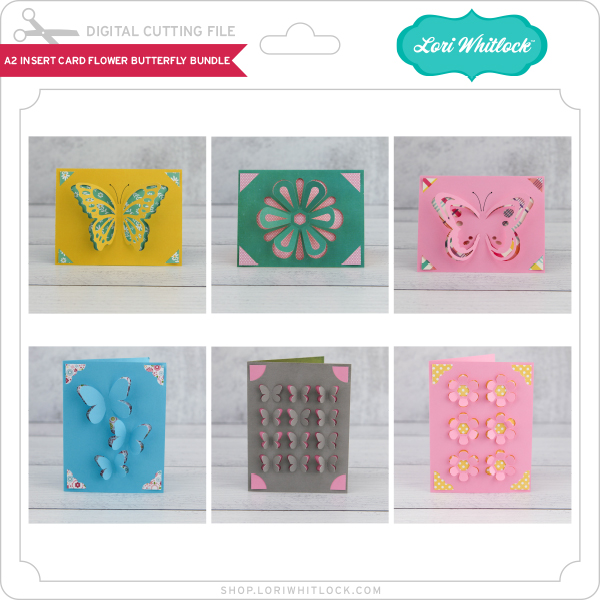
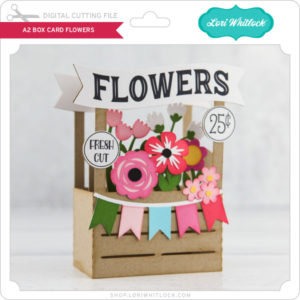
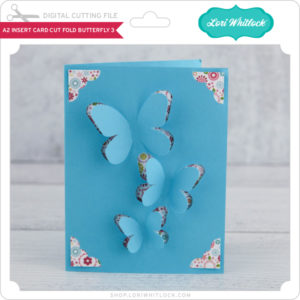
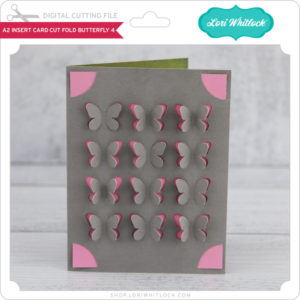
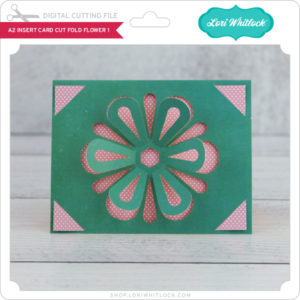
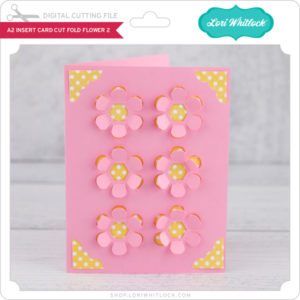
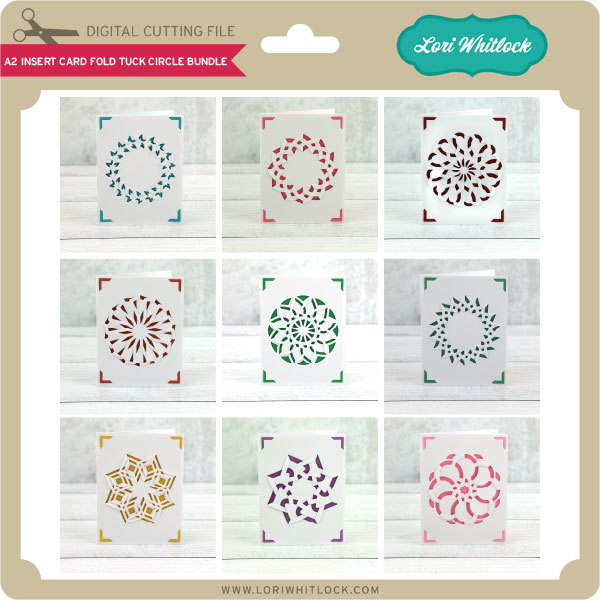
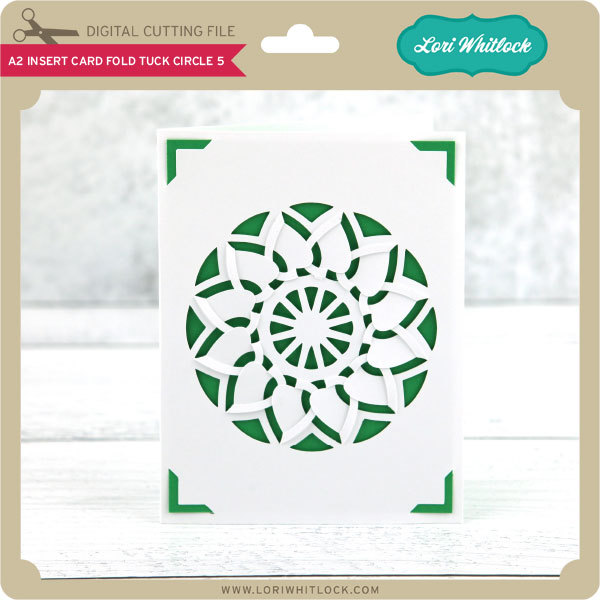
I  have a new A2 Insert Card Bundle.  I also have a fun Flower Project Bundle, perfect for spring!  We also have files from Jillibean Soup and Paige Evans.
How about a giveaway?

a Rafflecopter giveaway

And, last but not least… would you like to see what our amazing team has created? Click the links below for some wonderful inspiration. If you get lost come back here to get on track Lori Whitlock, Kathy Skou, Anita Mulcahey, Brandie Adams, Aimee Kidd, Ashley Cook , Cathy Harper, Corri Garza and Michelle Starcher!! Thanks again for dropping by! Have a GREAT day!

Carriage Mini Album

Hello to all! Aimee here today with a mini album for that special little girl in your life! It’s fun for me to look at all of the different SVG files from Lori and get ideas on how to use those files by thinking out of the box. There are so many possibilities when you do a little altering with the files.
When I looked at the Princess Carriage Treat Box (Lori’s ShopSilhouette) I could perfectly envision a mini album made with it. And it looks quite adorable made with the new All Girl collection! If you are interested in making one of these, grab your papers, stickers, embellies, and some thick white cardstock and check out my simple instructions down below.
Here is a closer look at the inside pages:

Instructions: Delete any of the pieces not needed. I did not need the box, the inside wheel pieces and the heart.

Cut out the pieces needed for the front cover of the mini album. I choose different shades of pink for the carriage and some wood print cardstock for the wheels. For the inside pages of the mini, cut out 2 of the full shapes for each page and glue them together for sturdy pages. I have 5 inside pages so I cut out 10 of the full shapes.

Using the Internal Offset, create a shape that fits inside the cuts that will be the pages. This will be for the pattern paper that fits just inside of the white pages. Assemble your album and then all that is left to do is have fun decorating each page!! You will have a blast decorating your mini with all of the fun elements of the new All Girl collection!

I hope you all have a great day.  Thanks for stopping by and stay safe and healthy!!

Aimee

Doodlebug Design Cut File Feature: Bunny Train

Hi Everyone!  Today I’m showcasing another fabulous project using Doodlebug Design’s cut files!  This combination card & home decor piece was created by Kathy Skou for Doodlebug Design.

Kathy used the Easter Express Train Box Card file which is exclusive to the Lori Whitlock SVG Shop.

For more details and a tutorial,  you can see her original post here.   New Doodlebug Design SVG files are being added to the Lori Whitlock SVG Shop on a regular basis, so stop by to see all of the fun SVG files HERE!

Have a great day!