Doodlebug Design Cut File Feature

Hi Everyone!  Today I’m showcasing another fabulous project using Doodlebug Design’s cut files!  This adorable little mini album was created by Tegan Skwiat for Doodlebug Design.

Tegan used the Cupcake and Candles file from the So Much Pun Collection to create her album.


For more details you can see her original post here.   New Doodlebug Design SVG files are being added to the Lori Whitlock SVG Shop on a regular basis, so stop by to see all of the fun SVG files HERE!

Have a great day!

Turn 4 File Folders into Cards

Hi there paper crafting friends!  It’s Michelle Starcher, aka the Bookish Designer, popping in on the blog to share four cards I made using 4 File Folders (SVG, Silhouette).  I got the idea to use the file folders for card making when I saw a card in a book.  The idea of the card was to trim the front of the card, so that inside of the card was visible when closed.  Since the 4 File Folders already have a shorter front, I thought they would be perfect for this style of card.

To make the card, I resized the file folders to be the approximate size of an A2 card (4.25×5.5).  In order to do this, I enlarged the canvas size to be about 11 by 14.5 inches.  I changed the colors so that I could fit two cards on a 12X12 cutting mat.  Once I had the file folders cut, I used extra Project Life cards as the patterned paper and accents on the cards below.  For two of the cards, I added a 4×6 Project Life card to the front, traced the shape, and trimmed with scissors.  For the other two cards, I added a 4×6 Project Life card to the inside and trimmed as needed.  This is a create way to stretch your supplies by using up extra Project Life cards or scraps of paper in your stash.

I hope you’ll pick up the 4 File Folders (SVG, Silhouette) and make some beautiful cards for your family and friends.

Until next time,

Michelle

Tuesday New SVGs and a Free File!

ALL WEEK, this SVG file is FREE with any $1.99 purchase!

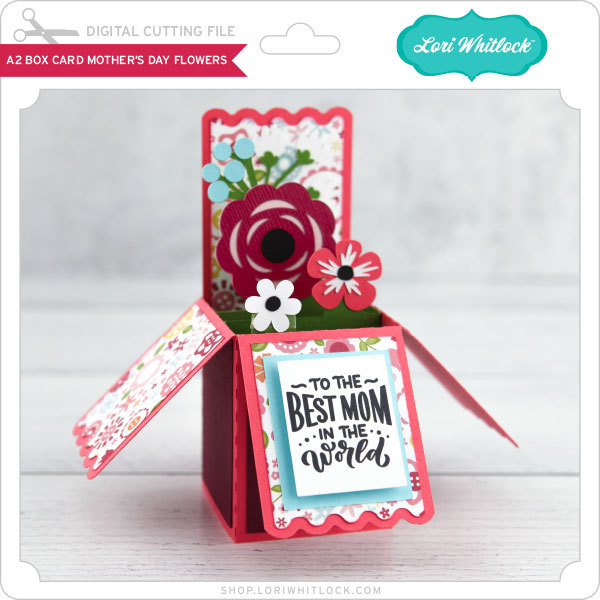
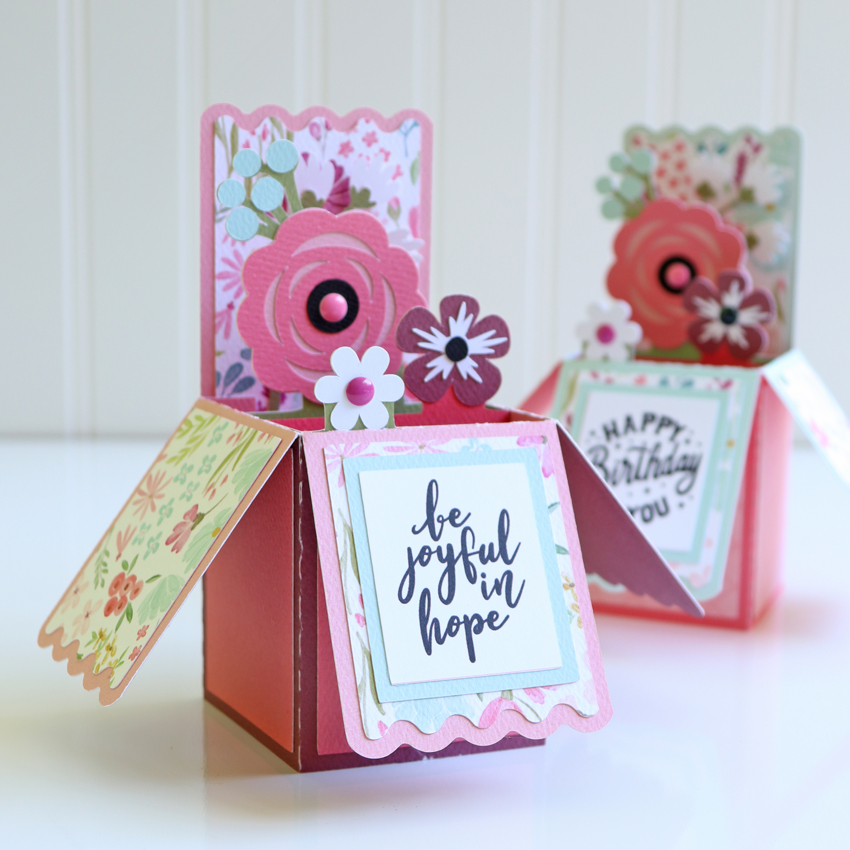
Hi Everyone! We have a FREE file with purchase all this week! Simply add this Flower Shaped Mother”s Day Card file  to your shopping cart along with ANY $1.99+ purchase from the SVG Shop and this file is yours FREE. Be sure to use Coupon Code: FLOWER (case sensitive) at checkout. This offer is good through next Sunday.

(Your cart must reach at least $3.98 before the coupon will be applied and then $1.99 will be subtracted from your total at checkout. The files will be available for immediate download after you pay for your order by visiting MY ACCOUNT>COMPLETED ORDERS>ORDER DETAILS inside of your account. Only one discount code per order allowed.)


In addition, don’t forget about this special ! You can get this Free Kit of the Month with any $20 purchase (Purchase must be in one transaction.) Simply add the 2020 April Kit of the Month to your shopping cart along with ANY $20.00+ purchase from the SVG Shop and this file is yours FREE. Be sure to use Coupon Code: APR20KOTM (case sensitive) at checkout. This offer is good through April 30, 2020.

(Your cart must reach at least $27.95 before the coupon will be applied and then $7.95 will be subtracted from your total at checkout. The files will be available for immediate download after you pay for your order by visiting MY ACCOUNT>COMPLETED ORDERS>ORDER DETAILS inside of your account. Only one discount code per order allowed.)

Check out the new SVG files releasing this week!  Just like always, the NEW SVG files will be ON SALE 25% OFF through the weekend in the SVG Shop! These downloads include SVG files that may be used with Cricut Explore, Silhouette (DE upgrade required), Eclips, Brother Scan and Cut, and any other software that will open SVG files. No coupon code necessary, the newly released files are all discounted in the shop! Be sure to go get them while they are on SALE this week.

This week I have two new A2 Insert Card Tuck Fold Bundles.  We also have files from Bella Blvd, Doodlebug Design and Jillibean Soup.

Thanks for visiting the blog today! Please let us know if you need any help with your files. We want to make sure everyone is happy with their purchase. Have a great week! SHOP HERE

How to Upload SVG files into the Cricut App from your iPhone

Today I’m going to teach you how to download our SVG files and then upload them to the Cricut Design Space app to use with your Cricut Cutting Machine from your iPhone or iPad (iOS 11 or later). Keep in mind that this technique has a few steps and it’s probably more practical to manage your files and upload them to Design Space from a computer so that they are accessible from the app. However, they can be purchased, downloaded, and then uploaded from your iPhone or iPad if you desire by following these steps.

1. Purchase a SVG file
On your iPhone go to Safari and visit shop.loriwhitlock.com.
Locate a free file or a file to purchase and go ahead and check out.


2. Download the .zip file and save to “Files”
When you have completed checkout you’ll see a “THANK YOU” page tap:
SHOW DETAILS > GO TO DOWNLOADS > FILENAME.zip > DOWNLOAD.
This will save the .zip to the iCloud Drive in your “Files” on your iPhone or iPad. (.zip files cannot be uploaded to Cricut Design Space — you must unzip it first).  NOTE: You can also download your purchase from  MY ACCOUNT > COMPLETED ORDERS or your order confirmation email.

3. Locate the “Files” app and unzip the .zip
Open the  “Files” app on your iPhone or iPad. Tap:
BROWSE > iCloud DRIVE > DOWNLOADS > FILENAME.zip
This should automatically unzip the file. You should now see a folder with just the file name (you may need to scroll to the top to see it). When you click on the folder, you’ll see the SVG is the icon with the double outlined blue box. You’ll be able to access this SVG file from Cricut Design Space.

4. Upload the SVG into Design Space
Open the Cricut Design Space app and tap:
NEW PROJECT > UPLOAD > BROWSE FILES > iCloud DRIVE > DOWNLOADS > YOUR UNZIPPED FOLDER > SVG FILENAME (choose the SVG – the icon with the double outlined blue box) > Name the SVG file > SAVE

Now the file has been uploaded to Design Space. Simply tap the thumbnail of the uploaded SVG > INSERT. Now you can use the SVG file in Design Space as you wish.

All that’s left is to send to cut!  Again, it is more straight forward to add files from your computer then access from your phone, but you can do it this way if needed!  Thanks for stopping by the blog today!

Lori

Last Chance! Friday $5 Bundle Ends at Midnight!

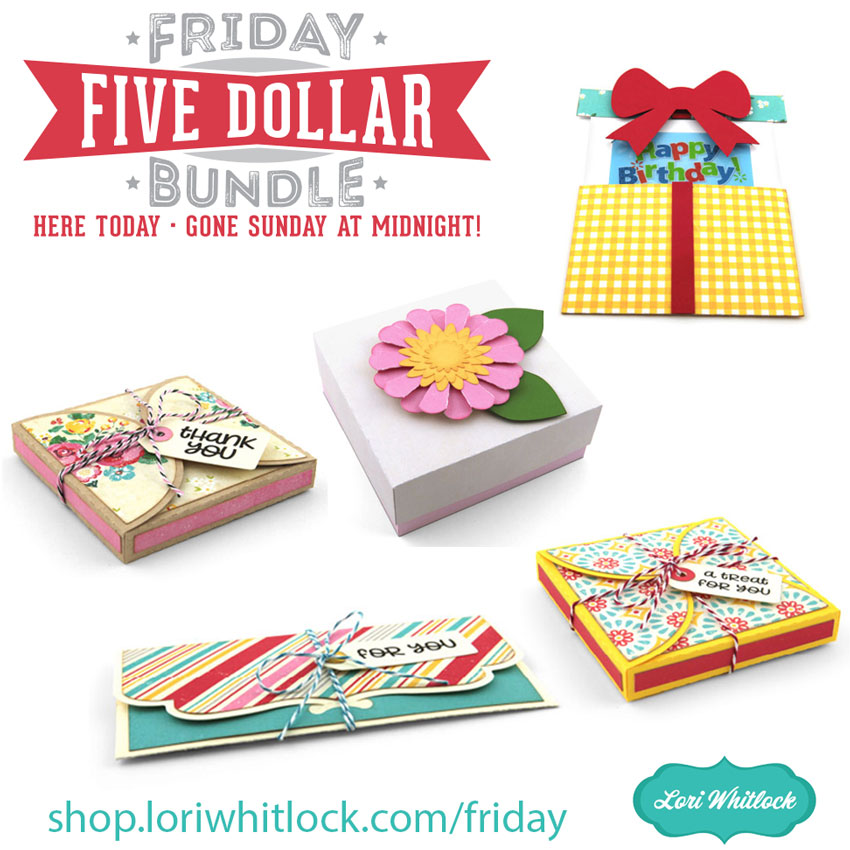
This awesome Friday $5 Bundle is available until midnight and when it’s gone it’s gone. These SVG files can be used with Cricut Explore, Silhouette Studio (with the Designer Edition upgrade), Scan N Cut, and any other cutter that will work with SVG files.

Be sure to pick up THIS Rolled Flower Bundle bundle including 6 SVG files for just $5!


The cost of this bundle is $5, for $11.94 worth of SVG files, over a 58% savings! But don’t wait, this bundle will only be around until TODAY at midnight!

Have a great day!