Merry Christmas! I can’t believe that Christmas is just a few days away. Time flies this time of year. Lori has so many holiday cards and projects in the shop, and I simply do not have enough time to create. But it’s no secret that I love to make her Box Cards, they are so easy and they just have the best Wow! factor when you are giving them or mailing them. They are really a gift within themselves. I will show you how easy they are to create. I used the Sleigh with Presents Box Card in Lori’s SVG Shop or you can find in here in the Silhouette Design Store.
You can see the file here on my screen. The first thing I do is ungroup the file and I always sort my pieces by color. I love that Lori adds color to her files, it makes them so much easier to separate.
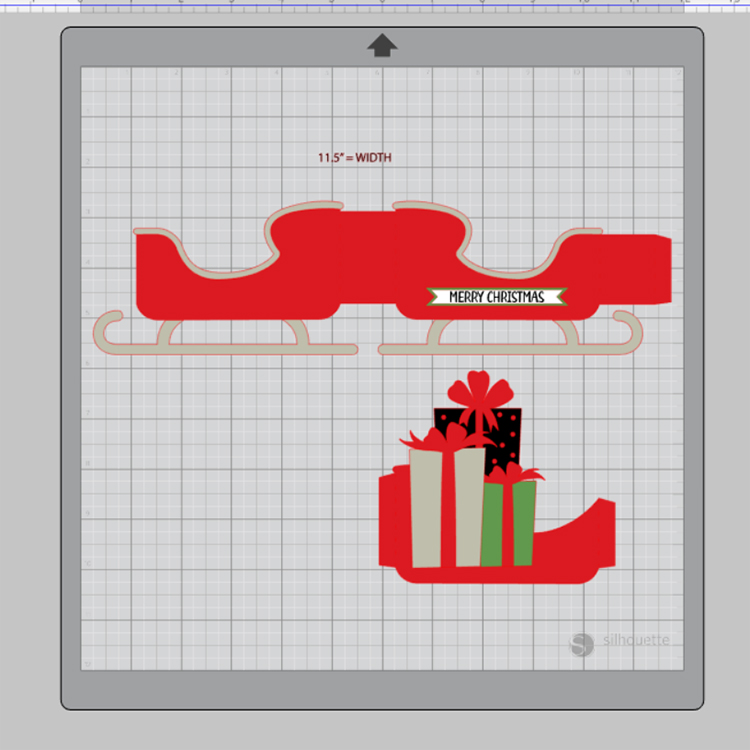
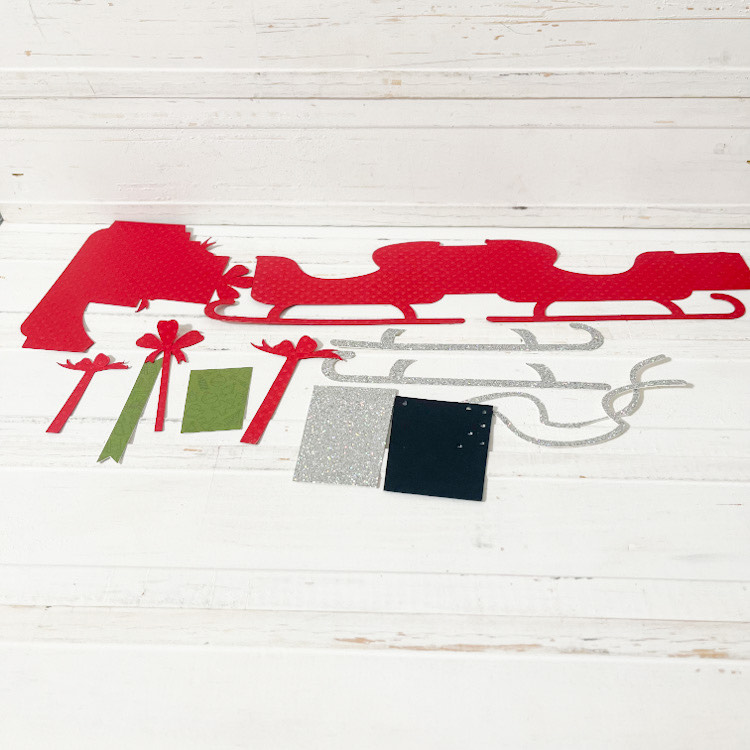
Here you can see how I separated the pieces, then you can start cutting color by color.
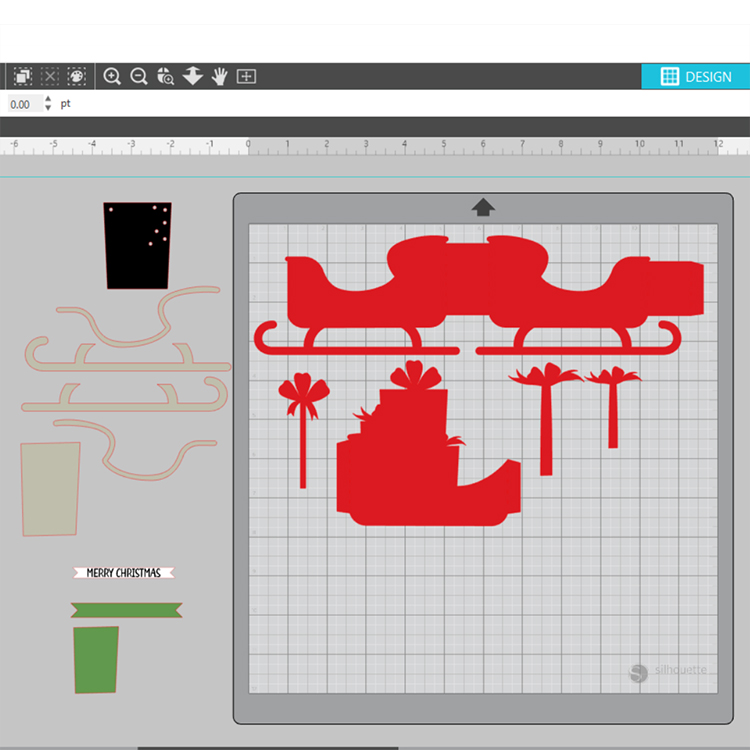
Below you can see that I have all my pieces cut out and ready for assembly! For this card, I added my silver sleigh runners and silver trim while I had the pieces laying flat.
You see here that I added my silver trim and folded my score lines. Yeppers, I have a boo boo on my silver trim, but didn’t have enough silver glitter paper to recut it, so I will just cover that little error up and customize it a bit….lol! All you need to do here is add some adhesive to the little tab and create a box shape!
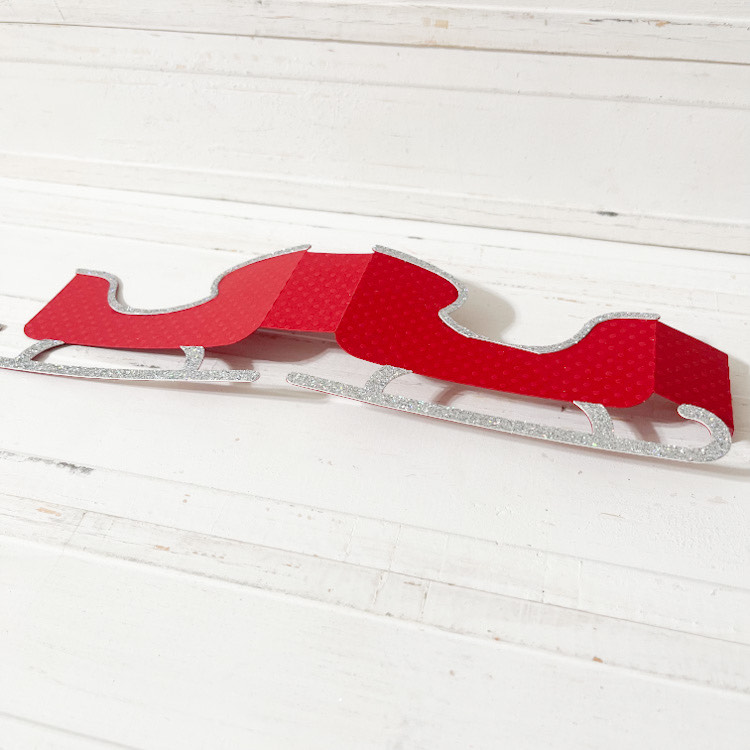
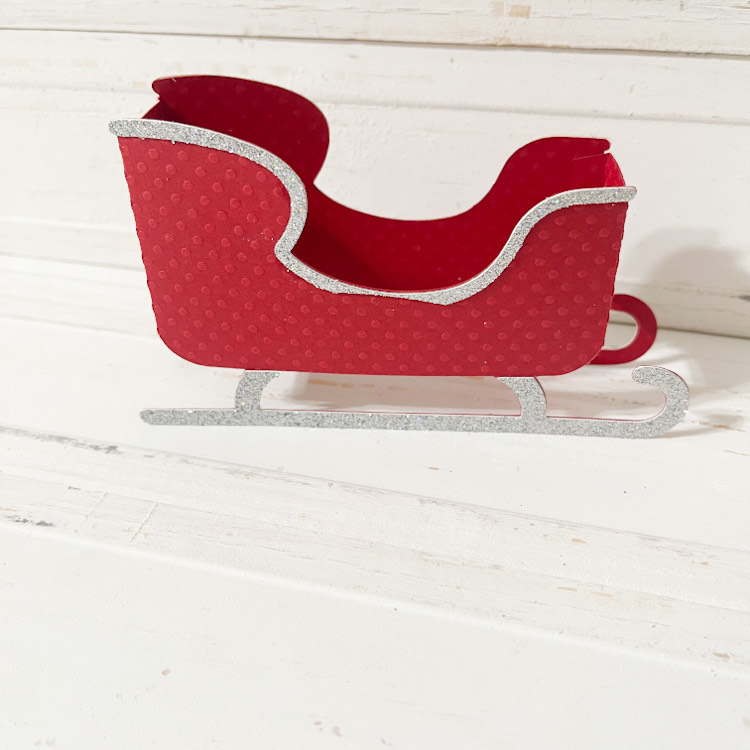
Now we have our little sleigh with that little boo boo!
Next, you can adhere all your little pieces to the present insert piece and add you adhesive to the little tabs. This insert is now ready to adhere to the inside sides your sleigh!
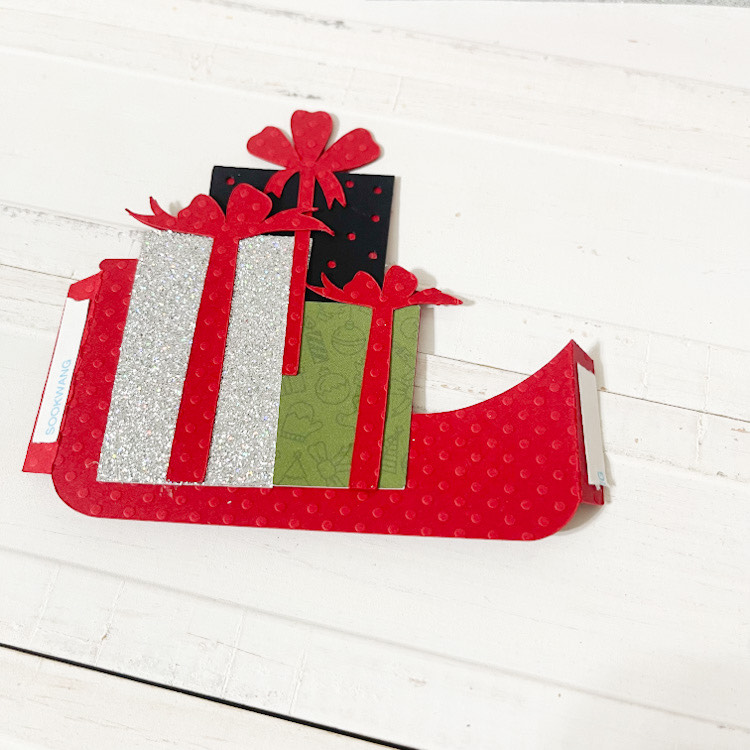
It just sits down, inside your sleigh. Just adhere the tabs even to to sides. And just like that you’ve created a box card. This little sleigh only has one insert, but Lori has lots with more than one insert, and when that is the case, she numbers them in order for you. So much fun!
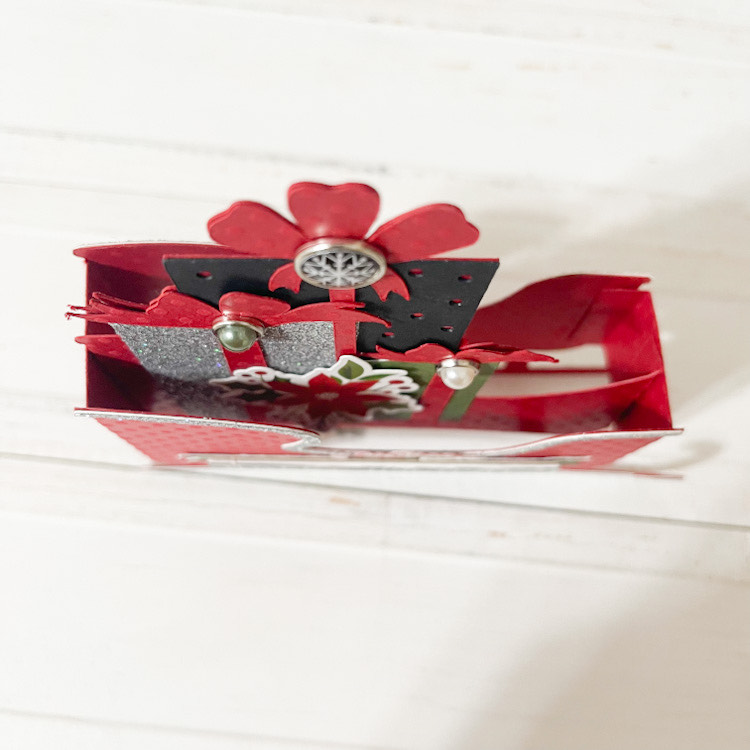
I used Lori’s Echo Park Christmas Magic collection to embellish my sleigh! The picture below shows my sleigh before I started embellishing….my favorite part!
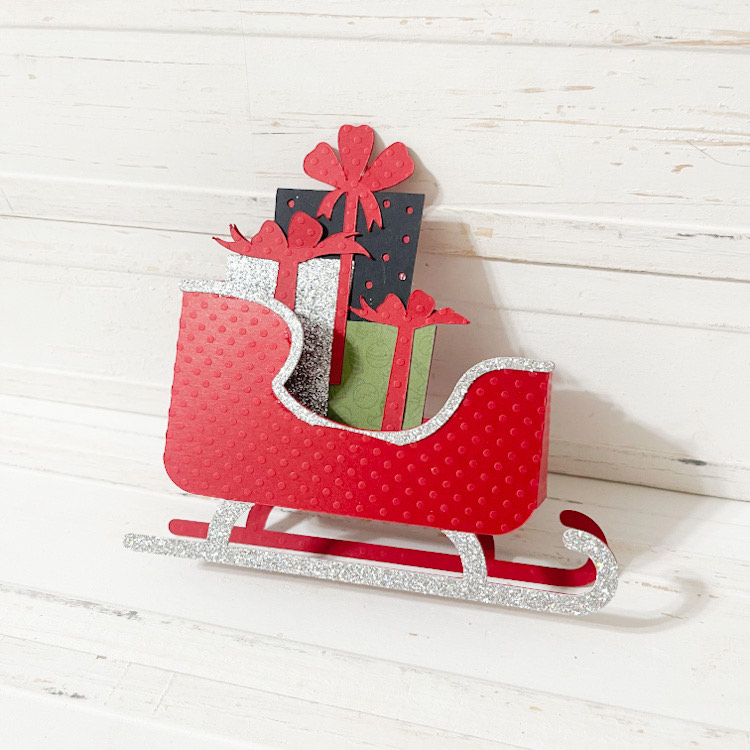
All done! So cute! You can’t even tell where my little error was with the silver glitter paper. I love how this turned out! So easy and quick to create.
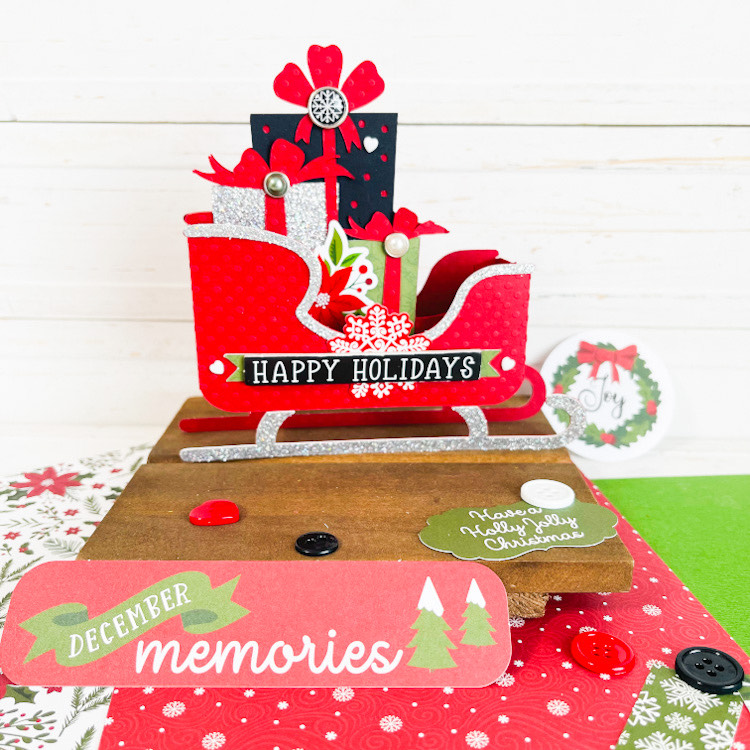
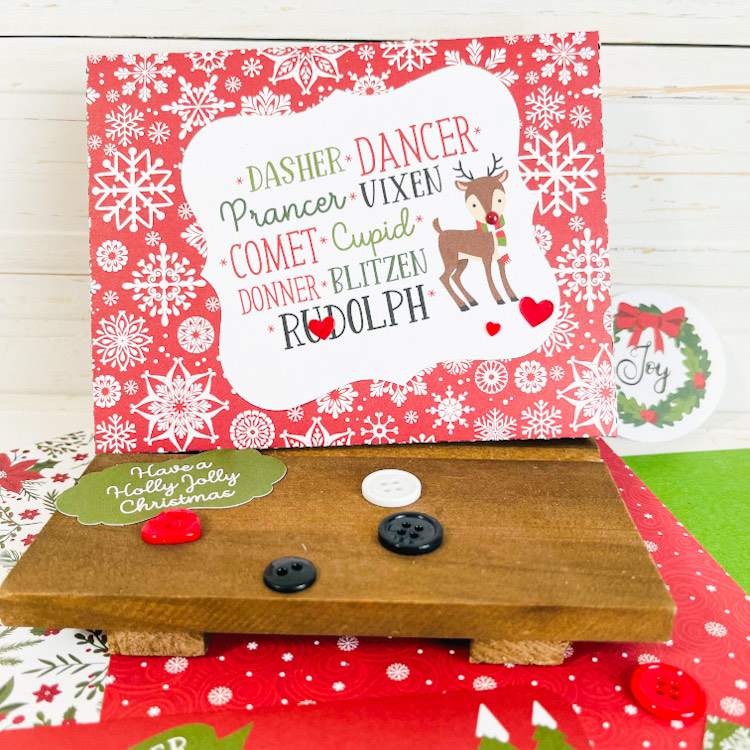
The box cards even fold flat for mailing! Who wouldn’t want to receive one of these in the mail!?
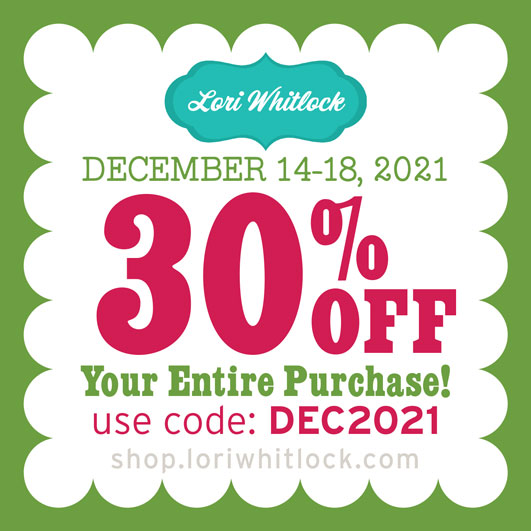
And don’t forget, there is a sale happening now in the Lori Whitlock SVG Shop! All SVGs, Fonts, Commercial Licenses and Pattern Fills are 30% off when you used code DEC2021 at checkout! Don’t miss out, sale ends Saturday!
Thank you for joining us today, we can’t wait to see what you create! Wishing you all a very Merry Christmas! ~ Cathy