Big Box Card Basket Strawberries

Hello crafty friends, Noelene here today & I want to share with you a tutorial for the berry sweet Big Box Card Basket Strawberries (SVGSilhouette), from Lori Whitlock!
As most of you know, Strawberry projects are my favourite, so I couldn’t wait to make this card.
First step was to cut out all my pieces.
Next step is to layer & glue all your pieces, making sure to match correctly all the strawberry leaves to the green background panel before you glue. You will need to fold down the basket flaps then adhere the scalloped panels on the folded side down. The file comes with 2 flowers but as you will see, I cut some extra flowers to use as embellishments. I also inked the centres of my white flowers with some distress oxide before I glued down the circle centres or added the enamel dots. There are also some extra strawberries in the file, you can cut these if you wish for the strawberries to be seen from the back as well as the front. Note: make sure you flip the large strawberries horizontally if you wish to add these to the back of the card, remember you are doing the reverse side.
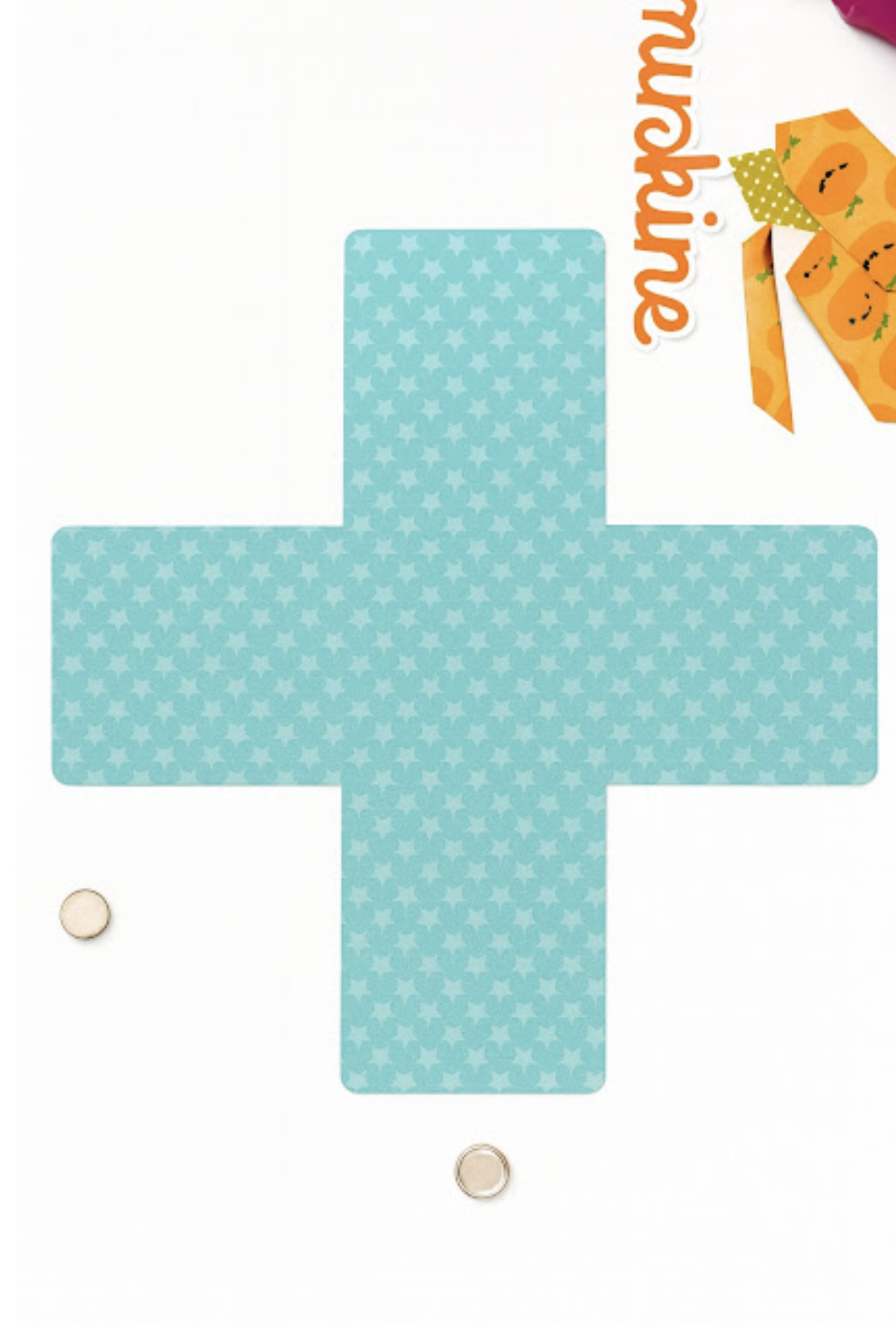
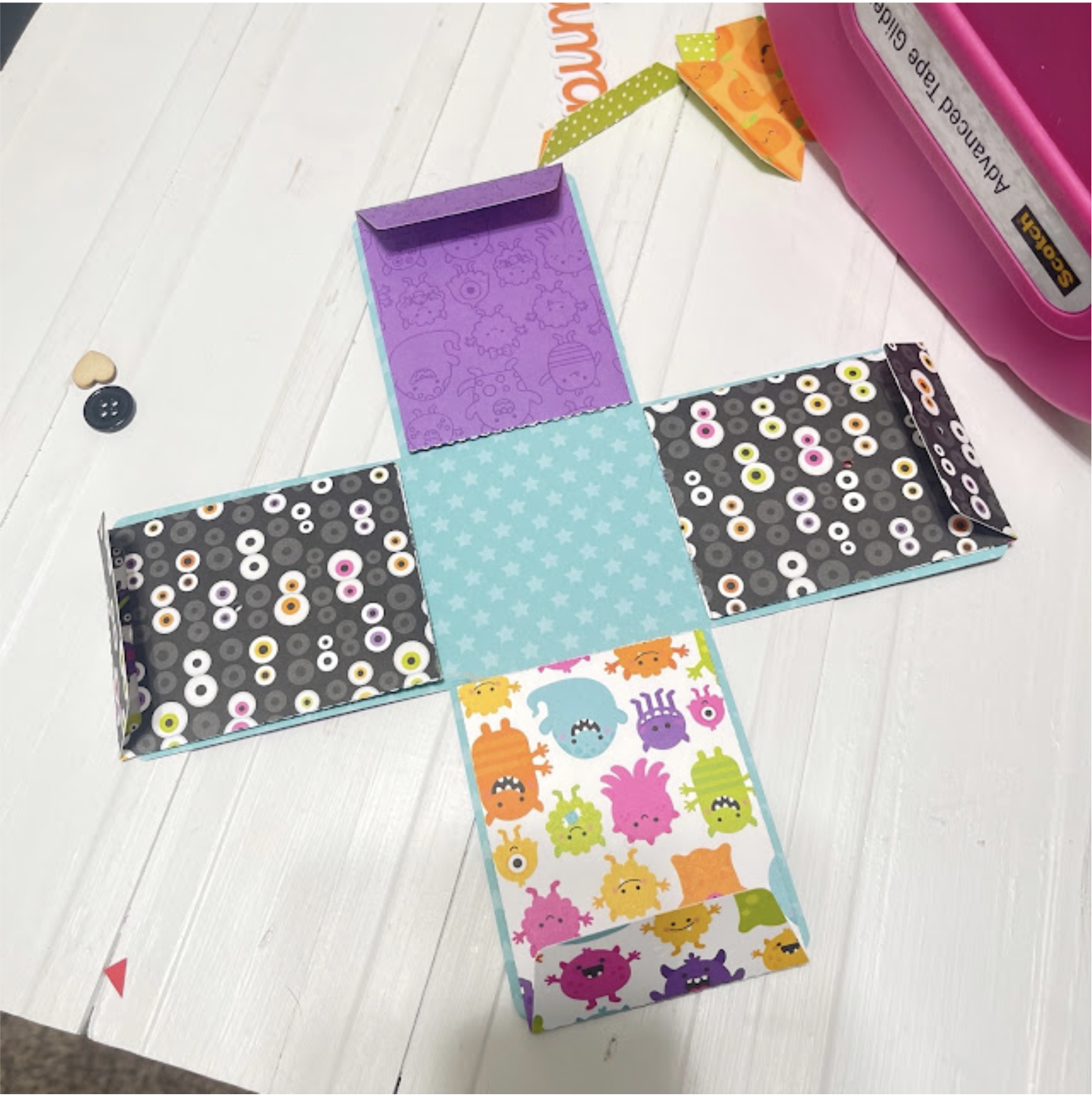
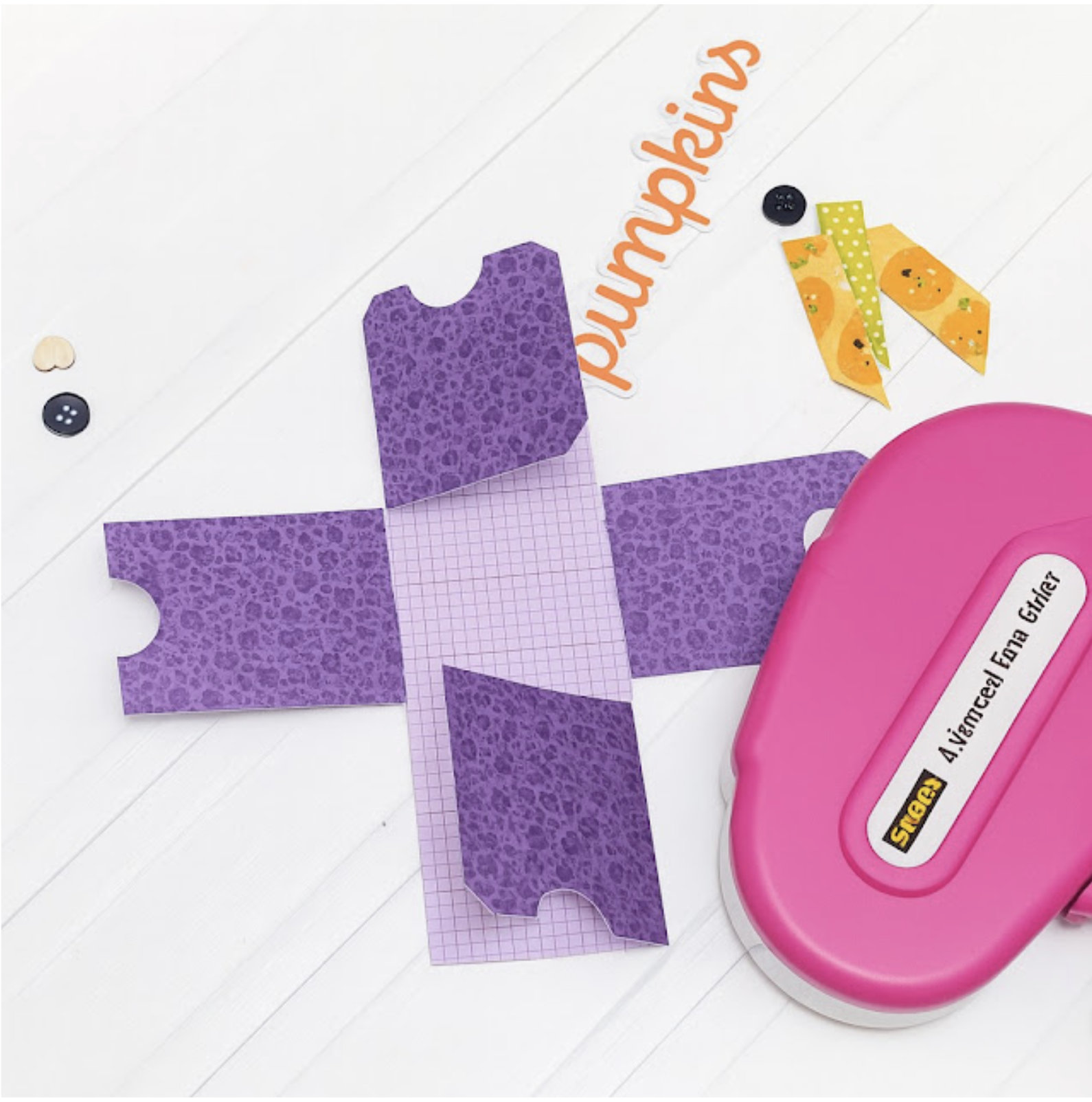
Now it’s time to put your box card together & assemble the basket. Start by folding down all the scored lines. Now glue the tabs on the inside of the box. I find the best way to do this is by folding the box flat to get the tabs nice & straight along the edge.
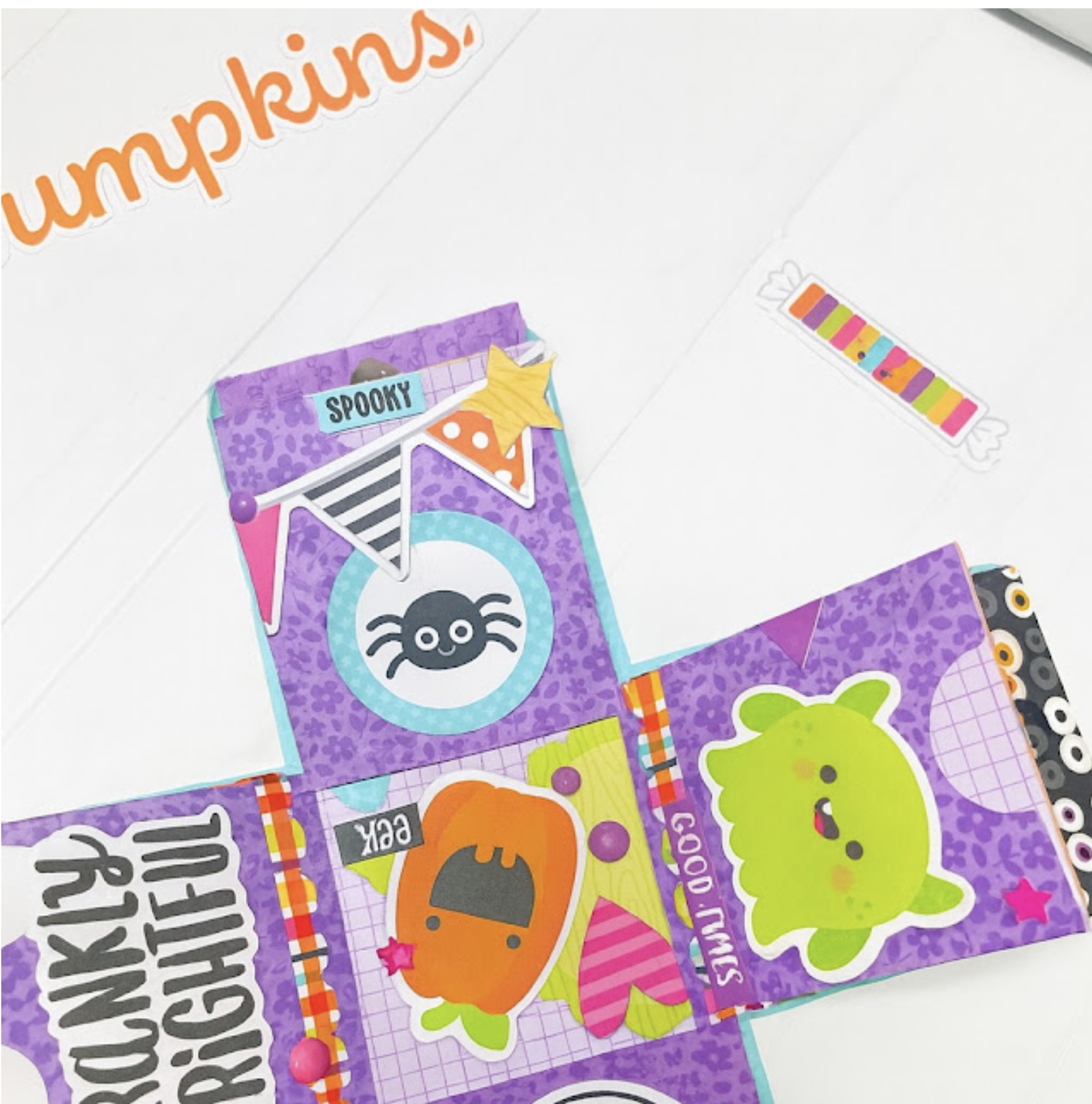
Next is to adhere the inside panels inside the box. These are numbered 1, 2 & 3. I started out by glueing number 2 first in the centre as I found this helped me space them evenly. Flatten your project as the glue dries each time to make sure the tabs adhere.
To finish off I adhered the strawberry onto the front using pop dots and embellished with some of the extra flowers. I also tied a bow onto the basket handle.
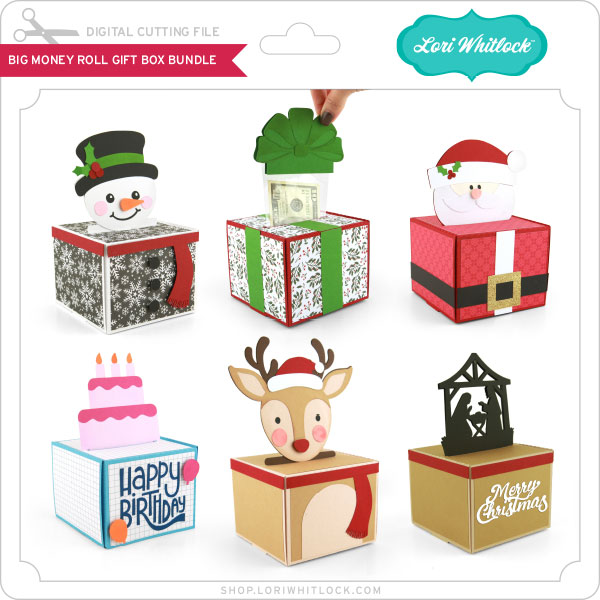
Hope you like my Big Box Card Basket Strawberries! This file can also be found in the Big Box Card Basket Bundle (SVG), which includes Big Box Card Basket Big Box Card Basket Flowers (SVG), Big Box Card Crafty (SVG), Big Box Card Basket Lemonade (SVG) & Big Box Card Basket Sunflowers, (SVG)
For more inspiration, check out my Instagram!
Thanks for stopping by!
Hugs
Noelene 🙂

Lemon Place Cards Tutorial

Hello crafty friends, Noelene here today! Recently I hosted my daughter’s Bridal Shower. She chose an Amalfi theme, so I decided to create some name place cards for seating using one of the lemons from the box card Lemonade from Lori Whitlock (SVG) (Silhouette). Now this can be done with any shaped file of your choosing. I had never used print & cut in a shaped file before, so I am going to share with you today how I went about doing so.
1. First step was to open a new page in silhouette program. Open page setup panel – Design Area Setup  -Media size A4 – Registration Marks On – Dimensions & position – slide the bars all the way to the left. This makes the printable area larger & saves paper.
2. Now open the box card file & copy & paste one of the lemons onto the page you created.
3. Enlarge the lemon to the desired size. I have enlarged mine that the yellow part of the lemon measures approx 3.5″. Now ungroup and move the green background to the side.
4. Next click on the lemon & change the colour to no colour in the colour tab.
5. Open the font panel & choose your font & size & type name. I have chosen Hello Honey.
6. Now click on the name & change the font colour to the colour of your choosing. Today I am using black.
7. We want to center the text onto the lemon. Open transform panel & drag your cursor over the whole lemon making sure you pick up the text as well then click center.
8. Then we want to click over the whole image & copy & paste until we have enough to fit onto the printable page area.
9. Then click onto the text of each of the remainder of lemons idividually to change the name. Don’t forget to center the text on each lemon after typing.
10. Once done load your yellow cardstock in printer & press print. In the print preview you will only see the text not the lemons. If you see the lemons then you didn’t change the colour to no colour in previous step 4. Now place your a4 printed paper onto your cutting mat & making sure you have chosen cut edge, cut your printed paper on your Silhouette machine.
If you need more just change the names & don’t forget you still have to center your font on each lemon.
Once all lemons have been print & cut turn off your registration marks. Move your lemons aside then drag the green back panel of the lemon onto your page & copy & paste enough to fill the page or desired amount. Now cut these.
Last step is to glue all your panels together & your done!
For more inspiration, check out my Instagram!
Thanks for stopping by!
Hugs
Noelene 🙂

Box Card Fall Barn

Hi there friends! I have been loving the Chickens collection by Echo Park Paper and wanted to use it again for another project. This barn box card is perfect for this paper collection (SVG, Silhouette). I added a cute chicken sticker to the front of the card for an additional embellishment. I think it is darling and will make a fun birthday card for someone special.

Thanks for stopping by today!

Brandie

Box Card Pineapple Drink Tutorial

Good morning!! Today is National Refreshment Day. This beverage holiday toasts those moments of ice, cold refreshment. So what a better time to send one of these cute pineapple drink cards?!  Today I will walk you thought the assembly. First cut allyour pieces and lay them out.

First I assembled the fruit and added score tape to the tabs. My paper is from Echo Park’s Little Things Mean A Lot collection.

Next is the base, add score tape to the tab like in the photo below.

Make your box by folding where the perforations are and adhering your score tape to the inside of the neighboring flap.

Add your dark brown piece to the light brown piece and then add both the back and front to the box making sure the small portion is on the bottom like below.

Once you have your front and back attached, fold the perforated tabs and line the top of the inset up with the top of the pineapple and adhere to the sides with your score tape.

Add the second insert and get ready to mail your refreshment!

Thanks for stopping by and happy crafting!