3D Christmas Barn

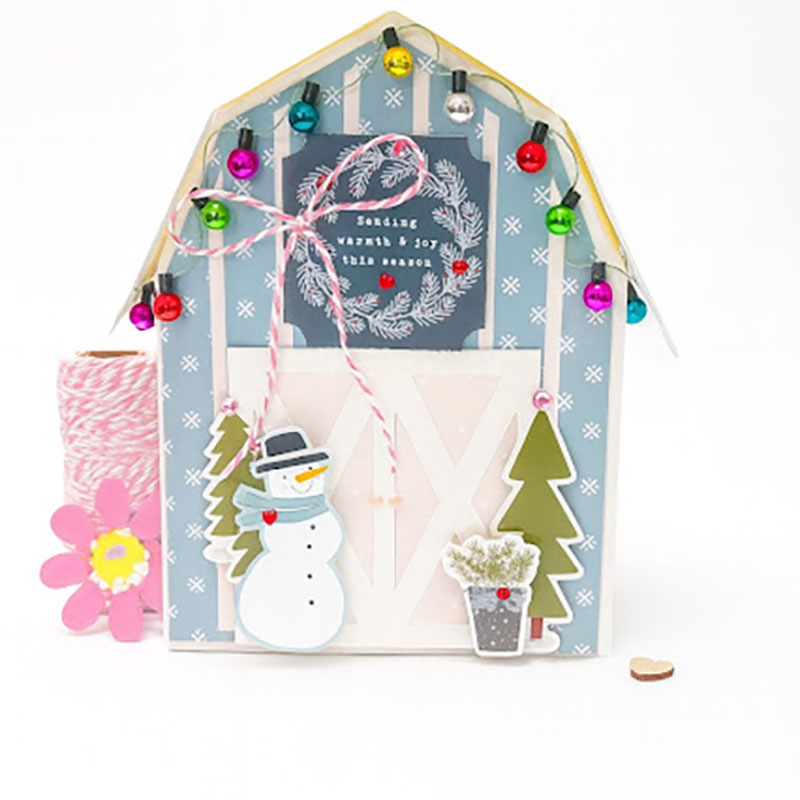
 Hi everyone!  Welcome to the Christmas crafting season and Wow does Lori have tons and tons of new files to create with.  I fell in love with this little barn the moment she posted it.  You can find it here in Lori’s Shop or here in the Silhouette Design Store

I used Lori’s new Echo Park Winter Fun Bundle.  I adore this collection with the blues and pinks and all the adorable little details…the snowmen, the little bear, fox and so many fun elements.  It is just so perfect.

And as it is one of my favorite things to do with Lori’s collections, I used elements from the bundle!  Snowman,  tree stickers and a ephemera piece above the barn doors.  I added a string of miniature lights that I had in my stash.  I just used glue dots to attach those.  So this little box is about 5×7, and on one side of the roof, I did not attach it completely…I can open that little flap and add a gift to give for a special someone.
Thank you for joining us today!
Cathy


3D Hot Cocoa Mug Santa

Hello crafty friends!

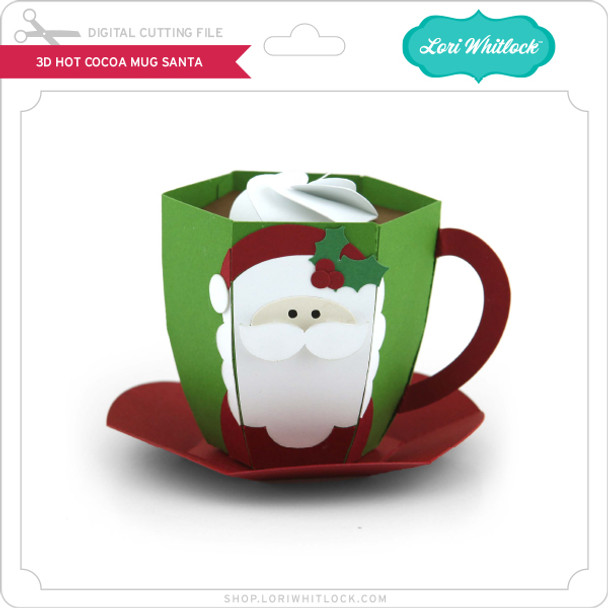
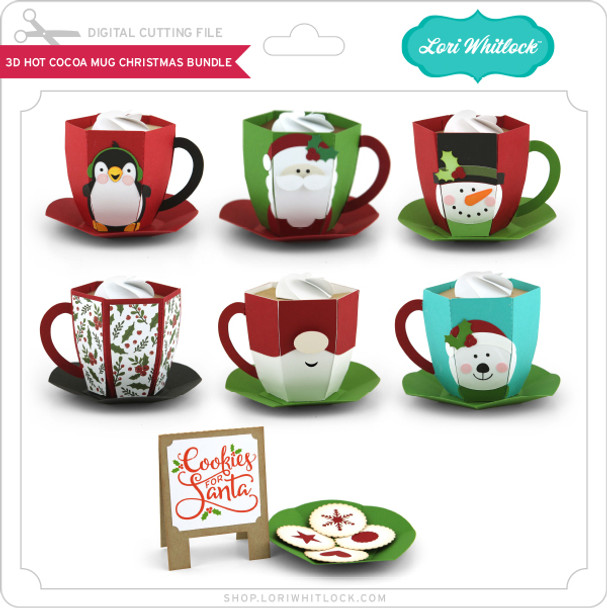
Today I’m excited to share a festive 3D project that is perfect for holiday decorating, gifting, or displaying on a cozy winter tray. I’ll be walking you through how I assembled the adorable 3D Hot Cocoa Mug – Santa file from Lori Whitlock’s shop. It’s a fun and simple project that comes together beautifully with just a few supplies.

Let’s get started!

Supplies Needed

  • 3D Hot Cocoa Mug – Santa SVG file  SVG  / SVG BUNDLE or SILHOUETTE
  • Electronic cutting machine (Cricut, Silhouette, Siser etc.)

  • Cardstock in red, white, black, skin tone, and accent colors or design paper.

  • Adhesive (liquid glue or tape runner)

  • Foam tape (optional for dimension)

  • Ink or markers for light shading (optional)

Step 1: Upload & Organize the File

After downloading the SVG from the shop, I uploaded it into my cutting software.
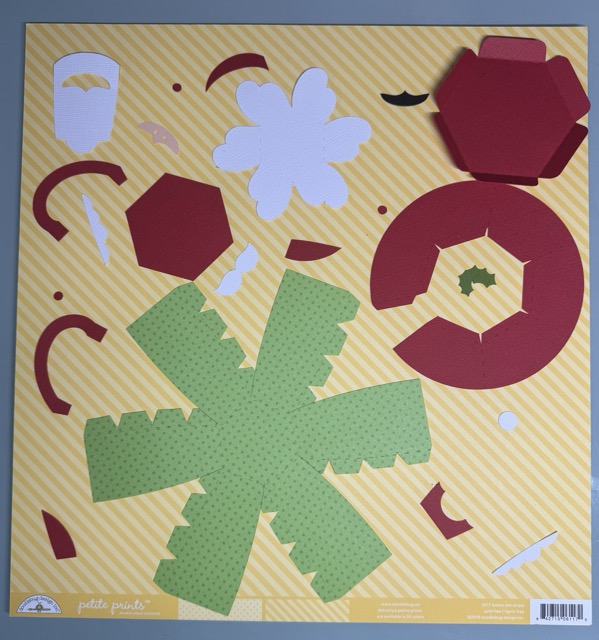
The file comes in clearly labeled pieces, so I grouped by color to make cutting easier:

Step 2: Cut All Cardstock Pieces

I selected cardstock colors that matched the traditional Santa palette:

  • Bright red for the hat, berries and saucer

  • Black for the eyes

  • design paper voor de mug

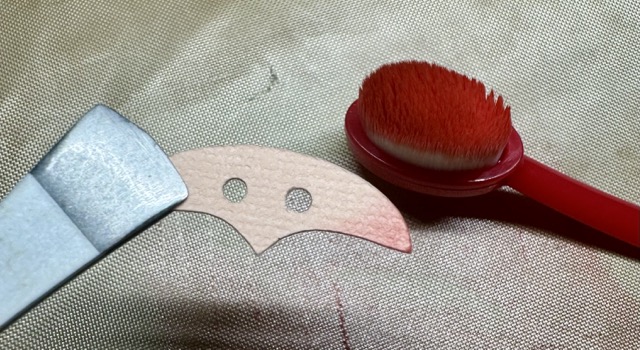
  • Skin tone for Santa’s face

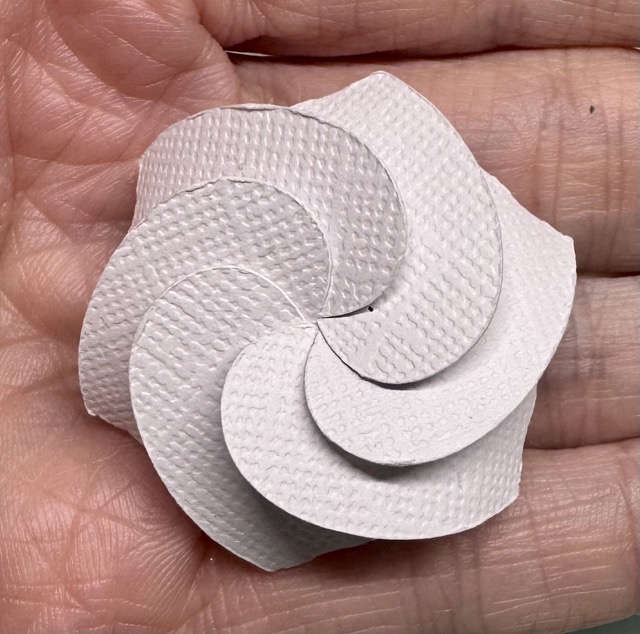
  • White for beard, moustache, and whipped cream

  • green for the leaves on the hat

After cutting, I grouped all the small Santa pieces so nothing got lost.

Step 3: Build the Mug Base

The mug structure is made from designpaper.

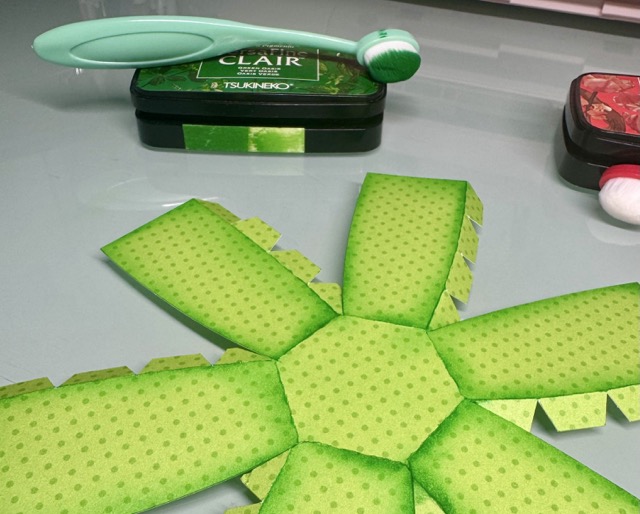
  1. Fold all score lines to give the cardstock flexibility.

  2. Add ink for shades.

  3. Form the mug into a cylinder shape and the glue tabs together.

  4. Glue together the circular base piece (saucer).
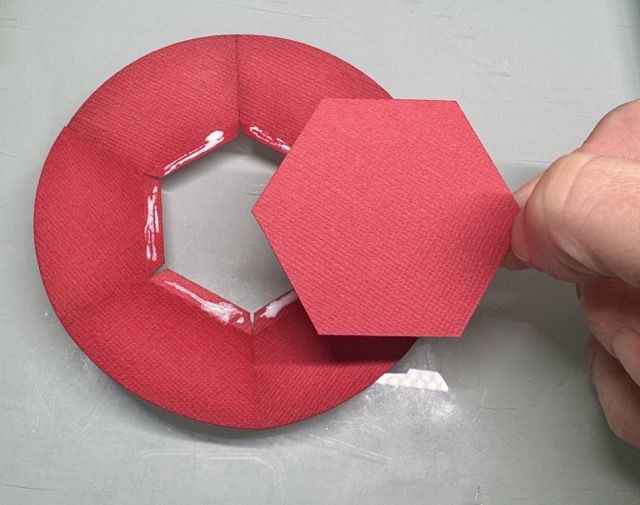
The structure comes together surprisingly easily—just take your time with the curved edges.

Step 4: Assemble Santa’s Face
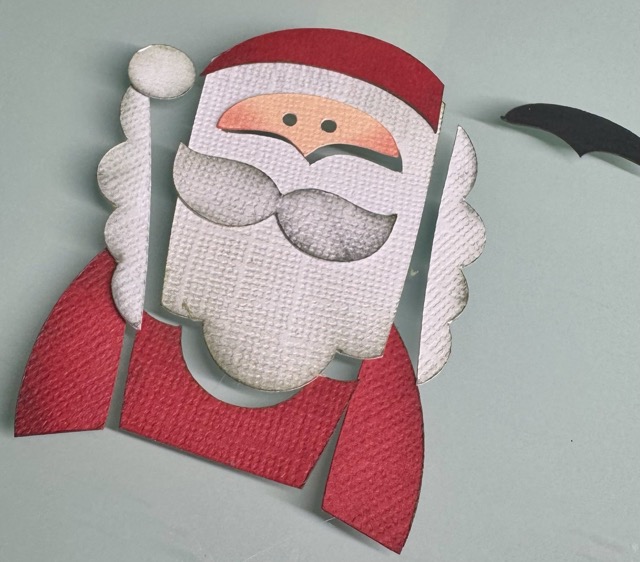
I always start with inking the edges for shade
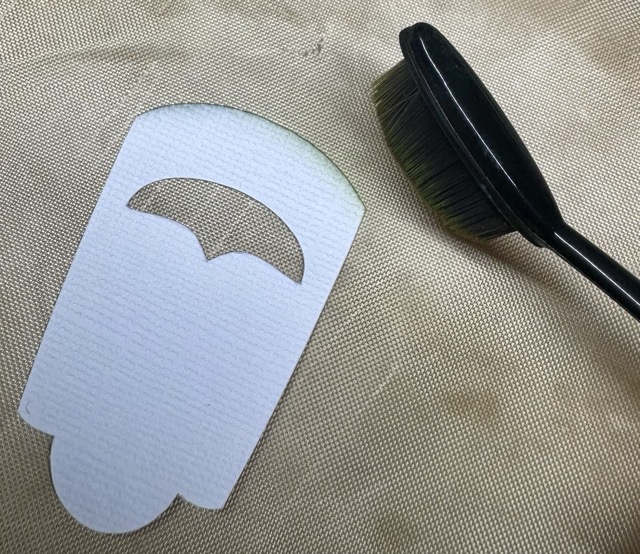
  1. Glue the face layer with the black piece behind it in the hole in Santa’s beard.

  2. Attach the moustache with foam tape on top.
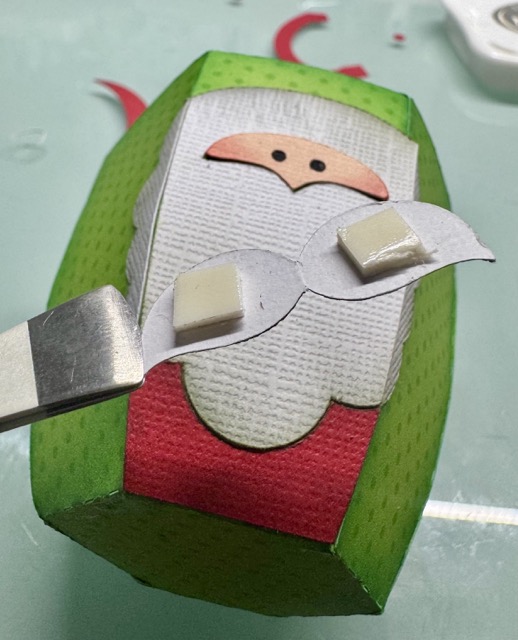
  3. Add the hat and pom-pom.

This layered section gives the mug its adorable Santa look and is best assembled while the pieces are flat.

Step 5: Attach the Handle

The mug handle is made from two layered pieces for stability.

  1. Glue the handle layers together.

  2. Curve it gently with your fingers.

  3. Attach it to the mug.

A good tip is to hold each glued area for a few seconds to help it set firmly.

Step 6: Add the Cocoa & Whipped Cream Top

To create the “hot cocoa” look:

  1. Glue the cocoa layer into the rim of the mug.

  2. Add the whipped cream layer on top.

I used glue under the whipped cream to attach it.

Finished Project
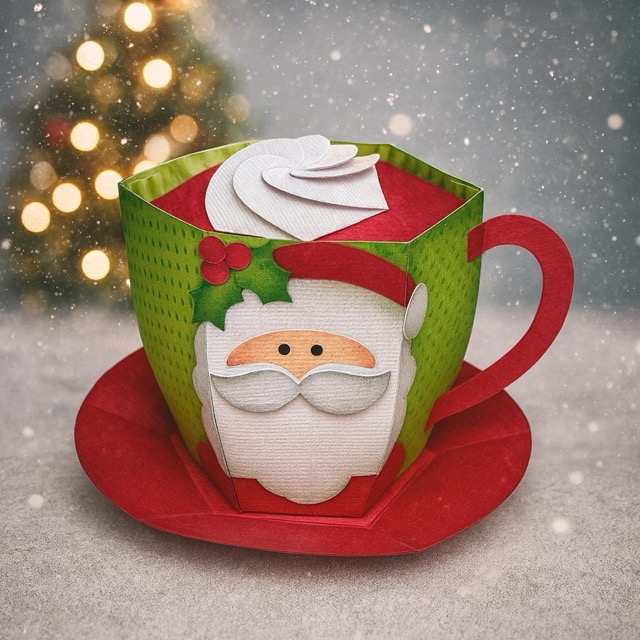
And that’s it! Your whimsical 3D Santa Hot Cocoa Mug is complete. It looks adorable on a Christmas shelf, or you can fill it with wrapped candies or a small LED tealight for a cozy glow.

I am going to add some chocolate inside the mug and gift it to my youngest sons teachers.

I hope this tutorial helps you feel confident assembling your own festive mug. Happy crafting, and be sure to check out Lori’s shop for more holiday 3D projects!

XO Tamara

Miniature Christmas House Craft

Hi there friends!

Today I am sharing a cute snow globe craft I put together with the Miniature Christmas House for Snowglobe (SVG, Silhouette). This project is perfect for a kid’s craft. It uses very few supplies, comes together quick and is very lightweight.  It also makes a darling Christmas or Winter decoration. I used papers and stickers from the Winter Fun collection by Echo Park Paper. I found the DIY snow globe and fake snow at the dollar store a few years ago but they are also available on Amazon.

Thanks for stopping by today and happy crafting!

Brandie

Canning Jar Label Tutorial

Hello friends!

I plant a large garden every year and then every fall I do a lot of canning. As you remember I did a cute tutorial awhile back for a canning jar box  and so I thought I would elaborate on the way I use my Cricut with my canning.  For everything I can, I made labels for the lids so I thought I would share how I do that.

First, I went and downloaded the Circle 1 Dingbats Font (Silhouette) [you could also use Circle 2 Dingats Font (Silhouette)] and install it on my computer.

I then open a new project on my Cricut and add a circle shape. 2.4 inches for wide mouth and 2 inches for regular mouth. I also like to turn the color to a light color so I can see my dingbat over top.

Then I add text and change my font to LW Circle 1 Dingbats. I selected the letter E for my dingbat.


I then shrink my dingbat down to fit within my circle. This ended up being 1.845 x 1.868 on a regular mouth sized label.

Then I change my Operation from basic cut to pen. I use the .4 mm fine point pen.

I then go in and add text as to what’s in my jar. The top font is LW Thankful and the bottom is LW Longhand.

Make sure to change your operation again to pen.

I will add the year as well. Once I have everything on my label and laid out how I want it, and everything except the circle (shown in pink) is changed to pen, I select the entire label, circle, words, dingbat, and on the bottom right, I click “attach”.


This keeps everything in place on the label when cutting and drawing the label.

At this point, you can select the label you have created and copy and paste it to make more of that same label. You can also copy and paste it and increase or decrease the size the make both regular mouth and wide mouth labels.

If you would rather have a cute label for the jar instead of the lid, the Label Shape Bundles 1-5 would make great jar labels (instead of using the circle). I also used the Mason Jar Dingbats on the label from the labels shape bundle below.


This is what it looks like all drawn and cut and on my jars.


Thanks for stopping by and happy crafting!

November Creative Team Blog Hop

Can you believe how quickly the year is flying by? We’re soaking up the cozy vibes of fall and getting ready for all the creative fun this season brings! Our talented design team has put together a beautiful collection of projects to inspire your holiday crafting. Be sure to hop along to each blog and see what everyone has created — you’re sure to find something you’ll want to make next!

Mark your calendar!
Join me for the next edition of “Lori Whitlock LIVE” on YouTube on Wednesday, November 20 at 5 PM (MT). I’ll be crafting with Carina Gardner and sharing new projects, creative tips, and answering your questions live. It’s always such a fun time together — you won’t want to miss it!

Lori Whitlock <<<(you are here)

🍂 Fall into Savings! 🍂
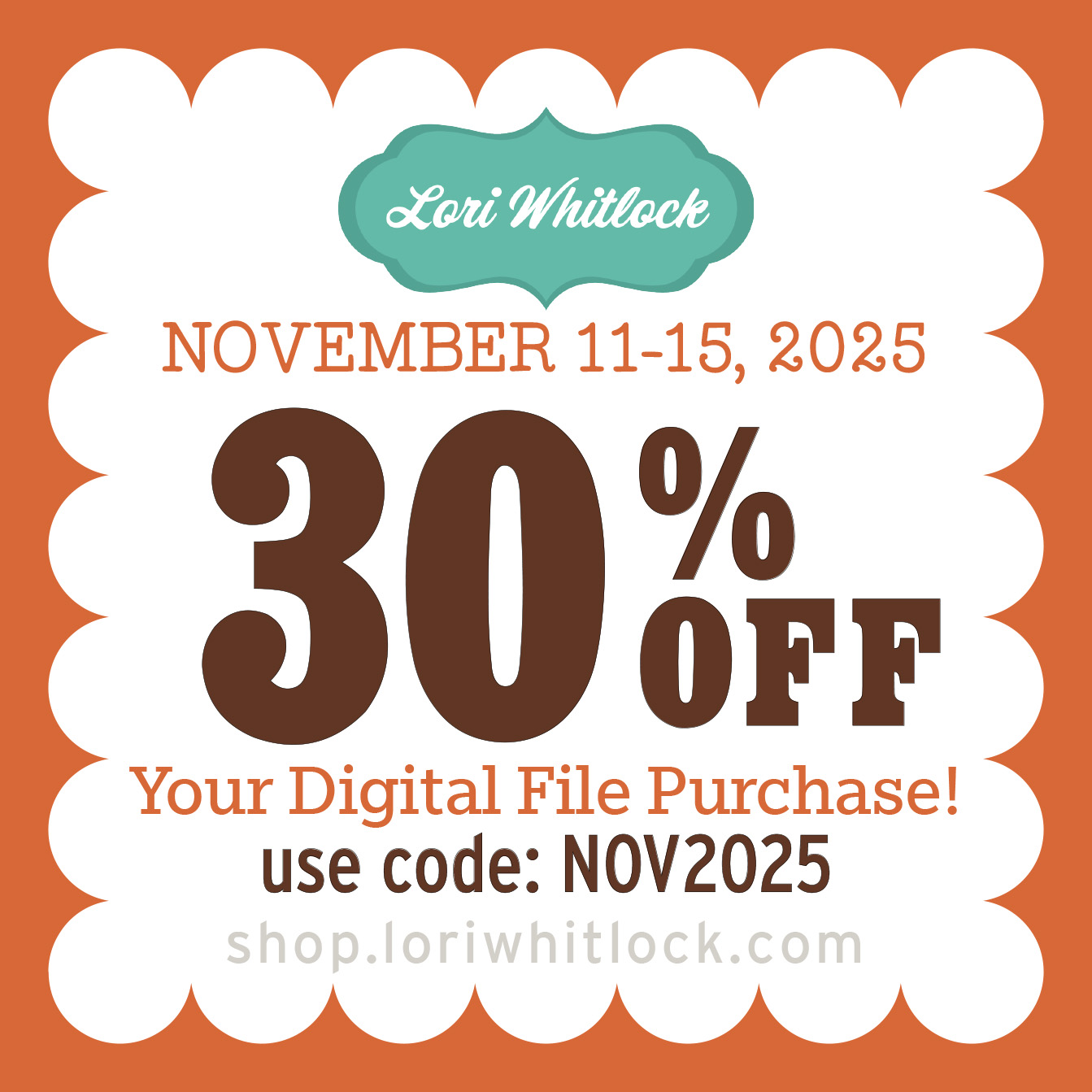
Now through November 15, enjoy 30% OFF all digital files at Lori’s SVG Shop — including digital files and commercial licenses! Use code NOV2025 (case-sensitive) at checkout and stock up on creative goodies for your Thanksgiving, Christmas, and winter projects. SHOP HERE.

As a thank-you for hopping along with us, we’ve got something special to share. For today only, you can download the Handle Box Fall Pumpkin SVG file absolutely FREE! Just add it to your cart and complete checkout—no codes, no catches, just a fun little treat from us to you.

🎉 New This Week! Big Money Roll Gift Box SVGs 💸

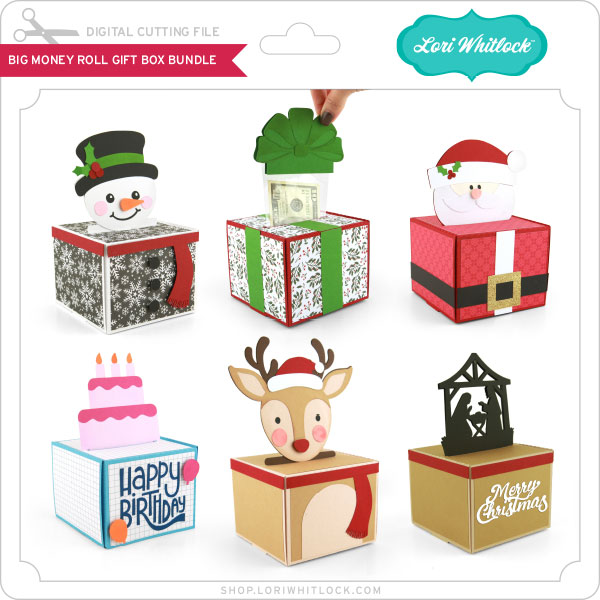
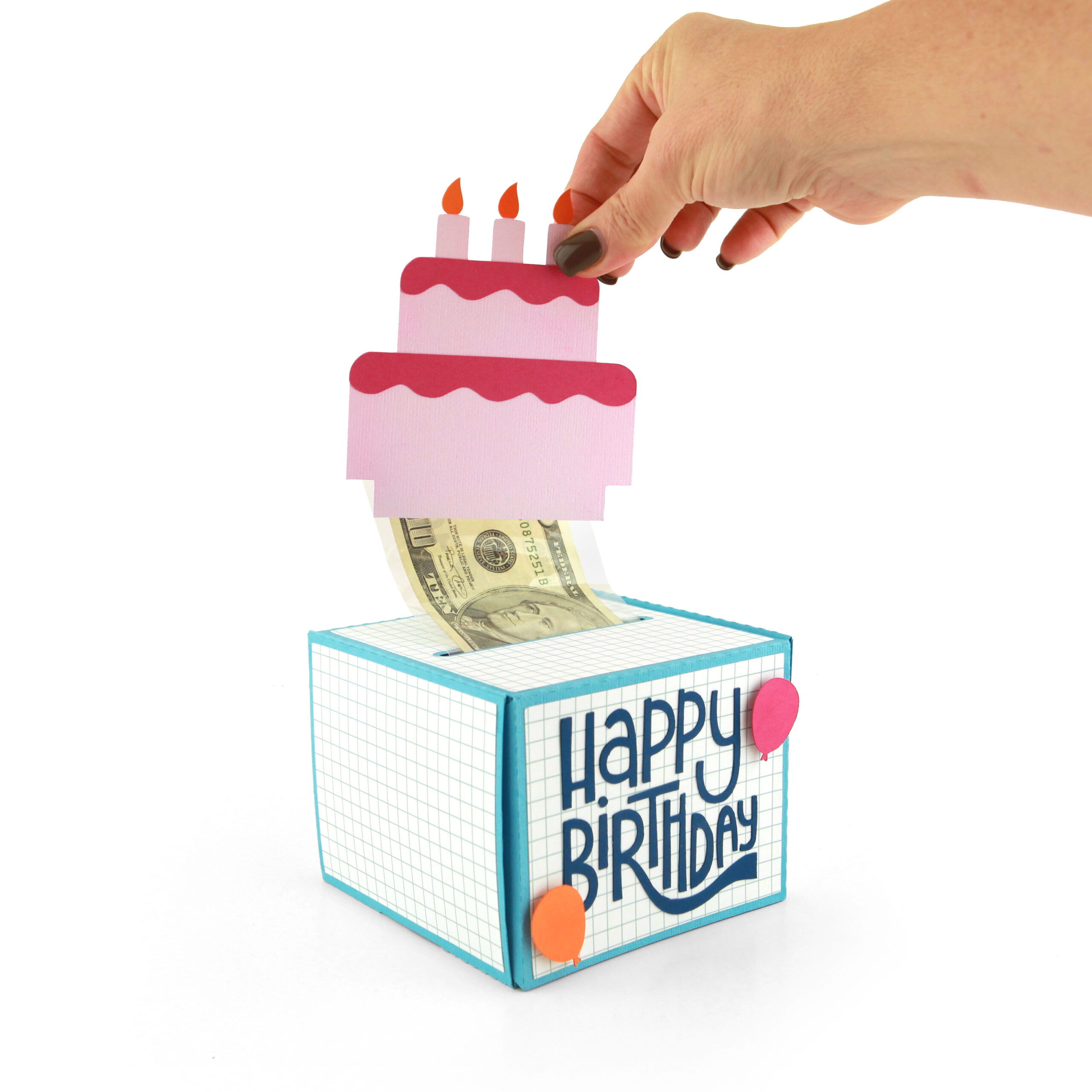
Make your cash gifts for Christmas or birthdays unforgettable with Lori Whitlock’s brand-new Big Money Roll Gift Box Bundle! Each box is designed to hold rolled-up bills inside a clear money pouch, creating a fun “pull and reveal” surprise for any occasion. This week’s release includes individual files and a bundle which includes six adorable designs — perfect for Christmas, birthdays, and beyond:
☃️ Snowman • 🎁 Gift with Bow • 🎅 Santa • 🎂 Birthday Cake • 🦌 Reindeer • ✨ Nativity

Each box cuts and assembles easily with your cutting machine, and the finished projects look amazing as a gift presentation. Your recipient will be “wow’d” for sure!

***CLICK HERE TO GO TO THE SHOP***

How about a giveaway? You’re in luck! Enter our giveaway below, and we’ll announce the winner on the entry form right here on this blog post. Keep an eye on your inbox—you might be the lucky winner!

Be sure to check out the CT member blogs listed at the top of this post! Thanks again for dropping by! Have a GREAT day!

~Lori