Silhouette E-book Black Friday Sale!

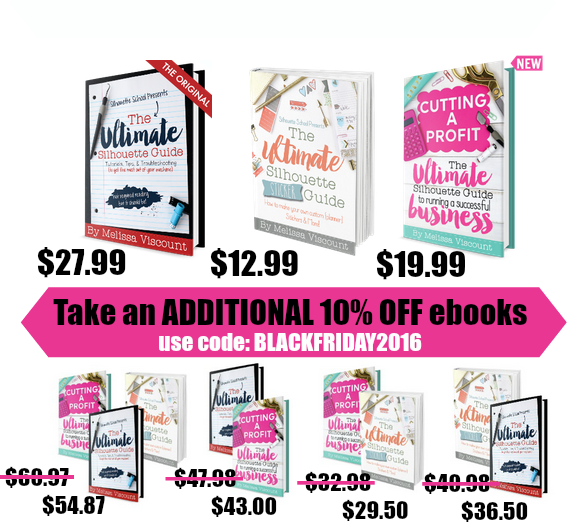
My friend Melissa Viscount has some awesome Silhouette books available. Everything you need to know about the Silhouette is in these books. They are all 10% OFF today only!! They make great gifts! Be sure to go grab them today. SHOP HERE. Use code BLACKFRIDAY2016 at checkout!

(this has been updated so the link works properly)

Tuesday Freebie and New in Shop

ALL WEEK, this SVG file is FREE with any $1.99 purchase!

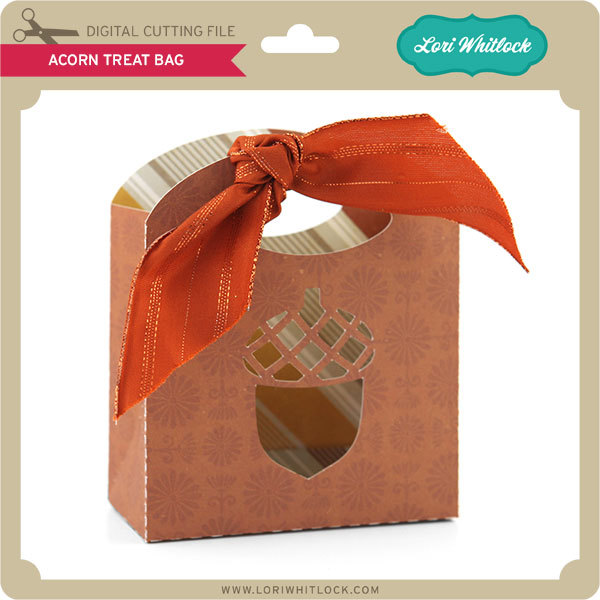
We have a FREE file with purchase all this week! Simply add this Acorn Treat Bag to your shopping cart along with ANY $1.99+ purchase from the SVG Shop and this file is yours FREE. Be sure to use Coupon Code: ACORN (case sensitive) at checkout. This offer is good through next Sunday.

(Your cart must reach at least $4.98 before the coupon will be applied and then $2.99 will be subtracted from your total at checkout. The files will be available for immediate download after you pay for your order by visiting MY ACCOUNT>COMPLETED ORDERS>ORDER DETAILS inside of your account. Only one discount code per order allowed.)

In addition, don’t forget about this special ! You can get this Free Kit of the Month with any $20 purchase (Purchase must be in one transaction.) Simply add the November of the Month to your shopping cart along with ANY $20.00+ purchase from the SVG Shop and this file is yours FREE. Be sure to use Coupon Code: NOVKOTM (case sensitive) at checkout. This offer is good through November 30th!

(Your cart must reach at least $27.95 before the coupon will be applied and then $7.95 will be subtracted from your total at checkout. The files will be available for immediate download after you pay for your order by visiting MY ACCOUNT>COMPLETED ORDERS>ORDER DETAILS inside of your account. Only one discount code per order allowed.)
 
 
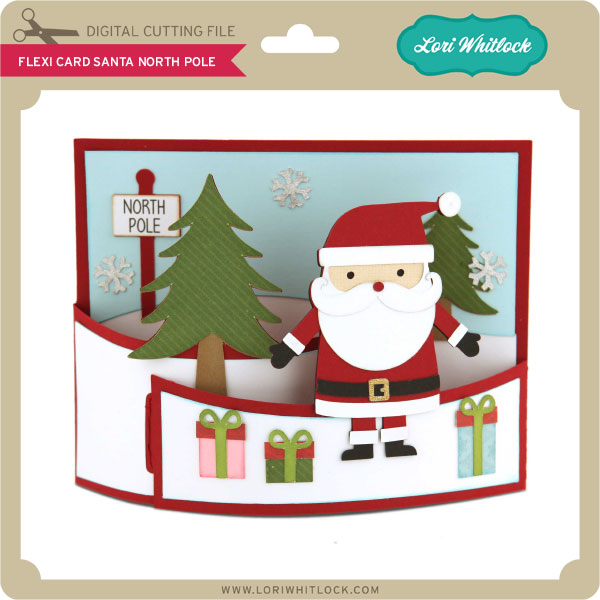
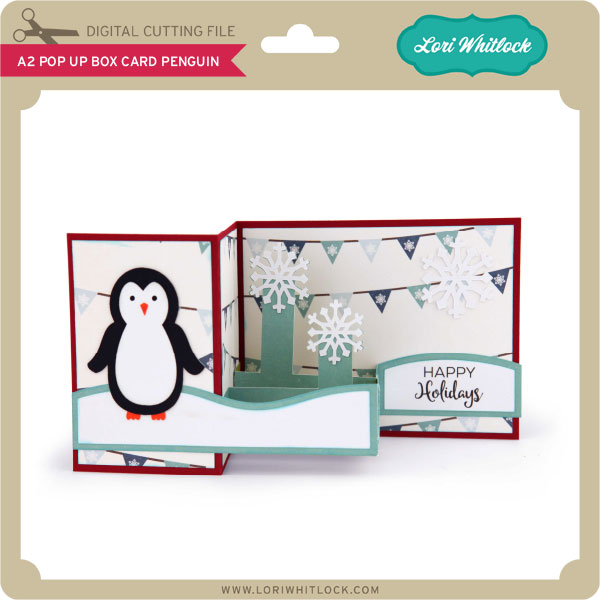
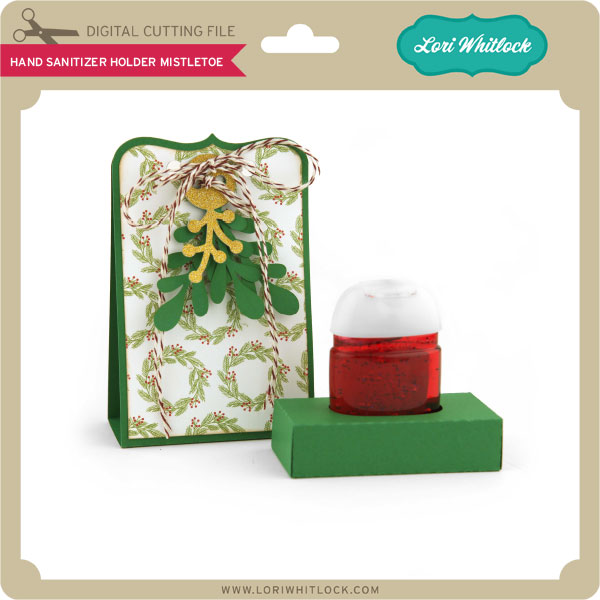
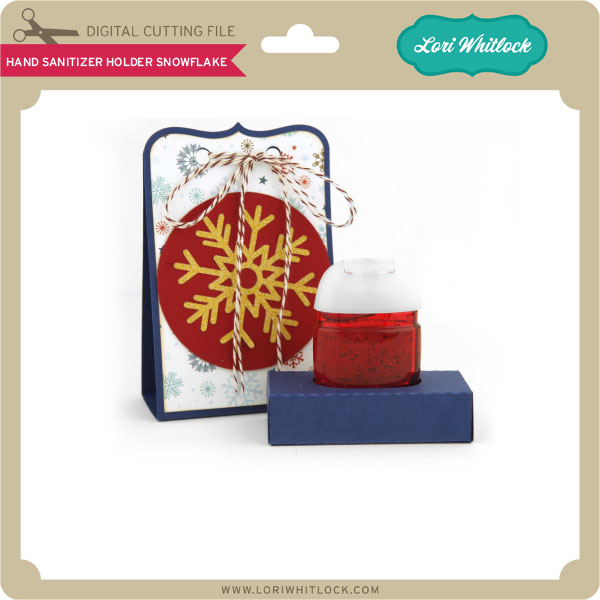
 Check out our awesome SVG files releasing this week! And, just like always, the NEW files are ON SALE 25% OFF through the weekend in the SVG Shop! These downloads include SVG files for sure and PNG or PDF files when appropriate. No coupon code necessary, the files are all discounted in the shop! Be sure to go get them while they are on SALE this week.


Thanks for visiting the blog today! Please let us know if you need any help with your files. We want to make sure everyone is happy with their purchase. Have a great week!


Digital Inspiration with Ashley

We finally got our first snow yesterday.  Our family does a lot of skiing, so the amount of snow is important to us.   So we are glad to finally see it fly!  I am closing in on the end of my 2017 Calendar.  I needed to finish the summer months, so here is an ode to summer as winter closes in:


I used Happy Summer and Splendid Font.  Enjoy a fabulous weekend.


One Buck Wednesday at Snap Click Supply Co.

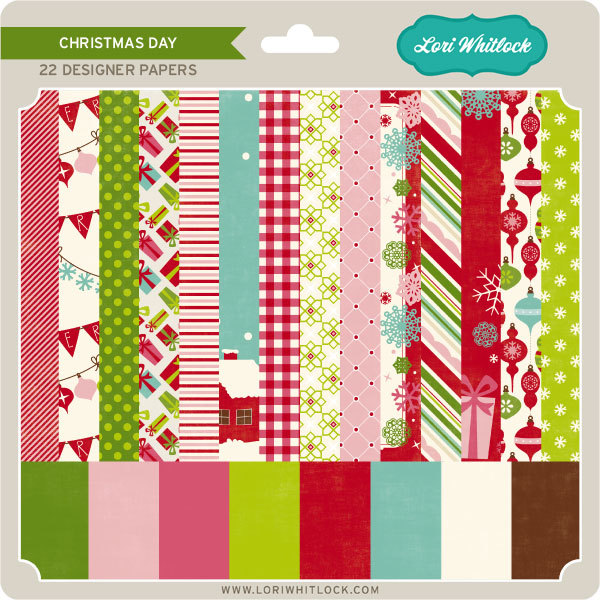
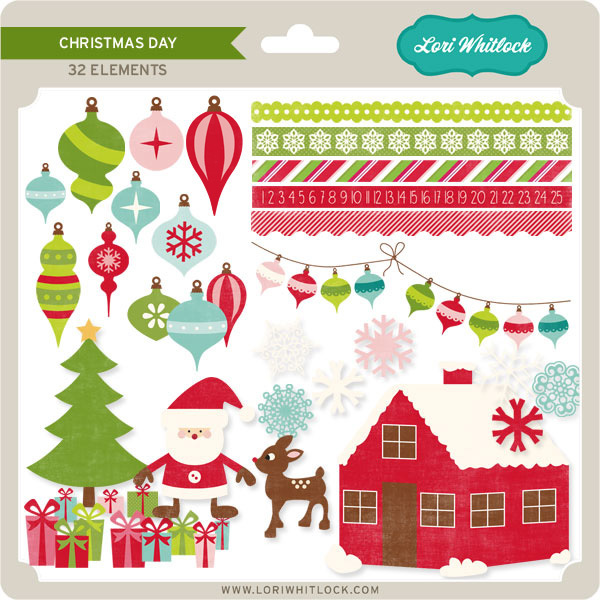
Today at Snap Click Supply I have two items featured for $1 on Wednesday!. That means you can pick up 2 of my digital scrapbooking products at a steal. TODAY ONLY!

Christmas Day Paper

Christmas Day Elements

Be sure to go grab these great deals while you can. These offers will end at midnight!

There are specials in my SVG Shop as well! Don’t forget about the November Kit of the Month! If you spend $20 in the SVG Shop (in one transaction) you can get the Kit of the Month for free! Simply add the November Kit of the Month to your shopping cart along with ANY $20.00+ purchase from the SVG Shop and this file is yours FREE. Be sure to use Coupon Code: NOVKOTM (case sensitive) at checkout. This offer is good through November 30, 2016!

(Your cart must reach at least $27.95 before the coupon will be applied and then $7.95 will be subtracted from your total at checkout. The files will be available for immediate download after you pay for your order by visiting MY ACCOUNT>COMPLETED ORDERS>ORDER DETAILS inside of your account. Only one discount code per order allowed.)


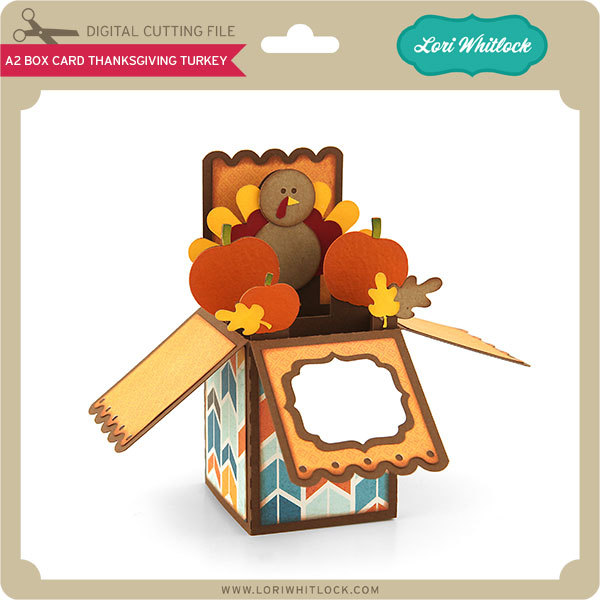
We also have this week’s free file! Simply add this A2 Box Card Thanksgiving Turkey File to your shopping cart along with ANY $1.99+ purchase from the SVG Shop and this file is yours FREE. Be sure to use Coupon Code: GOBBLE  (case sensitive) at checkout. This offer is good through next Sunday.

(Your cart must reach at least $3.98 before the coupon will be applied and then $1.99 will be subtracted from your total at checkout. The files will be available for immediate download after you pay for your order by visiting MY ACCOUNT>COMPLETED ORDERS>ORDER DETAILS inside of your account. Only one discount code per order allowed.)

Have a great day!


Car Monogram Tutorial with Anita

Hi!  Anita here with a tutorial to make your own car window monogram. This is for my daughter’s car and she loves anything that is monogrammed.  I previously purchased one and it came off in the car wash.    I used Lori’s Monogram Set A-Z which is a lovely file set with so many different options for your personalization needs.  You can find this file here in Lori’s store and they are sold as individual letters in the Silhouette store.  Here is the M, here is the C and the L.

There are a few supplies that you will need for your project.  You will need some kind of vinyl and transfer tape.   I chose some glitter vinyl from Cricut.  You will also need a brayer, a craft stick or scraper and a weeding tool, or pick.

Open all three files on your mat, they will likely overlap but you can move them around.

Ungroup your monogram files one set at a time.  Move the three initial groups that you want to use onto your mat.

Ungroup the desired monogram files from the remaining files and leave them on your mat.  I am using  CLM.

I  decided that I wanted to use a round monogram so I kept that file on my mat.  The other files were off to the left and messy so you can highlight them all and delete them.

I made the circle and monogram large so that I could get the placement that I wanted within the circle.  I  measured the space on her rear window which would allow for the monogram to be positioned so that the rear wiper would not touch it when in use.

I resized it to fit her window.

When you put the vinyl on your mat,  you want to use a brayer or a pizza roller to make sure that the vinyl is stuck to the mat well and will not move.

Next, select the vinyl setting for cutting on your machine and adjust your blade.  This is very important because you want it to make what is called a kiss cut which is essentially to cut through the vinyl but not the backing.  This will make more sense as we move forward.

Once your design is cut, you need to weed out the pieces of vinyl that you do not want to have in your final design.

After weeding,  cut the backing with your design on it so that you have at least 1/2″ clearance on all sides.  Cut a piece of the transfer tape to the same size or slightly bigger dimension than your design piece.  Remove the liner from the transfer tape piece and gently place it over your cut image.   Use a scraper to burnish the transfer tape onto the vinyl.

Now you might be wondering why my sample above is pink and my actual monogram that I put on the window is silver. Well, things don’t always work out and you might have to start again.  I worked hard at trying to burnish the pink monogram and just believe that the vinyl was old and the design was a bit intricate so it just did not work.  I moved on to plan B and it worked like a charm.

Peel the backing paper from the design,  leaving the transfer tape, with your design, sticky and exposed.  Be sure to clean the window first and then put the transfer tape with the vinyl images onto the window.  Use your scraper to make sure that it is burnished to the window.

Pull back a tiny piece of the transfer tape to make sure that the letters are sticking.  When you know they set, pull the whole piece of tape off at a 45 degree angle, slowly and carefully.  I’m so happy with this design!  I’m sure my daughter will love it!
Happy monograming.  You can monogram so many things, from clothing, to home goods, to a car window.  Lori has so many adorable files that would look so awesome in vinyl on a surface of your choice.

Hugs,

Anita