Hexagon Box with Dahlia Tutorial

Hi Everyone!  Have you seen the new Hexagon Box with Dahlia (SVG, Silhouette) ?  It’s the perfect size for a little treat or gift!  It would be a great way to package up a Mother’s Day gift or a little something for someone special!  Take a peek…
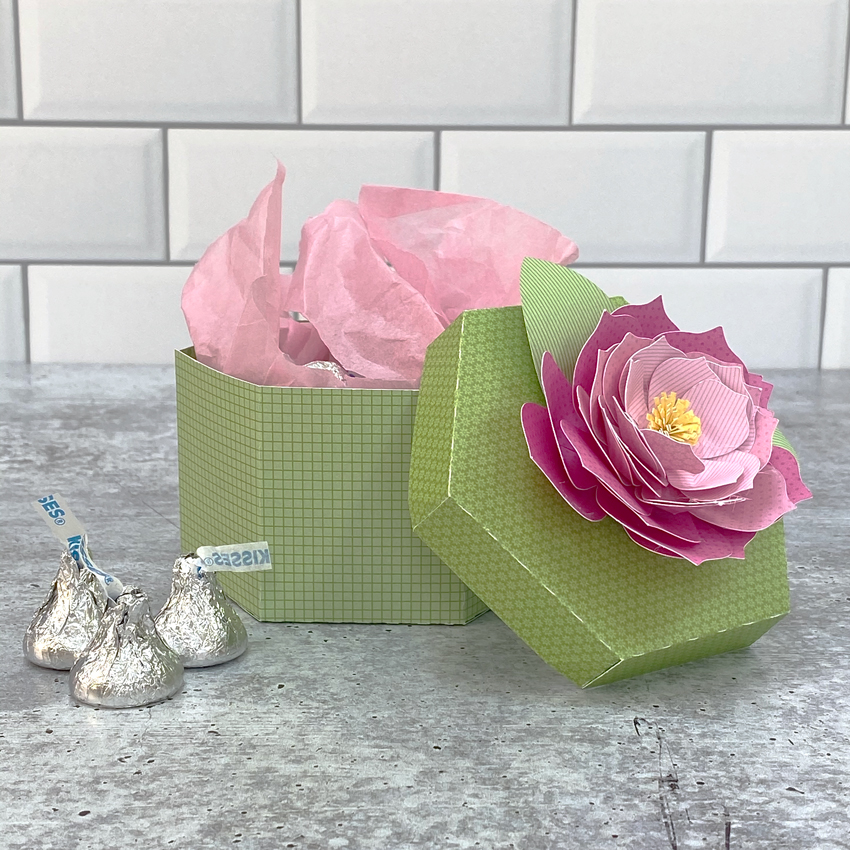
I put together a tutorial showing how to assemble the Dahlia flower.  It takes a little patience, but the results are well worth it!  You can also use this tutorial to assemble the flowers for the Rectangle Box Dahlia (SVG, Silhouette).

  1. The flowers are made up of 12 pieces (6 halves).  Start by curling the petals back on each of the halves.  I used the handle of my spatula, but you could use a pencil or dowel.
  2. There are splits at the bottom of each petal (3 total per half)  For each petal, cross the splits over eachother slighly and glue.  I used hot glue, it made the process go much faster.  You can use regular glue, just make sure to hold the splits in place until they dry.
  3. Overlap and glue the two sides of each flower layer together.  This does not need to be done perfectly, just try to make them relatively even.
  4. Do this for each of the flower layers (6 total).
  5. Stack the layers, largest on the bottom to smallest on top, gluing between the layers.
  6. For the flower center, roll the strip as shown.  Glue the end to hold it in a rolled shape.
  7. Using your fingers, “fluff” out the top strips.
  8. Glue into center of the stacked petals.
  9. Curl the leaves back using a dowel or pencil.  Overlap the split ends and glue.
  10. Glue leaves to bottom of the stacked flower.
  11. For the box base:  Fold all of the score lines in the same direction.  Form the hexagon box gluing the tabs to the bottom piece all around.  Glue the side tab to complete the box.
  12. For the cover, fold the score lines all in the same direction.  Connect the sides of the cover by gluing the triangular tabs as shown.

Finish the box by gluing the dahlia to the top of the box.
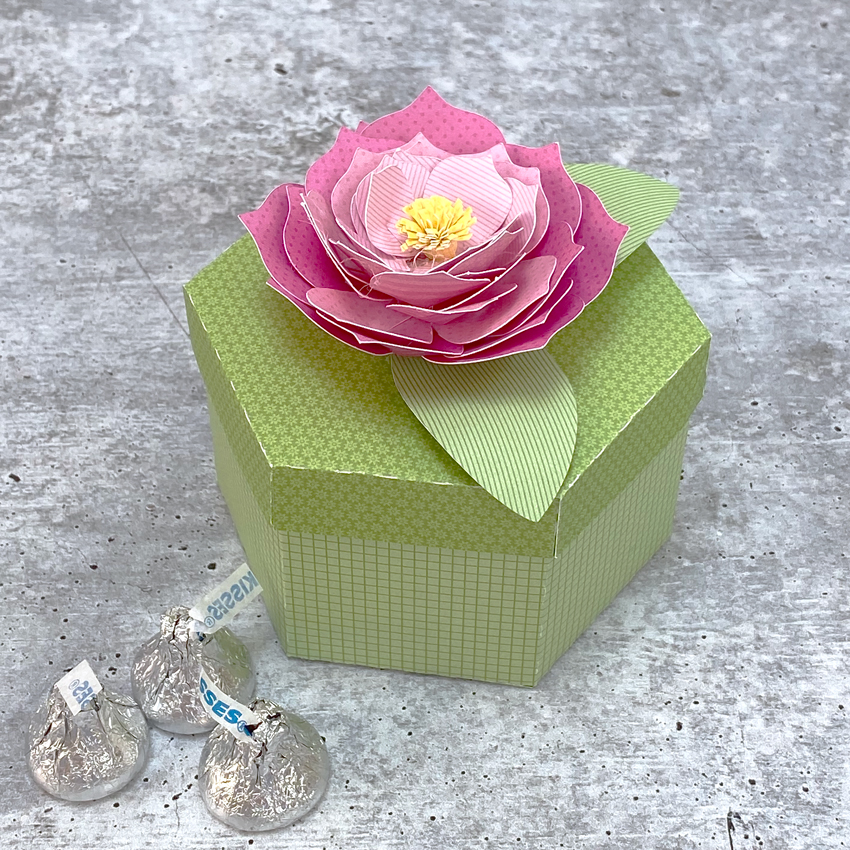
All that is left is to fill the box with a little something! The dahlia does take a little patience, but the results are SO worth it!  That’s it for me today, thanks for stopping by to peek!

BLOG * INSTAGRAM

Fresh Cut Flower Box Cards

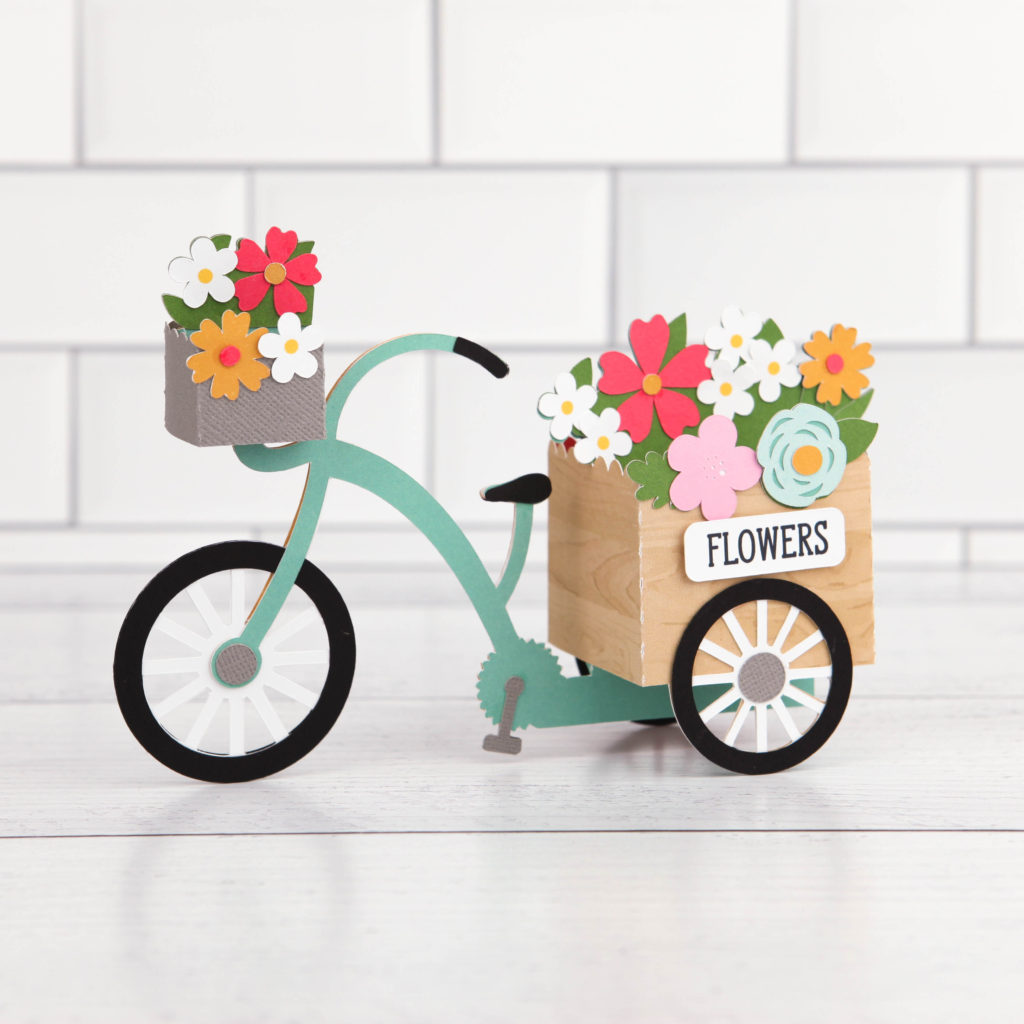
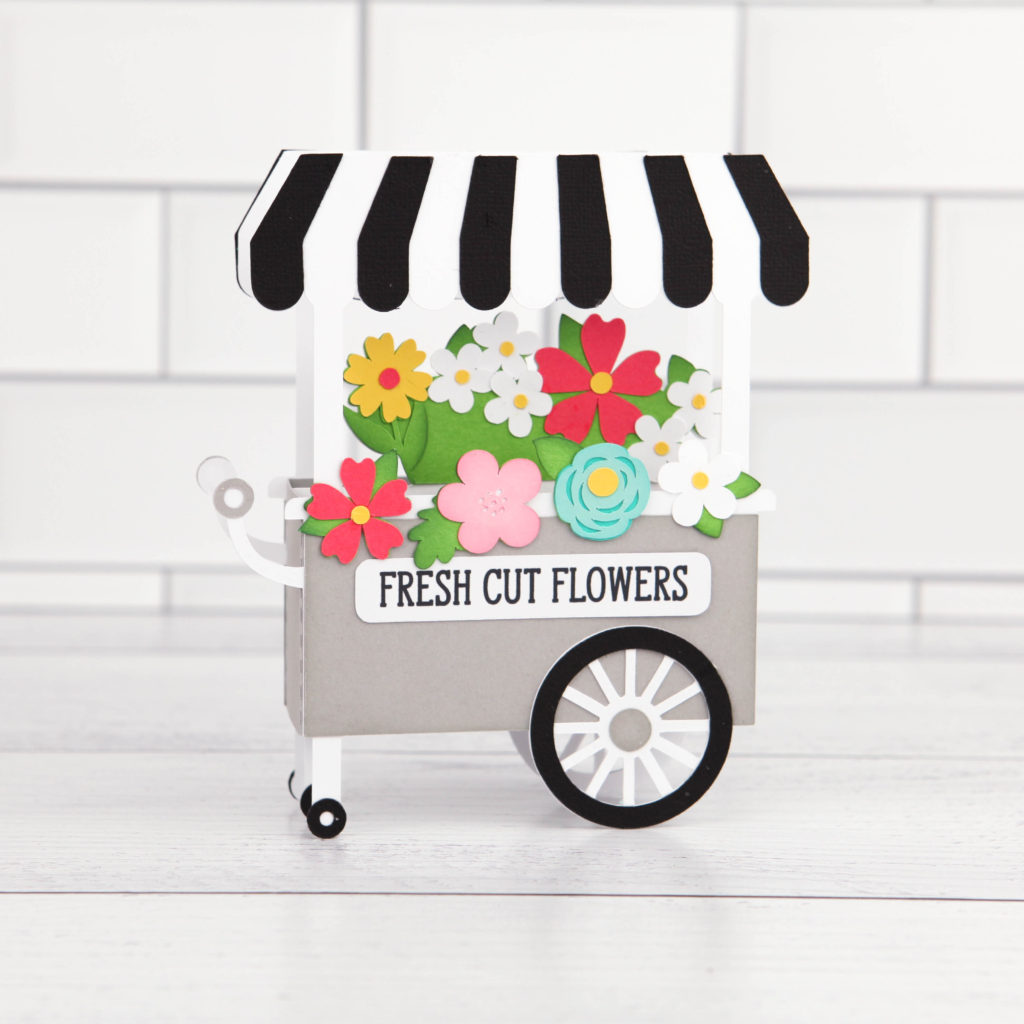
I have two new shaped box cards in my shop this week… they would both be perfect for Mother’s Day!  The new Box Card Fresh Cut Flower Bundle includes these two beauiful cards which are also sold individually in my SVG Shop and the Silhouette Store.

Box Card Flower Tricycle (SVG, Silhouette)

Box Card Flower Cart (SVG, Silhouette )

I  have an assembly tutorial for the Tricycle Card here.

For the Flower Box Card, this Shaped Box Card tutorial gives general assembly instructions for my shaped box cards and will help you to piece it together.

Have a great day!

Accordion Mini-Album with Gusset

Hi there paper crafting friends!  It’s Michelle Starcher, aka the Bookish Designer, popping in on the blog to show you how to create the Accordion Mini-Album with Gusset (SVG, Silhouette)  I used one of  Lori’s newest collections from Echo Park Paper, All Boy, to make this mini-album.   This set is loaded with boyish graphics and sayings, along with a primary color pallet. I used the sports themed papers and stickers from the collection to create the mini-album.

To build the Accordion Mini-Album with Gusset, follow these steps…

Once you have all of the pieces cut, you are ready to assemble the mini-album.  I started with the cover since it was the most straightforward part of building the album. I used double-sided colored cardstock from the All Boy collection for the cover’s base, so I had to decide between orange and navy for the outside cover.  I decided to go with the navy and distressed the edges with a nail file to give the cover more boyish grit.  If you decide to distress the cover of your album, I suggest only sanding the outside edges and not the folds.  When applying the second layer of paper to the cover, be sure to check for the correct orientation, especially if you are using patterned paper.  When the cover is laid out flat, the cover’s flap (orange) should be on the left side as pictured.  Once you are sure you have the correct layout, go ahead and adhere the second layer to the cover.

Next, you are ready to start assembling the inside pieces.  I used three different double-sided patterned papers, so I wanted to make sure I had the correct orientation.  I did a preliminary fold of the pieces using the score lines.  Then I laid out the pieces to see how they would connect.  Of the three pieces, only one doesn’t have a tab and is shorter than the others.  I started with that piece, and connected the other two using the “provided” tabs.  To make sure I had everything connected the way I wanted it, I used paperclips to hold the pieces together.  This allowed me test the connection, layout, and orientation without making anything permanent.

Once I was certain I had the layout of the accordion pieces correctly placed, I used adhesive tape to connect the three pieces.  Next, I added adhesive tape to the bottom layer that would connect the accordion pages to the cover of the mini-album.  At this point, I didn’t actually tape the accordion pages to the cover, but I wanted to make sure I didn’t add pictures/decorate the section that would connect the entire album.  Also, this gave me a chance to make sure I had the right orientation for the inside pages before make the actual connection.  Then, I folded the pages back and forth using the score lines to create the up and down motion of the pages pictured.  I tucked everything inside the front cover and closed it to test the orientation once again.  At this step, I still didn’t connect the inside pages to the cover.  (If you are using solid colored paper, the orientation won’t really matter.  However, all of the patterned papers I used in the album had a specific top and bottom, and I didn’t want to mess up!)

I decided to go ahead and decorate the inside pages before connecting them to the album cover.  To do this, I laid out the accordion and decorated/added photos to each section on one side.  Then I flipped it over and repeated the process.  (Checking for orientation along the way!) Once I was done with the inside pages, I was ready to make the final connection and actually adhere the inside accordion pages to the cover.  This is what the pages look like when connected to the cover from both sides.

I love adding extra dimension to my projects, so I used pop-dots to give some of the elements a little more height.   Thankfully, the pages are designed to allow for extra height and still fold neatly inside the cover.  To hold the cover closed, you can tie a ribbon around the album or use velcro or another type of connector.  I hope that you’ve enjoyed this tutorial as much as I have.  The Accordion Mini-Album with Gusset (SVG, Silhouette) will make a great addition to your SVG library. Happy crafting!

Doodlebug Design Cut File Feature: Bunny Train

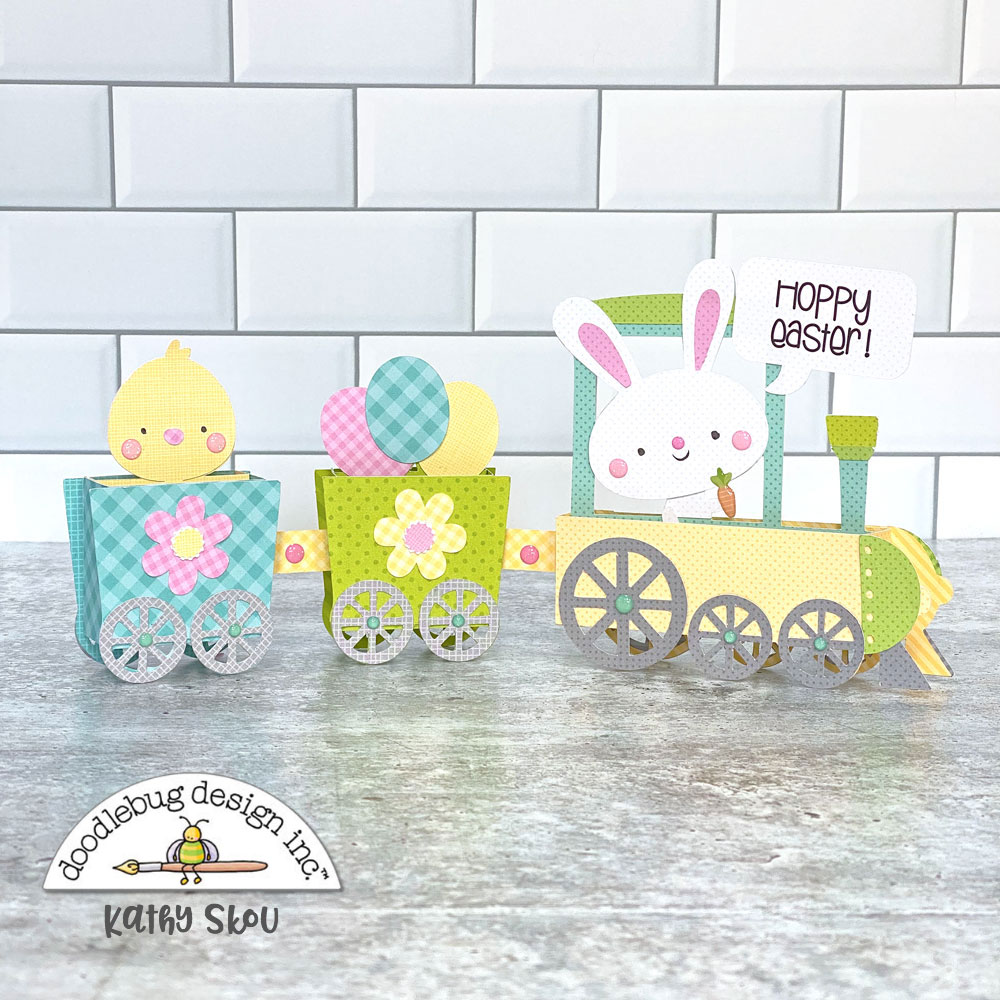
Hi Everyone!  Today I’m showcasing another fabulous project using Doodlebug Design’s cut files!  This combination card & home decor piece was created by Kathy Skou for Doodlebug Design.

Kathy used the Easter Express Train Box Card file which is exclusive to the Lori Whitlock SVG Shop.

For more details and a tutorial,  you can see her original post here.   New Doodlebug Design SVG files are being added to the Lori Whitlock SVG Shop on a regular basis, so stop by to see all of the fun SVG files HERE!

Have a great day!

Iris Shutter Card Tutorial

How are you today? Around the world this week, most of us are working and/or staying at home. Guess what, crafters?  It is time to use your stash!  All those items you have been saving–this is it.  This is the time to use it!!  Lori recently released these fun Iris Cards.  She has 2 video tutorials to help you make them.  This video is the first with paper only, and this tutorial uses mini brads.  The cards are available in the Silhouette Design Store individually and in Lori’s SVG Shop individually and in Bundles.

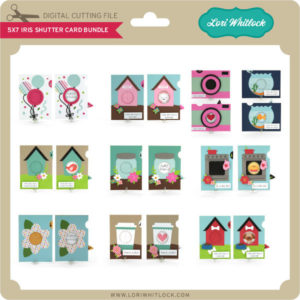
5×7 Iris Shutter Card Bundle
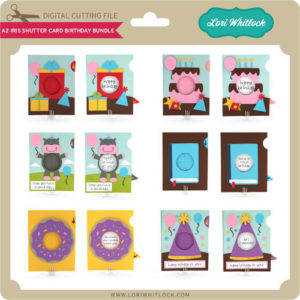
A2 Iris Shutter Card Birthday Bundle

I have made several of these cards, and I just love them.  I’m going to inspire you today with ways you can personalize them.

5×7 Iris Shutter Card Camera: SVG, Silhouette

For this Camera Card, I though it would be so cute to add a picture.  Have you heard of the front porch project?  Photographers that are participating, stop at your house, and take pics of you while staying at least 6 feet away.  This would be a great way to send a pic to a loved one.  To do this in Cricut Design Space:

1. Open the Camera Card File

2. Ungroup the card pieces

3. Draw a circle that is 2.36″ using the shapes tool.

4. Upload a photo, and select your preferred image type option, click continue then save as print then cut image.  Insert this image onto the mat with your circle.

5. Resize your photo to fit the 2.36 circle.

6. Layer the circle on top of the photo.  Make sure the circle doesn’t hang off any edge of the picture.

7. Select both the photo and circle, right mouse click and select slice.

8. Delete the part of the picture you don’t need as well as the circle you drew.

9. Layer the photo over the heart and starburst on the card base.  Once it is lined up, delete the heart and starburst.

10. Select the photo circle and the rectangular white card, and select flatten.

11. Don’t forget to flatten the sentiments as well.

Now print then cut your photo and sentiments and cut all the other pieces of the card to assemble.


Here are some of the other iris cards that I have made:

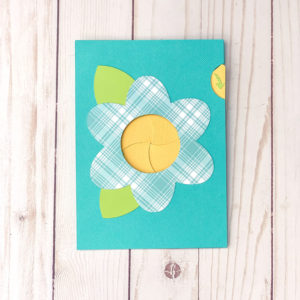
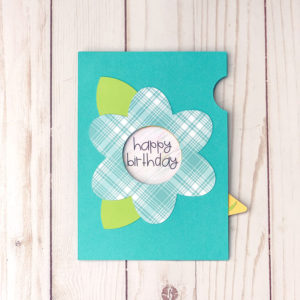
5×7 Iris Shutter Card Flower SVG, Silhouette

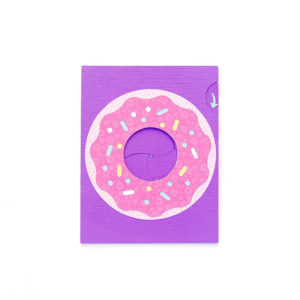
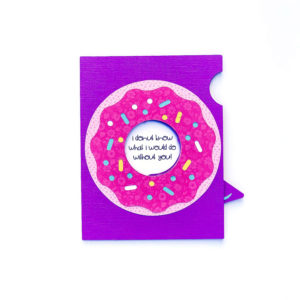
A2 Iris Shutter Card Birthday Donut  SVG, Silhouette

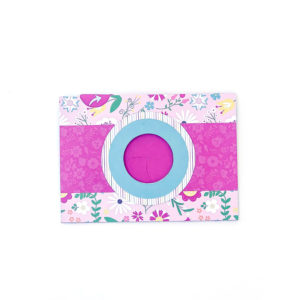
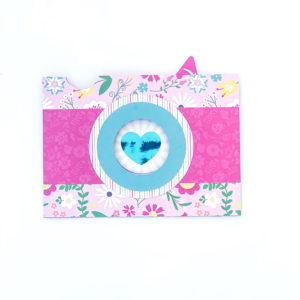
5×7 Iris Shutter Card Camera: SVG, Silhouette

This one has a foiled heart.  I changed the red heart to black before I printed with my laser printer, then foiled it. These cards are so fun.  Personalize them, and send them off.

Enjoy crafting!

Ashley