Box Card Christmas Sleigh Tutorial


Hi Everyone:

Anita here with a fun and easy tutorial to make this adorable Box Card Christmas Sleigh.  You can find the SVG file for this card here in Lori’s store and  here in the Silhouette Design store.  I pieced it together using Lori’s Echo Park line called  A Lumberjack Christmas.

Here are the pieces that you will cut out to make your box card.  Just a note, if you are using two sided paper, then you are going to want to reverse the design of the sleigh part that is in the top left corner.  It goes inside your sleigh on the back piece and you will want it to be the color of your sleigh.


Start by gluing the Santa, Santa’s Bag and sleigh embellishments to their base pieces.

First you want to assemble the sleigh.  It is formed using the 2 sleigh shaped pieces and the rectangle piece.  Fold along all the score lines.  Attach the front of the sleigh (the longer piece with the snowflakes ) to the back of the sleigh using the tab.  Then add the rectangle to be the front of the sleigh and glue to both sides to complete your “box”.


You then want to add your inserts.  Fold the tabs on all the inserts backward, then add adhesive to the outside of the tab.  Slide them in in order…They are numbered along their glue tabs.  The number one (santa) goes in front.  Slide it in to the sleigh box towards the front of the sleigh, ( about 1/3 of the way into the box) and press the tabs to the sides of the sleigh to adhere.   Next, slide the Santa Bag tab in behind the santa tab about the same distance.  You want the inserts to be approximately equal distance from each other and the sides of the sled.  You are done and have a lovely card which folds flat for mailing.  Thanks for looking and have a great day.

Hugs,

Anita
A New 3D Snow Globe Card Bundle!

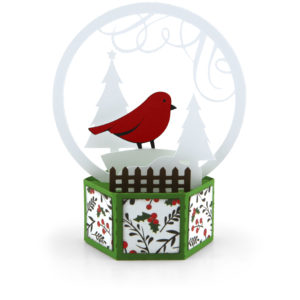
The 3D Snow Globe Cards were so popular last week, that I have a new bundle of them this week!  These cards are also available individually in my SVG Shop and have been submitted to the Silhouette Store as well.  Take a peek at the new designs!

3D Snow Globe Card Bird (SVG, Silhouette – coming soon)
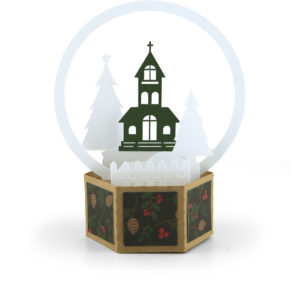
3D Snow Globe Card Church (SVG, Silhouette – coming soon)
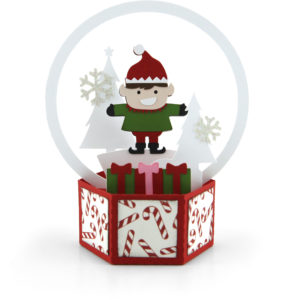
3D Snow Globe Card Elf (SVG, Silhouette – coming soon)


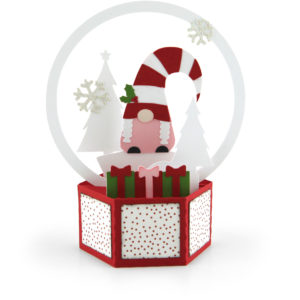
3D Snow Globe Card Gnome Girl (SVG, Silhouette – coming soon)
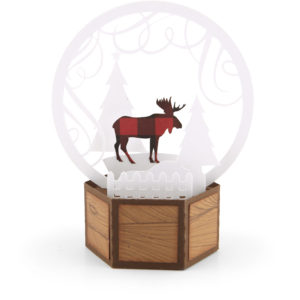
3D Snow Globe Card Moose (SVG, Silhouette – coming soon)
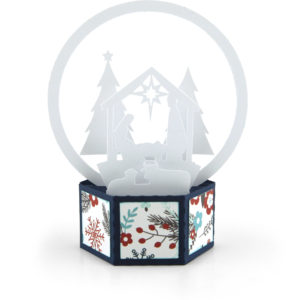
3D Snow Globe Card Nativity (SVG, Silhouette – coming soon)

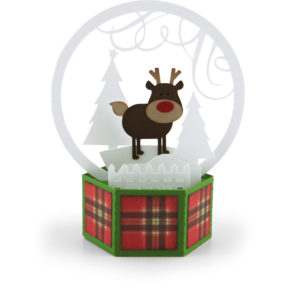
3D Snow Globe Card Rudolph(SVG, Silhouette – coming soon)
3D Snow Globe Card Santa Legs (SVG, Silhouette – coming soon)
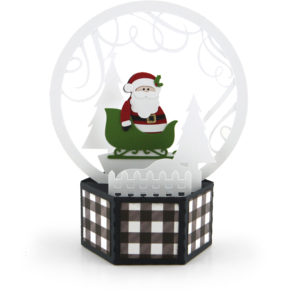
3D Snow Globe Card Santa Sleigh (SVG, Silhouette – coming soon)

I have an assembly for these fun cards on my YouTube Channel here.

You can get these cards and all other SVGs and Fonts 30% off through Saturday, November 14th when you use code NOV2020 at checkout!

Don’t miss out, sale ends Saturday!

Have a great day!

Christmas Countdown Step Card Tutorial

Christmas will be here before we know it.  To help count the days, I created this fun little Christmas Countdown Step Card (SVG, Silhouette ) for Lori, and it was released this week!  It’s such a fun card… you can make one for yourself, or mail one off (I recommend a 5×7 padded envelope) to someone special!  I pieced this one together using A Lumberjack Christmas from Echo Park Paper.  I put together an assembly tutorial below.

For the base of this card, you want to make sure you are using a good at least 80lb cardstock so it will retain it’s shape.

  1.  Start by cutting out your pieces.  The numbers and “days” until were done using the print and cut function of my cutter.  If you need help with that, we have a tutorial for Silhouette here and Cricut here.  I pieced together the Santa, Tree, presents and mouse.  I added some enamel dots to my tree for “ornaments.”  In addition to the file pieces you will need a mini clothespin.
  2. Fold the card base into the step card.  This picture shows the folds.
  3. Add the decorative panels to the card as shown, then the “days until” piece.
  4. Fold the pocket piece and glue.  Adhere to the back of the card.  This pocket holds the extra day numbers when not in use.
  5. Glue the Santa and tree to their steps as shown.  Be sure to only add adhesive to the parts that will be glued to the steps, nothing above the step “peak.”
  6. Add the Christmas word and mouse with present to the bottom front.
  7. Add the mini clothespin to the top center of the “days until” piece.  Make sure it doesn’t stick up higher than the peak.
  8. To clip the numbers, overlap them a bit, and secure in the clip

Now you’re ready for the countdown!  If you make one of these, please be sure to tag Lori Whitlock on Facebook and Instagram.  We always love to see your creations!  That’s it for me today, thanks for stopping by to peek!

BLOG * INSTAGRAM

Fox Tuxedo Box Card Tutorial

Hi there friends! Brandie here sharing an assembly tutorial for the Tuxedo Box Cards (SVG Bundle). I made the Tuxedo Box Card Fox (SVGSilhouette). I love this fun twist on the standard box card.

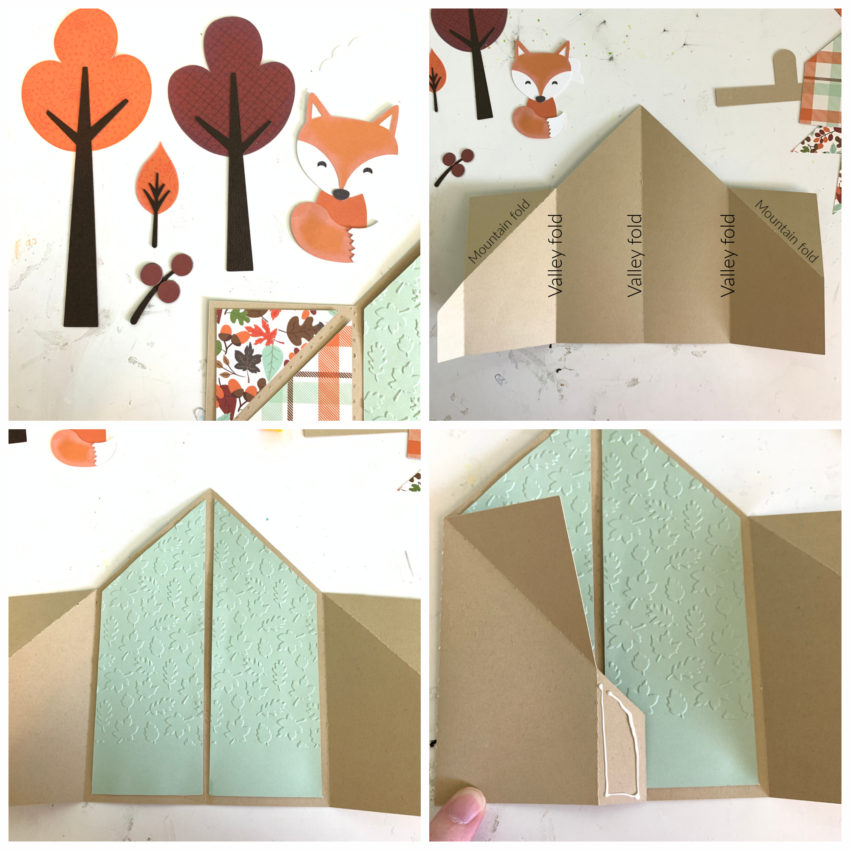
First assemble the decorative elements. Two trees, a fox, leaf, and berries. Then fold the card base on the score lines. Most of the score lines are valley folds. The two mountain folds are for the flaps. Next glue in the inside decorative panels. I ran my inside panels through a Fall leaf embossing folder. Once the panels are secure fold the left side over and add glue to the outside of the tab and fold right side over and press and hold until glue is set.

Then glue the outside decorative panels in place. Fold down the flaps and glue those panels in place. For the insert that the fox is glued on fold the tabs in and apply glue to the outside of the tabs.

While the card is laying flat slide the insert into the card base while holding the glue tab down lining it up to the center fold line. Press down on the card where the tabs are to help secure them. The tabs will be glued to the inside front of the card base. When the card is standing upright the inside tab forms a u shape. Glue the fox into place on the center of the tab. Then glue in the trees and cloud and decorate the front of the box with remaining elements.

I used papers and a couple of stickers from the My Favorite Fall collection by Echo Park Paper.

That’s it for me today! Thanks for stopping by.
Brandie

Sticky Note Calendar 2021 Tutorial

Hi there paper crafting friends!  It’s Michelle Starcher, aka the Bookish Designer, popping in on the blog to walk you through the steps to create Lori’s Sticky Note Calendar 2021  (SVGSilhouette- coming soon). In this photo tutorial, I will break down the steps to create this super cute project to keep you on track in 2021.  I used papers from the Magical Adventure collection from Echo Park Paper Co.  The calendar goes perfectly with the organizers I made a few weeks ago.

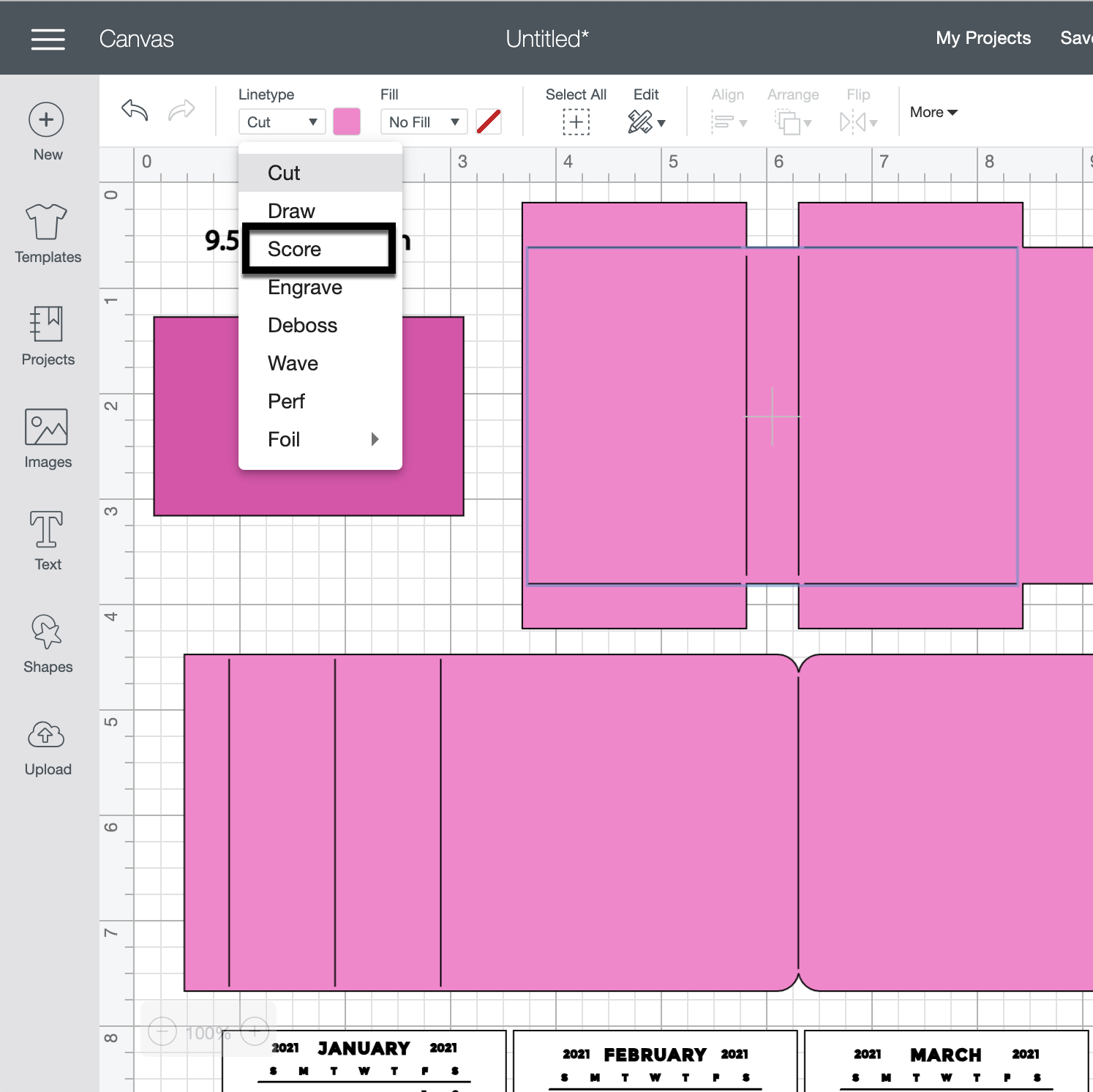
After uploading the SVG file to the Cricut Design Studio, I needed to make a few changes, so that it would cut correctly with my Cricut Maker. Below you will find the steps I took to prepare the file for cutting.  I opened the “solid” version of the SVG in Cricut so I could use my score tool.

Ungroup the SVG file.  Change the Linetype of the fold lines on the calendar base and sticky note holder to score marks. Attach the score lines to calendar base and sticky note holder pieces.  For help on this process, see this video on Lori’s YouTube Channel.

Next, change the Fill calendar pieces to Print.  You can save yourself some time by holding the control (PC) or command (Mac) key and clicking each month’s calendar.  Then change the Fill to Print for all 12 months at the same time.

The final step is to Flatten each calendar piece to the white rectangle below.  Unfortunately, you will need to do this 12 times.  Don’t forget to hide or delete the size note (9.5343 in =width).

You are ready to print and cut your project pieces.  Toggle off the Add Bleed option in the print window.  It will be grayed out when in the off position.  When I sent mine to the printer, it printed both pages.  After printing, it was time to cut all the pieces using my Cricut Maker.

After cutting all of the project pieces, I folded all the pieces with score marks and added adhesive to the joining tabs.

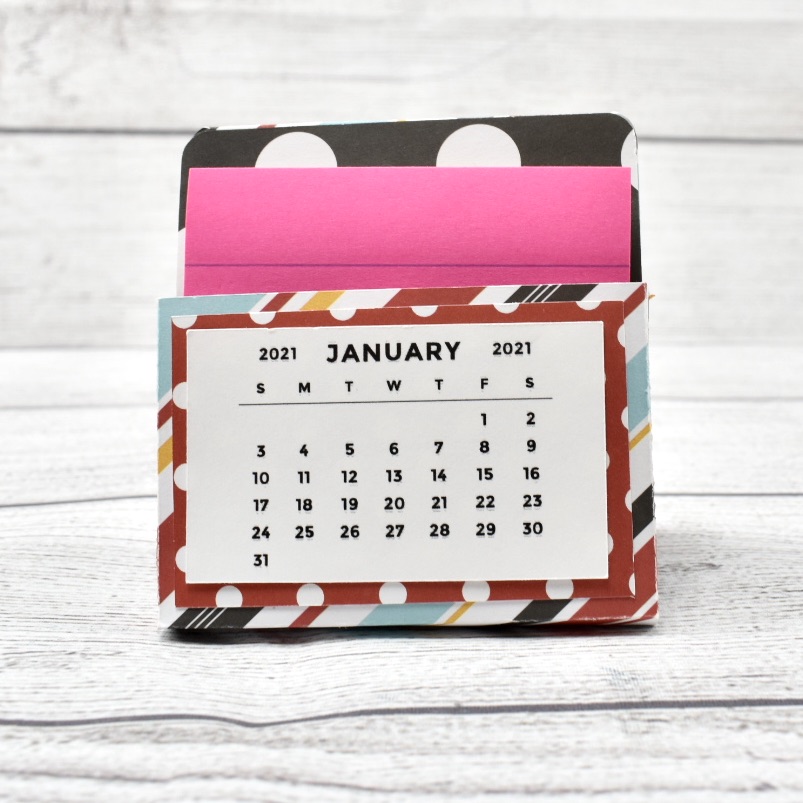
Then I adhered the calendar back (the red polka dot piece) to the front of the sticky note holder and added adhesive tape to the back of the sticky note holder.  Next, I assembled the stand and attached the sticky note holder to the stand.


I chose to attach the January 2021 calendar piece to the front of the sticky not holder and tucked the rest of the pieces behind my sticky notes.  I will add the new months to the front of the sticky note holder as the year progresses.  You can also staple the months together in a stack and add as a group to the front.


I hope you enjoyed making the Sticky Note Calendar 2021  (SVGSilhouette) as much as I did! Looking forward to 2021 and using my sticky note calendar.

Until next time,

Michelle