First of all I would like to send a shout out and big congrats to our Cameo winner Tina Keller. Please send your address to info@loriwhitlock.com so we can get a machine sent to you. Now back to Traci’s awesome project.
Hugs and Kisses Valentine Set with Glitter Tutorial
Hi everyone! It’s Traci here to share an easy tutorial for using Silhouette’s double-sided adhesive.
This material is fun to play with and makes adding glitter, flocking powder, embossing powder or other decorative materials
to your project quick and easy.
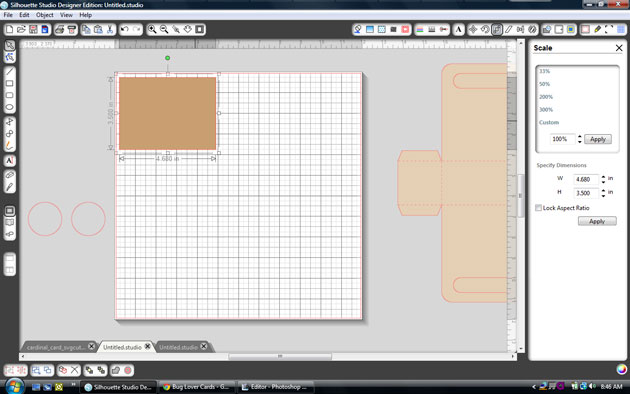
I wanted to make a Valentine gift set with glitter so I started with the shape that I wanted to have glitter on. I chose one of
Lori’s cute new heart designs and resized it to fit my card front.
Next, I opened my Cut Settings window and changed the setting to Double-Sided Adhesive, changed the paper size to
8 1/2 x 11 in page settings, loaded the adhesive into my CAMEO, and hit cut.

After cutting out the adhesive material, I set that aside so that I could cut a white background heart to apply
the double-sided adhesive to. I could have just applied the shape directly to my card, but I wanted the heart to
pop up from the card with foam tape, so I needed a background. I wanted the background to be solid, so
I needed to remove the lines. To do this, I had to release the compound path by right-clicking and choosing
Release Compound Path.

Now I was able to go in and delete the striped areas of the shape and cut out a simple white heart background.
Before cutting, I made sure to go back into cut settings and change the setting to cardstock.

Now that I had two hearts cut out, I just needed to peel the yellow backing off of the double-sided adhesive and
apply the striped heart to my white card stock background shape.

Next, I carefully peeled off the top white layer of the double-sided adhesive and applied red glitter. I wanted to
make sure it was covered well, so I pressed the glitter down onto the adhesive before shaking off the excess.

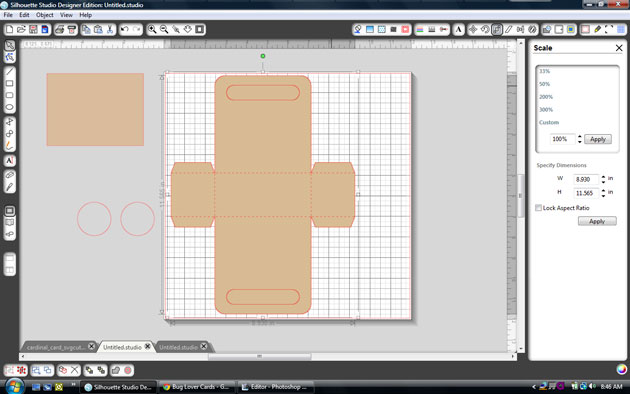
I repeated these steps for the glitter word “Kisses” on my treat bag topper too. In order to have space for
“Kisses”, I deleted the heart that comes on Lori’s cute purse treat bag topper. I also created two internal offsets
for the front of this piece so that I could layer matching papers to the front.

I love Lori’s “Hugs” and “Kisses” files and thought they made a cute Valentine gift set when used together!


Hope you have fun playing with the double-sided adhesive!
Sending lots of hugs and kisses to all of Lori’s fans,
Lori’s Shapes: