Gaming Remote Mini Album

Hi crafty friends! I’m excited to be sharing my latest project tutorial!  I used Lori’s Pop Up Video Game Card to create a mini album in the shape of a gaming controller. This unique little scrapbook is perfect for photos of gaming with friends, a birthday party, or everyday pictures of your little gamer. 

Game Controller Shaped Scrapbook Mini Album

I started with the cutting file called 5×7 Pop Up Card Father’s Day Video Game (SVG, Silhouette).

5x7 Pop Up Card Father's Day Video Game

This card is so adorable! I only used the game controller part to create my album but I’ll definitely use the entire card file again sometime.  

Let’s take a look at some of the pages, then I’ll explain exactly how I made it.

Game Controller Shaped Scrapbook Album Page with polka dots and enamel dots

Game Controller Shaped Scrapbook Album Page with a television, stars, and a gingham paper

Game Controller Shaped Scrapbook Album Page with baseball hats and a geometric green paper

Game Controller Shaped Scrapbook Album Page with a polka dot paper and directional arrow buttons
Game Controller Shaped Scrapbook Album Page with 2 photo mats and enamel dots

It’s fun, right? Ok, now for the tutorial … 

1.  I brought the card into my Silhouette software and ungrouped all of the pieces.  

2.  I kept only the game controller and hit ungroup again so that I could separate the pieces.  

3. With the pieces separated, I duplicated the base shape to create a front and back cover.  Since I only wanted the game buttons on the front cover, I released the compound path. 

4. I deleted the buttons from one of the base shapes.  

5. Now I added a .25” binding hole to the corner and hit “make compound path”.  

6.  Once I had my front and back covers, I cut the colored buttons out and adhered everything together.

Game Controller Shaped Scrapbook Album sitting on a clear acrylic display stand

Now you have a fun mini album that looks great sitting out in a kids room, dad’s office, or a college student’s apartment. Lori has so many great SVG files and I hope you’ll give her 5×7 Pop Up Card Father’s Day Video Game a try.


A2 Santa Claus Card

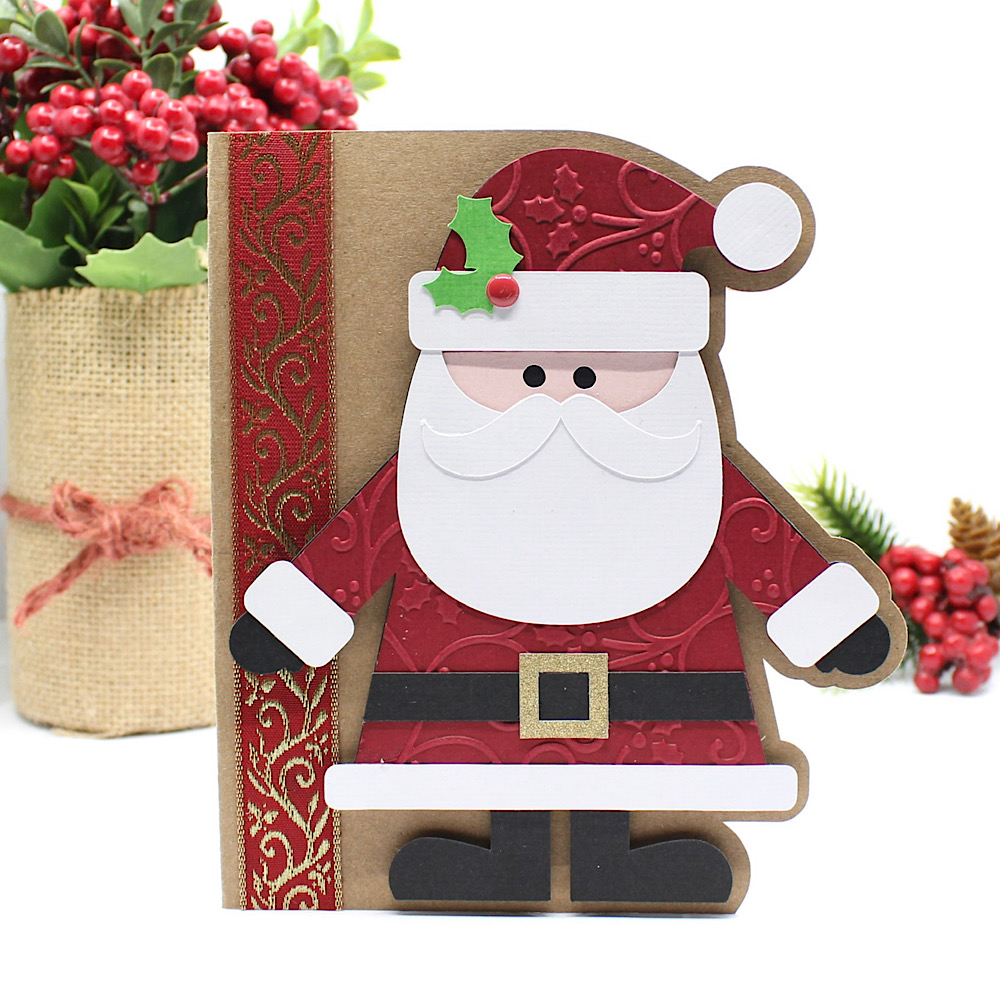
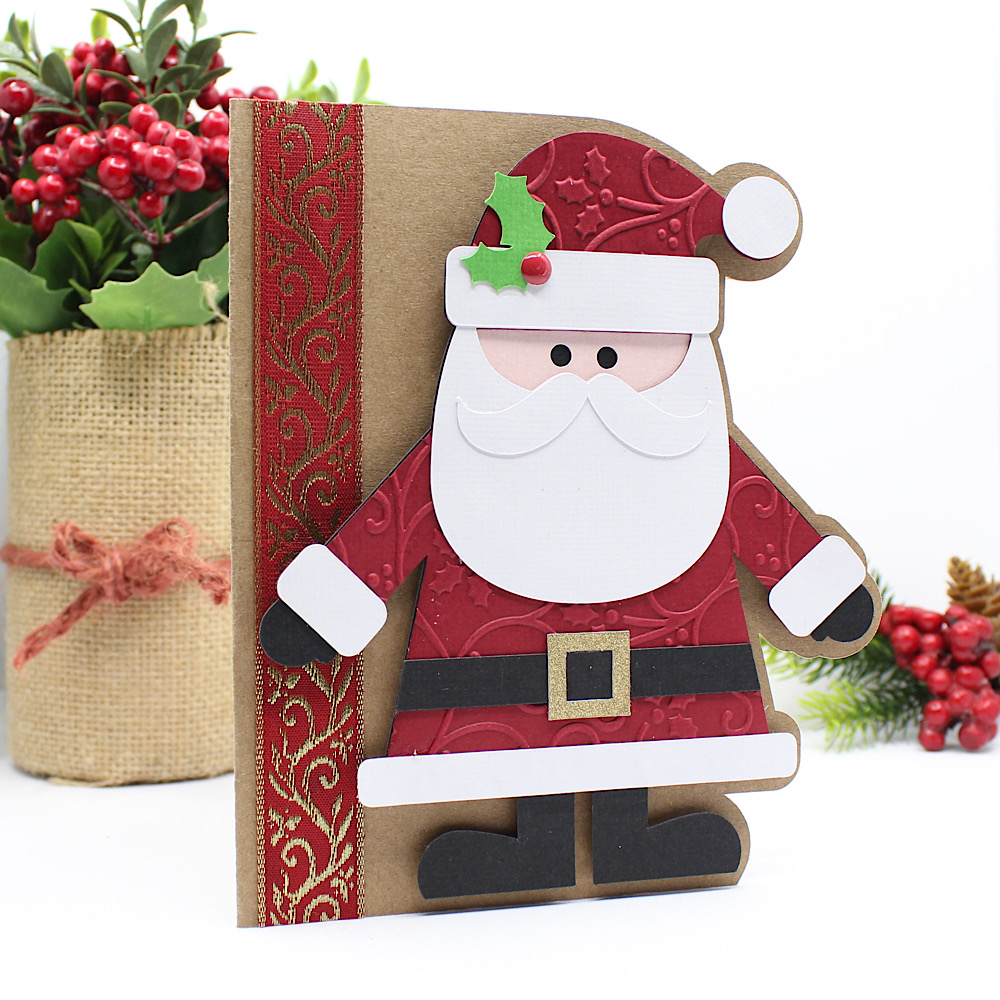
Hello crafty friends, Noelene here today! I want to share with you a cute Christmas card from the Lori Whitlock file called A2 Santa Claus Card ( SVG, Silhouette). This is such a cute fun card to make.
Once I cut all my pieces I embellished the red layer (including his hat and suit) with a Christmas holly swirl embossing folder. This was a simple step, but effective I think. Then I glued my pieces in place. I cut a strip of gold & red Christmas ribbon & glued it down onto the base of my card. Lastly, I glued everything into place, and used foam squares to pop Santa up for some fun dimension.

For more inspiration, check out my Instagram!

Thanks for stopping by!
Hugs,
Noelene 🙂

3D Pocket Explosion Box Tutorial

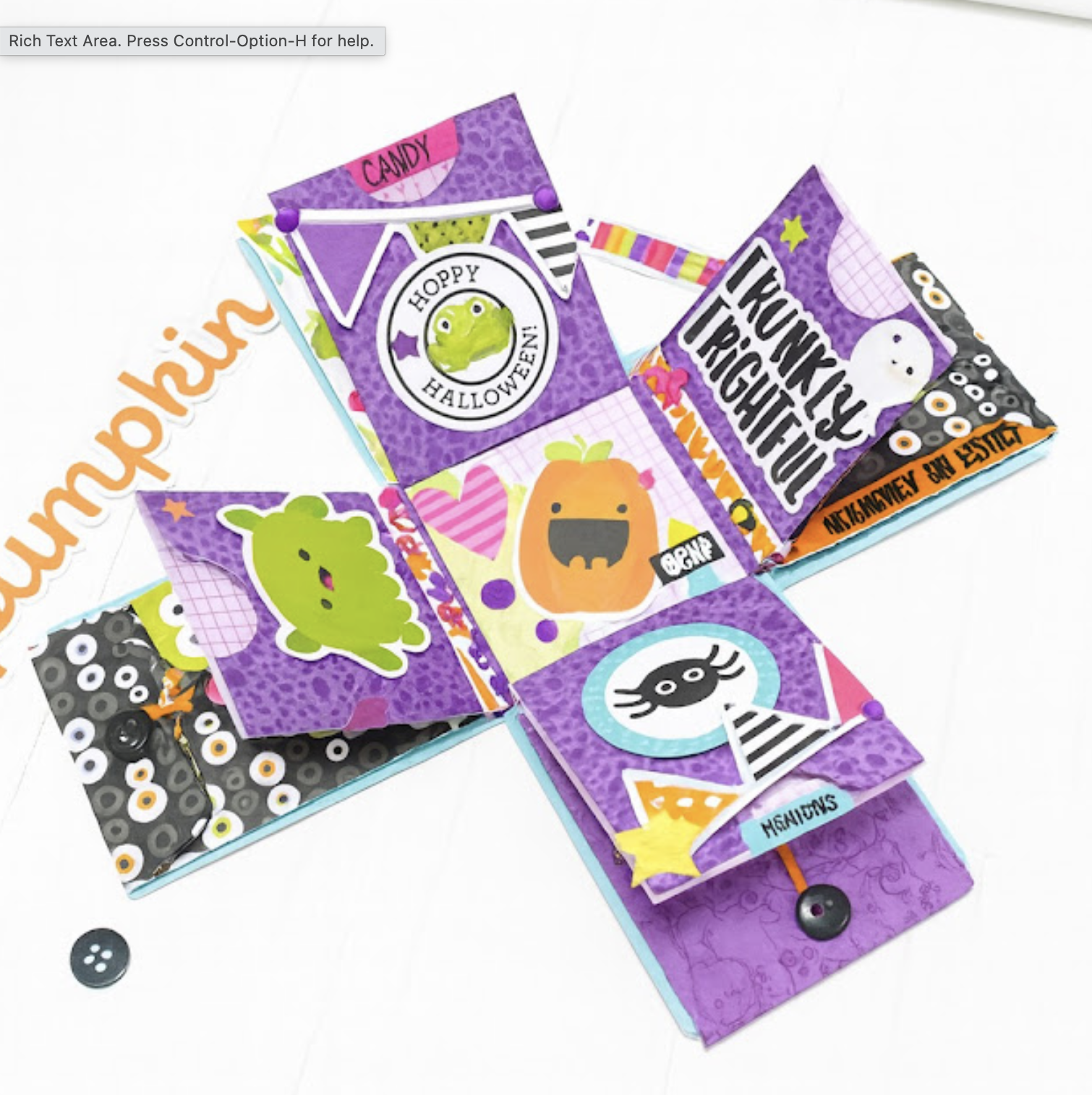
Happy almost Halloween, everyone!  Yes, my very favorite time of the year to create. Today I’m sharing a fun tutorial for one of Lori’s adorable designs — the Pocket Explosion Box (SVG, Silhouette)  I love how quickly and easily this project comes together.

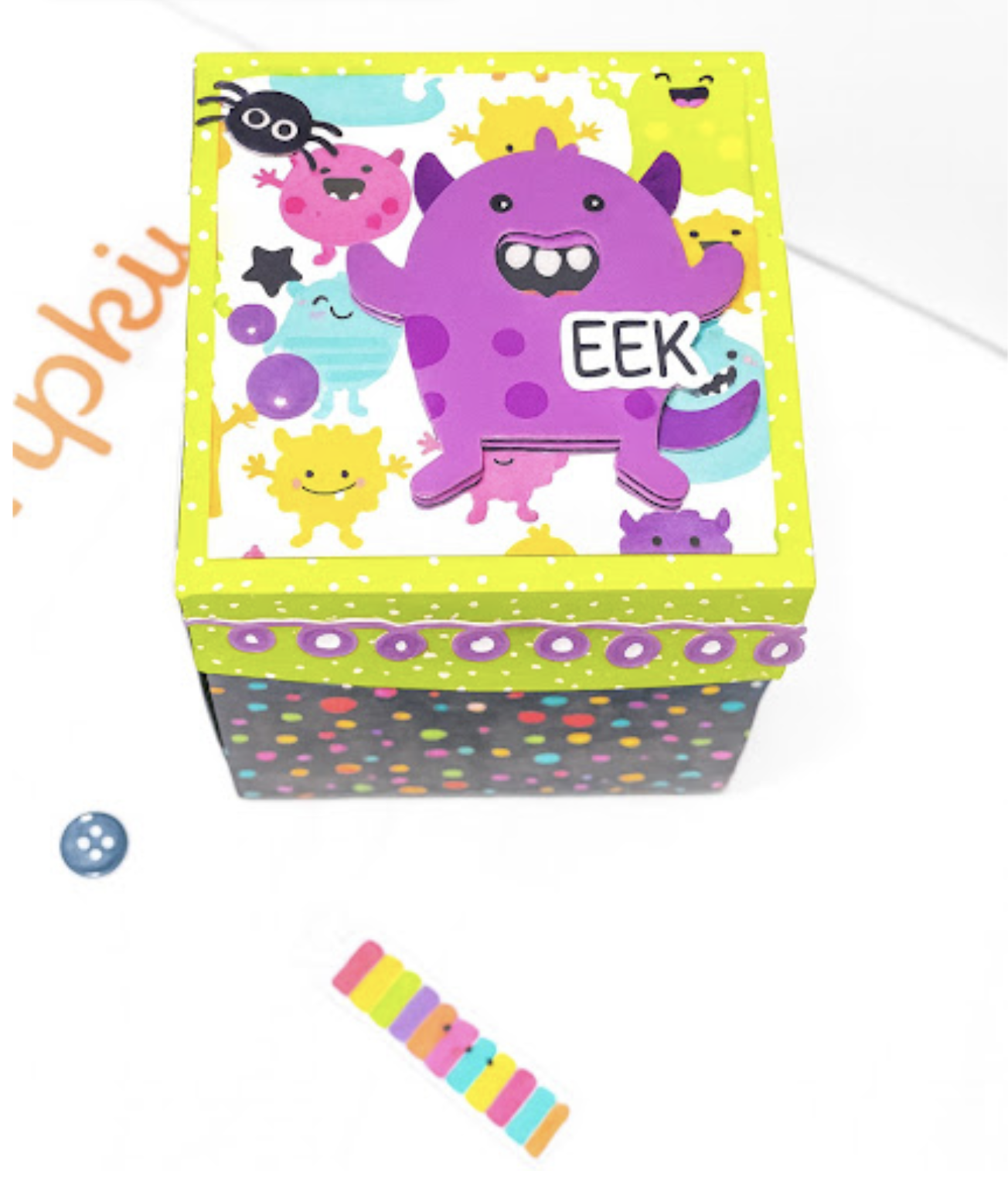
EEEEK!  It’s so cute!
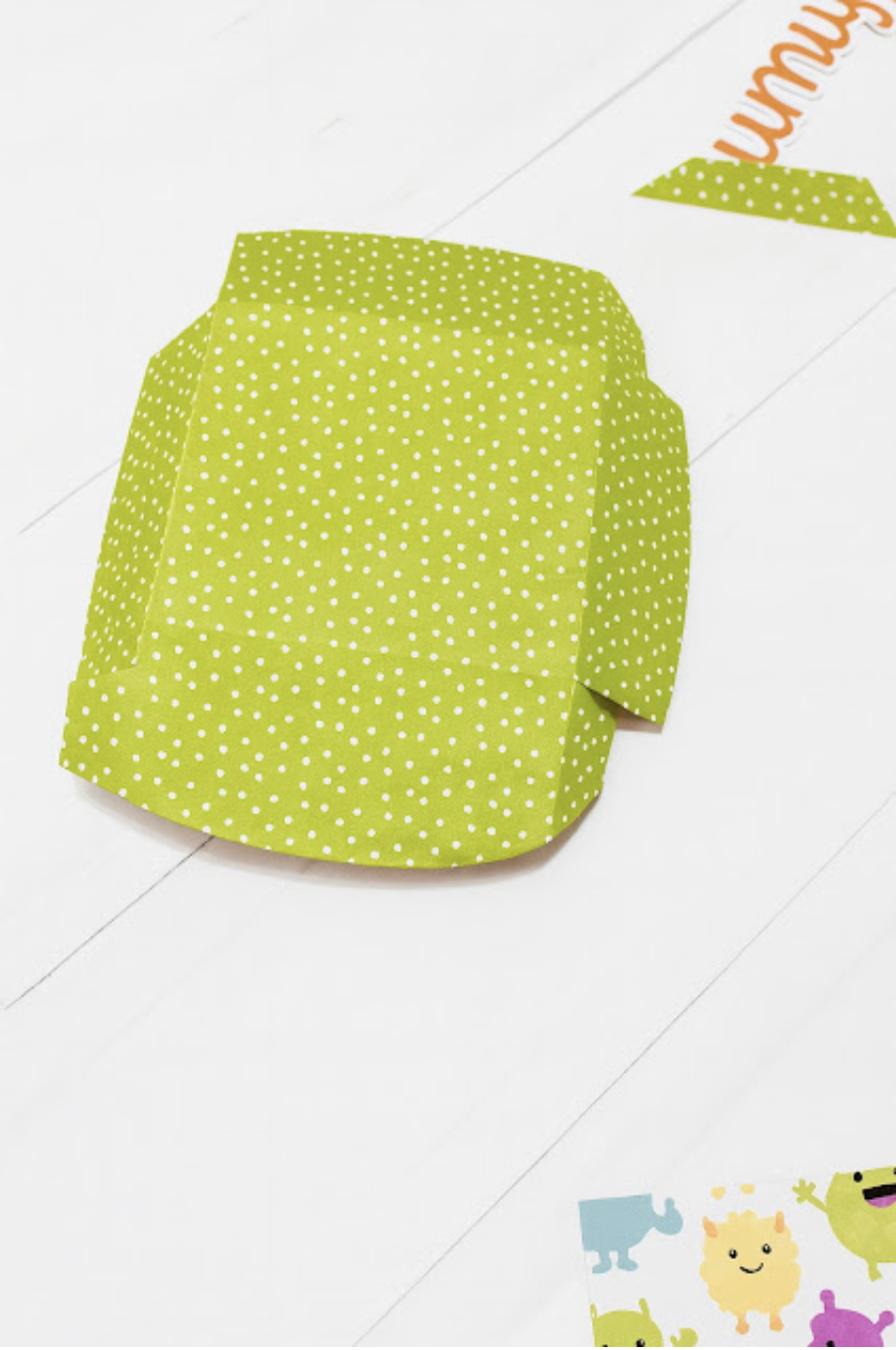
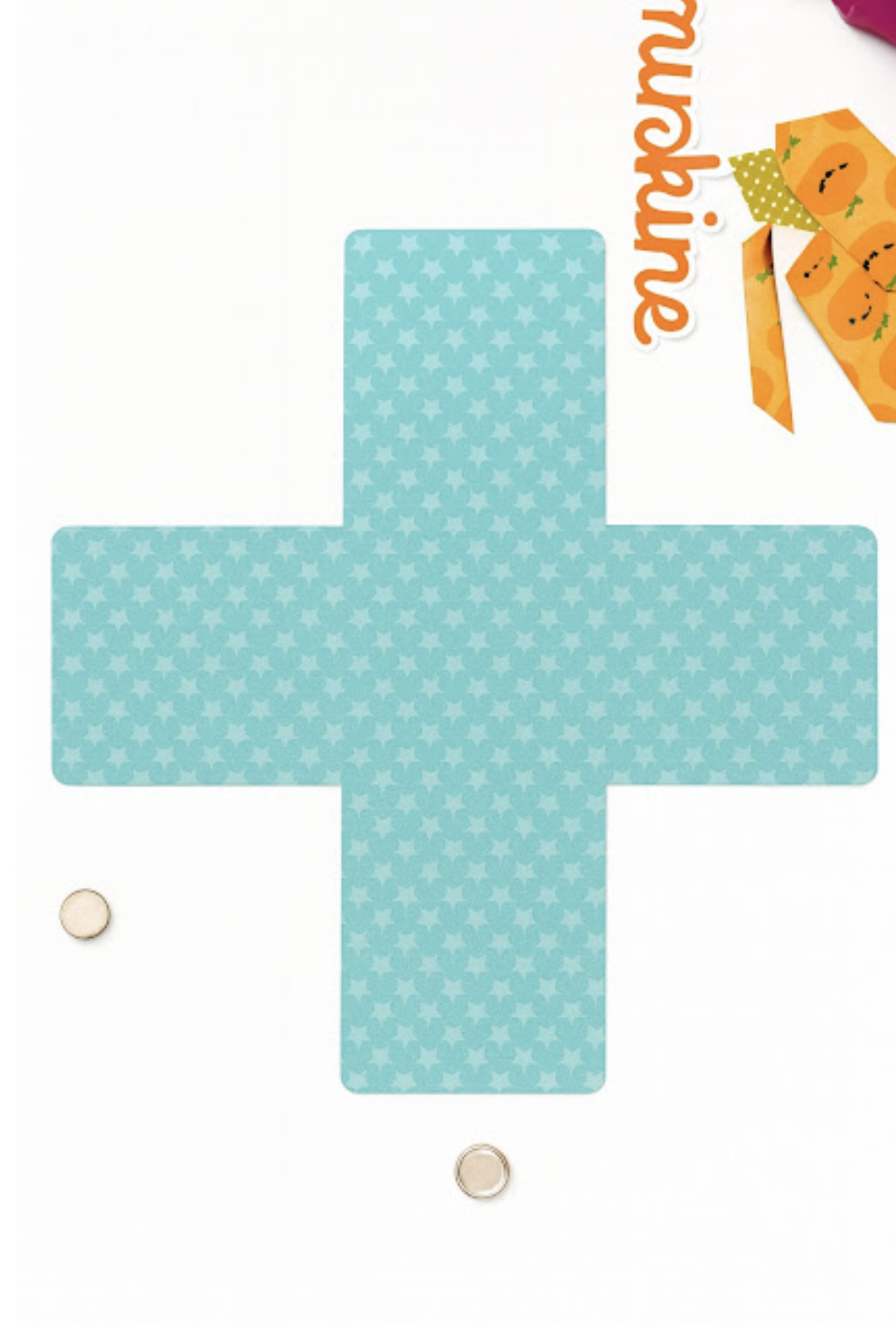
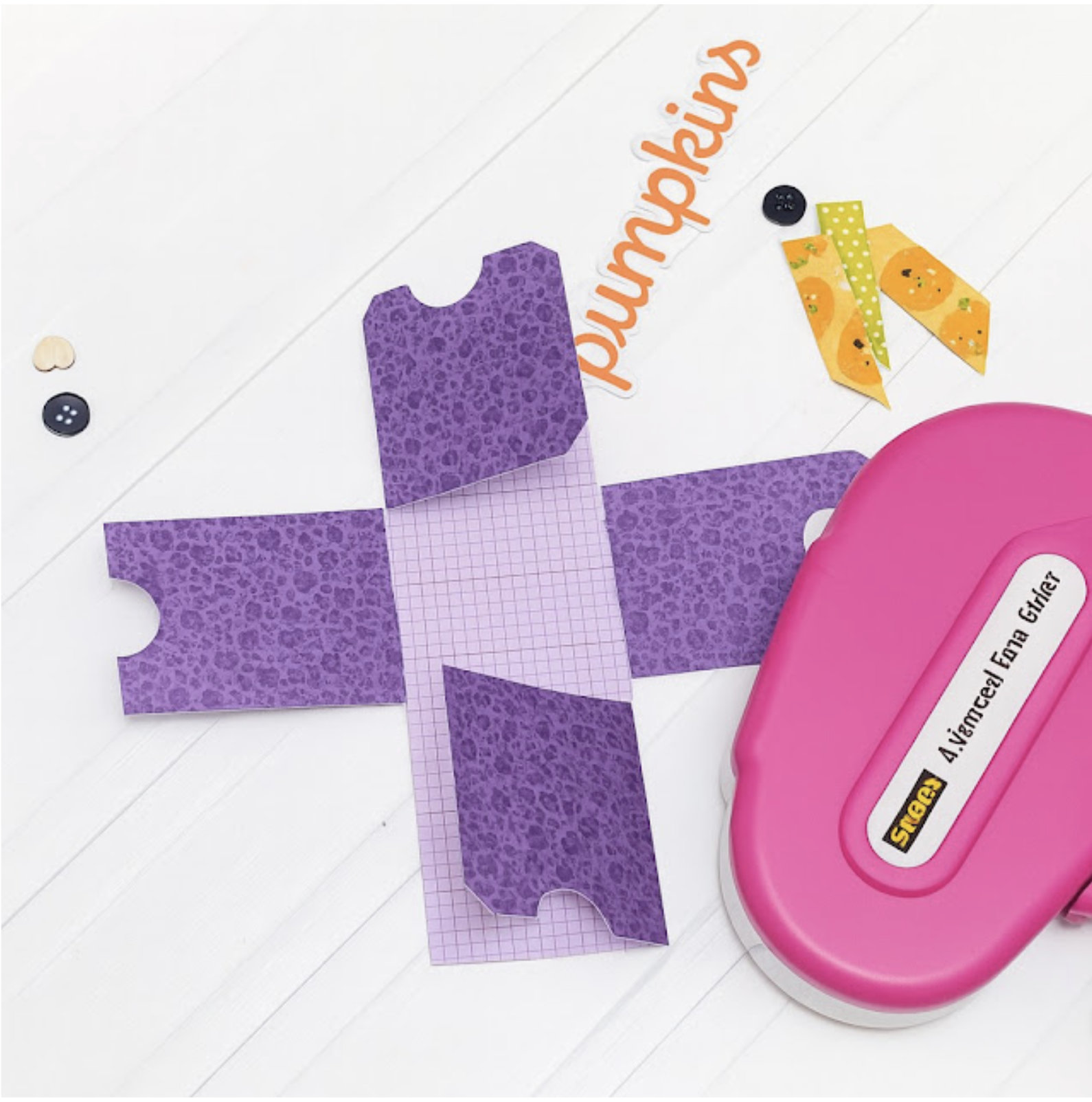
First, start with cutting all your pieces.  Here is the outside of the box and the lid.
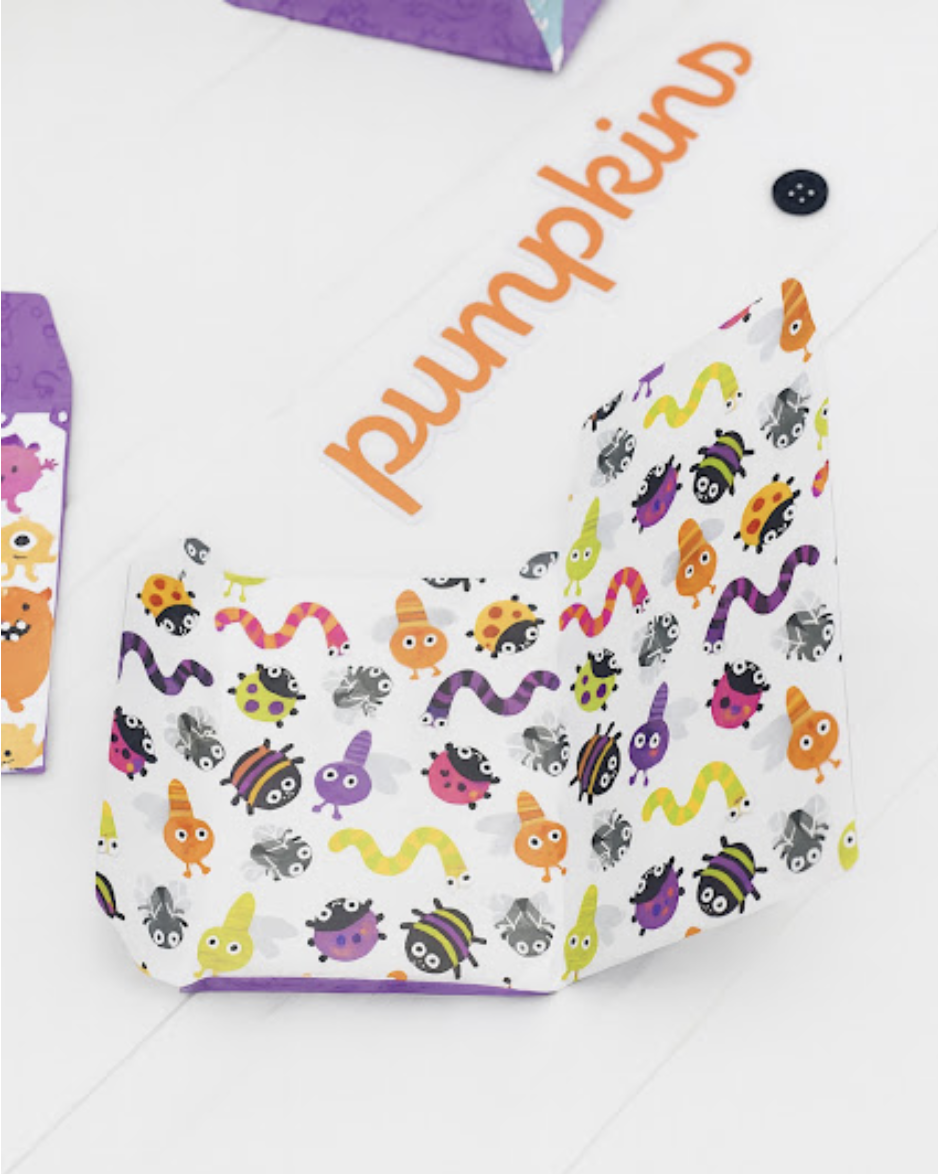
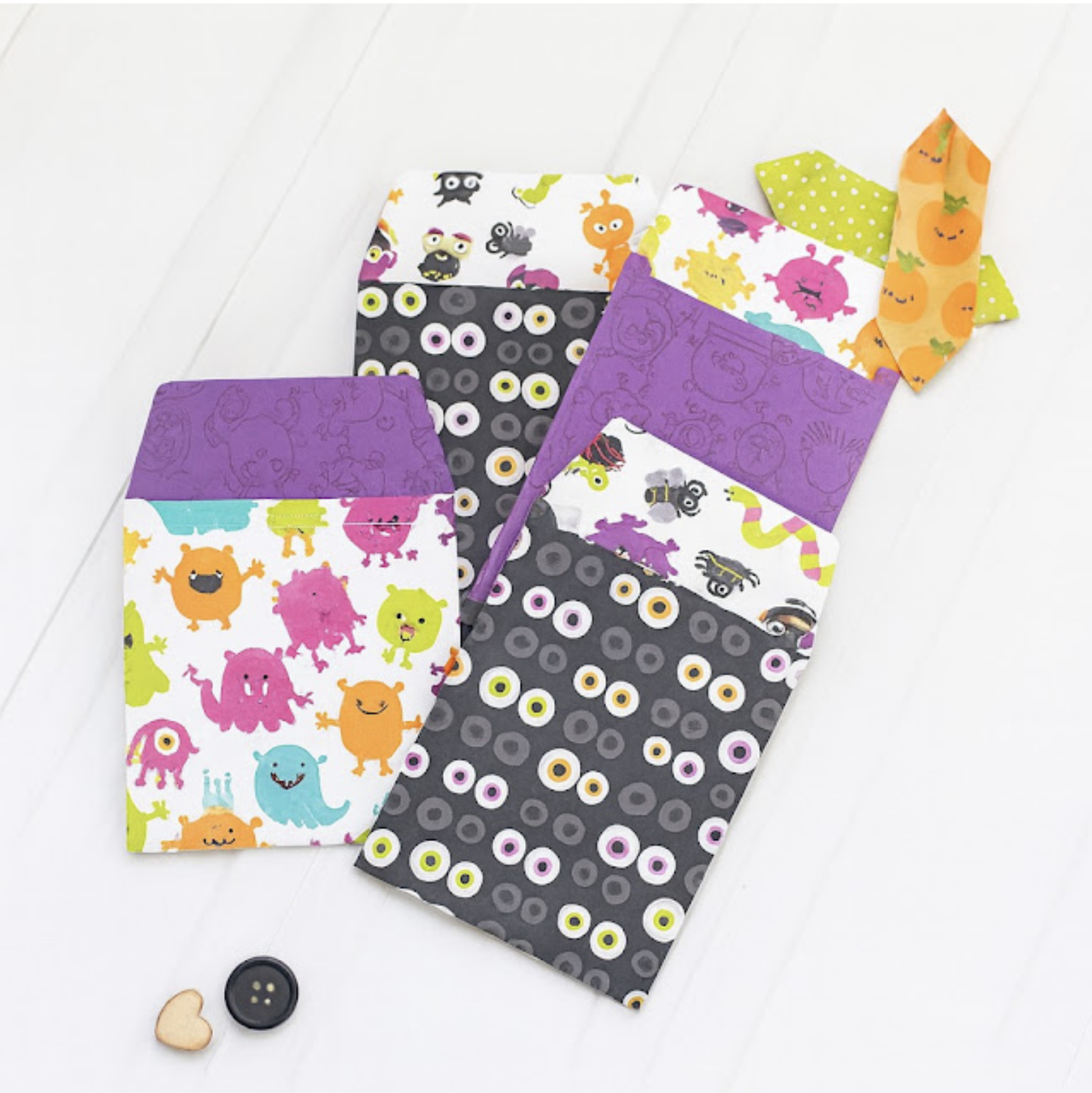
This is the inside layer of the box, the little purple pocket like folders.
And the lid.

After cutting all your pieces, start assembling.  I started with the little file folders, just fold on the score lines and just use your regular adhesive to put them together.
There are 4 total of these little cuties.
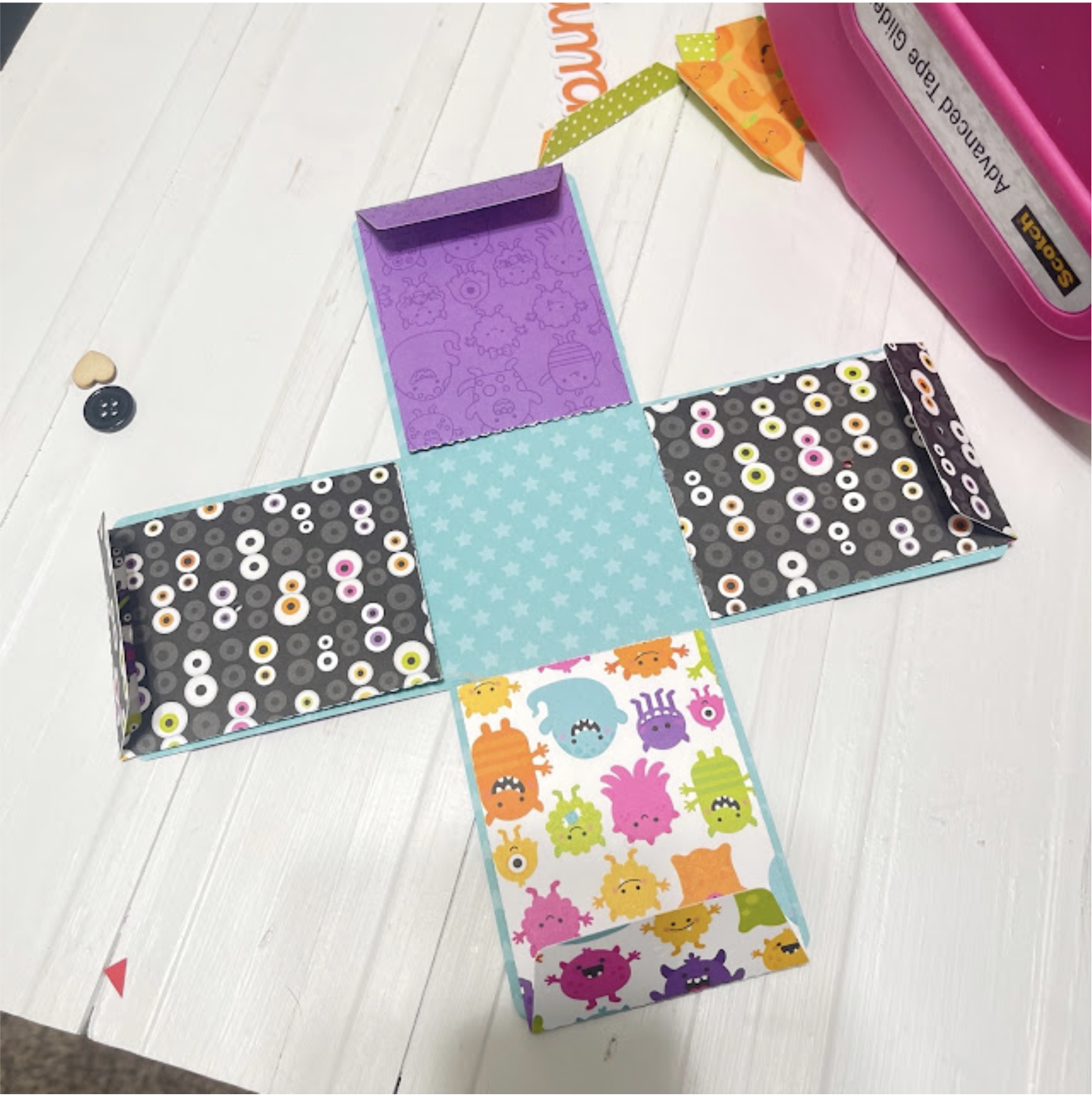
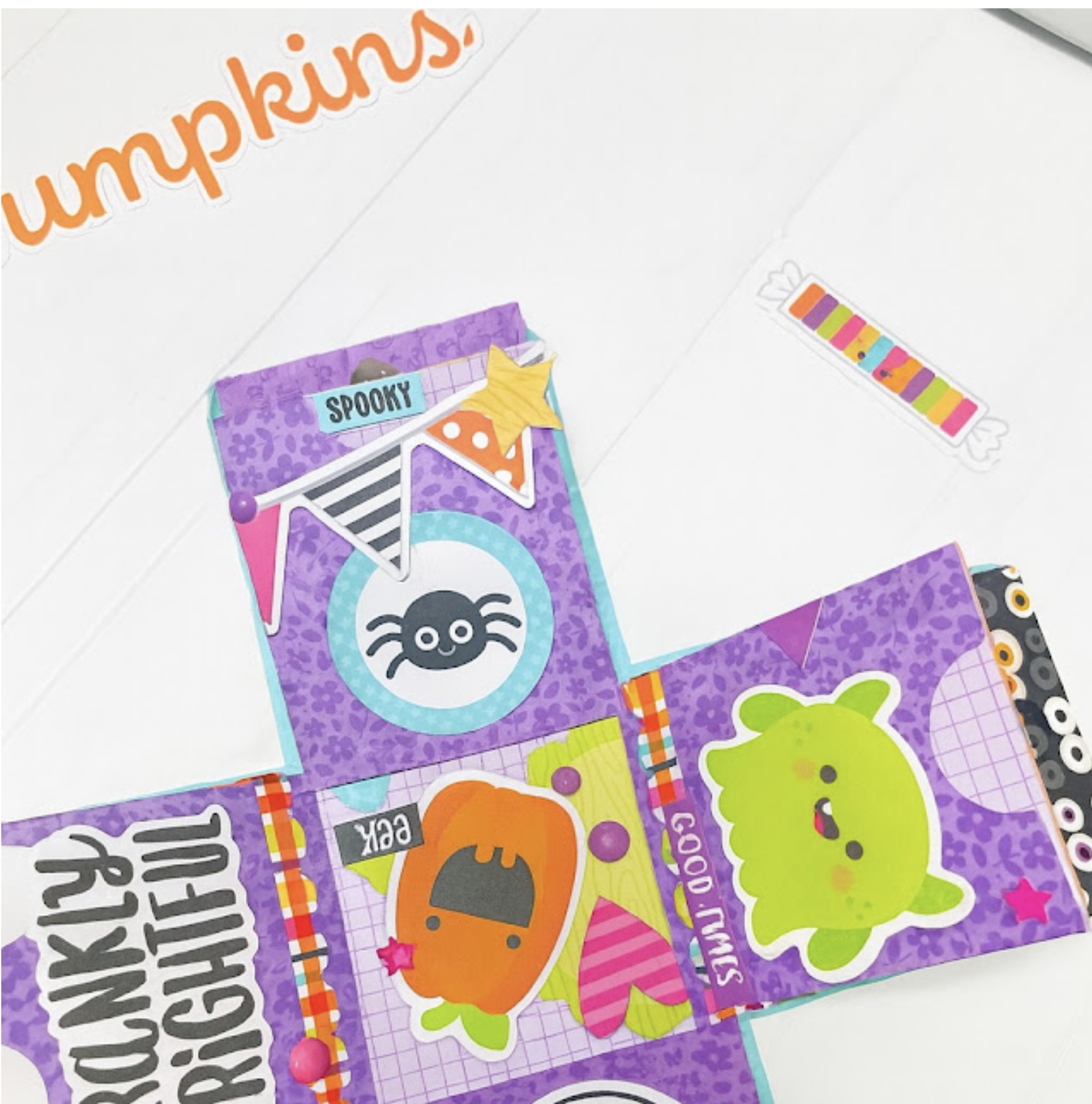
This is the inside of the first layer, the black star print is on the other side. Adhere a folder to each side.
So it looks like this!
Next, create the inside layer of your box.  You just fold over and adhere, it makes the cutest little library type pockets.  Just add adhesive to the bottom square on the opposite side and adhere to your first layer.
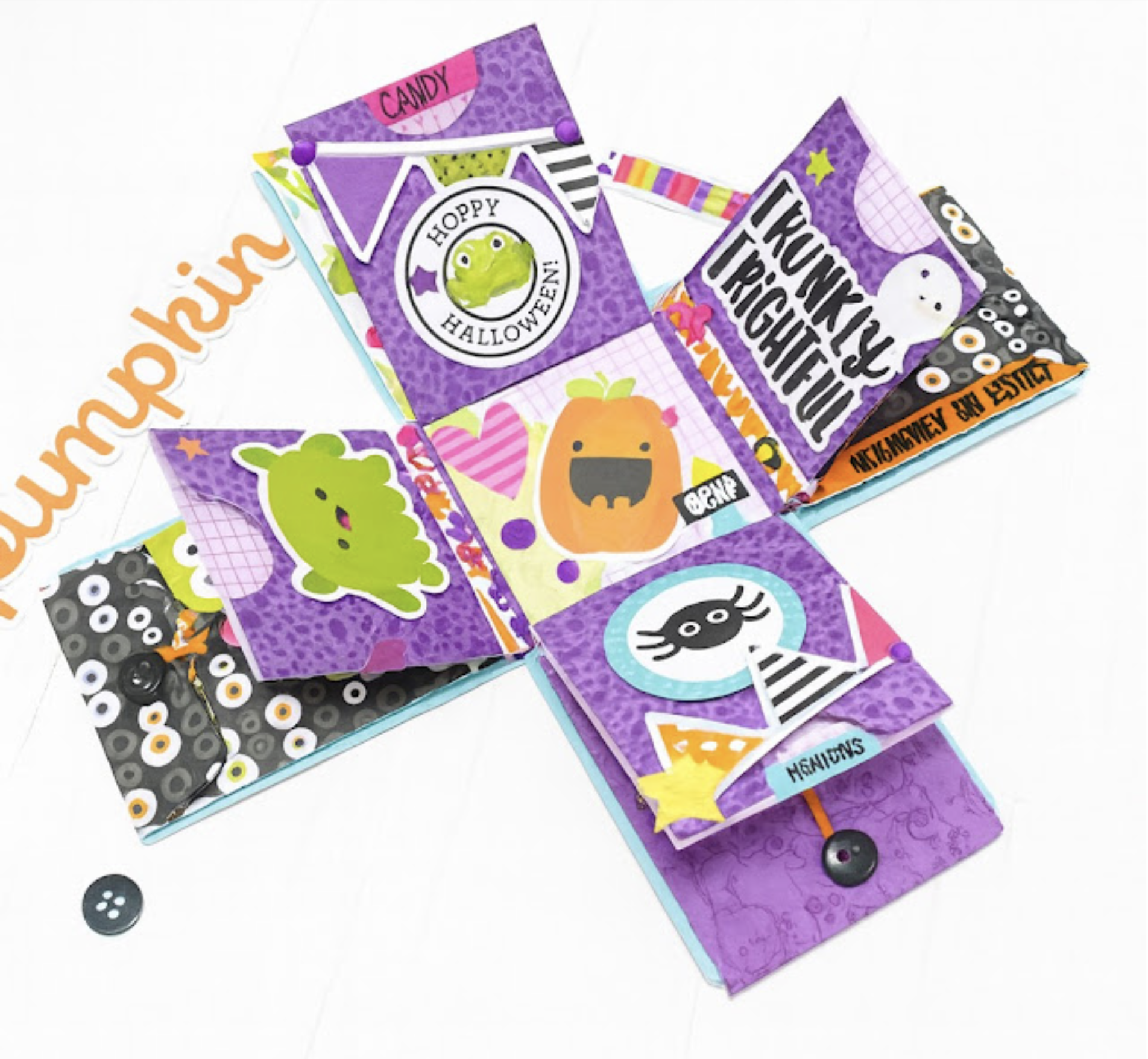
Now you just get to have fun and go to town with all the little embellishments.
Just open and this little box just explodes with fun!  Adorable!
Thank you for joining us today!


New A2 Box Card Mail Box Cards

 Lori Whitlock Monday Inspiration

Today, it’s my turn to share a bit of holiday inspiration. Such cute new files!

A2 Box Card Mailbox Christmas Bundle


A2 Box Card Mailbox Reindeer (Lori WhitlockSilhouette)

A2 Box Card Mailbox Birds(Lori WhitlockSilhouette)

A2 Box Card Mailbox Presents(Lori WhitlockSilhouette)

I used a fun cobblestone stencil from Hero Arts on the outside of each mailbox and added a few glittery berries to the all of the wreaths for an extra bit of bling.

I hope you enjoyed my projects today!

💕Sue Kment

Big Box Card Basket Sunflowers

Hello friends! Today I am sharing a tutorial for the Big Box Card Basket Sunflower card (SVG, Silhouette). This basket is much larger than a standard box but still folds flat for easy storing. These basket cards are perfect for a cute display or gift to brighten someone’s day. I used papers from the Farmers Market collection by Echo Park Paper.

This basket has two separate box pieces and three inserts. For my flowers, I used an embossing folder to give the middle of my flowers some more interest. I also inked the edges of the flowers and leaves to add dimension. I also shaped the flower petals to help give the flowers some added volume. For the box I folded all of the score lines into mountain folds and added the decorative panels to each side of the outside of the box. I then glued the two box panels together at the tabs.
Moving on to the inserts; Insert number one has two sunflowers. I glued one small sunflower and one medium sized sunflower and shaped the leaves a little. Insert number two is the basket handle and has two decorative panels that I glued into place. The third insert has three sunflowers; I used two small sunflowers and one medium sunflower then shaped the leaves on this insert as well. I also glued the basket all together forming the box shape.
Next, I glued the inserts into the basket. I folded the tabs into valley folds and added glue to the back side of the tab. I made sure to line up the insert with the top edge of the basket and bumped the front edge of the tab to the inside front of the basket on both sides. Before the glue is set I also folded the basket flat to make sure it would lay flat for storage.
I then repeated the steps for the remaining inserts but lining up the tabs to the insert in front of it instead of the basket front.
To finish the sunflower basket, I glued one of the large flowers to the front of the basket and the last flower I glued to the handle insert. I also added a sticker from the collection.
I love how this project turned out. Thanks for stopping by today!
Brandie