Hexagon Easter Basket Tutorial

Hello and happy crafty Thursday! Aimee here with you today sharing a tutorial on how to assemble the adorable Hexagon Easter Basket (Lori’s SVG ShopSilhouette). These little baskets are so cute and look great in a rainbow of colors!

First thing to do is match up some 12×12 papers for each basket. And pull the SVG file up on your screen.

This particular SVG file requires you to cut 2 each of the base of the basket and the layering pieces. I cut out 2 of the handles as well. I wanted the handle to be solid colored instead of being able to see the underside of the patterned paper.

Here are the pieces of the basket that I started assembling.

Adhere the two pieces that make the base of the basket. To make it easy, I adhered the side tabs on each piece and laid them flat to make sure that both pieces were even along the top edges. Then I added the layered pieces and then started assembling the bottom tabs to complete the bottom part of the basket.

Glue the two handle pieces together and lay aside to dry.

Adhere the bottom tabs of the basket to the hexagon piece to complete the base of the basket.

Attach the handle to the basket. There are holes in the handle and the basket to add a brad to attach the two together. Last thing to do is assemble the bow and adhere it to the handle.

Then you get to fill your baskets up with some Easter grass and something decorative or some Easter yummies! Add them to your Easter decor or to your Easter dinner table with a chocolate bunny.

Thanks for stopping by today! Hope you find these Easter baskets just as adorable as I do and give them a try!

Aimee
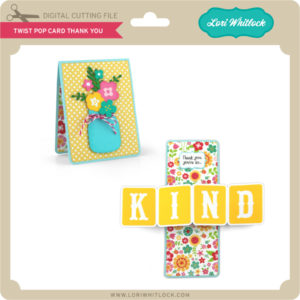
Twist Pop Card with a Twist

Today I am sharing a “twist” on a twist pop card file.  Lori has several Twist Pop Card styles.  You can use any one of them to make this project.  These are the files I used.

Twist Pop Card Thank You (SVG, Silhouette)
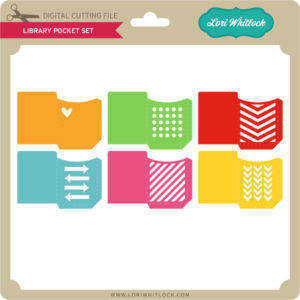
Library Pockets (SVG, Silhouette and Silhouette)

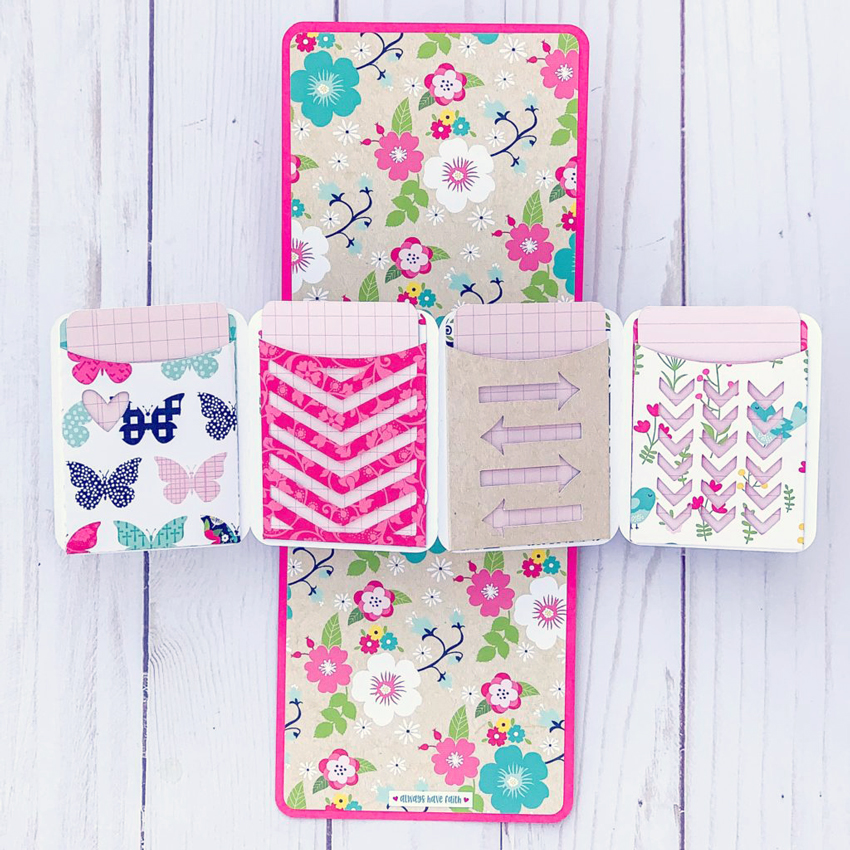
I resized the library pockets to fit on the pop out piece where the word KIND is in the above card.  I cut out all the pieces and assembled the card using Lori’s tutorial found here. I then added the pockets. In addition, I made an insert card for each pocket.  And this is how it turned out.

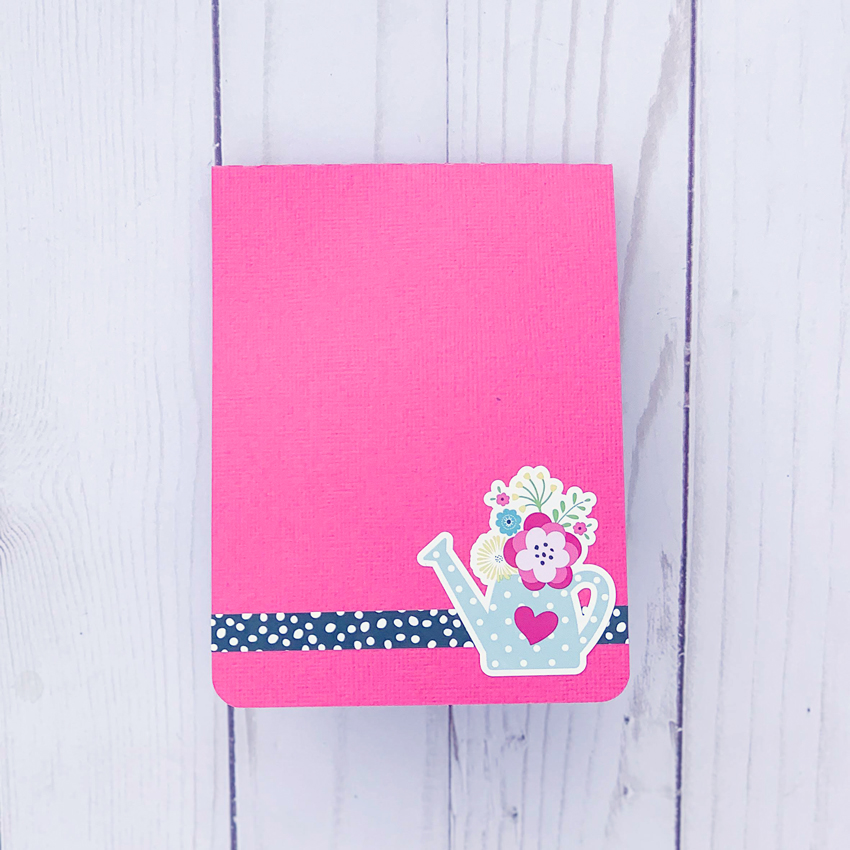
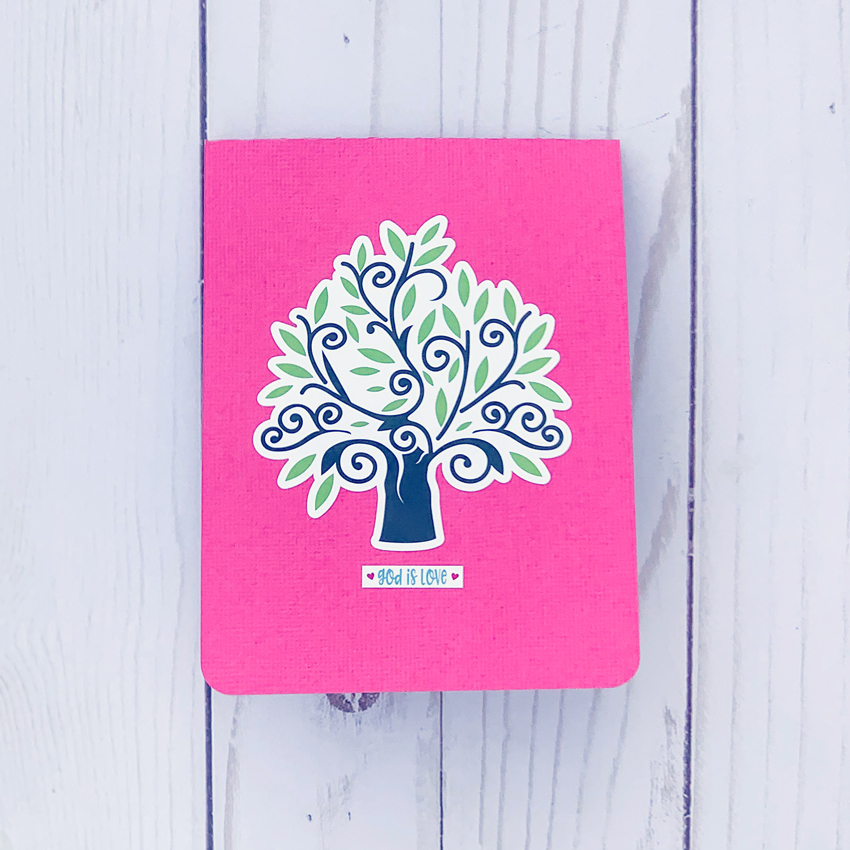
I also decorated the front and back of the card.


I used papers and stickers from Lori’s Forward with Faith Collection from Echo Park.

I am writing a message on the card inserts, but you could also fill the pockets with money or gift cards!

Have a great day!

Valentine Gift Bags

Happy Monday crafty friends! Aimee here with you today! Valentine’s Day is right around the corner and I have to say that it is very close to being one of my favorite holidays! I am a firm believer in showing love all through the year but Valentine’s Day is great occasion to delve into the paper stash and have fun making crafty gifts to show your love!

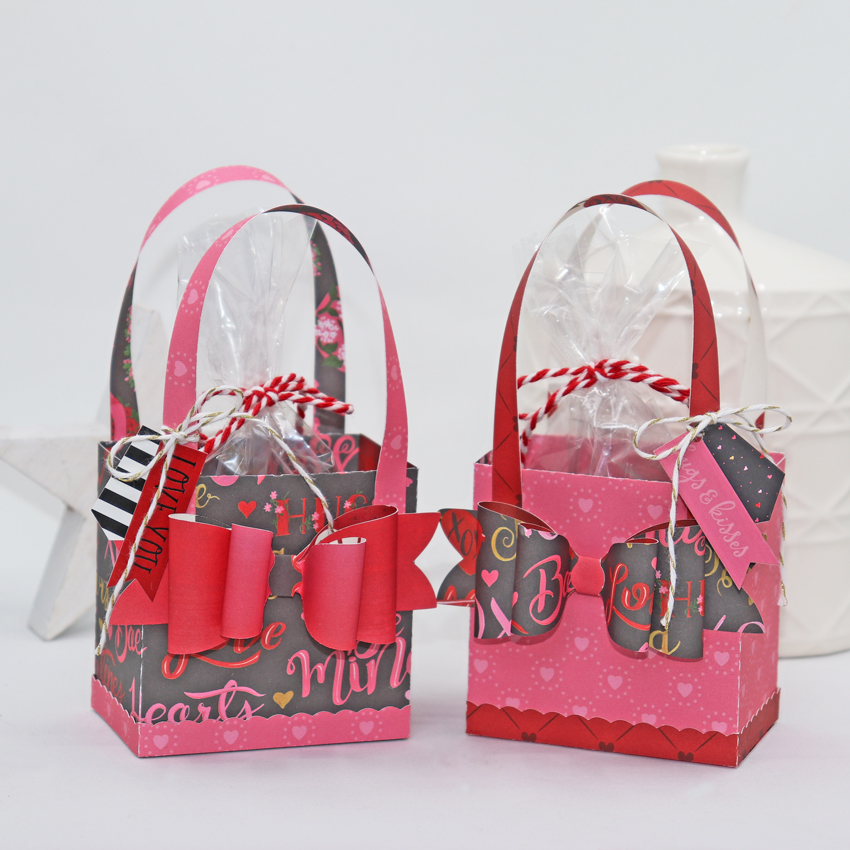
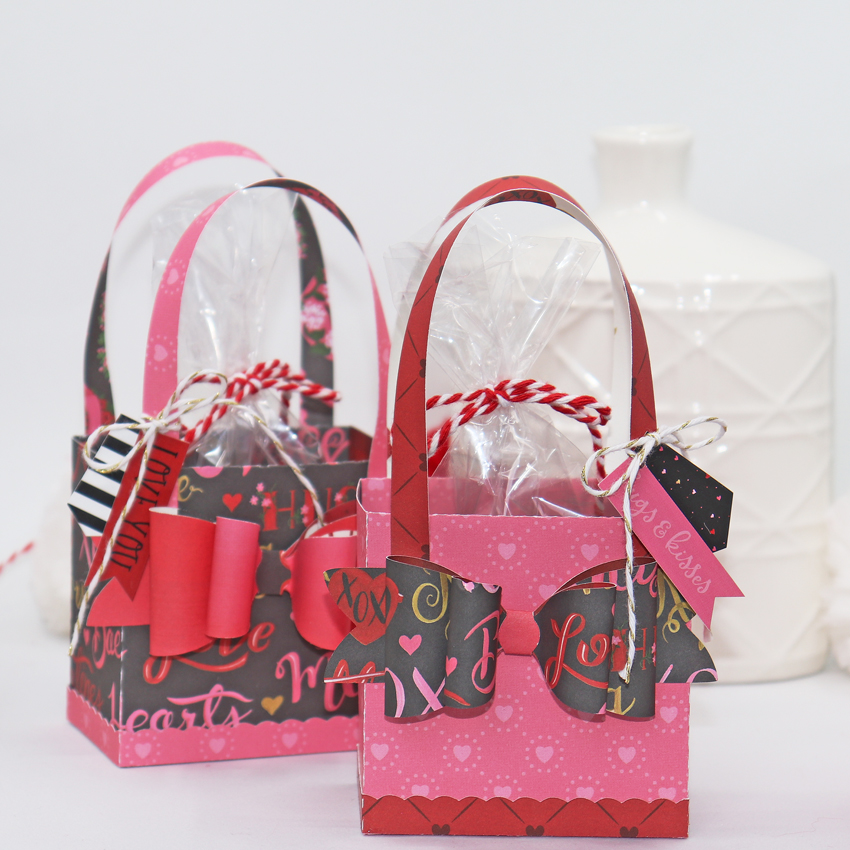
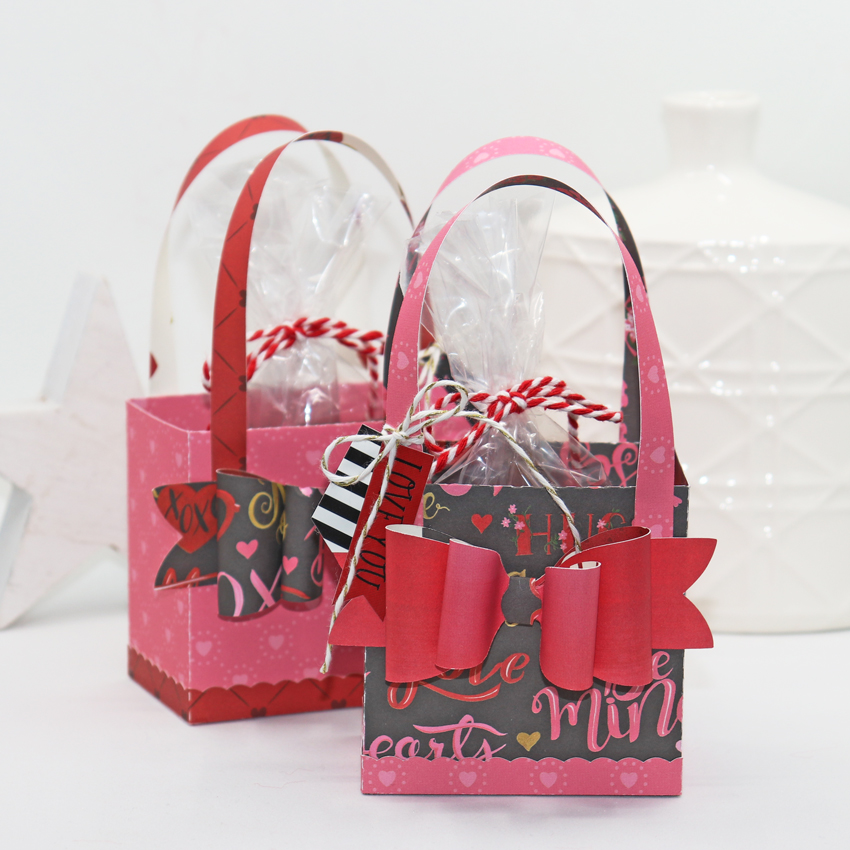
Today I am sharing a couple of bags that were made with the Purse With Bow SVG (Lori’s ShopSilhouette). Once I had all of my pieces cut out, it seemed the bags came together in no time at all!

The bags alone would be fun to decorate with some die cuts but there is a great bow included with this one! Once I had the bags put together and the bows attached, I knew I needed a little something extra. Some twine and a couple of the tags from the sticker sheet would be perfect to hang off of the handle to complete them!

Add a bag of candy with a twine bow and look how adorable these turned out using the Echo Park Be My Valentine collection!

Thanks for stopping by today!

Aimee

Happy Valentine’s Day Layout

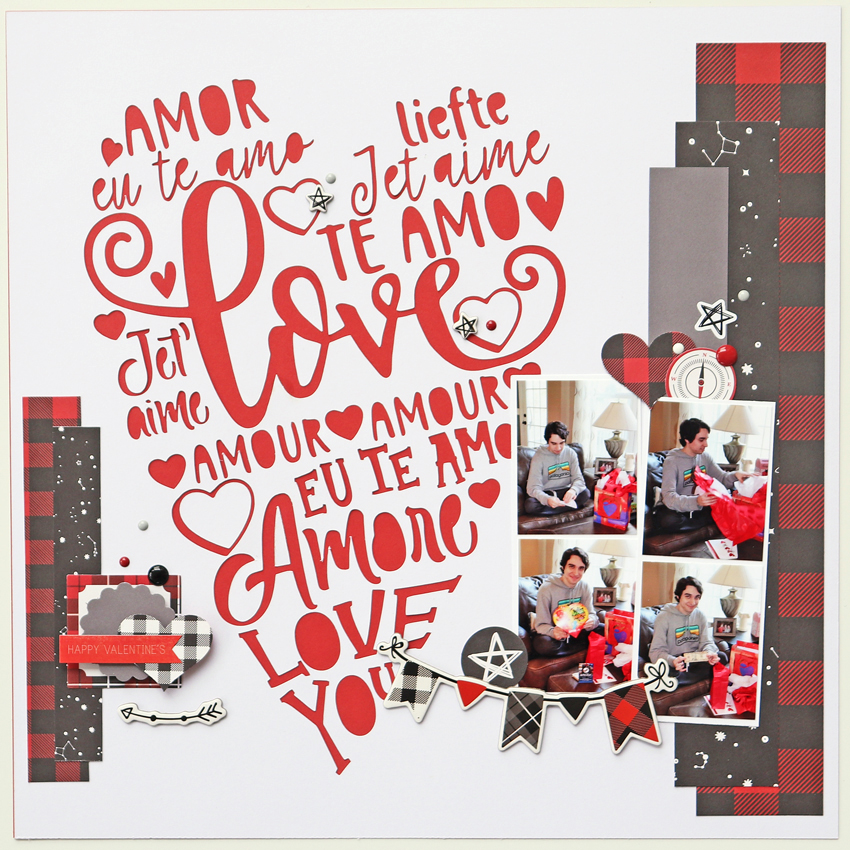
Happy Wednesday crafty friends! Aimee here with you today sharing a new layout that I’ve created using one of Lori’s new Valentine SVG files but really this file is good all year round.

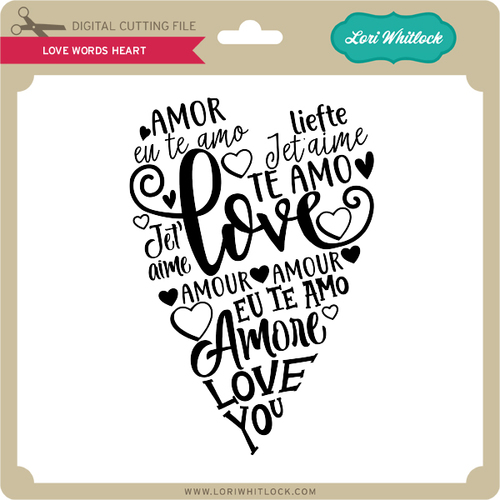
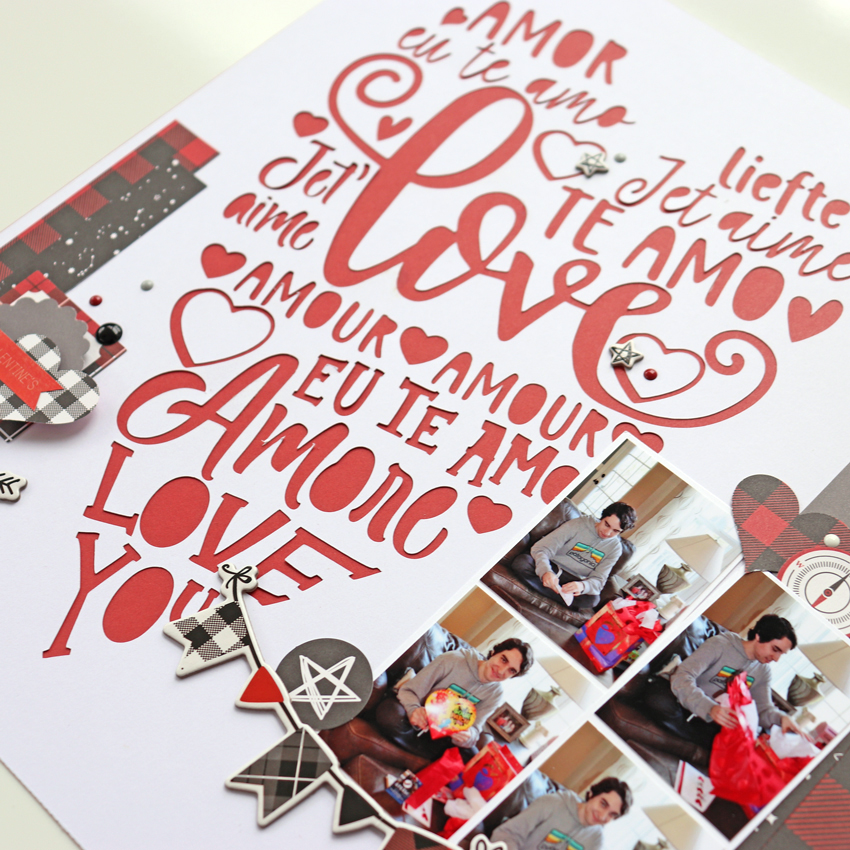
It is the Love Words Heart file (SVGSilhouette) that is great for creating any kind of project to let someone know that you love them in any language.

To get started on this layout, I opened the file up in Silhouette Design Studio.  I resized the file to 10″ tall so that I could have a couple of inches on the top and on the bottom. The width of this cut file is 6.8″…that will leave plenty of room to the left and to the right for your strips of patterned paper and some embellishments.

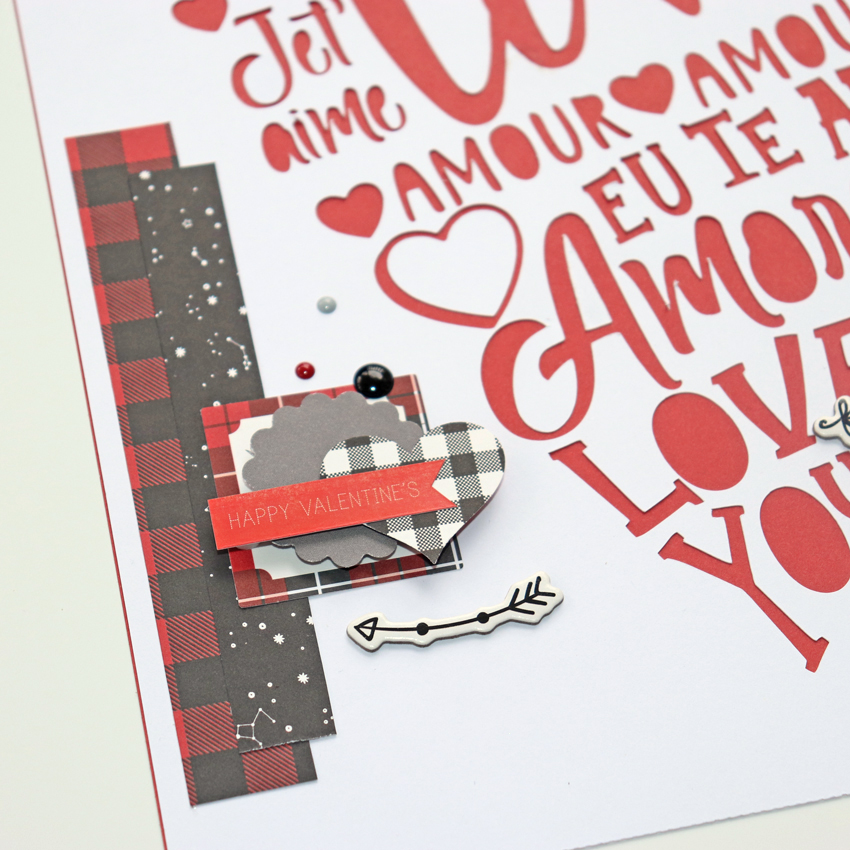
Once you have run your white cardstock through your die cutting machine you will want to back it with a solid color cardstock. I chose a red cardstock to back mine. Then all that is left to do is decorate the surrounding areas.

I used the fabulous Echo Park Little Lumber Jack collection for my layout. It was really easy to pull  some of the pieces to create this Valentine layout. And I did sneak a red Valentine’s Day sticker from one of Lori’s older Valentine’s Day collection.

Thank you so much for stopping by today! Hoping this gives you some ideas of how to use some of Lori’s new SVG files to create a layout.

3D Round Cup Photo Tutorial

Hello crafty friends! Michelle Zerull here with you today to share a photo tutorial for a fun project that I know you’re going to love. It’s the 3D Coffee Cup Round (SVG, Silhouette) file. It’s easy to put together and can be customized for any occasion. I used the Little Lumberjack Collection from Echo Park Paper top make a cute Valentine’s box for my guy.

Instructions:

  1. Using your digital cutting machine, cut out all of the pieces included in your SVG file.
  2.  Form the large dark piece into a cone shape. To do this, train the piece to curve by using a doll rod, scissors, or bone folder. Push the tabs to the center and glue as shown. Set aside to dry.
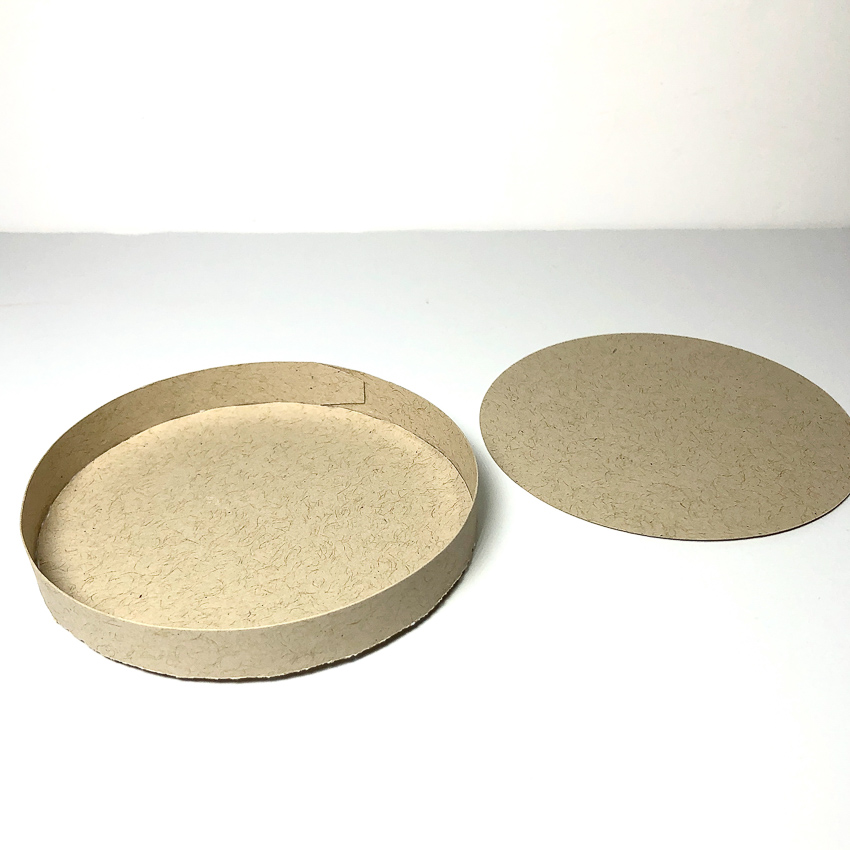
  3. There are three pieces that form the top portion of the lid. You will be using a long piece with tabs on both sides as well as two circles the same size. One of the circles has a hole in the lid. Join the long piece into a circle by placing glue on the end tab. Hold until dry. Place glue around the edge of one of the circle pieces as shown. Add glue to tabs as shown and place circle into the center connecting the two pieces. Now fold top tabs inward and place circle with a hole on top and set aside to dry while forming the bottom portion of lid.
  4. To form the bottom portion of lid, take the remaining long piece and form a circle like you did above. Apply glue to circle and adhere as shown in photo. Now flip piece over and glue remaining circle to top as a covering piece. Allow to dry.
  5. When dry, combine pieces as shown to form the lid of your cup.
  6. To form the cup sleeve, train the remaining piece to curve around the cup. You can do this by using your bone folder or whatever flat surface you have handy. Glue into place and slip around cup.
  7. Your cup is finished! Embellish as desired. I hope that you’ve enjoyed this tutorial as much as I have. The 3D Coffee Cup Round will make a great addition to your SVG library. Happy crafting!