Snow Globe Shaker Card Snowman

Happy President’s Day Everyone:

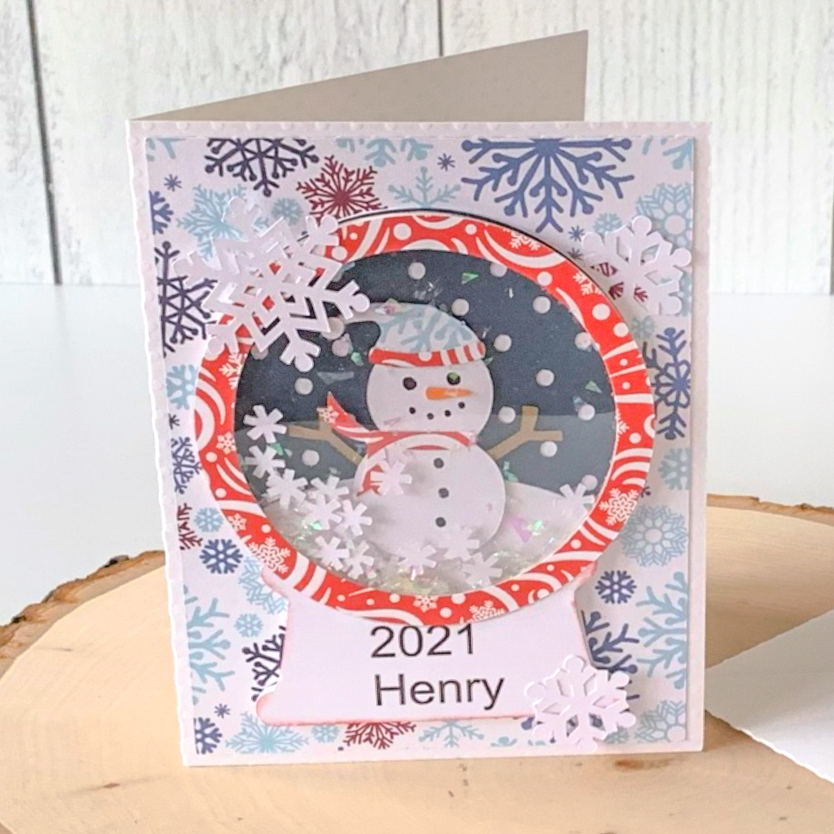
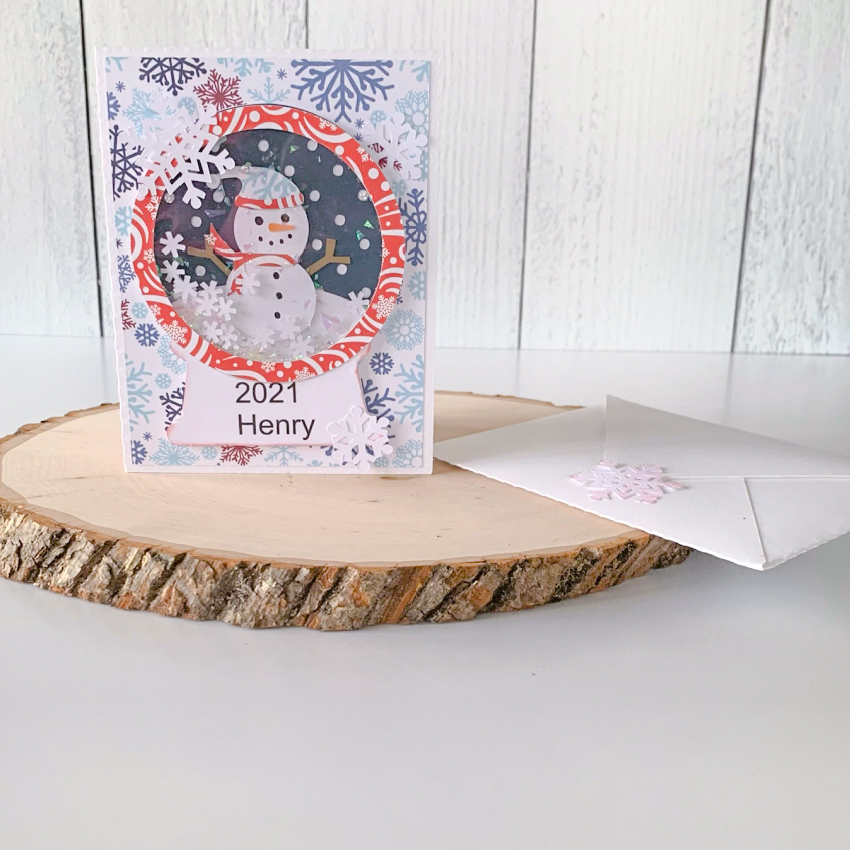
Anita here with a card that I made to send to my sweet grandson for mail day at his daycare center.  I made this A2 Snowglobe Card Snowman and you can find this file here in Lori’s SVG Shop and here in the Silhouette store.  It even comes with the envelope file to mail your lovely interactive card in.  Lori also has a tutorial for this card on her blog by my friend, Kathy Skou and you can find that here.  I used several different Echo Park Paper collections of Lori’s on this card including A Perfect Winter, Celebrate Winter and My Favorite Winter.

Thanks for looking and have a great day.  Be sure to check out all of Lori’s shaker cards.  They are so much fun and my grandson and his daycare teachers loved it.

Hugs,

Anita

Valentine Heart Envelope Box Card Tutorial

Hello everybody, Marcia here today. Valentine’s Day is only a few weeks away. Are you ready yet? Lori has the cutest new Valentine cards in the shop, like this Valentine Heart Envelope Box Card (SVG, Silhouette). I created this with pattern papers from Lori’s Our Wedding collection and added some older ephemera from my stash.

Let me show you how you can create this card. In Silhouette Studio, I turned on registration marks, then printed and cut the “I Love You” sentiment. No need for a stamp and ink pad. The registration marks help the Silhouette Cameo cut where it should, in this case the banner with the printed I Love You perfectly centered. You set registration marks in the Page Setup Window. Click on the third icon and select Registration Marks ON. You will know they are on when you see the grid appear at the top with the black square and corner marks. Go back to the first Page Setup menu and adjust the width and height so they match the size of the cardstock you are using in your printer. Check the Show Print Border and Show Cut Border. You want the text you are printing to be inside of the print border. Then remove the banner so only the text remains and send to the printer (see printer icon at very top on the left). Once printed, place your cardstock on your cutting mat and load into your Silhouette Cameo. Move the banner back into place around the I Love You and select Send to cut. Go back to the Page Setup to remove the registration marks and print border and resize the width and height back to 12×12.

Select your cardstock and pattern papers and cut shapes without resizing. This design has a lot of hearts that can make assembling confusing. I like to lay out my pieces as I cut them so I know exactly where they will go. This is easiest if you cut the card base and panels first.

Next, I ink the edges of my pattern papers. This subtle shading gives your cut pieces depth. Select an ink shade that matches your pattern papers as close as possible. It’s better to go with a little darker shade rather than a lighter shade.

Adhere your panels down on the card base and create your box by gluing the tab on side to the back panel. Adhere the hearts to the center insert. You can use foam dots to pop a few of them up for dimension. Then glue the tabs of the insert to the inside of your box card lining everything up along the sides of the card.

Add remaining hearts to the back panel so they can be viewed above the center insert. Embellish as desired. I added these adorable fox and the large Kiss Me ephemera pieces.

On the back of the card I added a white circle for writing on and another ephemera piece.

I love these 3D cards! They fold flat for mailing, but can be popped up and displayed on a table or countertop. Send one to someone you know who could use a little extra love right now. Thanks so much for stopping by.

~Marcia

Recipe Box with Ashley

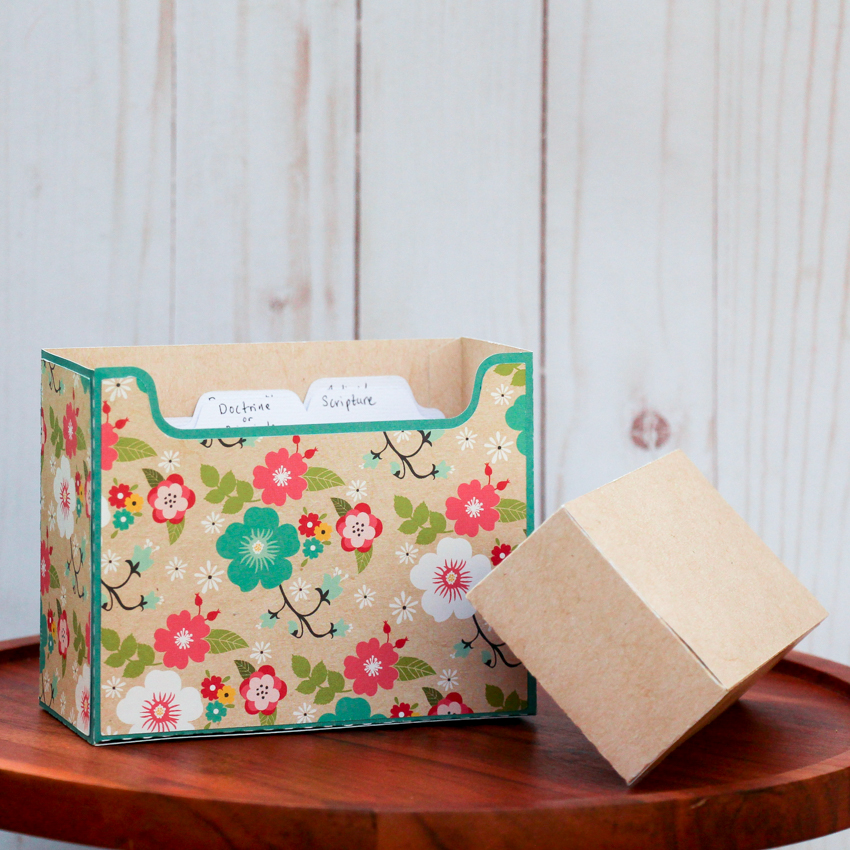
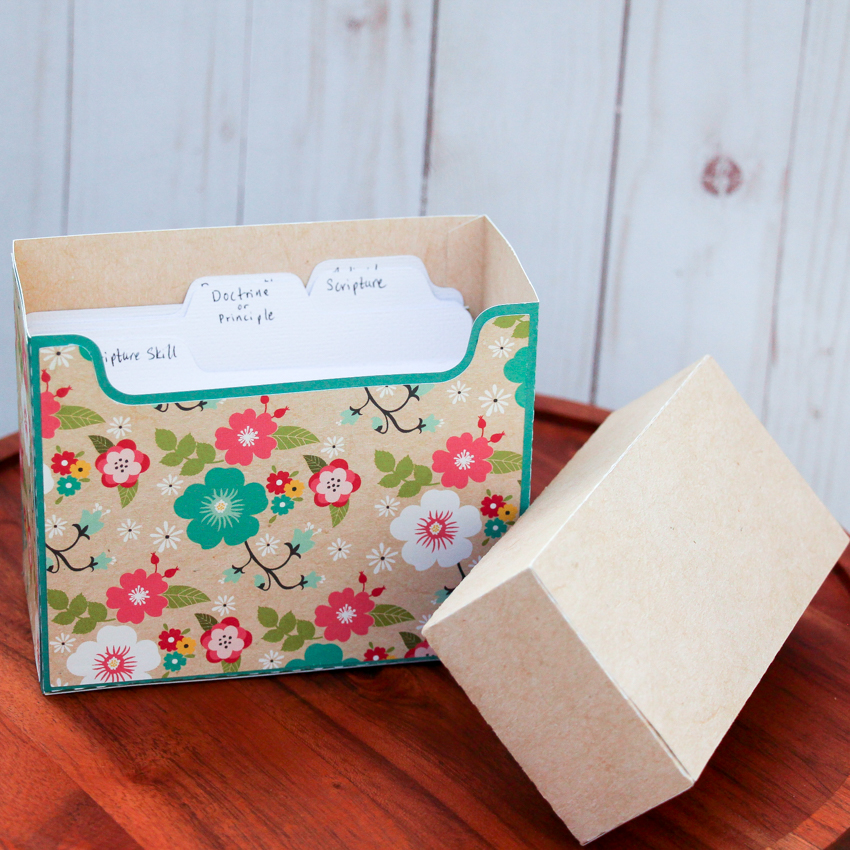
Welcome to the week.  Are you working on organizing things this month? I needed a place for some 3 x 5 study cards, so I made this 4×6 Recipe Box (SVG, Silhouette.)  Since the original size is for 4 x 6 cards, before ungrouping the file, I resized it for my project.  I used paper from the Lori’s Forward with Faith Collection from Echo Park.

Now my study cards have a place.  This box could be used for recipes or school study cards or storing greeting cards. I hope you have a great Monday!

Ashley

A2 Tiered Box Card Tutorial

Hi there friends! Brandie here with a tutorial on the new A2 Tiered Box Cards. I made the A2 Tiered Bird Mountain (SVG, Silhouette). This snowy mountain card will make a perfect birthday card for my dad who loves the outdoors.

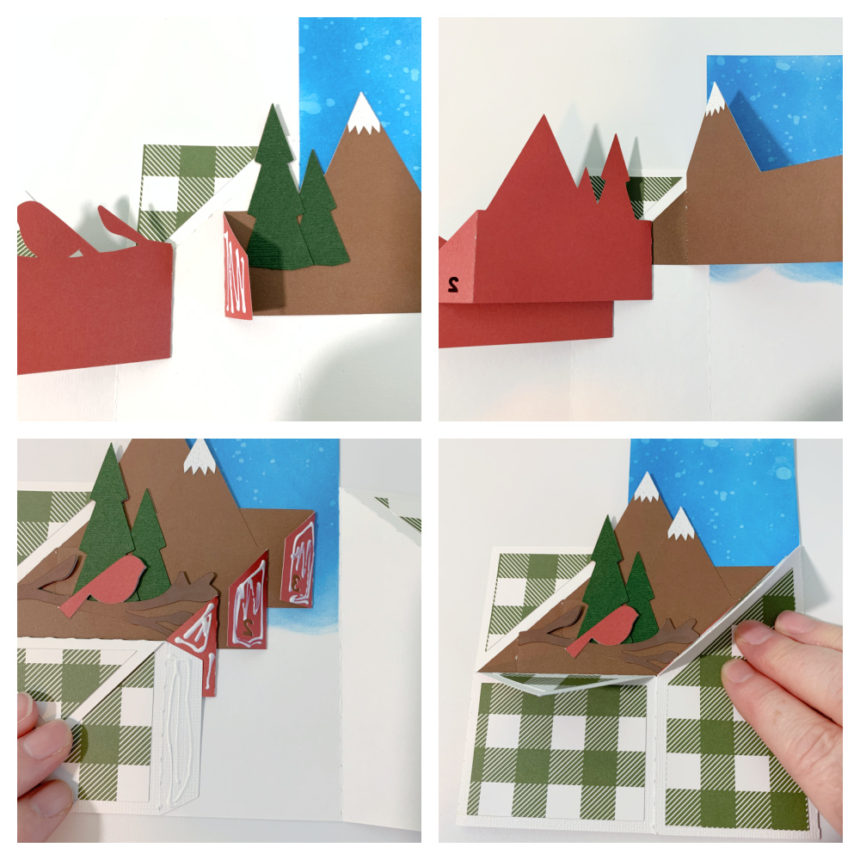
I cut the box card body out of white cardstock but wanted a blue snowy backdrop for the mountains. So I used some distress oxide inks on the tallest middle panels. I then made all of the folds on the score lines (see picture for fold diagram). Then I assembled the inserts. All of the inserts will have a valley fold on the tabs. I also applied the decorative panels to the outside of the box. Once I was ready to glue the inserts in I applied the glue to the outside of the tab(red side for me). Then lined up the front of the tab to the vertical score line and the diagonal score line of the box.

For the second the third insert I lined the tab up to the tab in front and the diagonal score line of the box. I then folded the tabs all in and applied glue to the backs of the inserts and the tab to close up the box (see picture below on how I applied the glue to avoid gluing the box tab to the inserts).

Now that the box is assembled I added the background mountain and the snowflakes.  The green plaid paper is from the My favorite Christmas collection by Echo park Paper Co.

And don’t forget, the New Year’s Sale is happening now in Lori’s SVG Shop.  Get 50% off All SVGs when you use code NEWYEAR at checkout!  Don’t wait, sale ends tomorrow!

Thanks for stopping by today and have a safe and happy New Year!

Brandie

Christmas Penguin Gift Set

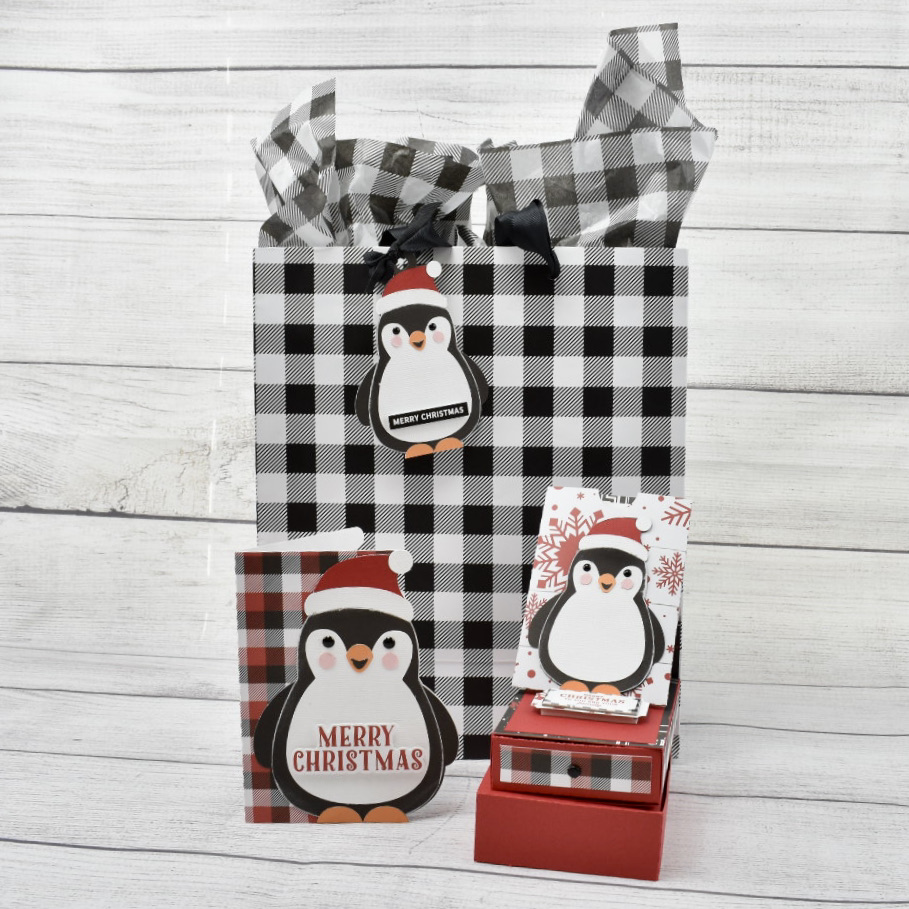
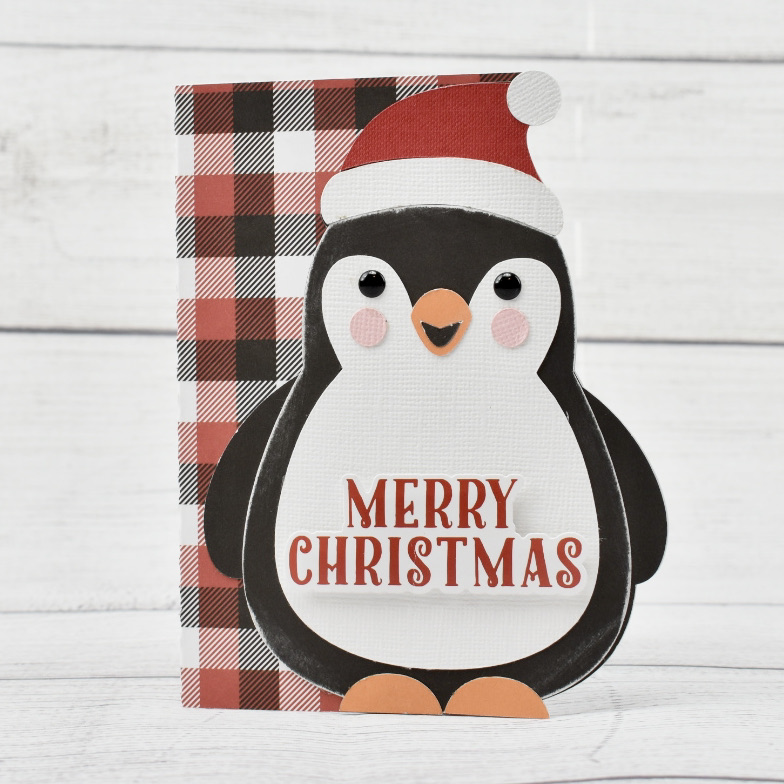
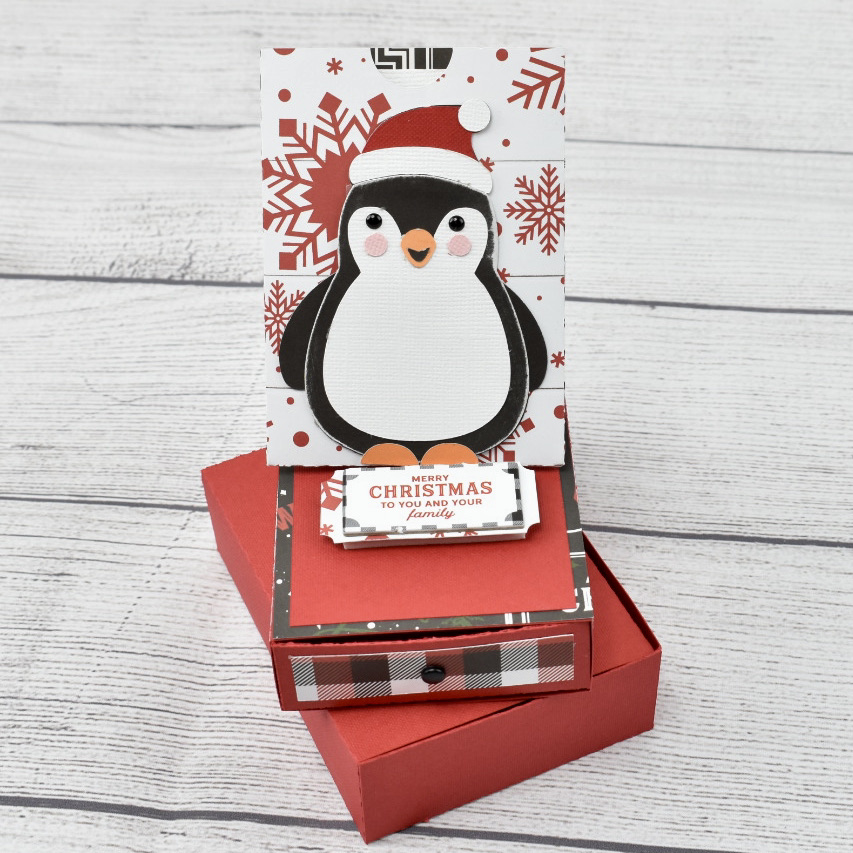
Happy Holidays!  It’s Michelle Starcher, aka the Bookish Designer, popping in on the blog to share the Christmas Penguin gift set I made using three of Lori’s files: Gift Card Box Penguin (SVG, Silhouette), Christmas Tag Penguin 2 (SVG, Silhouette), and Christmas Card Penguin (SVG, Silhouette).  Lori debut these adorable penguins along with several other cards, tags, and gift boxes a couple of weeks ago, and I knew I had to use them for my holiday gift giving!

I used accents and patterned papers from Lori’s A Lumberjack Christmas collection from Echo Park Paper, Co to make the card and gift card box.  For the card, I used a double-sided patterned paper, which made it a little difficult to write a message inside the card.  I knew I needed a solid colored insert, so I cut an extra card base from white cardstock to serve as the inside layer of the card.  I added a Merry Christmas sticker to the front of the card as well.

For the gift card box, I used a mix of patterned papers along with a chipboard accent.  I was sure how to assemble the top pop-up to the box, but Lori’s tutorial provided all the instruction I needed to finish putting my box together.  I really like that this file contains a gift box as well to hold the entire project when it’s complete. Simply add a ribbon and you’re ready with a gift that’s SUPER CUTE!!

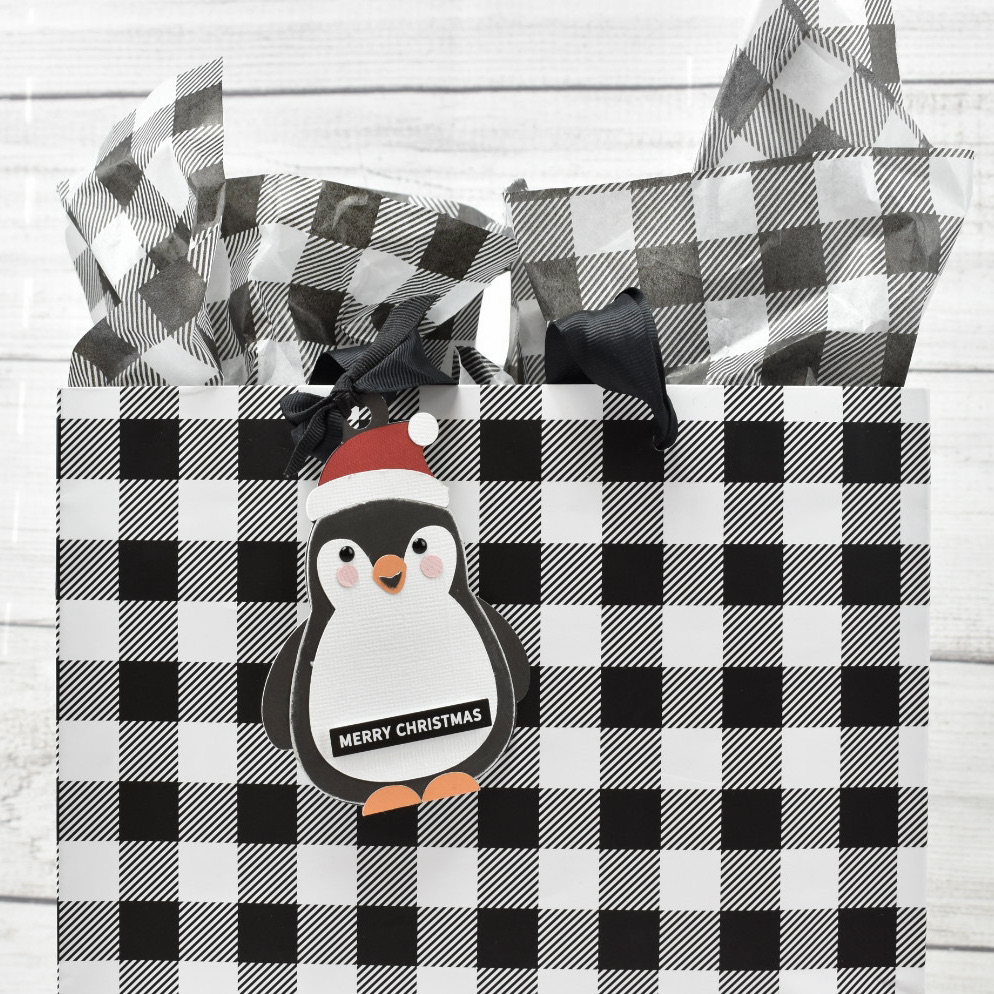
Finally, I created the adorable penguin tag and added a Merry Christmas sticker to the front.  I paired the tag with a buffalo plaid gift bag to complete my gift set.  I think my recipient is going to love the personalized touch!

Well, that’s it for me today!  I’m off to enjoy Christmas Eve with my family. Happy Holidays:)

Until next time,

Michelle