July Creative Team Blog Hop and New in Shop


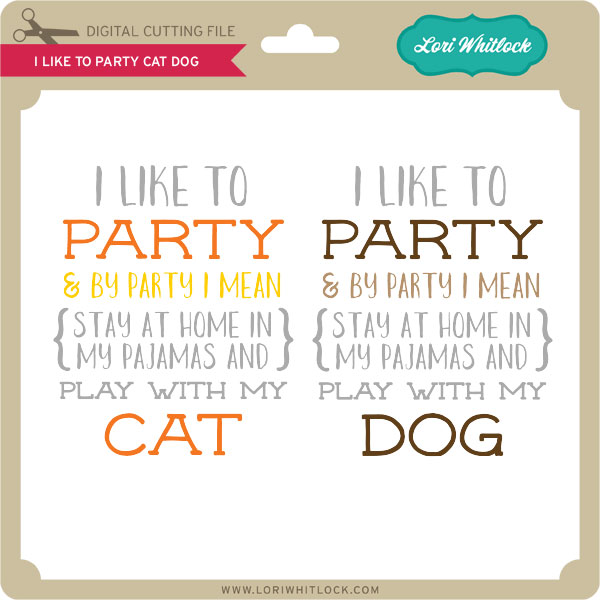
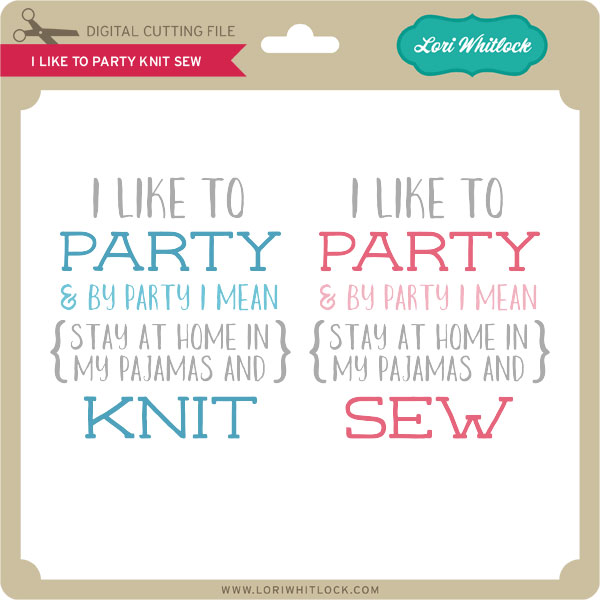
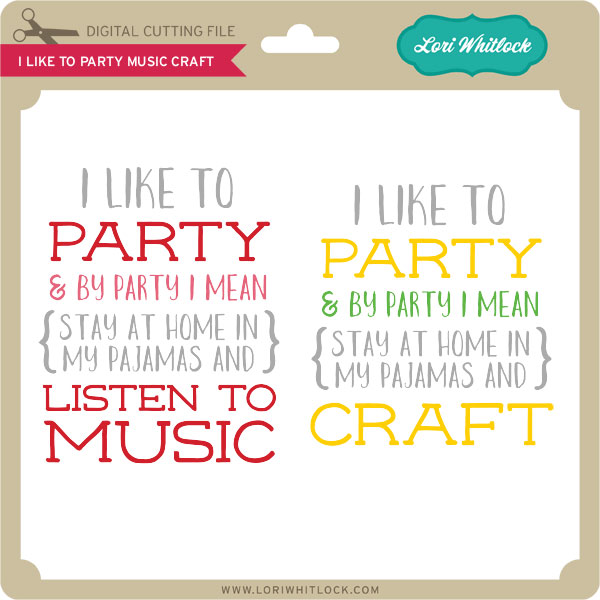
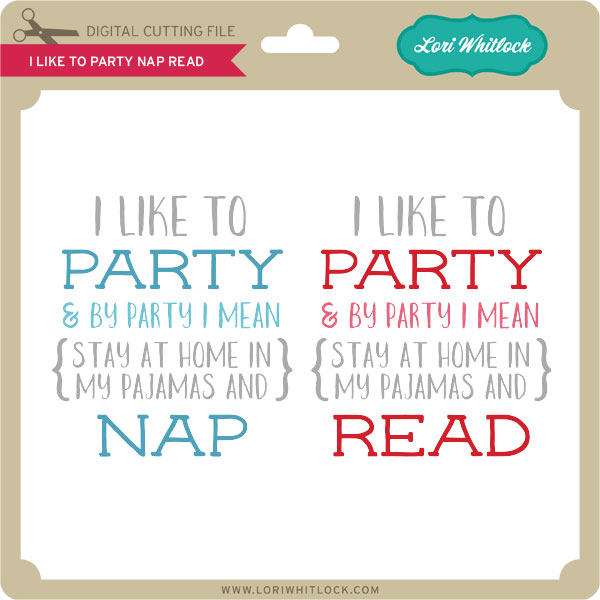
Welcome to our June 2016 Creative Team Blog Hop! Our creative team has some awesome new projects to share with you to get you in the crafting mood. In addition, I have some FUN new files for you! Be sure to check them out below.

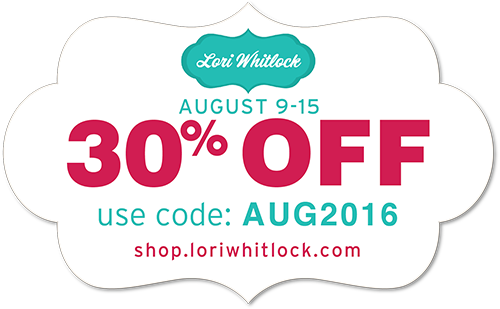
One thing customers seem to like about blog hop week is our 30% OFF SALE going on at Lori’s SVG SHOP. ALL files (and commercial licenses) from Lori Whitlock, Kolette Hall, and Dresden Carrie are on SALE. Use code JUN2016 (case sensitive) at checkout in the SVG SHOP. (only one discount code per order allowed)


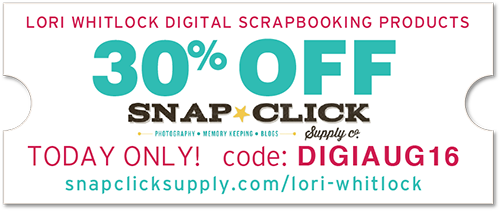
In addition, TODAY ONLY, you can get 30% OFF all of my digital files over at Snap Click Supply! Use code DIGIJUN16 at checkout to get the discount!

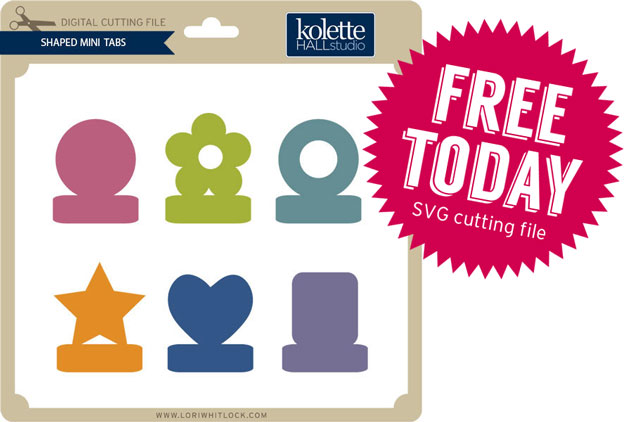
I also have a gift for you! TODAY ONLY, You can get this fun 3 Popsicles file for FREE! So, be sure to go grab it while you can from the SVG shop.

And don’t forget about the July Kit of the Month! If you spend $20 in the SVG Shop (in one transaction) you can get the Kit of the Month for free! Simply add the July Kit of the Month to your shopping cart along with ANY $20.00+ purchase from the SVG Shop and this file is yours FREE. These would be perfect for summer celebrations! Be sure to use Coupon Code: JULYKOTM (case sensitive) at checkout. This offer is good through July 31st!

(Your cart must reach at least $20.00 before the coupon will be applied and then $7.95 will be subtracted from your total at checkout. The files will be available for immediate download after you pay for your order by visiting MY ACCOUNT>COMPLETED ORDERS>ORDER DETAILS inside of your account. Only one discount code per order allowed.)

How would you like to win a $20 Gift card to my SVG Shop?

a Rafflecopter giveaway

This past Saturday I hosted a special event at my house. I have never done anything like this before. It’s been in the works for months and I’m so excited to share it with you. Crafter’s Home (a group of store owners) is in town and they went on a studio tour all day Saturday. My home/studio was one of the stops on their itinerary! It was an honor to get to meet all these amazing crafters/business owners and get to know them.

The event was truly a community effort! Sarah with Crafter’s Home prepared and served the food, Sizzix sponsored the event and their designers made all of the decorations along with goodie bags, Echo Park Paper was also a sponsor, presented and provided goodies to take home. I taught a workshop where we made two cards from my new summer 2016 release with Sizzix using my Echo Park paper.

I also had have my office ready for the studio tour. And, last but certainly not least, my sweet husband has been grooming the yard and giving the garden some TLC for the past few months so that we could host the event. And, my two daughters were super helpful with setting up and serving the meal. Thanks everyone that helped pull this event off. It truly was teamwork!


Imagine the surprise on the neighbors faces when a charter bus pulled into the neighborhood. About forty to fifty people attended the event.

We enjoyed a lovely BBQ dinner with mason jars for lemonade and the cutest table decorations made with many of my Sizzix dies along with dies from other designers like Eileen Hull and Jo Packham (Where Women Cook)!


At the end of the event we took groups into my studio for a quick tour. Let me just say… there’s nothing like an event like this to get you organized and cleaned up. Now I’m afraid to go back to work because I really don’t want to mess it up again. HaHa!!

So, needless to say being gone for the fourth of July and then getting ready for this event has kept me pretty busy for the past couple of weeks. So, unfortunately there are no new releases this week. But, that’s OK because I have lots of new ideas flowing and will have time to devote to it this week. So, watch for new things coming this week.

 And, last but not least… would you like to see what our amazing team has created? Click the links below for some wonderful inspiration. If you get lost come back here to get on track. Lori Whitlock ,Mendi Yoshikawa  Kathy Skou  Courtney Lee Ashley Cook   Thanks again for dropping by! Have a GREAT day!
July Off the Page Challenge with Paper Issues

  It’s time for the July Off the Page Challenge over in the Paper Issues Friends and Fans Facebook Group!  This month’s challenge is all about summer and summer celebrations! We are looking for all of your paper projects with a summer theme… 4th of July, Canada Day, patriotic & military welcome home/send off parties, pool party, picnic, beach theme…  Invitations, cards, favors, banners, gifts, décor… any paper project that isn’t a traditional layout will work!  Of course, we would love you to use Lori Whitlock files!   For my project, I used the 3D USA Décor Blocks from the Lori Whitlock SVG Shop.  (Here in the Silhouette Store)

I thought these were so cute, and although they were done for the 4th of July, I can see them sitting on my shelf all year long!
Be sure to play along with this challenge by posting your project in the July Challenges Album in the  Paper Issues Friends and Fans Facebook Group in the comments under this project.  Each project posted will give you an entry to win a $10 Gift Card to the Paper Issues Store!  You have until August 1st to enter!  I can’t wait to see what you create!

Wednesday Freebie and New in Shop

ALL WEEK, this SVG file is FREE with any $1.99 purchase!

We have a FREE file with purchase all this week! Simply add this Star Lantern file is to your shopping cart along with ANY $1.99+ purchase from the SVG Shop and this file is yours FREE. Be sure to use Coupon Code: STAR  (case sensitive) at checkout. This offer is good through next Sunday.

(Your cart must reach at least $3.98 before the coupon will be applied and then $1.99 will be subtracted from your total at checkout. The files will be available for immediate download after you pay for your order by visiting MY ACCOUNT>COMPLETED ORDERS>ORDER DETAILS inside of your account. Only one discount code per order allowed.)

In addition, don’t forget about this special ! You can get this Free Kit of the Month with any $20 purchase (Purchase must be in one transaction.) Simply add the July Kit of the Month to your shopping cart along with ANY $20.00+ purchase from the SVG Shop and this file is yours FREE. Who wouldn’t want to get one of these on their special day! Be sure to use Coupon Code: JULYKOTM (case sensitive) at checkout. This offer is good through July 31st!
(Your cart must reach at least $20.00 before the coupon will be applied and then $7.95 will be subtracted from your total at checkout. The files will be available for immediate download after you pay for your order by visiting MY ACCOUNT>COMPLETED ORDERS>ORDER DETAILS inside of your account. Only one discount code per order allowed.)


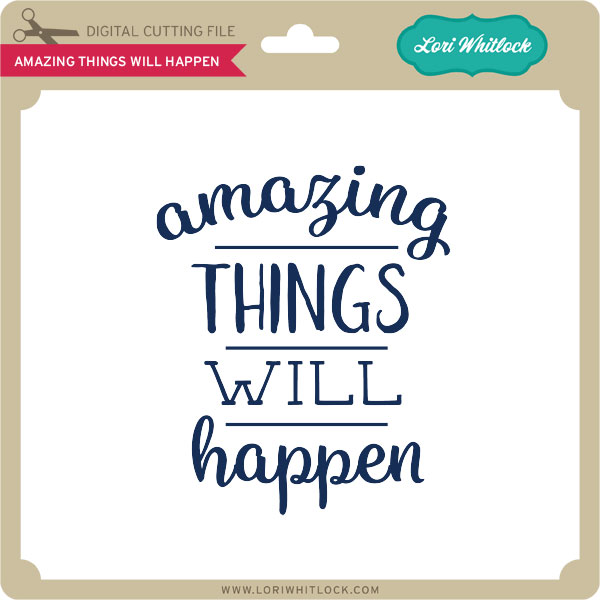
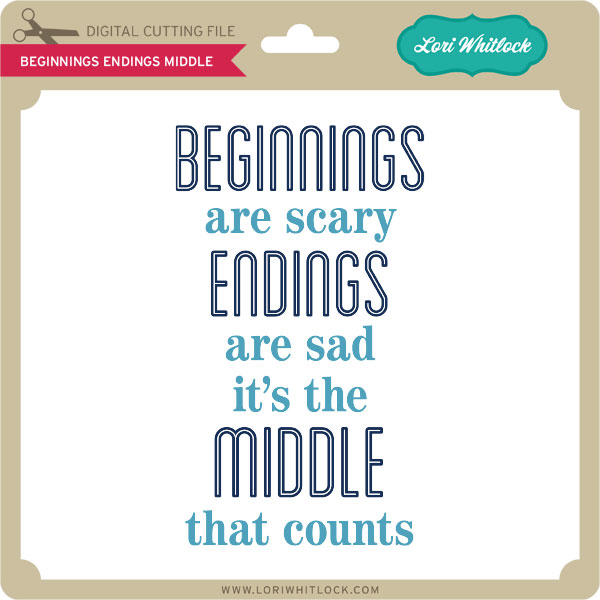
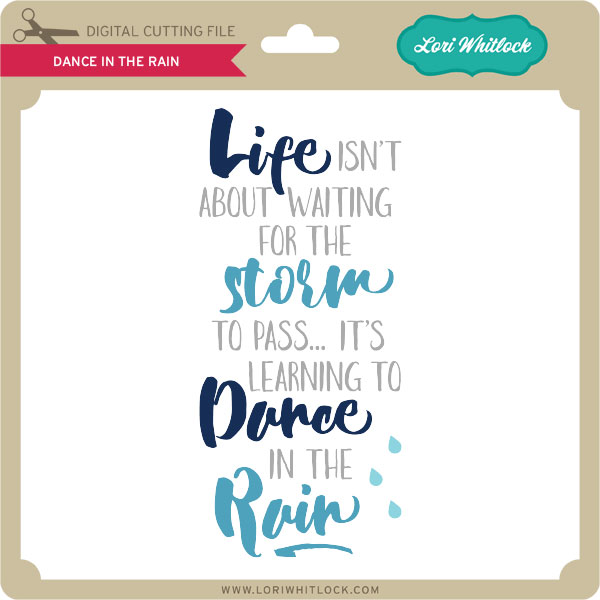
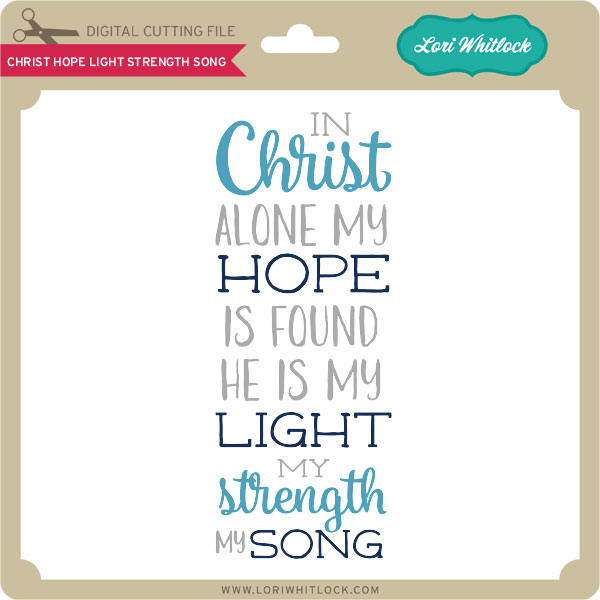
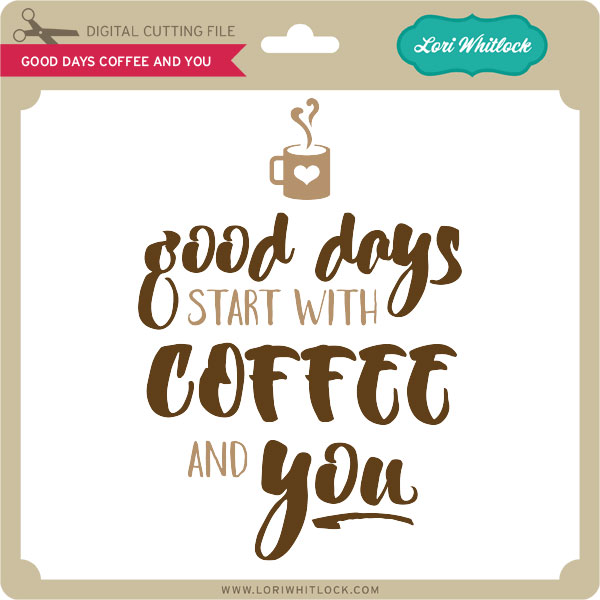
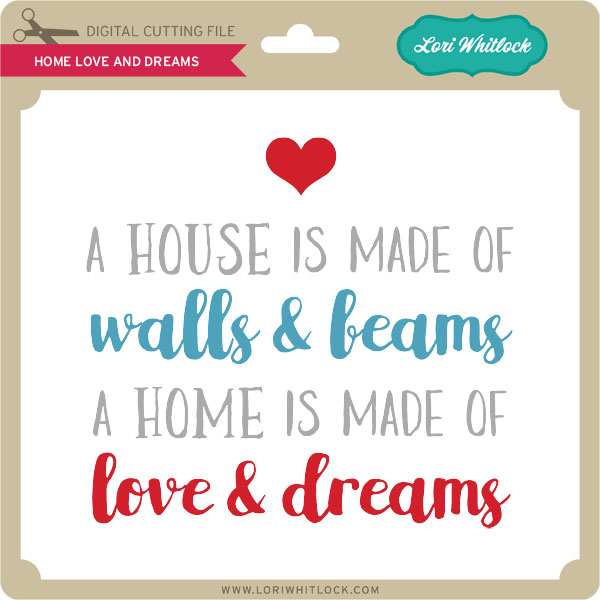
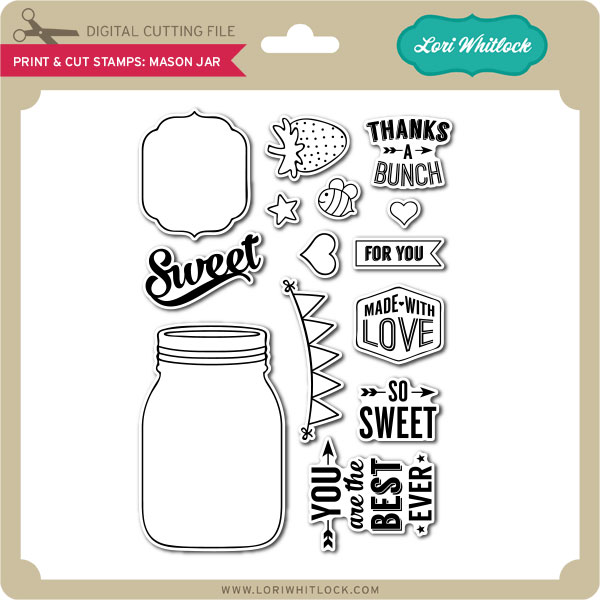
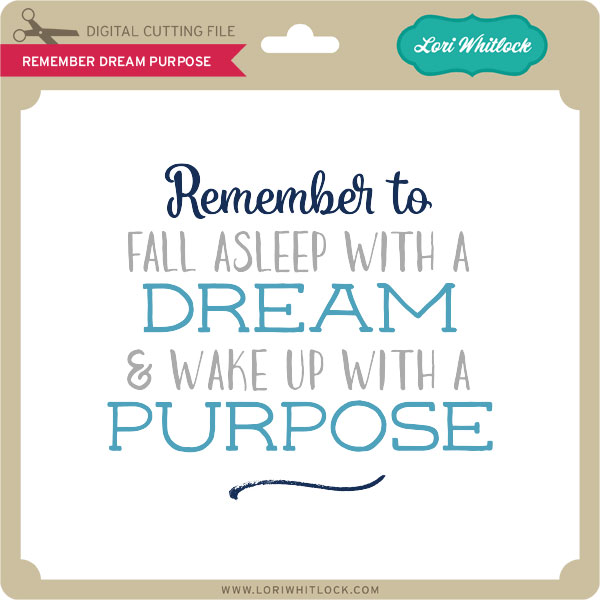
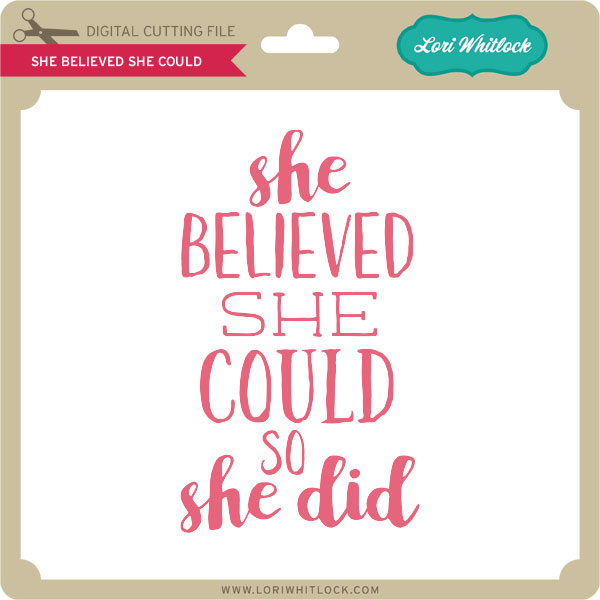
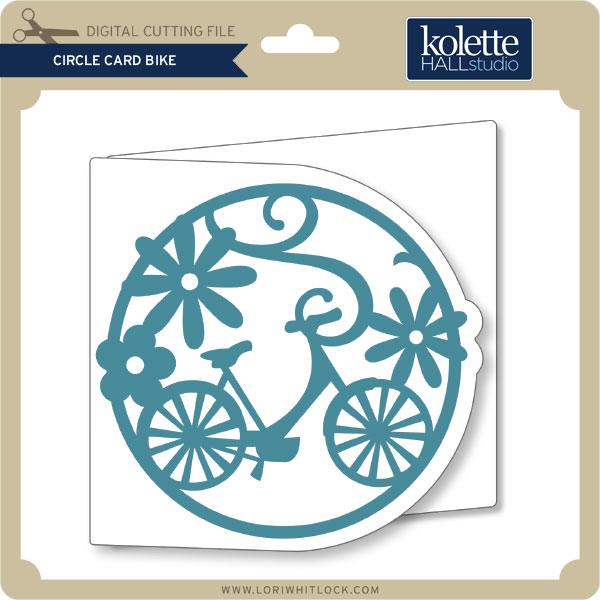
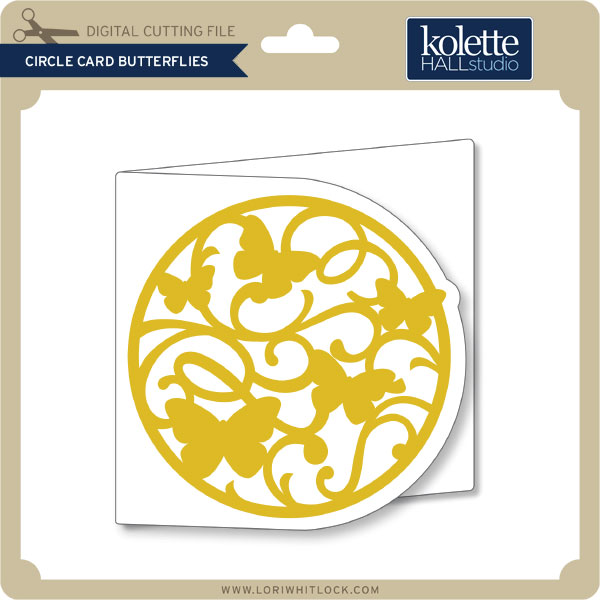
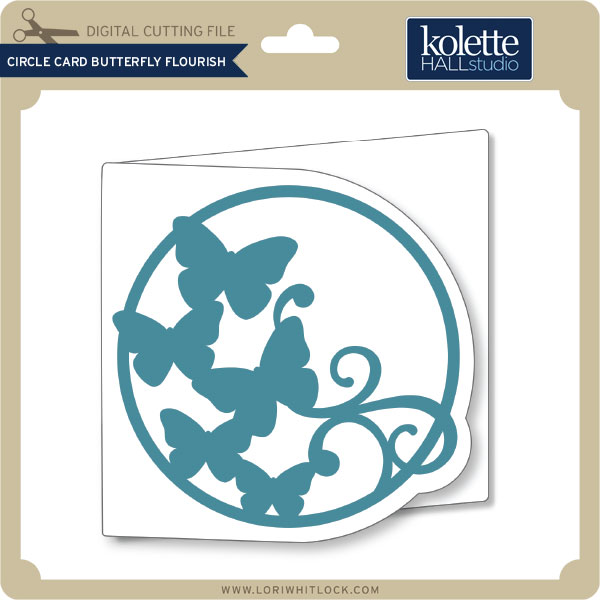
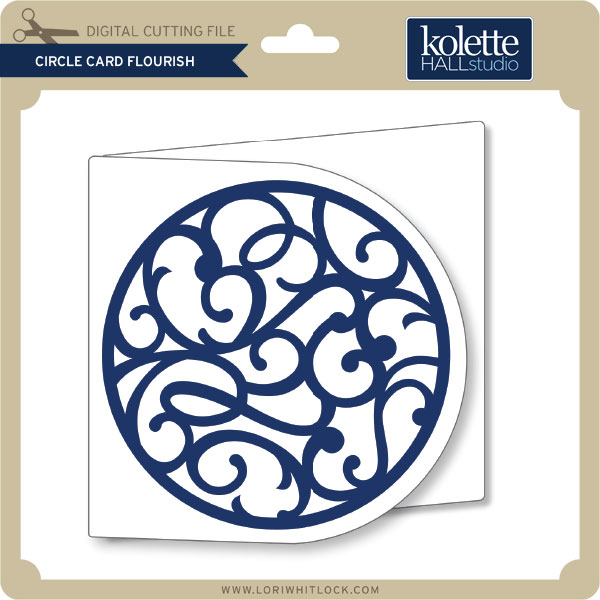
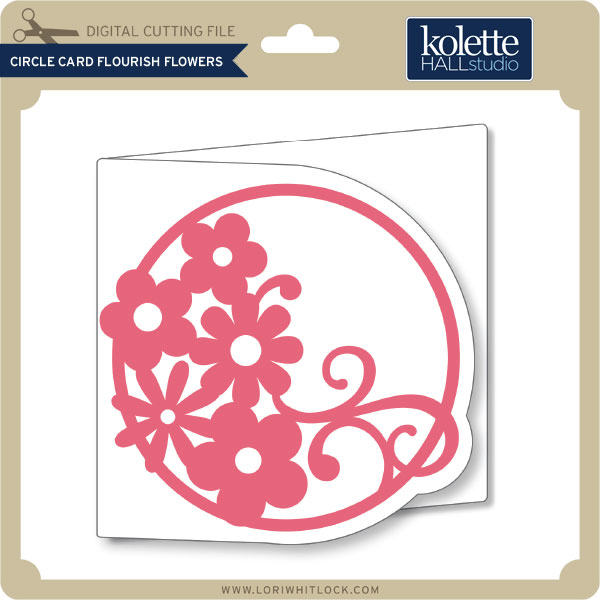
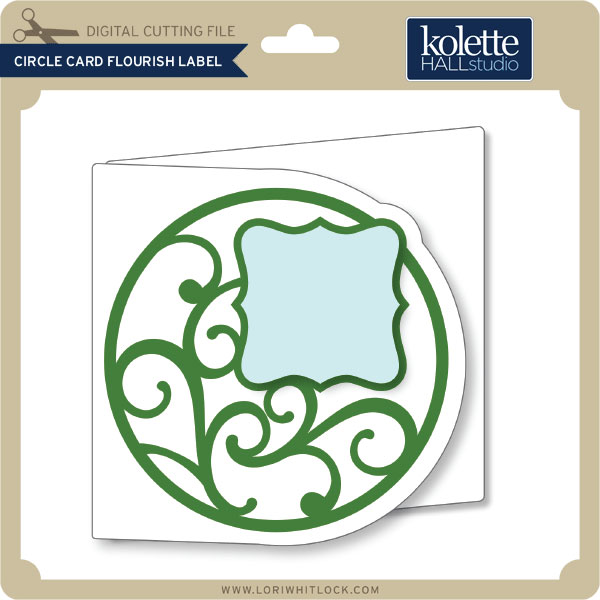
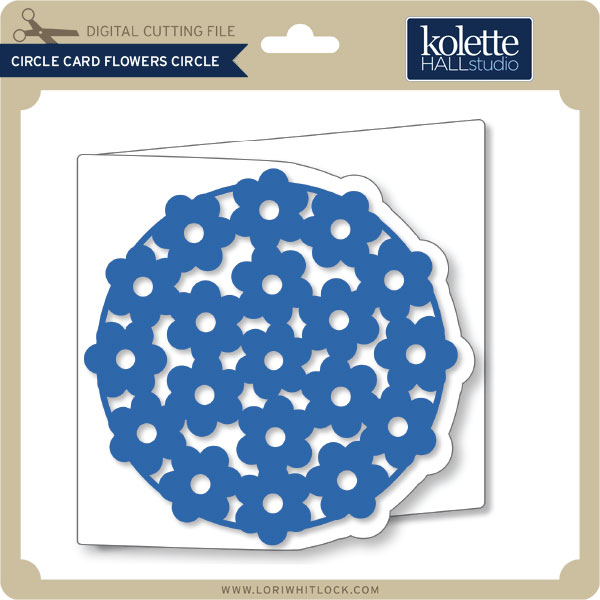
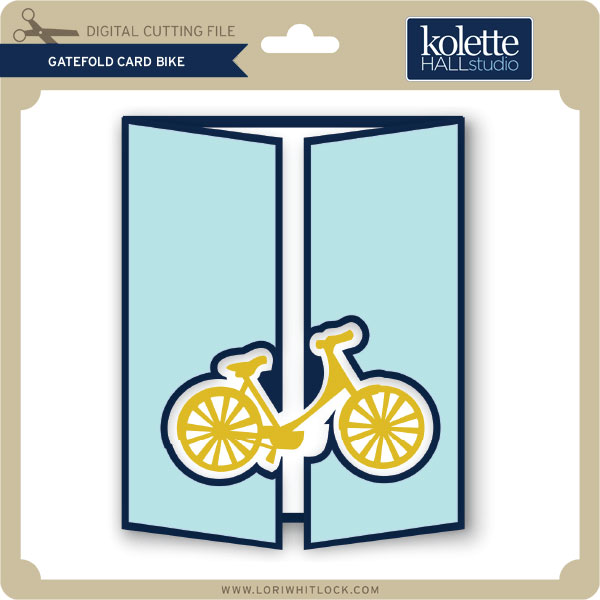
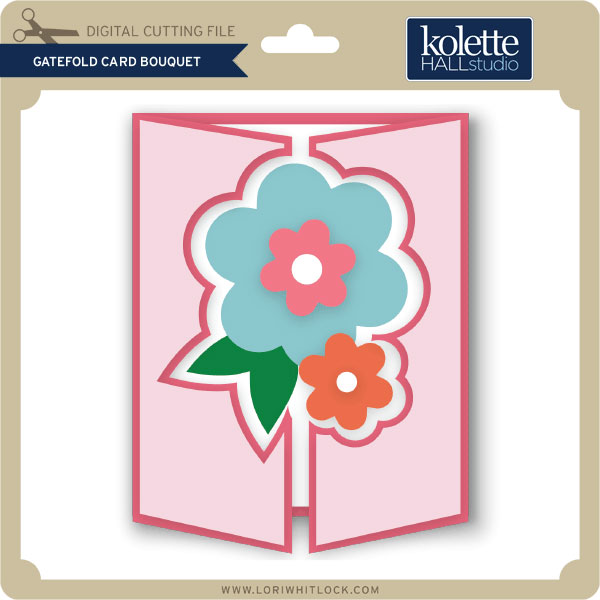
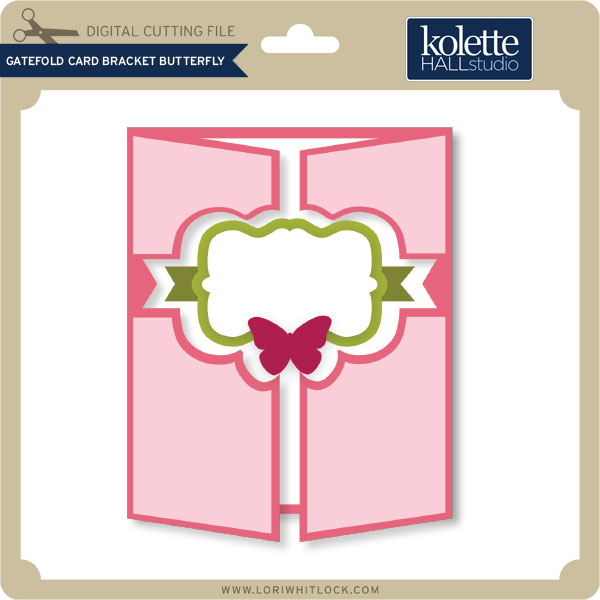
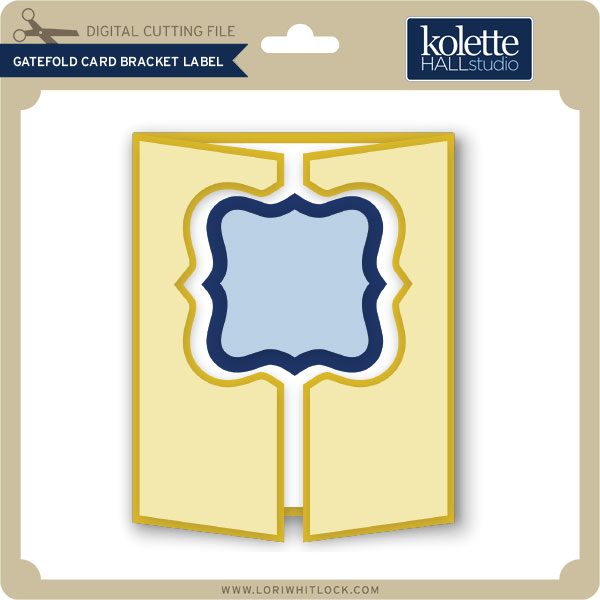
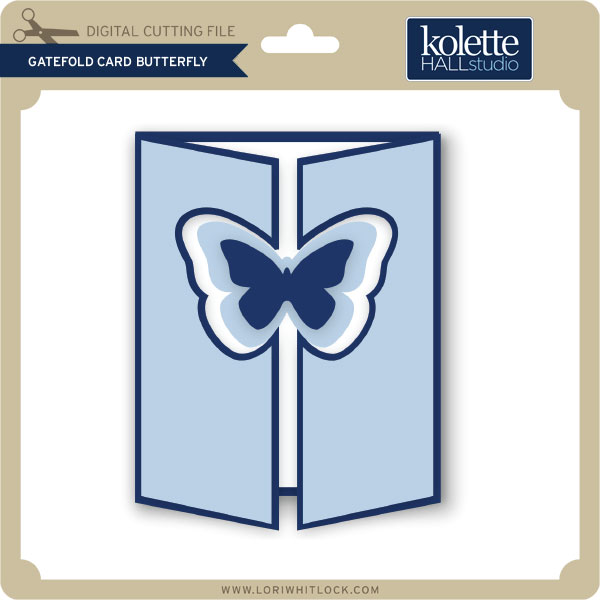
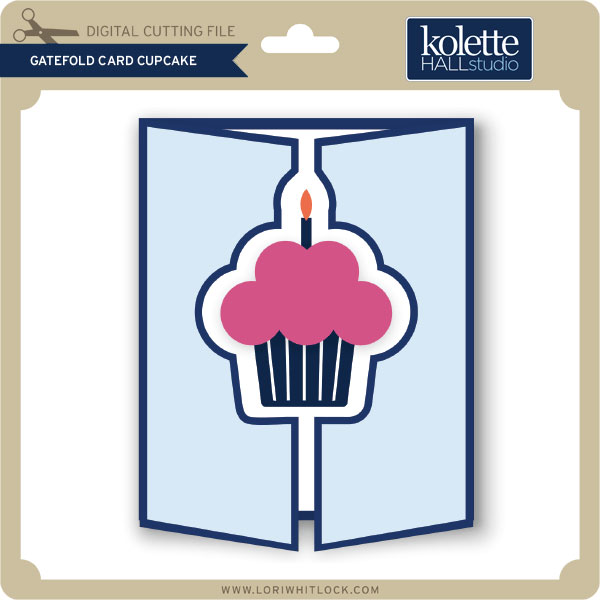
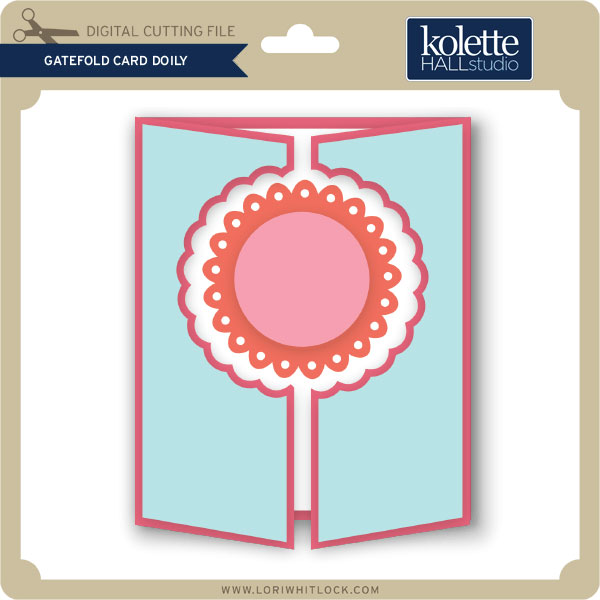
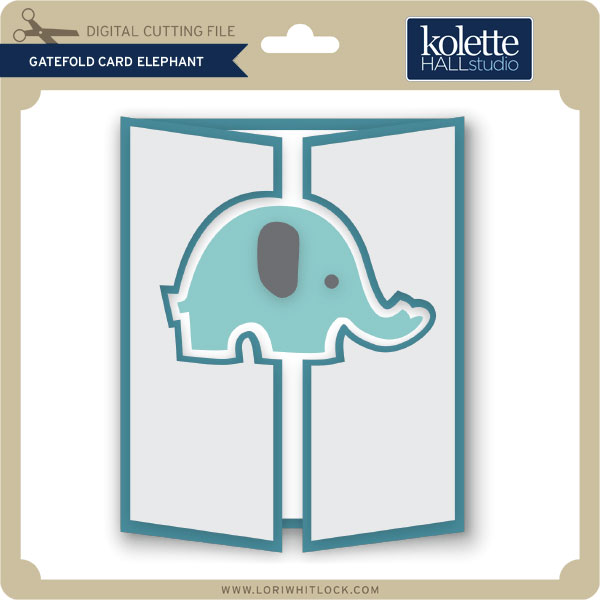
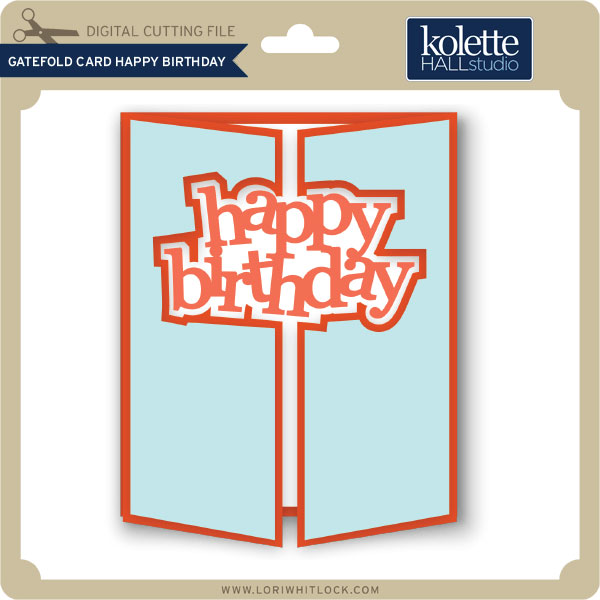
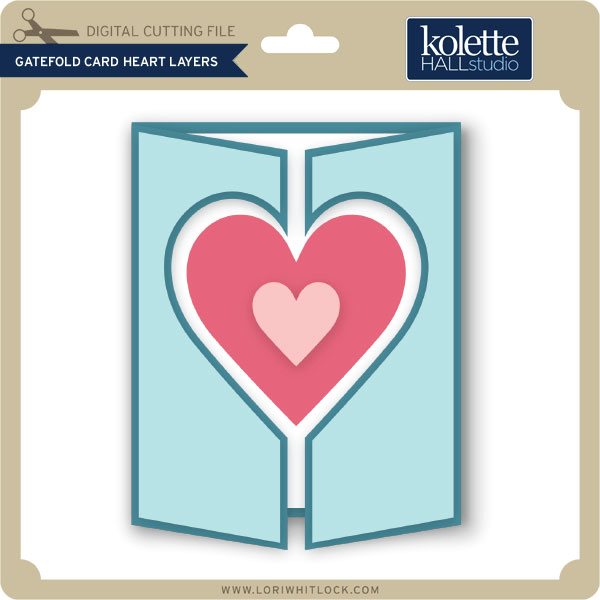
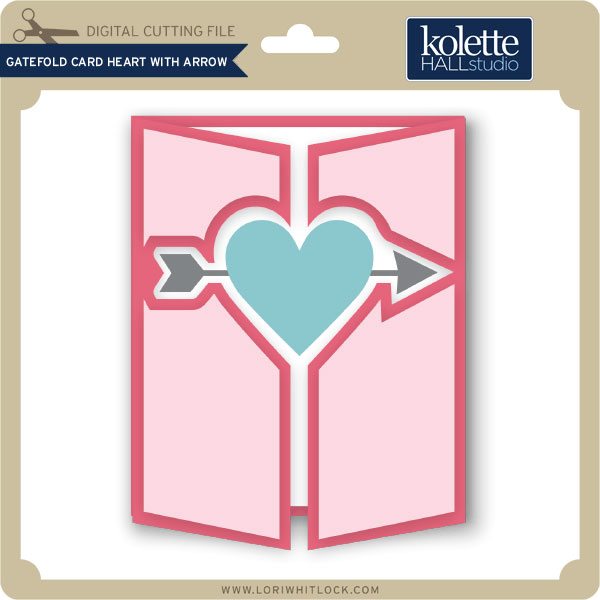
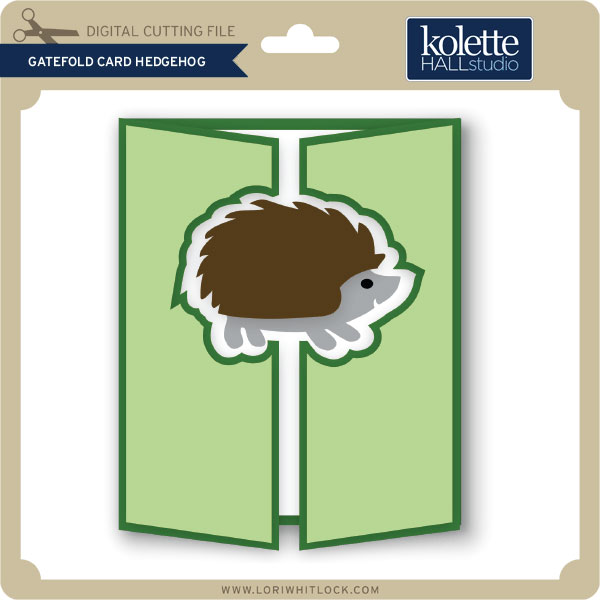
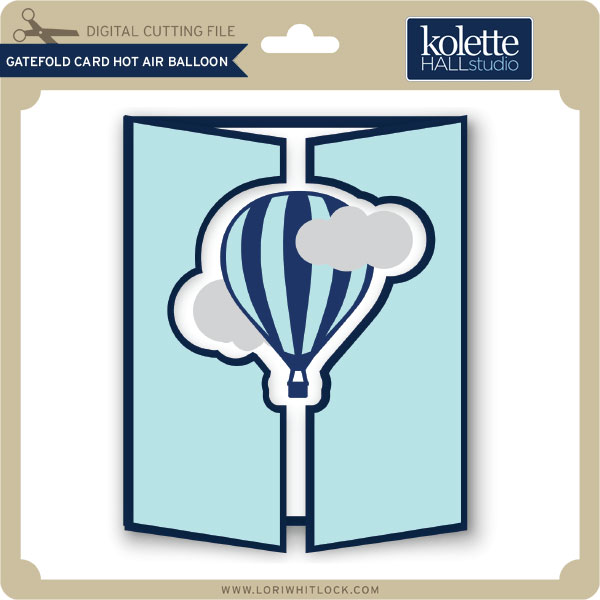
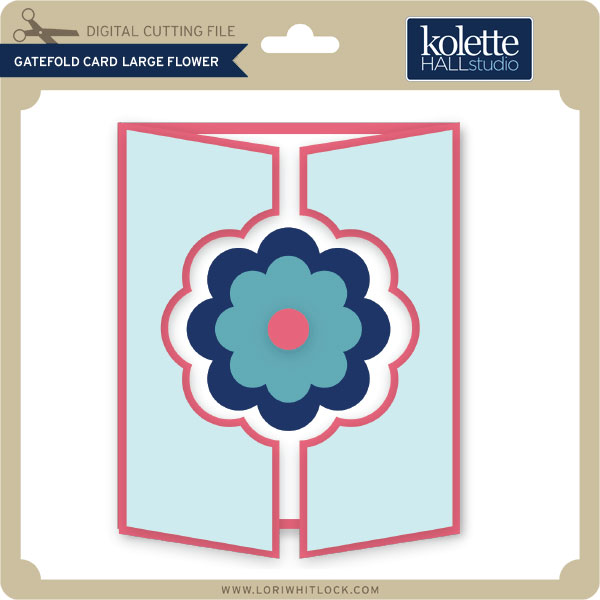
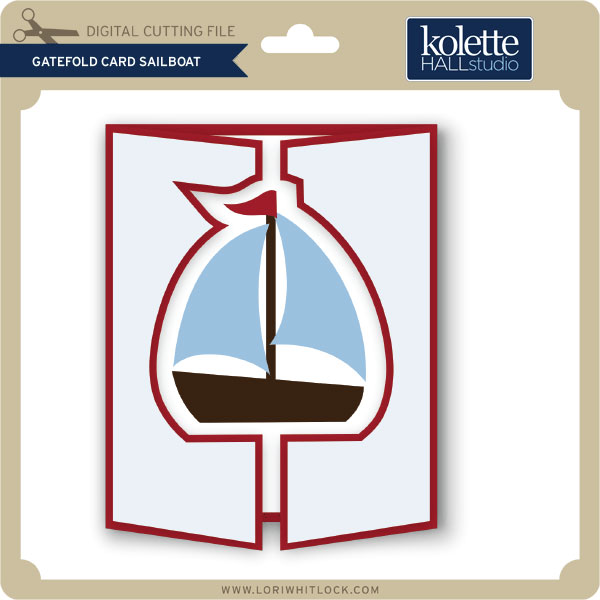
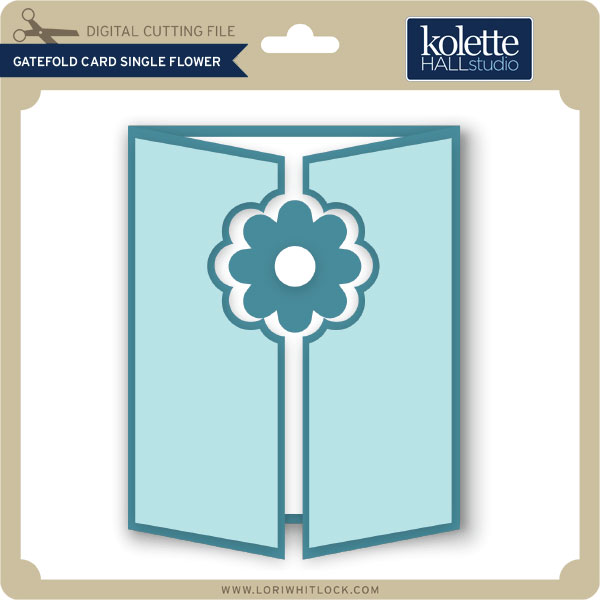
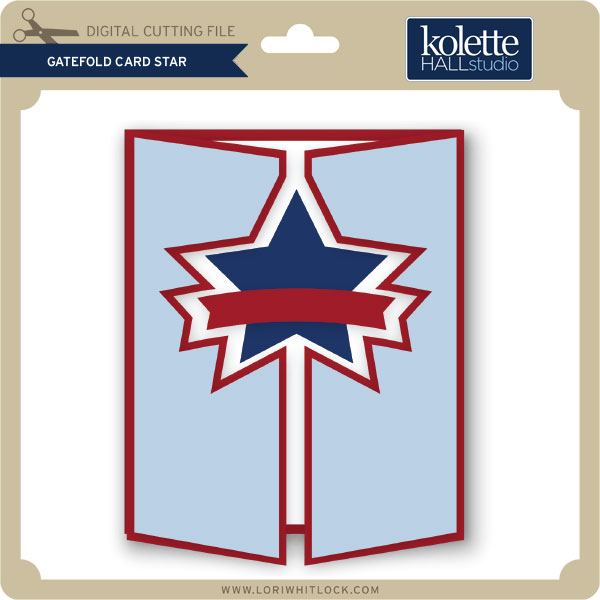
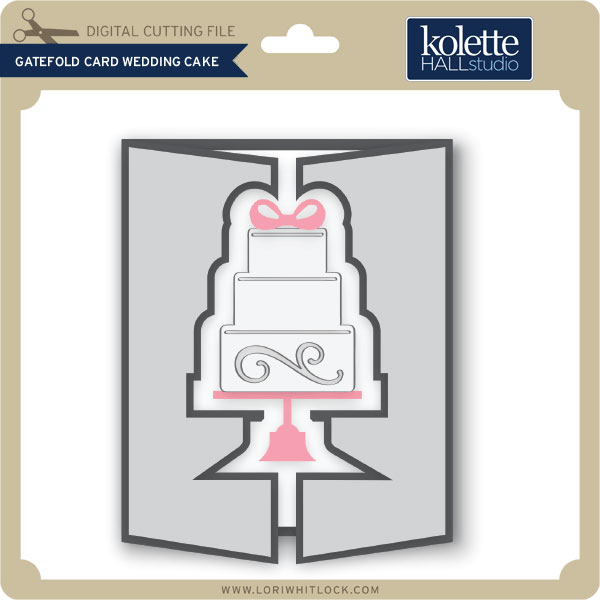
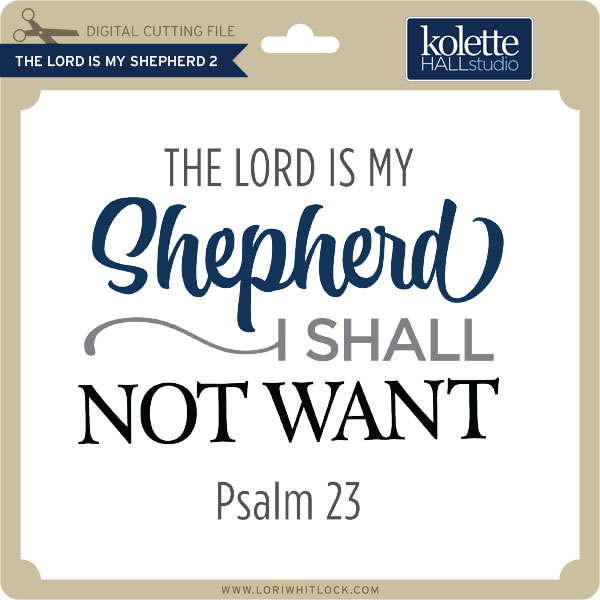
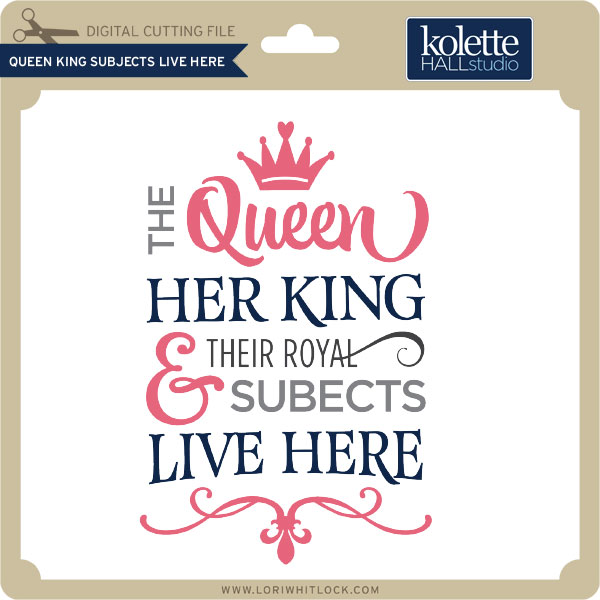
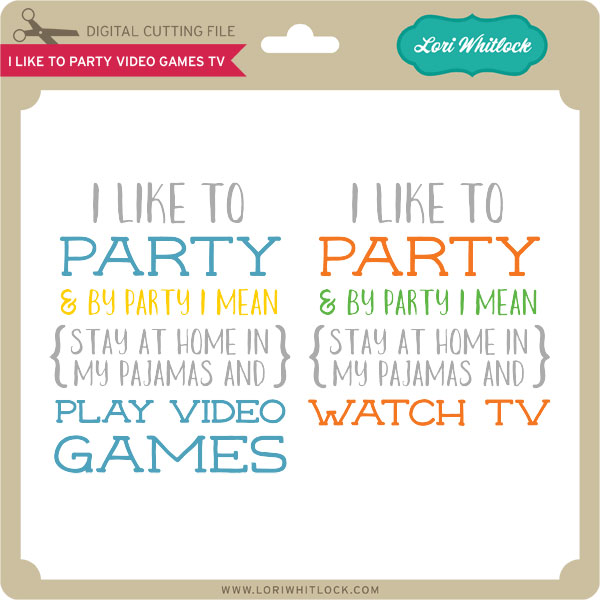
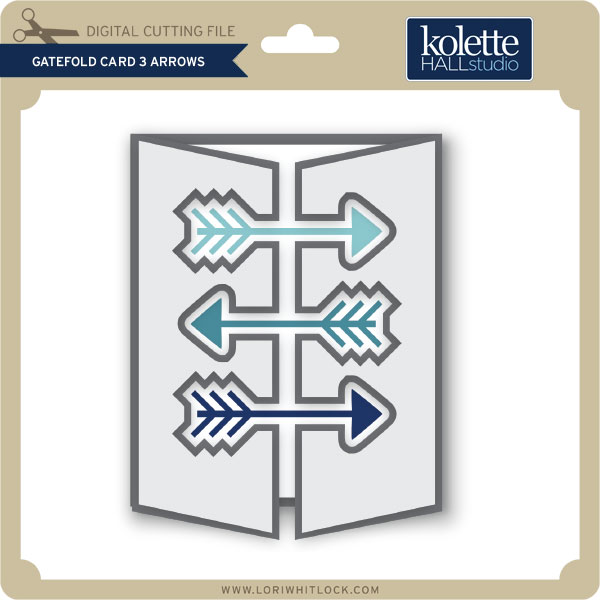
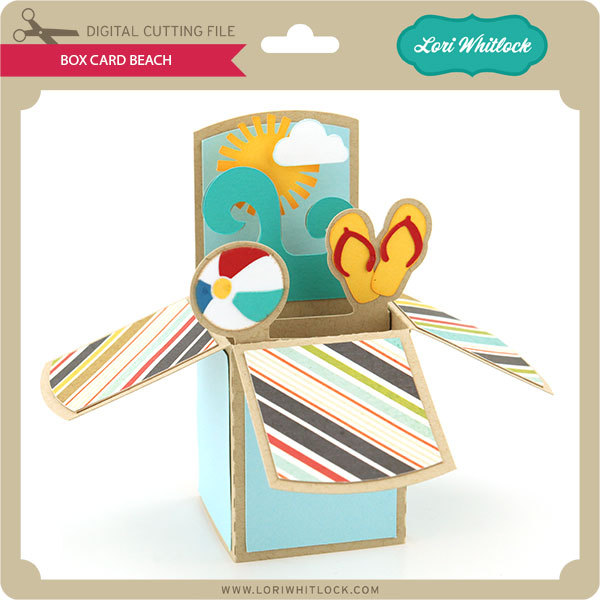
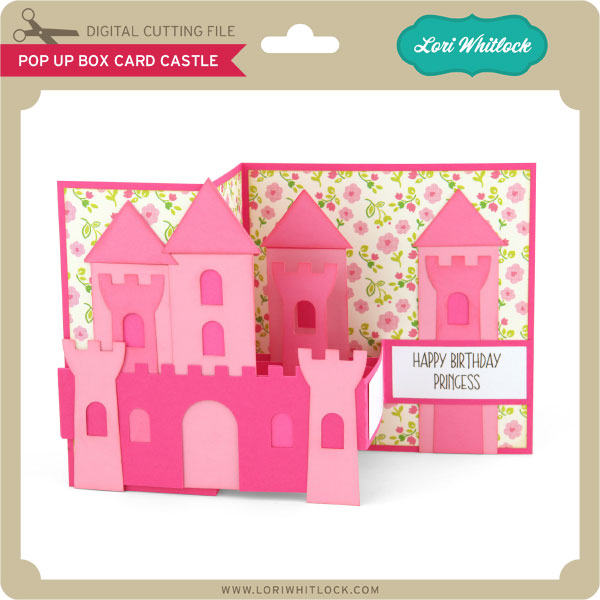
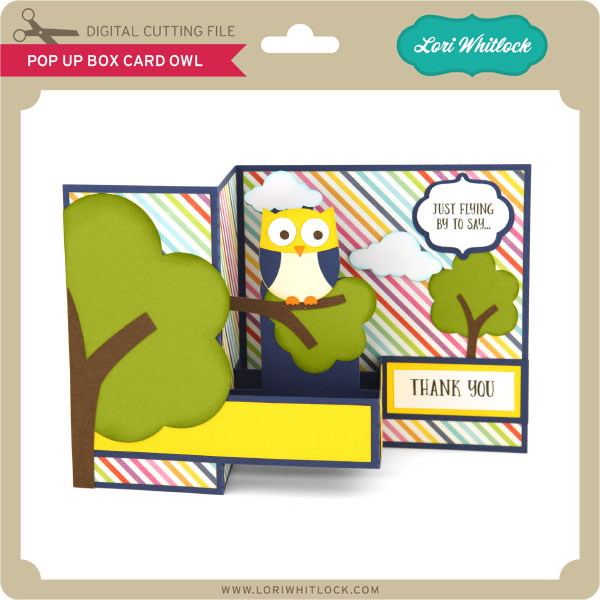
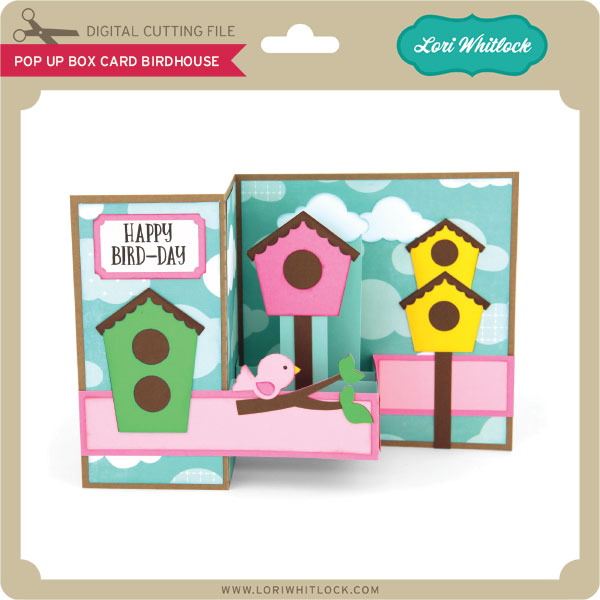
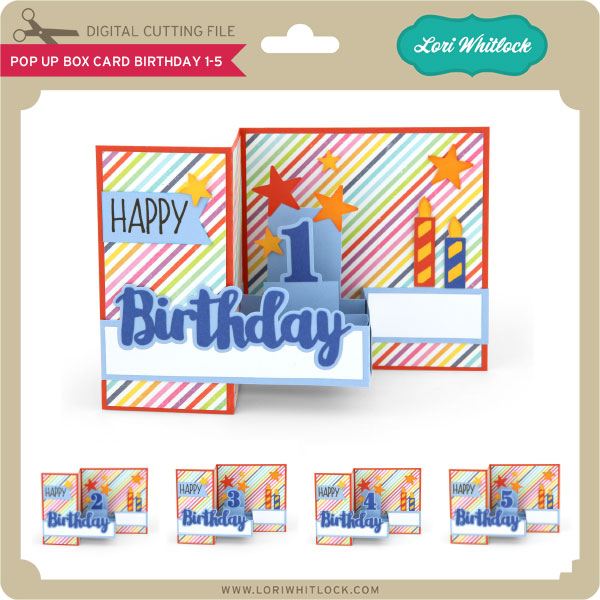
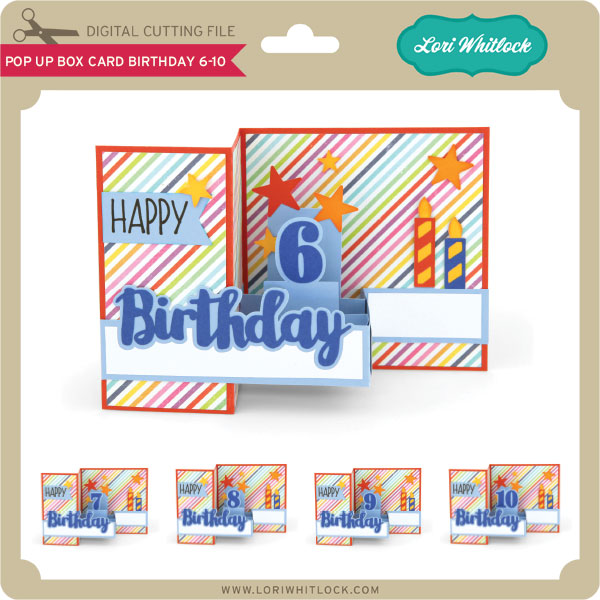
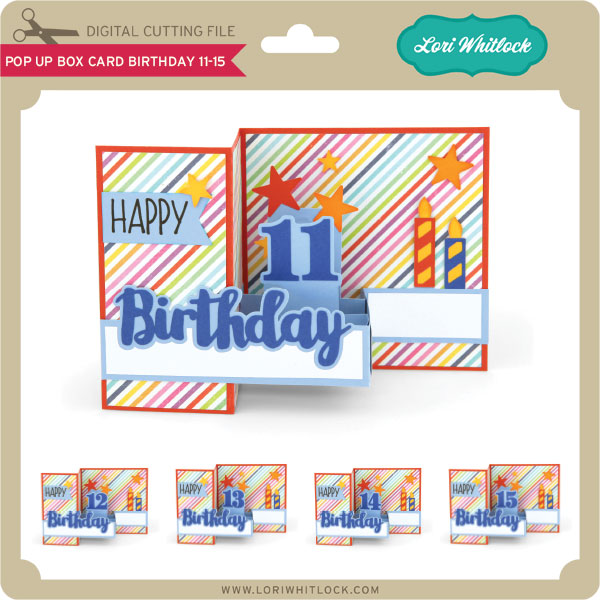
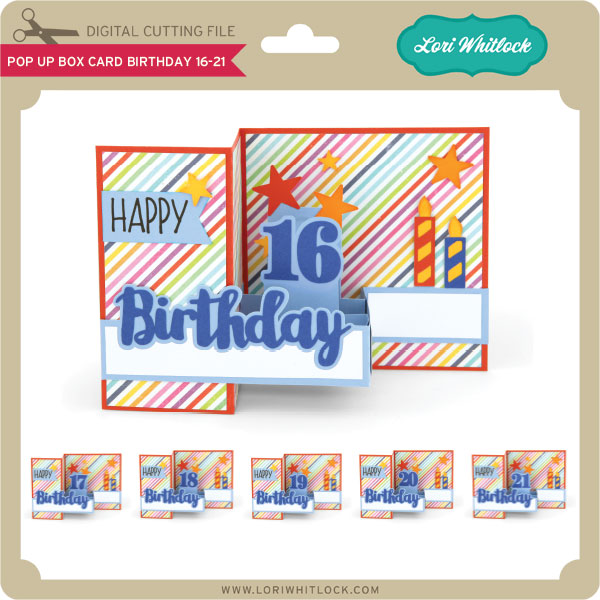
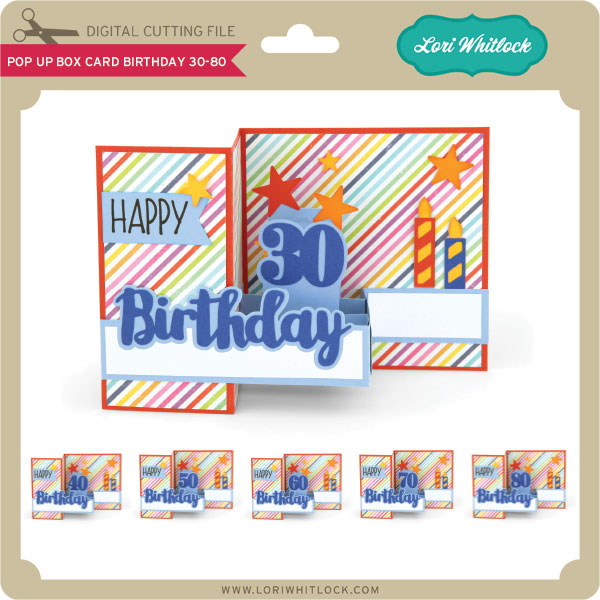
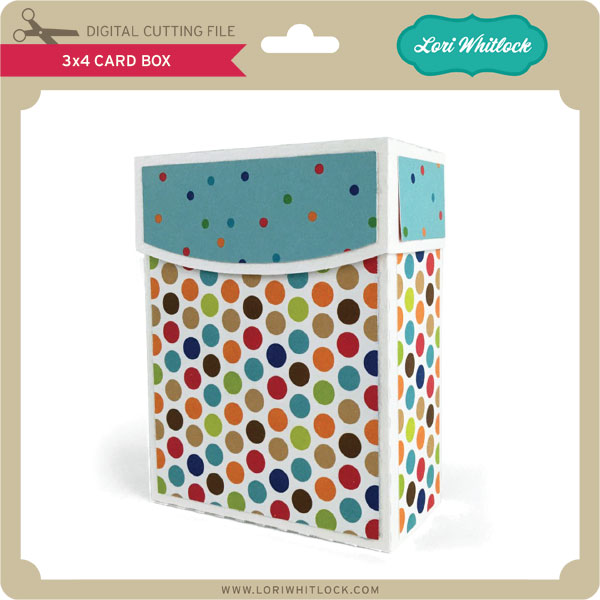
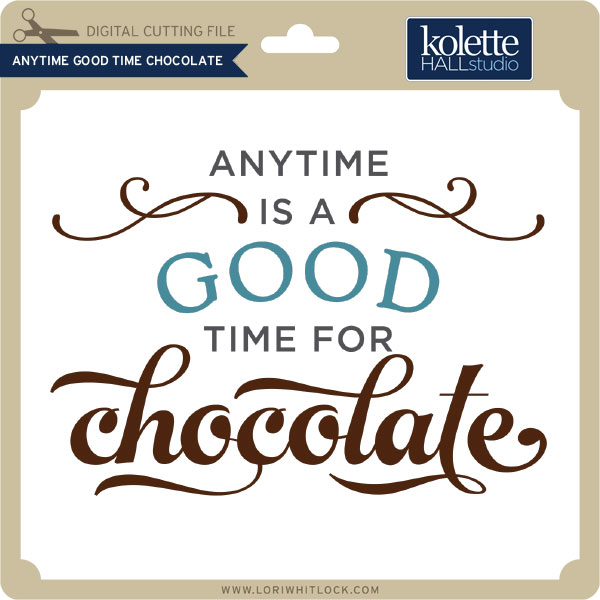
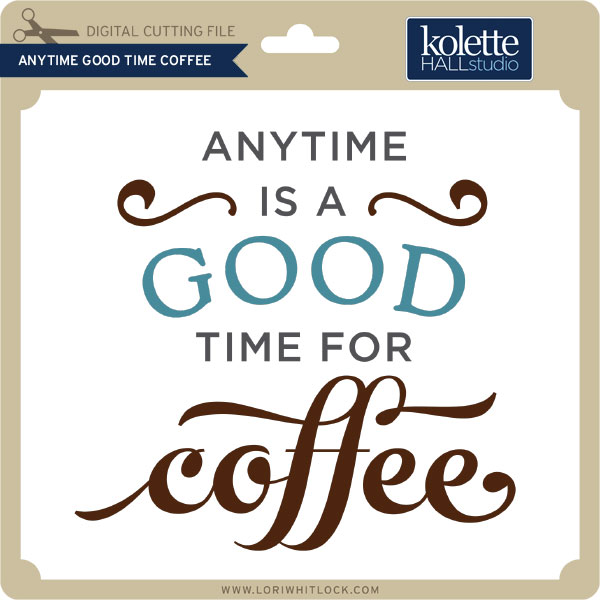
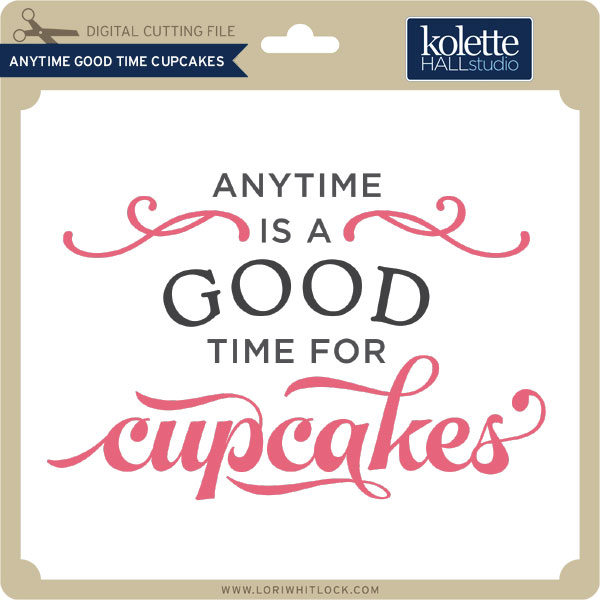
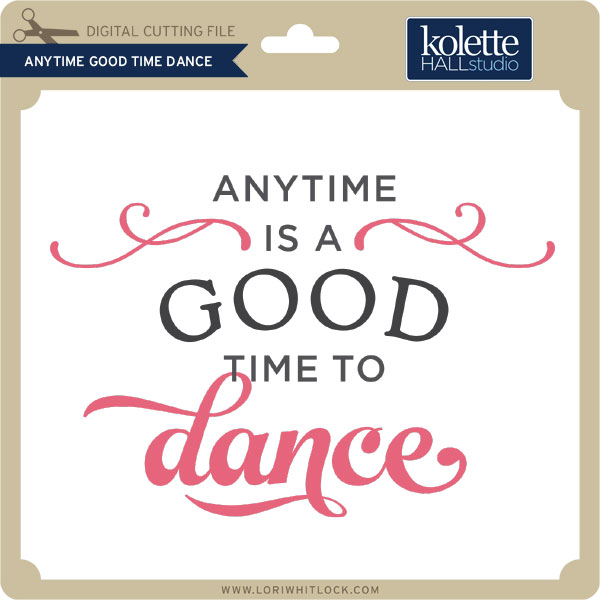
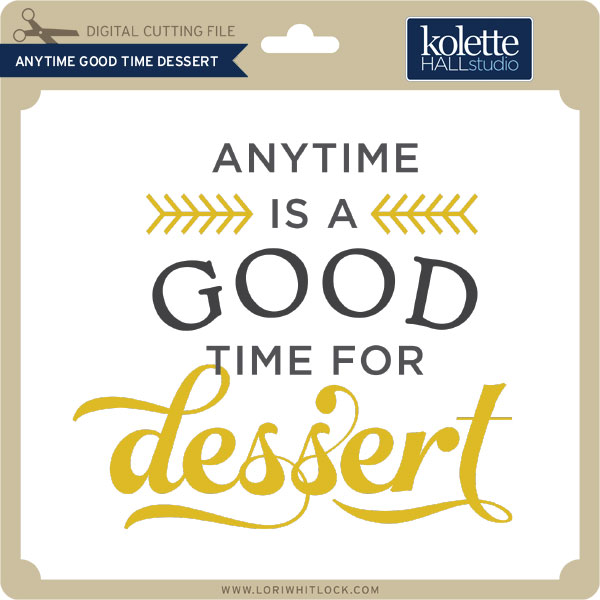
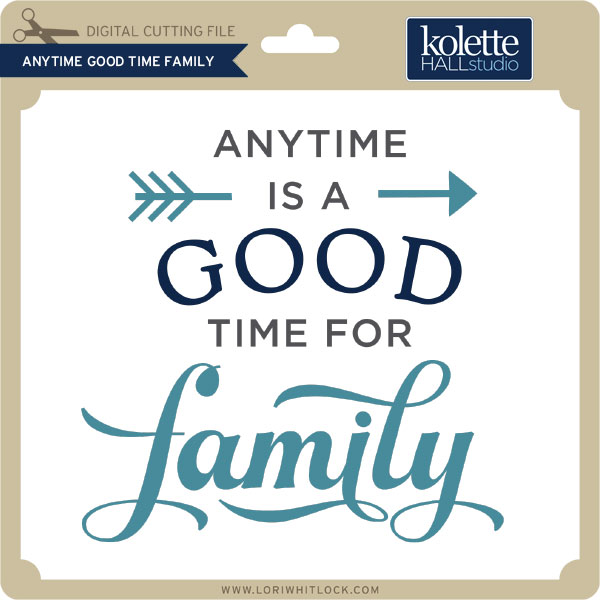
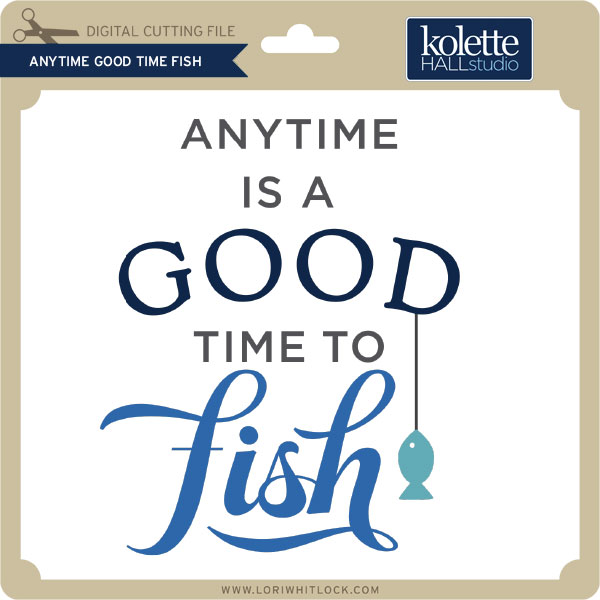
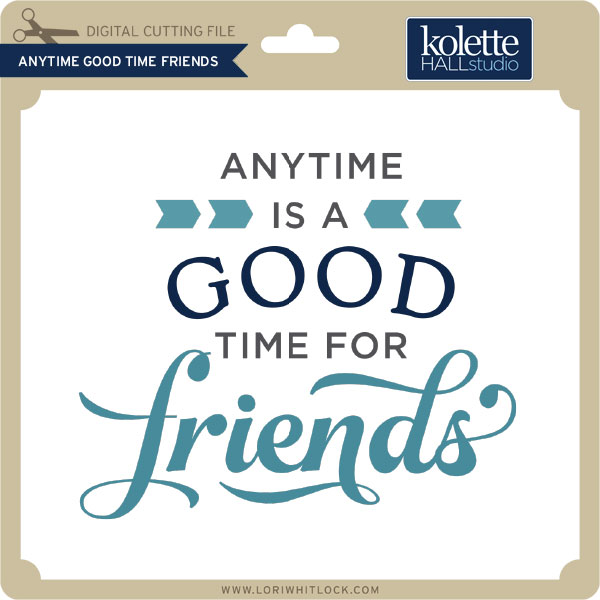
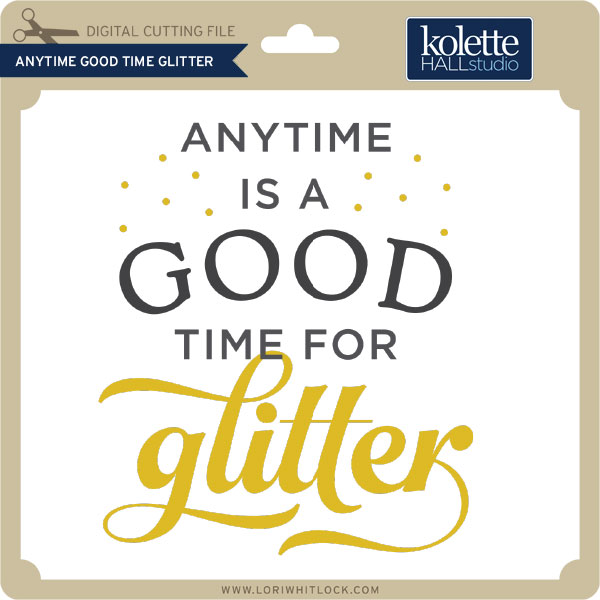
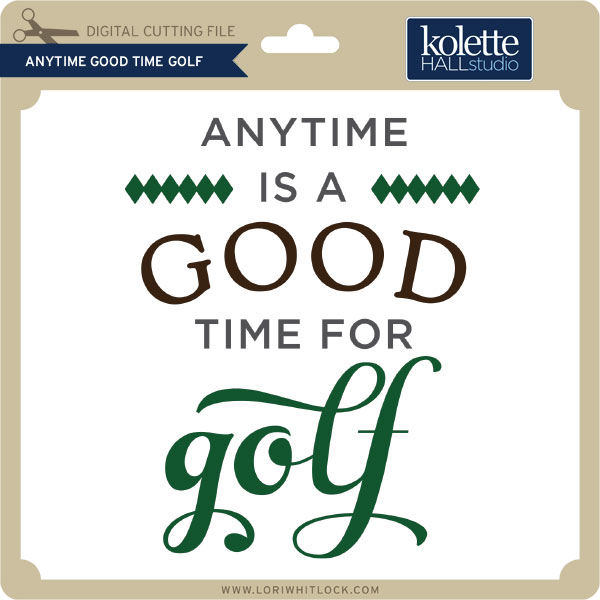
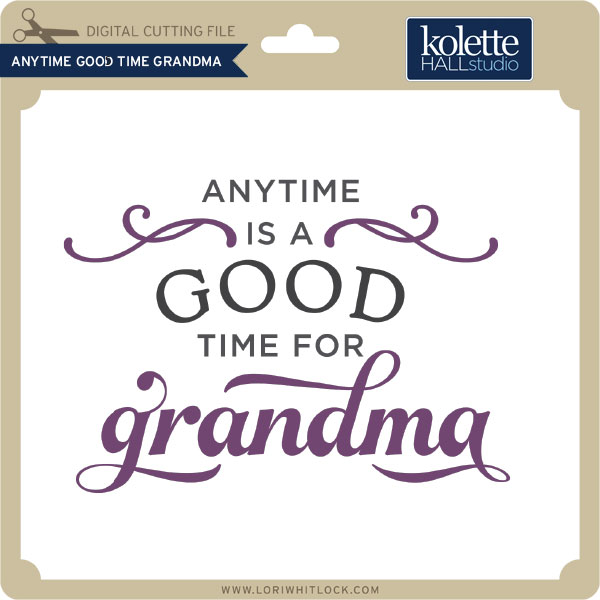
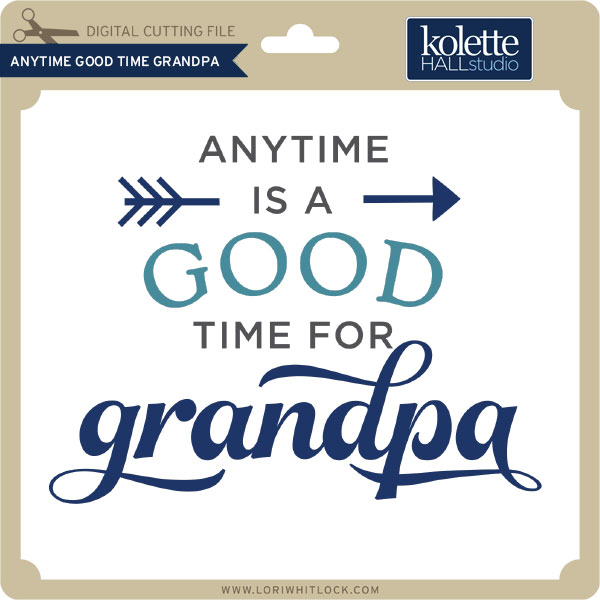
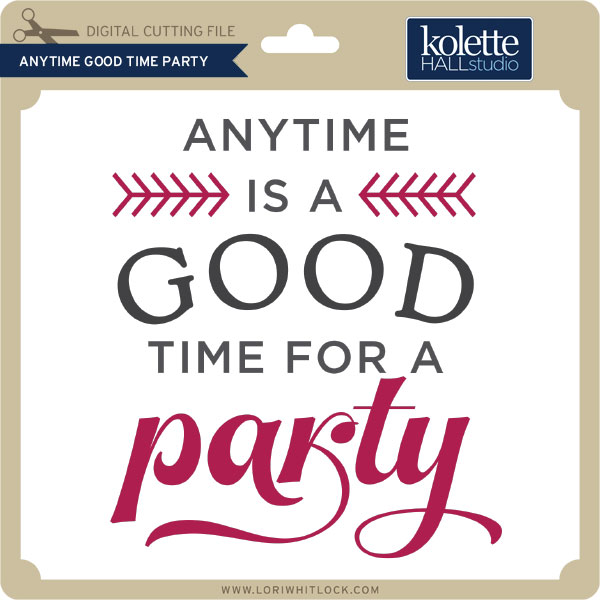
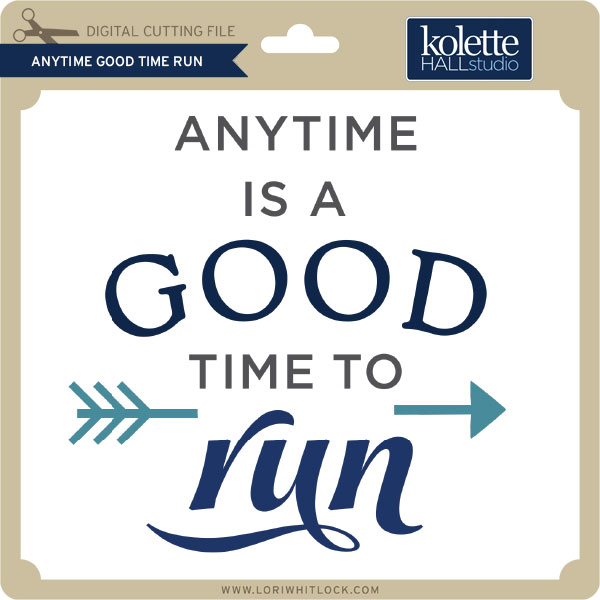
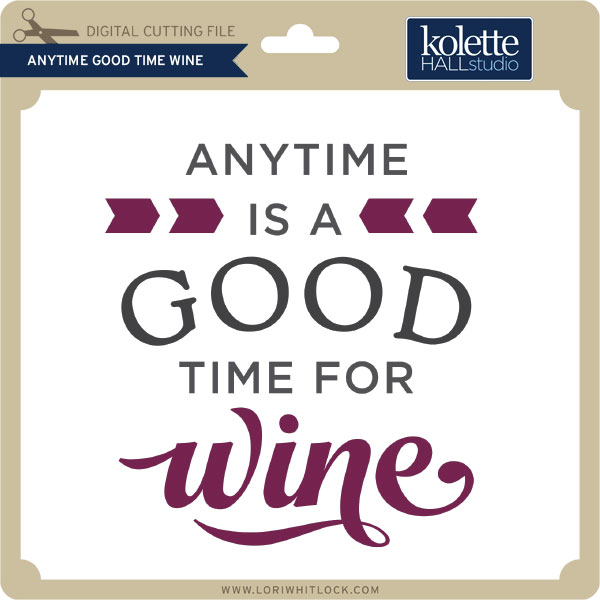
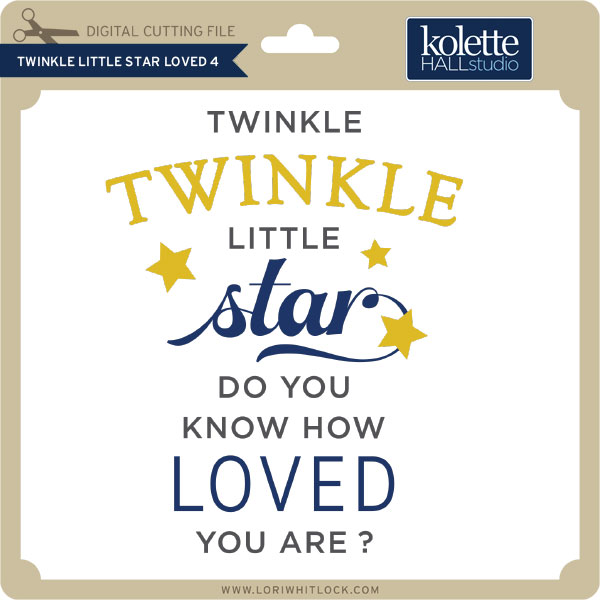
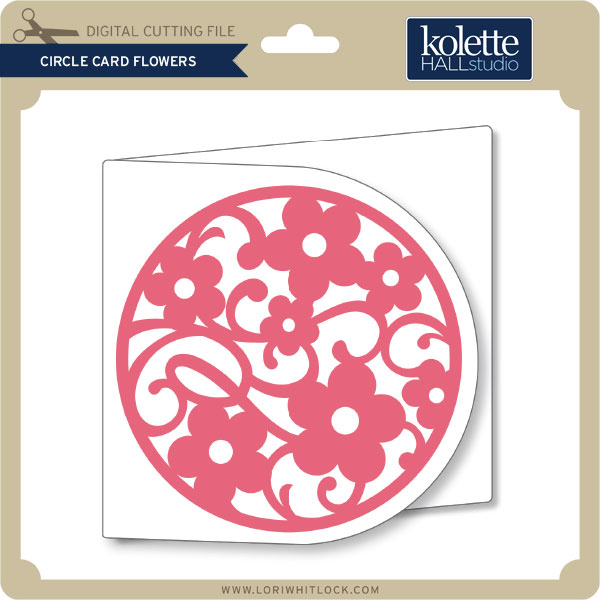
Check out our awesome SVG files releasing this week! And, just like always, the NEW files are ON SALE 25% OFF through the weekend in the SVG Shop! These downloads include SVG files for sure and PNG or PDF files when appropriate. No coupon code necessary, the files are all discounted in the shop! Be sure to go get them while they are on SALE this week.

Thanks for visiting the blog today! Please let us know if you need any help with your files. We want to make sure everyone is happy with their purchase. Have a great week!

Guest Blogger Melissa Viscount from Silhouette School

Hi! I’m so excited that Lori has allowed me to take over her blog today! My name is Melissa Viscount and I am the blogger behind Silhouette School and the author of The Ultimate Silhouette Guide ebook/book series.  I love teaching crafters how to use the Silhouette CAMEO, Portrait, Curio and Mint machine! Lori has so graciously allowed me to share a few of my tips and tricks for cutting paper cleanly with you today!
Paper crafts are hugely popular with Silhouette CAMEO and Portrait users – the problem is paper can be a bit tricky to cut with the Silhouette cutting machines.

Getting a clean cut on paper starts with having the right Silhouette cutting mat. A new mat or gently used mat can be overly sticky which can spell disaster for paper cuts.  A mat that’s too sticky will keep the paper in place while cutting, but it will likely create a mess and a headache while trying to remove the paper from the cutting mat after the cut.  The paper may curl as you try to release it from the cutting mat – or worse – separate leaving a thin layer of paper on the mat.

To avoid this common problem while cutting paper with the die cutter, de-sticky the Silhouette cutting mat by blotting it with a clean cotton pillow case or t-shirt before placing the paper on it.  This will keep the mat clean, while gently taking away some of the stickiness of the mat.

Another option is to cut paper using the Silhouette Light Tack cutting mat. This cutting mat is specially designed for cutting paper with Silhouette CAMEO or Portrait. It’s not nearly as sticky as the regular cutting mat making it perfect for paper – which doesn’t need quite as much stick as vinyl or other materials to stay in place while cutting.

The next thing you want to do to get a better paper cut with your Silhouette machine, is make sure you are using the Line Segment Overcut feature in Silhouette Studio.

You can find the Line Segement Overcut option at the bottom of the Cut Settings window in Silhouette Studio. Use the scroll bar after you select the material type, to scroll down and you’ll see it.

After selecting “ON” in the Line Segment Overcut area, adjust the distance of the overcut.  Adjusting to 0.1 mm and 0.1 mm is usually plenty.

The way overcut works is instead of the blade staying down in the paper and turning at hard corners and angles like it would at each corner of this square…

….it instead overcuts the corner by a small distance (0.1), then lifts up out of the paper to make a new connecting cut.

The overcuts will NOT appear in Silhouette
Studio.  I have drawn them in here so you can more easily understand.

Think of it cutting a corner like an X rather than a V.  That slight overcut is small enough that it isn’t noticeable to see on the paper once cut, but it makes a huge difference in preventing the paper from being torn up, chewed and pulled while cutting.

Look at the difference in how the Silhouette CAMEO blade cut this small triangle on nearly-impossible-to-cut-cleanly construction paper!  Both triangles were cut with the same exact cut settings – except the Segment Line Overcut was turned on for the triangle on the right.

Finally, consider a double cut when cutting paper with Silhouette CAMEO. A double cut is often the difference between a soft ‘furry’ edge and a clean, sharp cut. Imagine cutting with a dull blade vs a super sharp blade.

You can find the box to turn on the Double Cut in the Cut Settings window. After you select the material type, use the scroll bar on the right side of the window to scroll down and check the box.

Of course, before you commit to any or all of these tricks for cutting paper, you will want to be sure to use the test cut option to ensure the settings you are using will provide the best quality cut. If you skip the test cut, you risk wasting a whole lot of materials, as well as time.

Thanks again to Lori for allowing me to share a few Silhouette CAMEO tips and tricks with you today! Be sure to get schooled on all things Silhouette related at Silhouette School blog! You can also find Silhouette School on Facebook, Instagram, YouTube and Pinterest!

 photo 2b820f06-c93b-4b24-929c-96287390140f_zpsf3cd3a23.jpguse twiter photo Twitter_48x48_zps4e06061c.pnguse twiter photo Twitter_48x48_zps4e06061c.pngUse Feed photo Feed_48x48_zps63f27a4f.png photo 2b820f06-c93b-4b24-929c-96287390140f_zpsf3cd3a23.jpgUse Feed photo Feed_48x48_zps63f27a4f.png


Get Silhouette School lessons delivered to your email inbox! Select Once Daily or Weekly.


July Kit of the Month

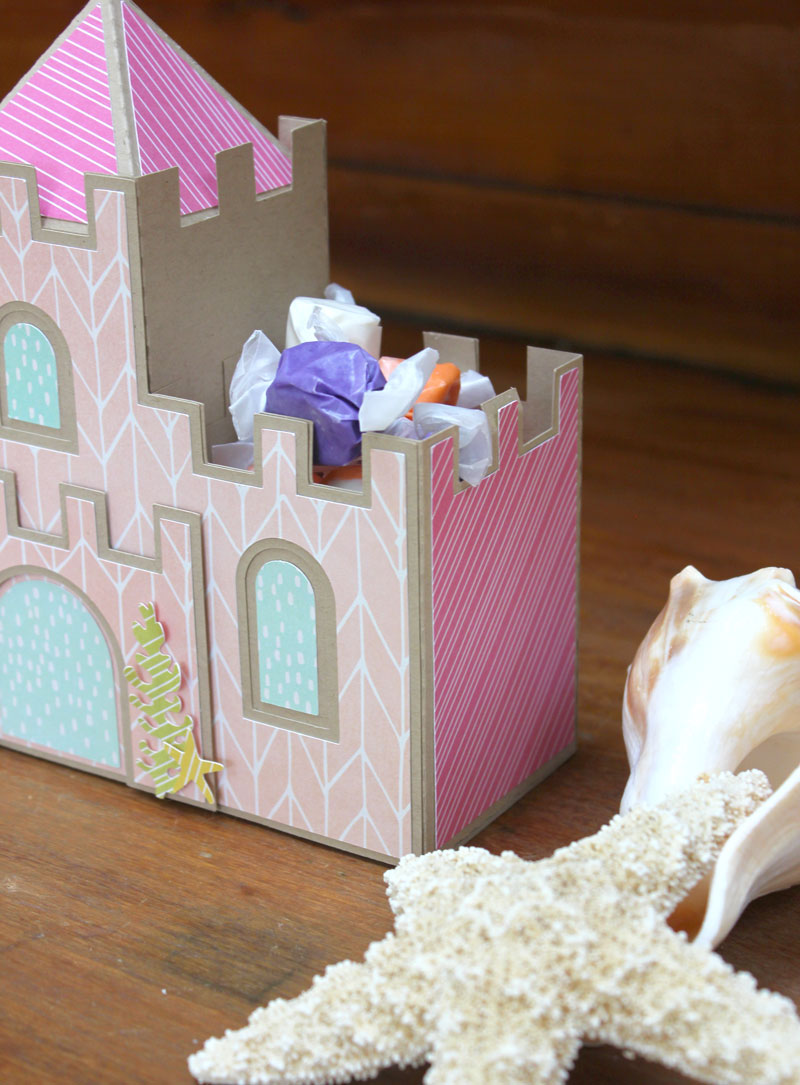
We have a brand new special for the entire month of July! You can get this Free Kit of the Month with any $20 purchase (Purchase must be in one transaction.) Simply add the July Kit of the Month to your shopping cart along with ANY $20.00+ purchase from the SVG Shop and this file is yours FREE. These would be perfect for summer celebrations! Be sure to use Coupon Code: JULYKOTM (case sensitive) at checkout. This offer is good through July 31st!


(Your cart must reach at least $20.00 before the coupon will be applied and then $7.95 will be subtracted from your total at checkout. The files will be available for immediate download after you pay for your order by visiting MY ACCOUNT>COMPLETED ORDERS>ORDER DETAILS inside of your account. Only one discount code per order allowed.)

Thanks for visiting the blog today! Please let us know if you need any help with your files. We want to make sure everyone is happy with their purchase. Have a great week!