I have something super exciting to share with you this week! Silhouette has released a brand NEW Handbook! I’m so excited to be offering this to my customers and it’s only $19.99!!!
The Silhouette Handbook is your comprehensive guide to Silhouette products and the new V4 software, including information on how to use various tools and software features. It’s a 305 page e-book, accessed through the Silhouette Studio® software. If you would like to take a look at the table of contents please click HERE.
There is extensive information given in this E-book and it’s well worth the money. If you have a question about anything Silhouette, it will definitely be answered in this book. And, because it is an e-book, it will be updated as needed and you’ll always have access to the most current information right through your Silhouette Studio software.
As a BONUS, if your purchase the Silhouette Handbook from my SVG shop, you’ll receive a set of fun FREE cutting files to go with it! Be sure to go check it out HERE. 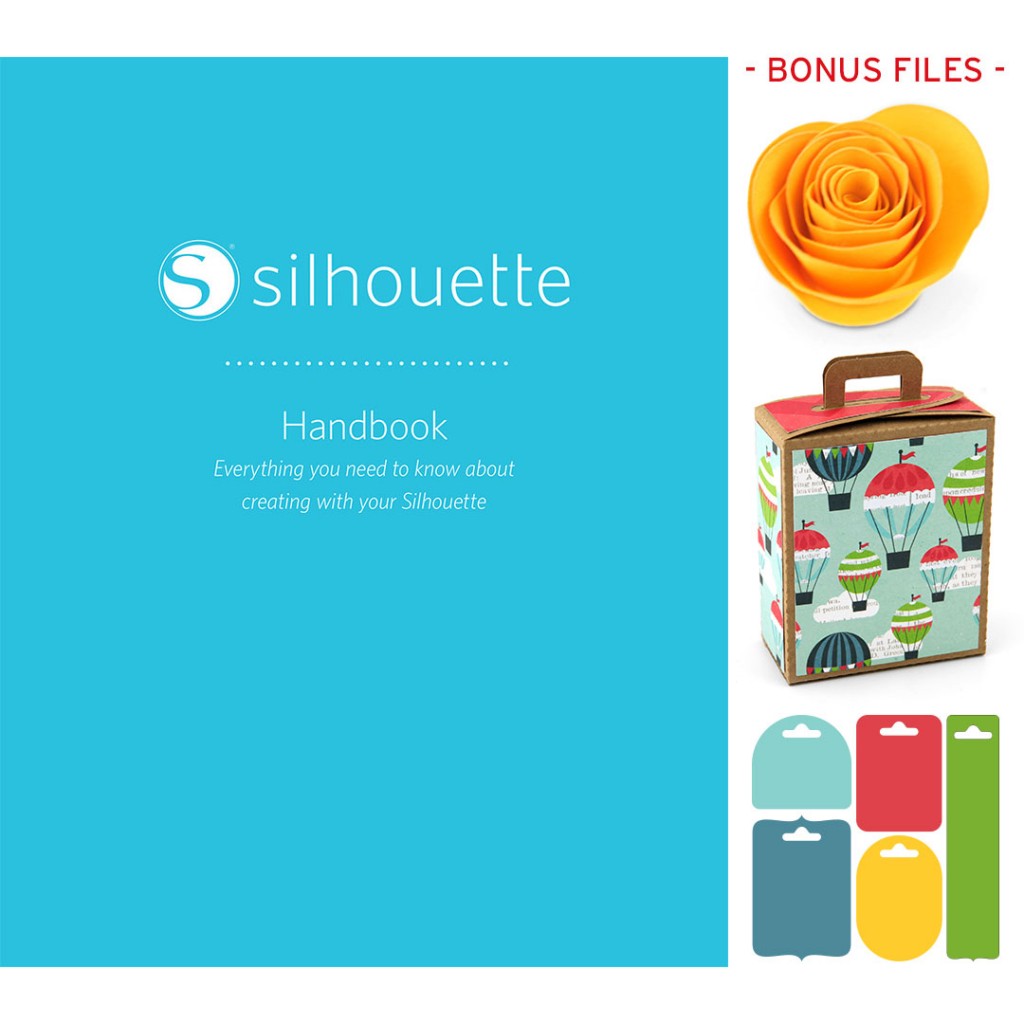
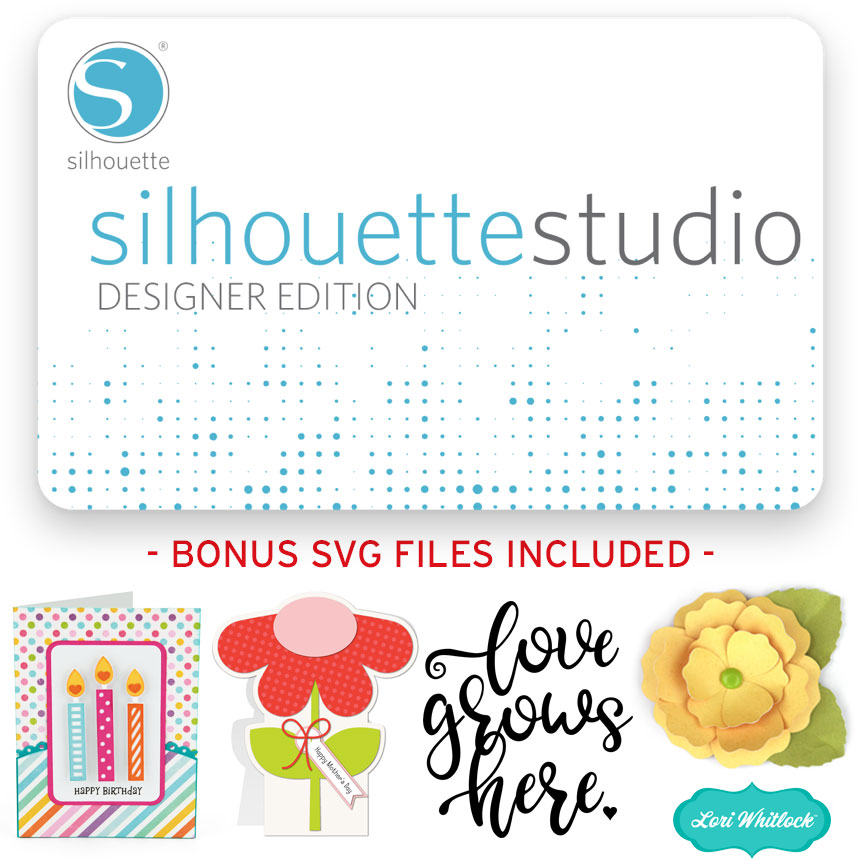
And, if you’ve been thinking about upgrading to the Silhouette Studio Designer Edition, I now have that available for in my shop, too! The Designer Edition is definitely an upgrade I would highly recommend. It unlocks so many essential features that make working in the software so much easier. You can read all about the features included in the upgrade HERE. With a Designer Edition upgrade purchase from my shop you’ll get an adorable BONUS set of cutting files to go with it.
Now, moving on to our exciting Tuesday new product post…
ALL WEEK, this SVG file is FREE with any $1.99 purchase!
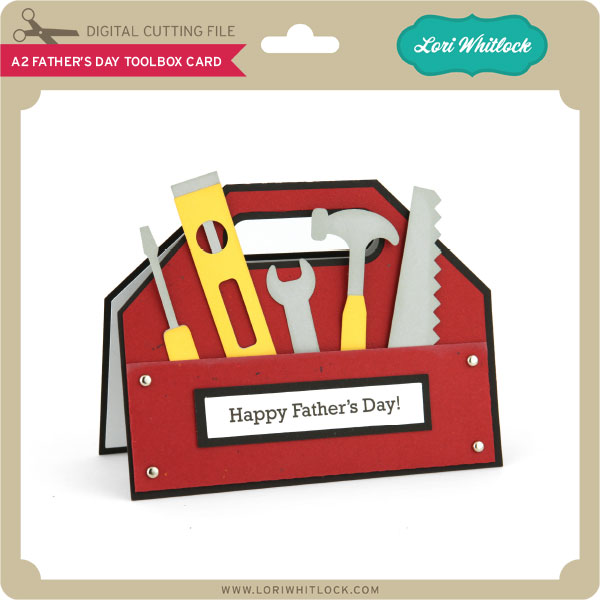
We have a FREE file with purchase all this week! Simply add this A2 Father’s Day Toolbox Card file to your shopping cart along with ANY $1.99+ purchase from the SVG Shop and this file is yours FREE. Be sure to use Coupon Code: TOOLTIME (case sensitive) at checkout. This offer is good through next Sunday.
(Your cart must reach at least $3.98 before the coupon will be applied and then $1.99 will be subtracted from your total at checkout. The files will be available for immediate download after you pay for your order by visiting MY ACCOUNT>COMPLETED ORDERS>ORDER DETAILS inside of your account. Only one discount code per order allowed.)

In addition, don’t forget about this special ! You can get this Free Kit of the Month with any $20 purchase (Purchase must be in one transaction.) Simply add the 2017 June Kit of the Month to your shopping cart along with ANY $20.00+ purchase from the SVG Shop and this file is yours FREE. Be sure to use Coupon Code: JUNKOTM (case sensitive) at checkout. This offer is good through June 30, 2017!
(Your cart must reach at least $27.95 before the coupon will be applied and then $7.95 will be subtracted from your total at checkout. The files will be available for immediate download after you pay for your order by visiting MY ACCOUNT>COMPLETED ORDERS>ORDER DETAILS inside of your account. Only one discount code per order allowed.)
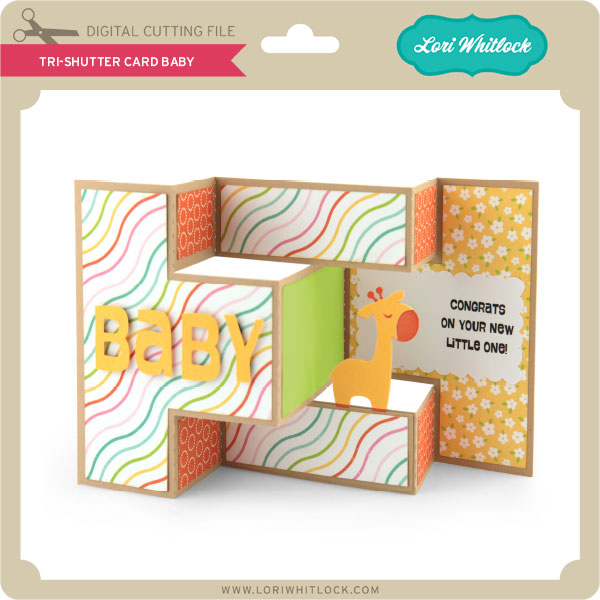
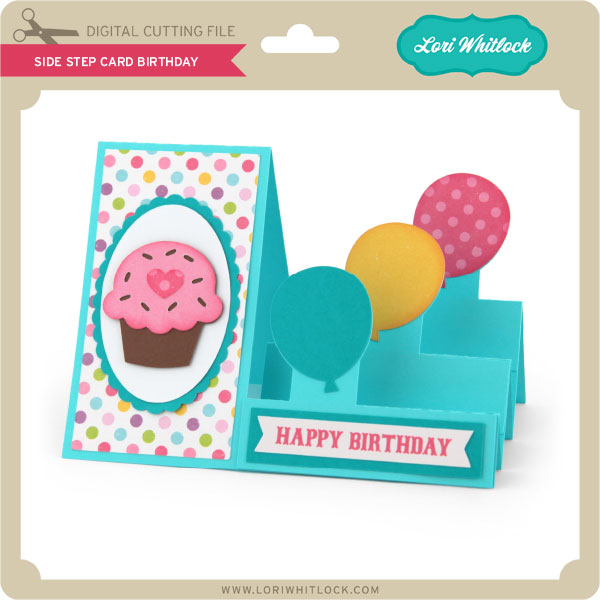
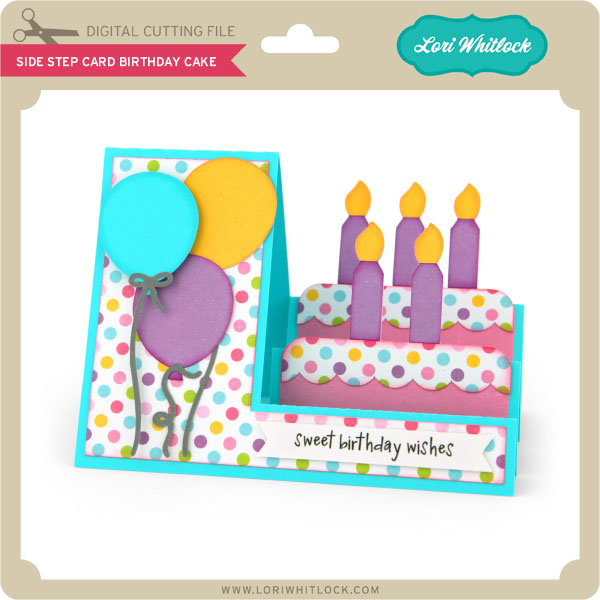
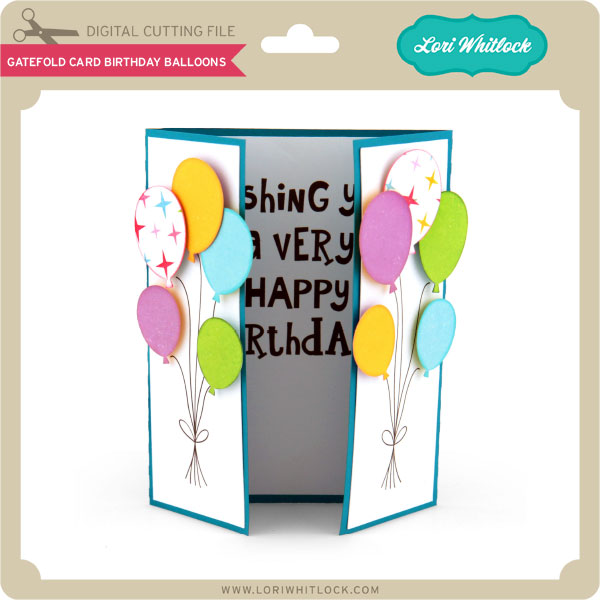
 Check out our awesome SVG files releasing this week! And, just like always, the NEW files are ON SALE 25% OFF through the weekend in the SVG Shop! These downloads include SVG files for sure and PNG or PDF files when appropriate. No coupon code necessary, the files are all discounted in the shop! Be sure to go get them while they are on SALE this week.
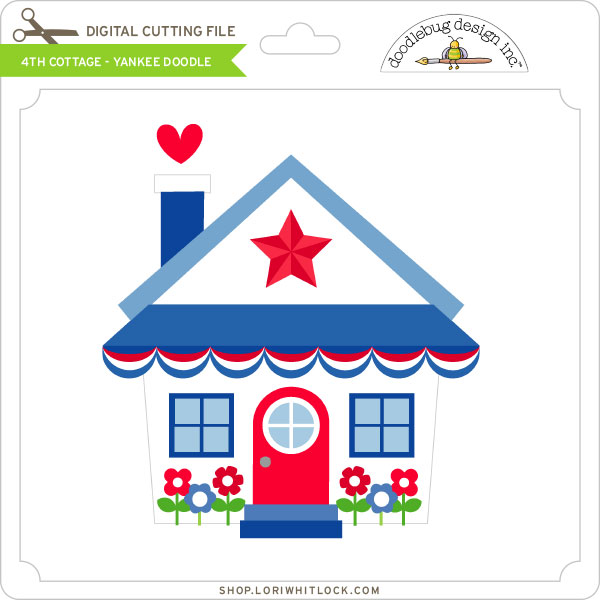
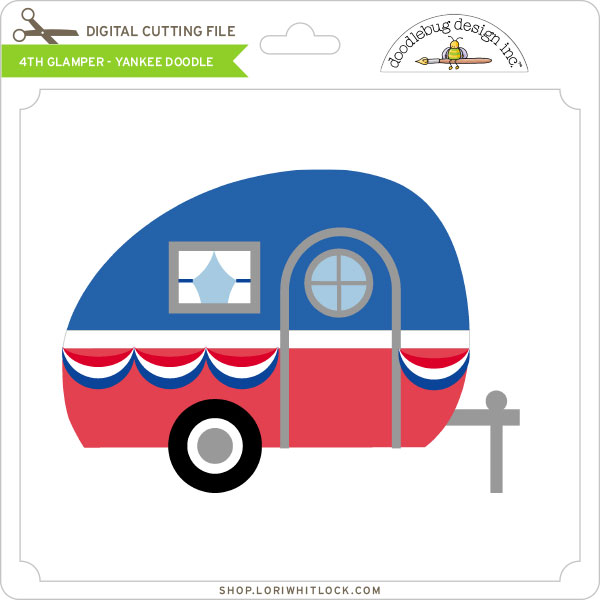
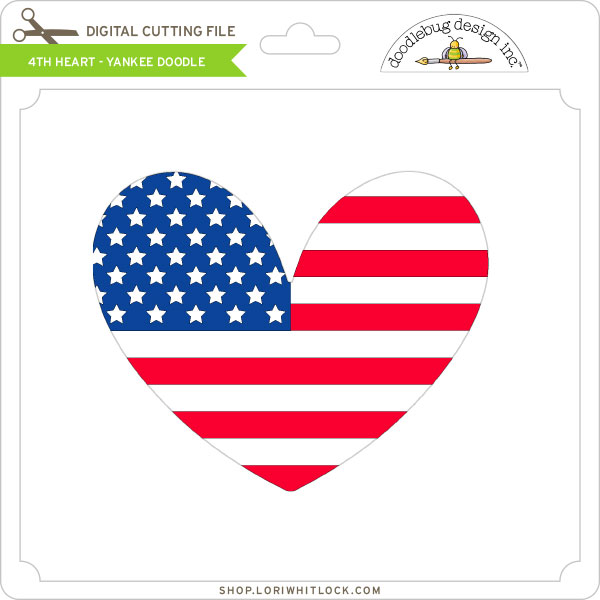
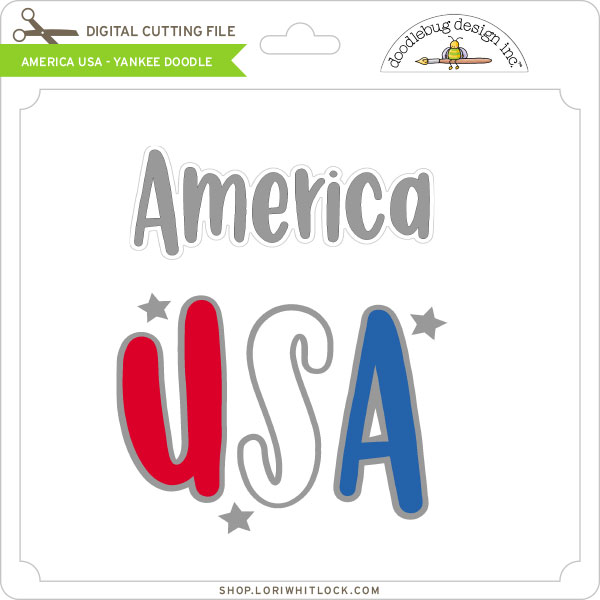
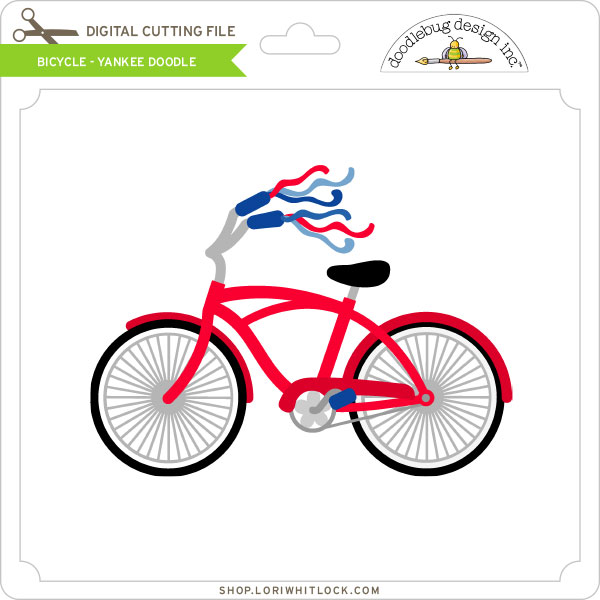
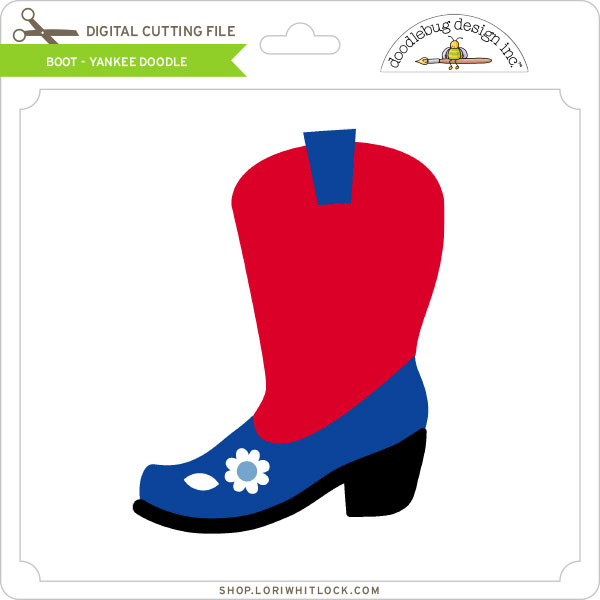
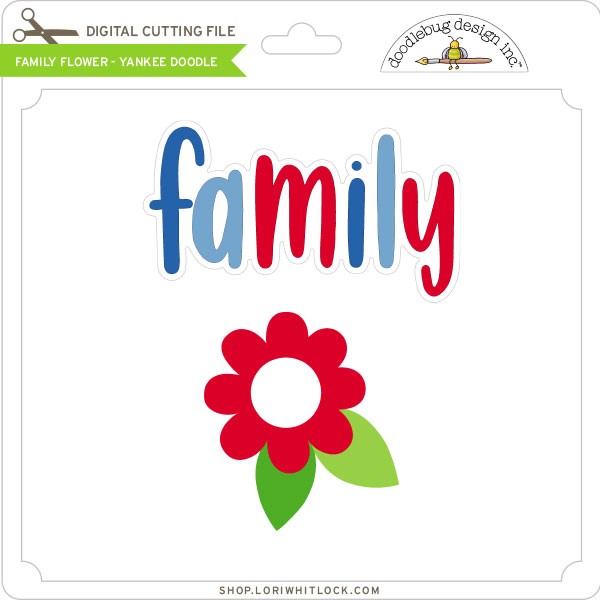
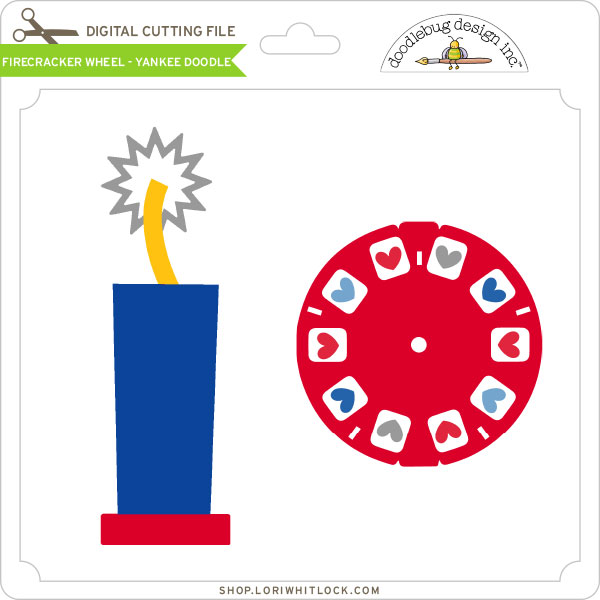
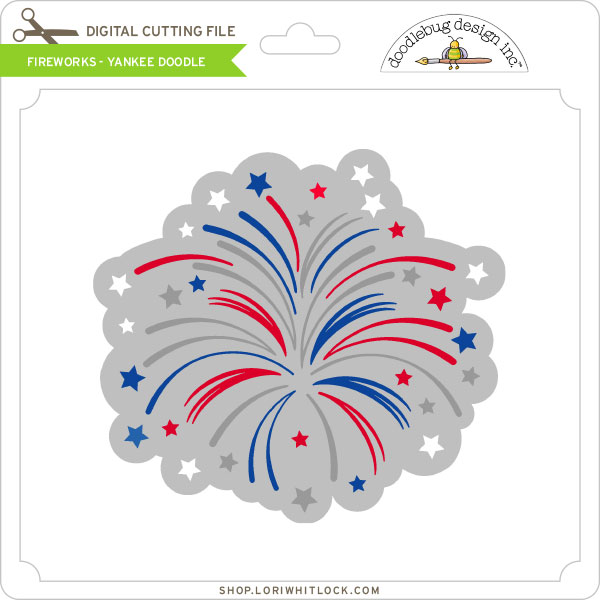
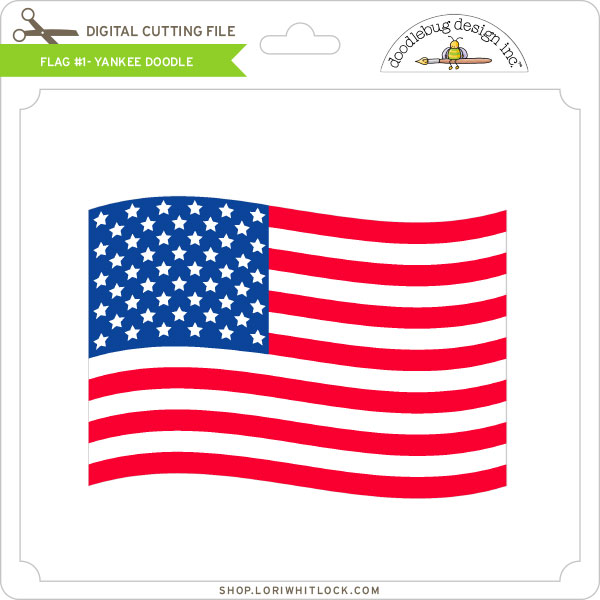
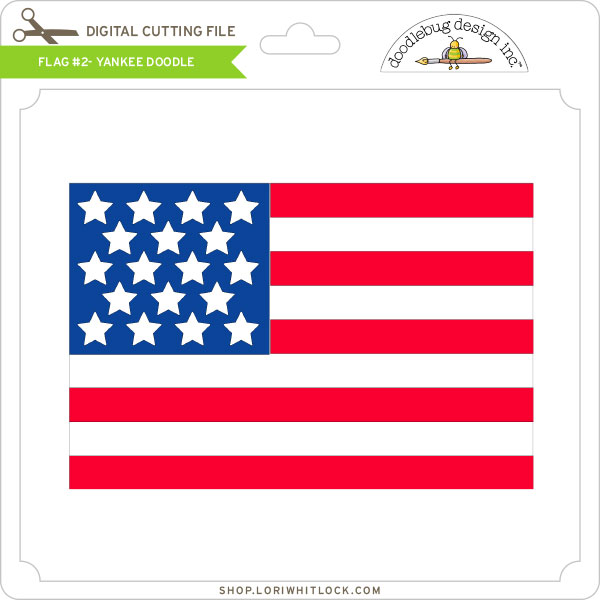
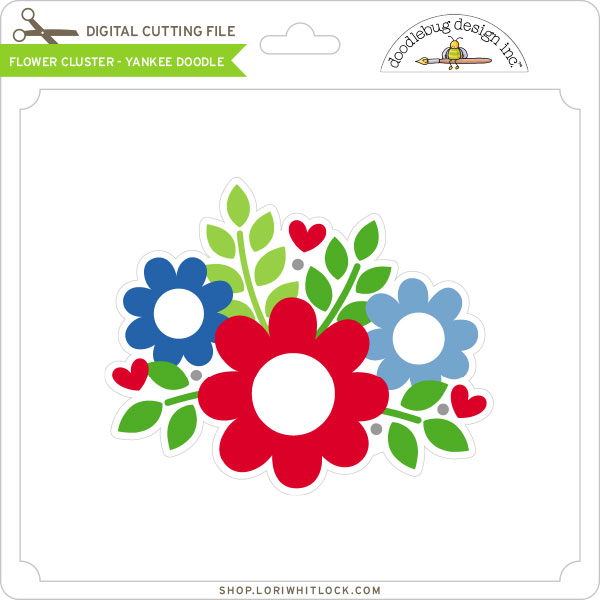
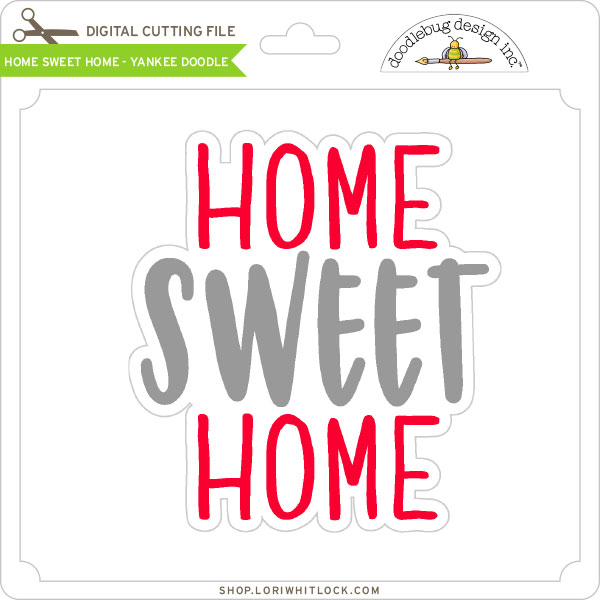
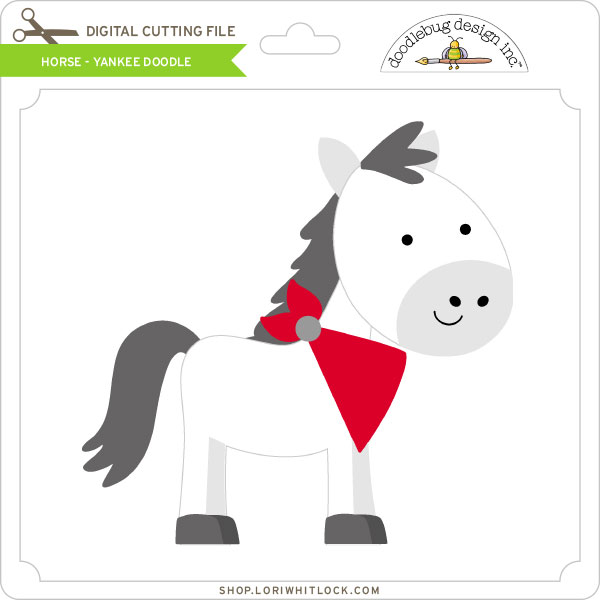
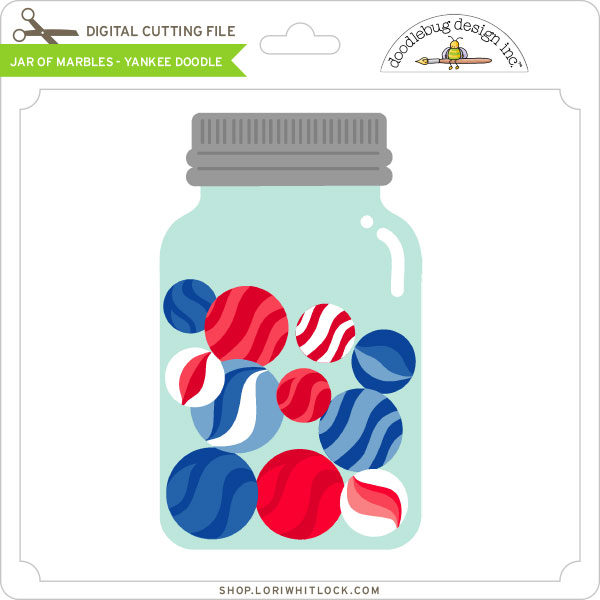
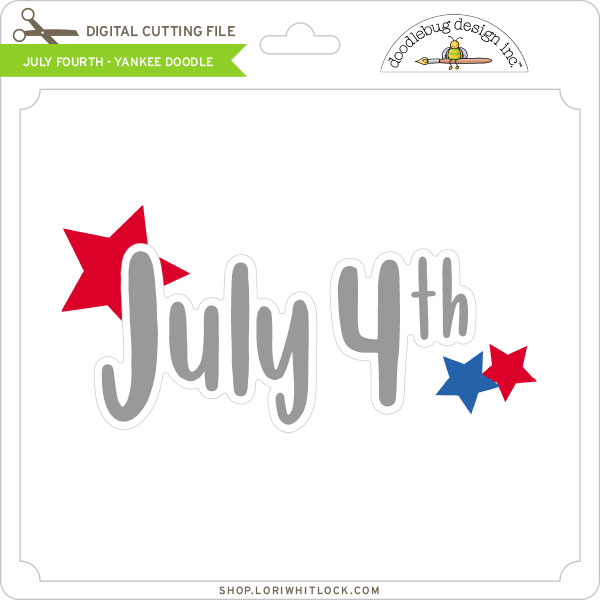
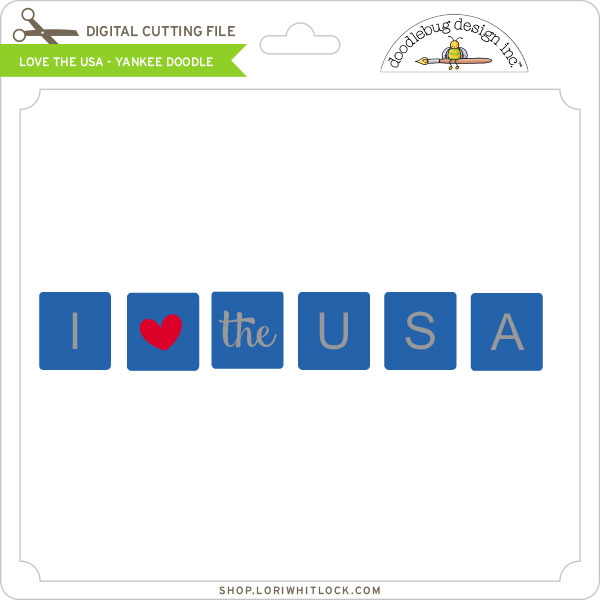
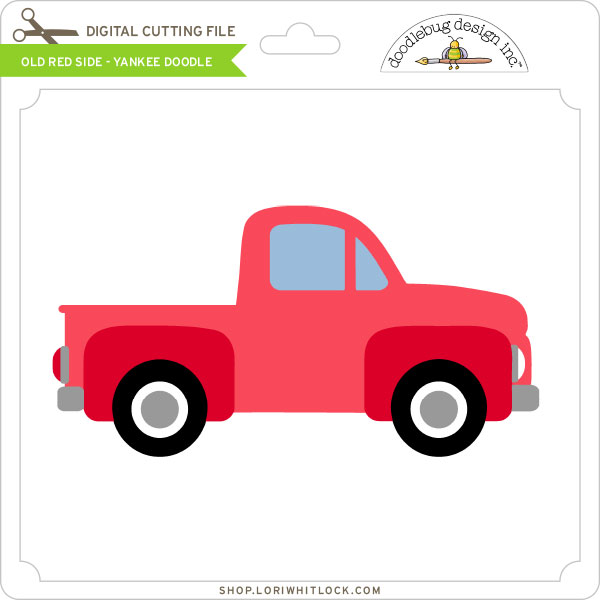
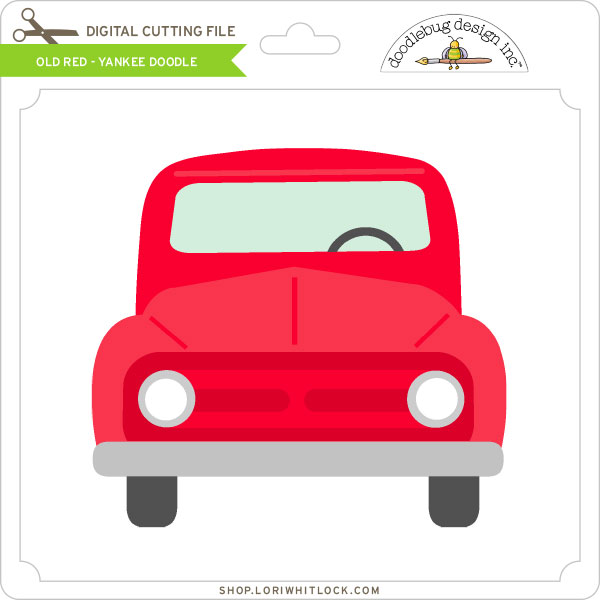
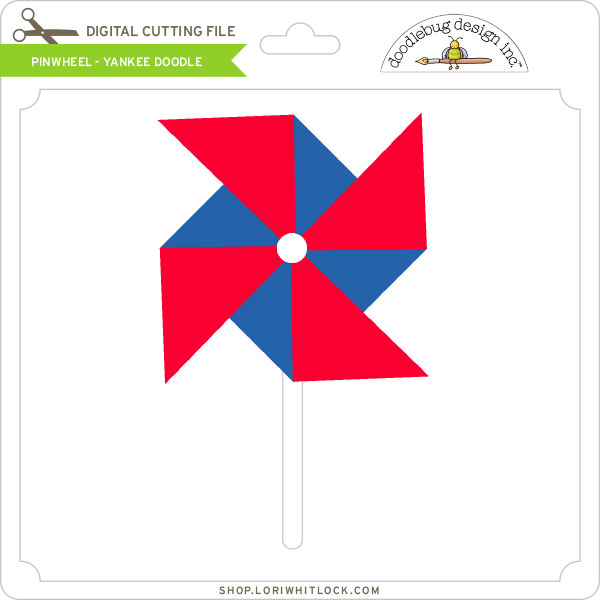
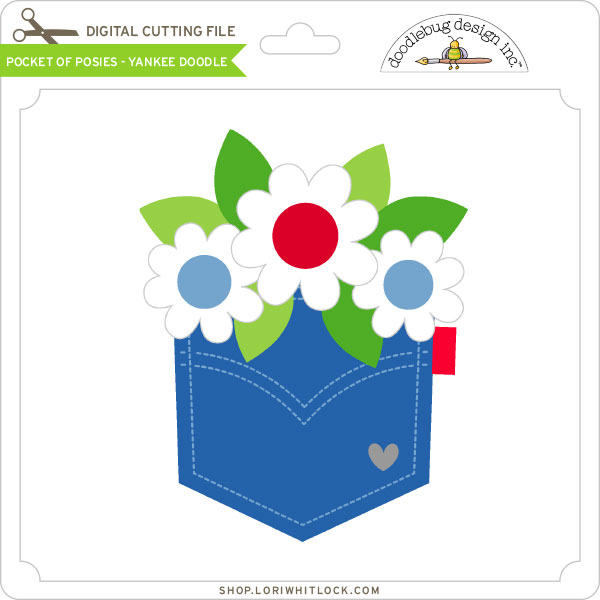
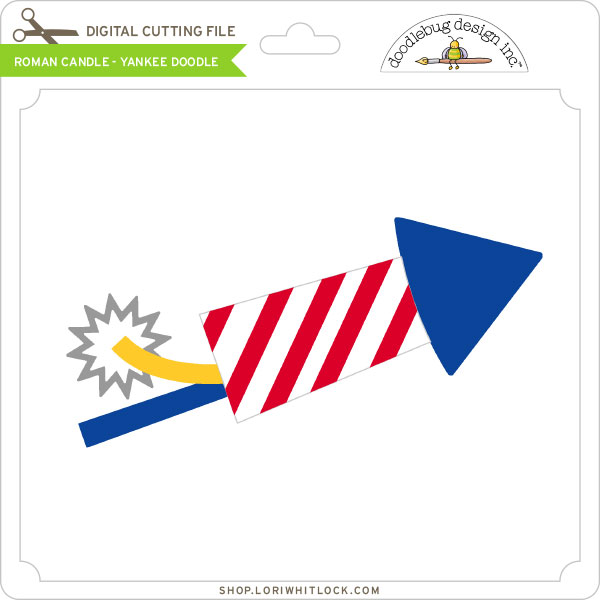
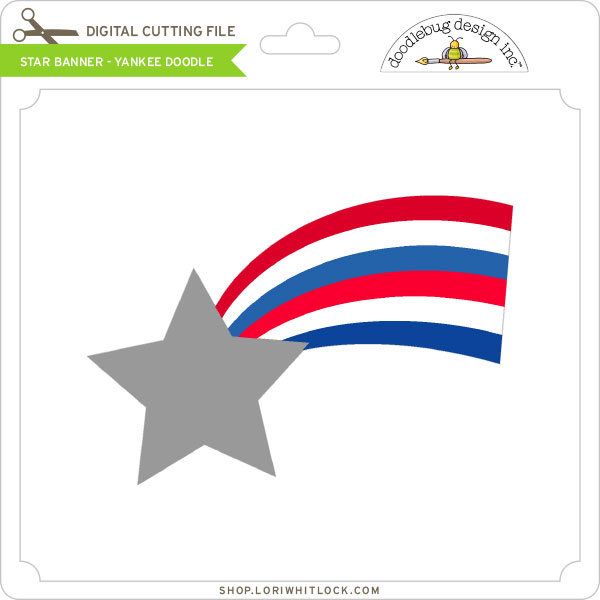
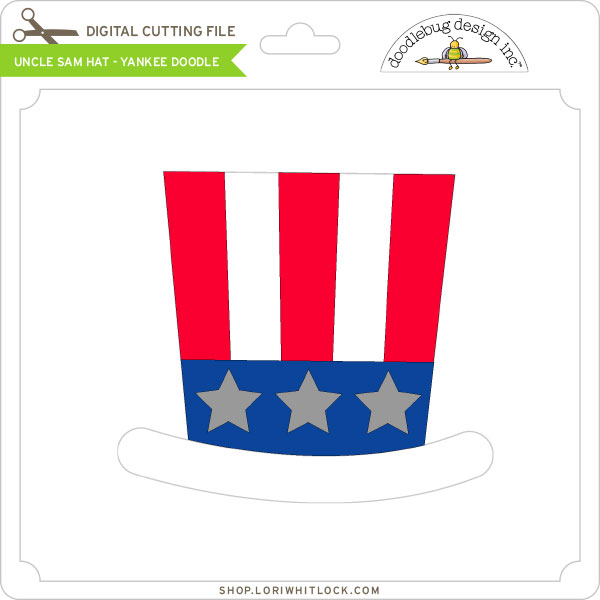
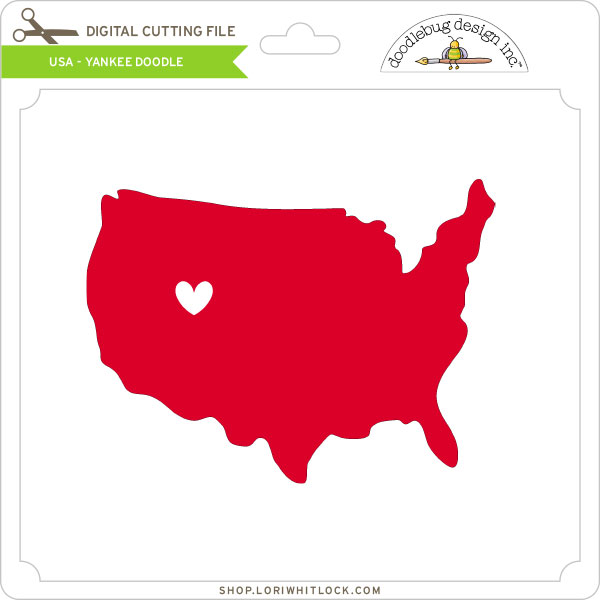
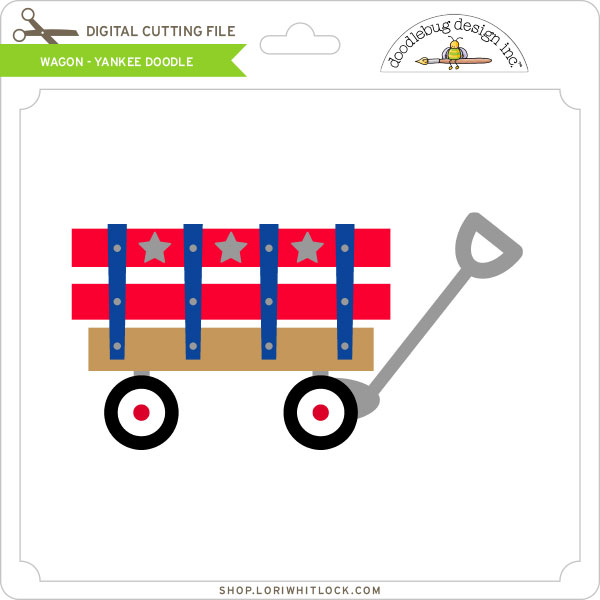
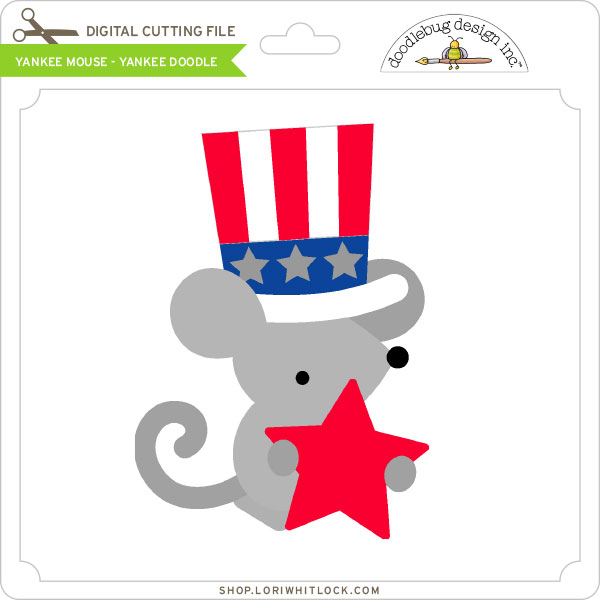
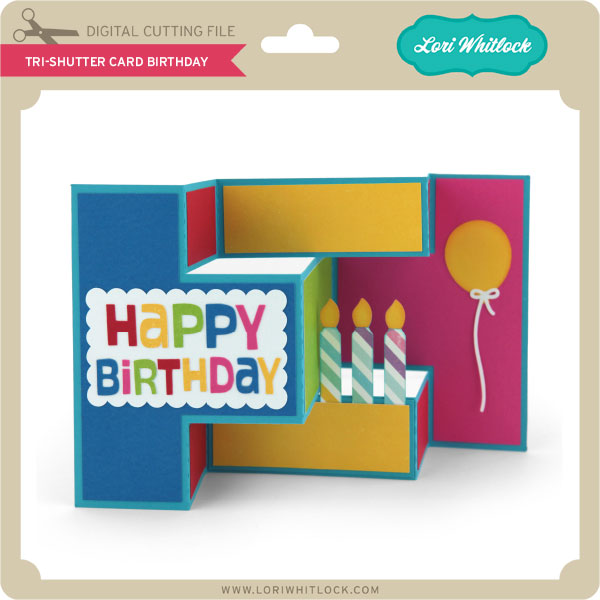
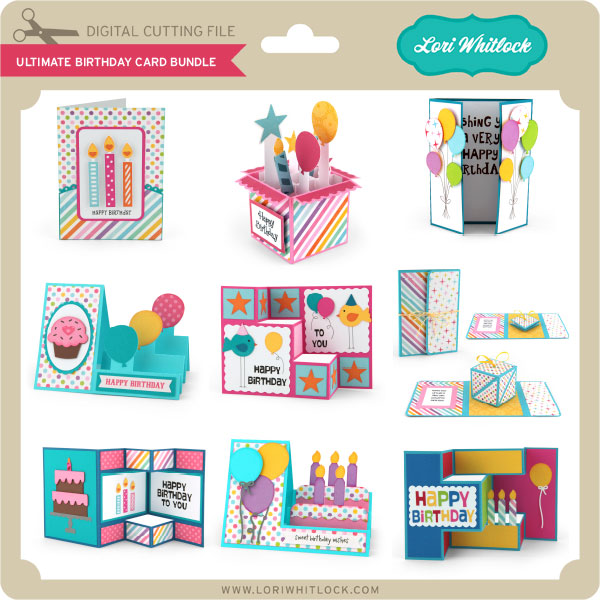
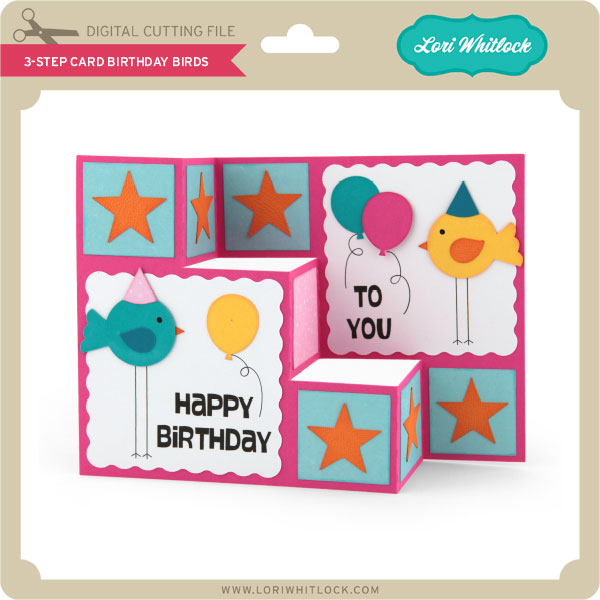
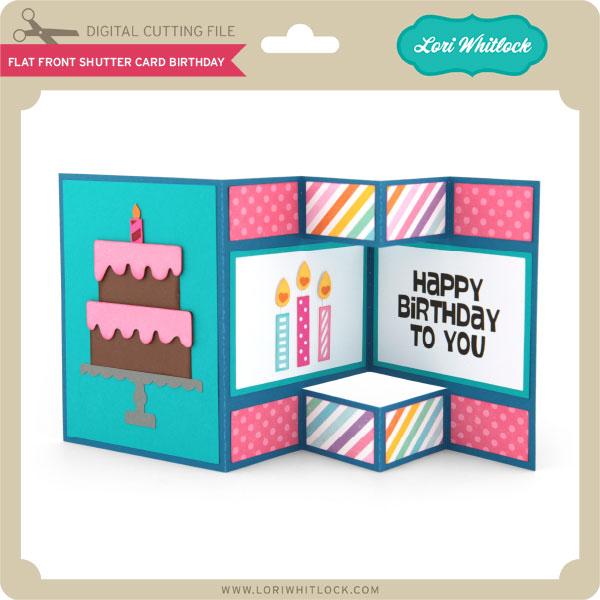
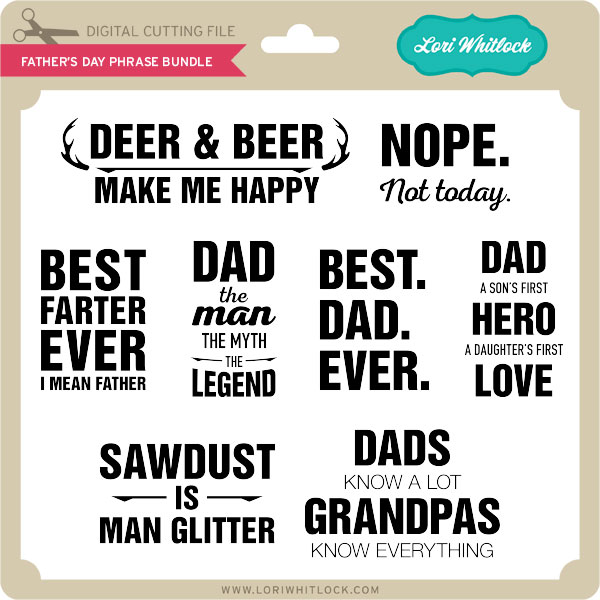
We have a wonderful new release for you today! Doodlebug Design’s new Yankee Doodle Collection is now in the shop! Also, check out the adorable Ultimate Birthday Card Bundle, and the Father’s Day Phrase Bundle.
Check out our awesome SVG files releasing this week! And, just like always, the NEW files are ON SALE 25% OFF through the weekend in the SVG Shop! These downloads include SVG files for sure and PNG or PDF files when appropriate. No coupon code necessary, the files are all discounted in the shop! Be sure to go get them while they are on SALE this week.
We have a wonderful new release for you today! Doodlebug Design’s new Yankee Doodle Collection is now in the shop! Also, check out the adorable Ultimate Birthday Card Bundle, and the Father’s Day Phrase Bundle.

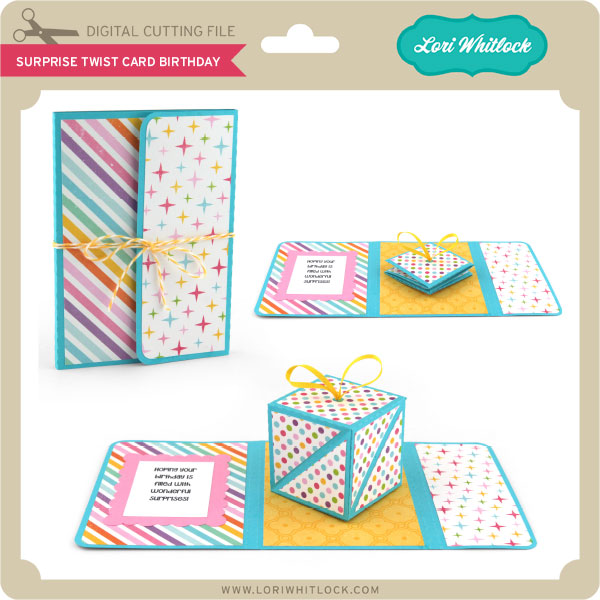
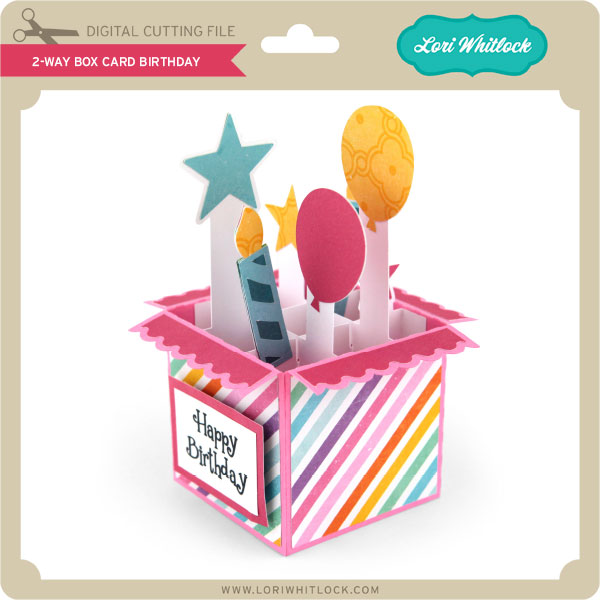
 We have released 2 new videos this week giving assembly instructions over on the Lori Whitlock YouTube channel. Be sure to check out the videos for the 2-Way Box Card and the Surprise Twist Birthday Card.
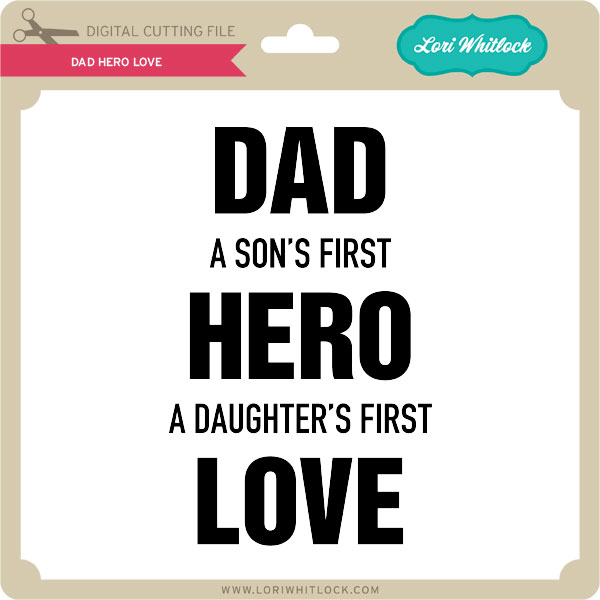
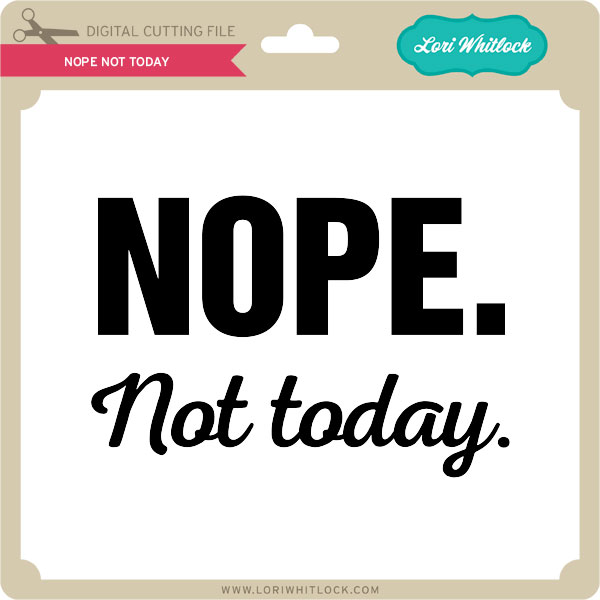
 And, Don’t forget about Father’s Day! It’s right around the corner. Cut these cute phrases out of heat transfer vinyl (HTV) and make some t-shirts for dad and grandpa that are sure to make them laugh.
Thanks for visiting the blog today! Please let us know if you need any help with your files. We want to make sure everyone is happy with their purchase. Have a great week!
And, Don’t forget about Father’s Day! It’s right around the corner. Cut these cute phrases out of heat transfer vinyl (HTV) and make some t-shirts for dad and grandpa that are sure to make them laugh.
Thanks for visiting the blog today! Please let us know if you need any help with your files. We want to make sure everyone is happy with their purchase. Have a great week!