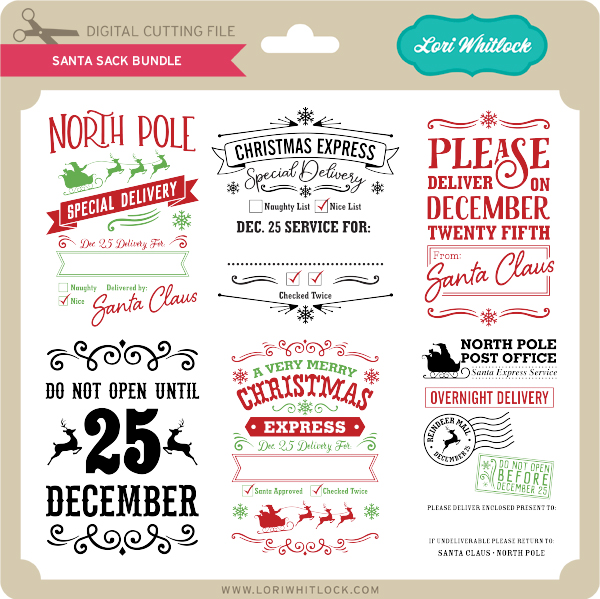
New CuttingClasses.com , Tuesday Freebie and New in Shop

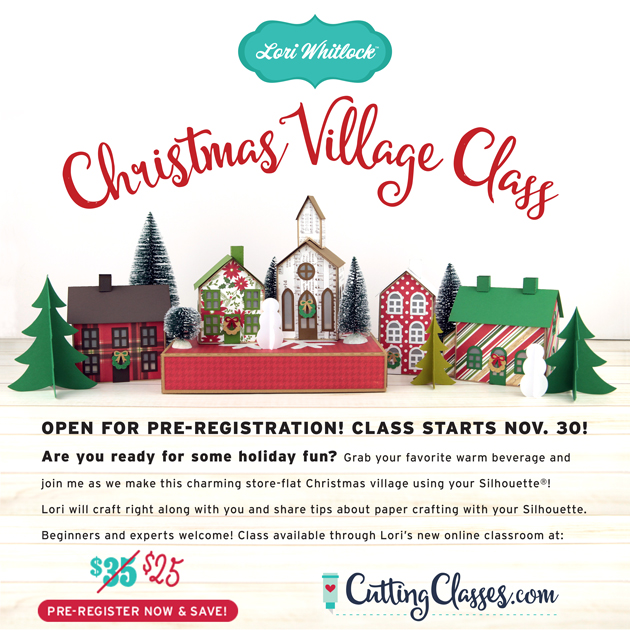
Hi Everyone!  I super excited to share a brand new class that I have been working on for you!  Join me as we make this beautiful, store-flat Christmas Village together!  I think this is the perfect way to get in the holiday spirit!  I’ll walk you through every step to make this Christmas Village with your Silhouette Cutting Machine.  All of the cutting files needed to make the project are included in the class along with a PDF and video instruction.  This class is offered exclusively through my brand new online classroom at CuttingClasses.com.   The cost for this class is $25 if you pre-register before November 30th.  Once the class goes live, the cost will increase to $35 so don’t wait!  Click here to register!  Watch for more classes in the coming months!

ALL WEEK, this SVG file is FREE with any $1.99 purchase!

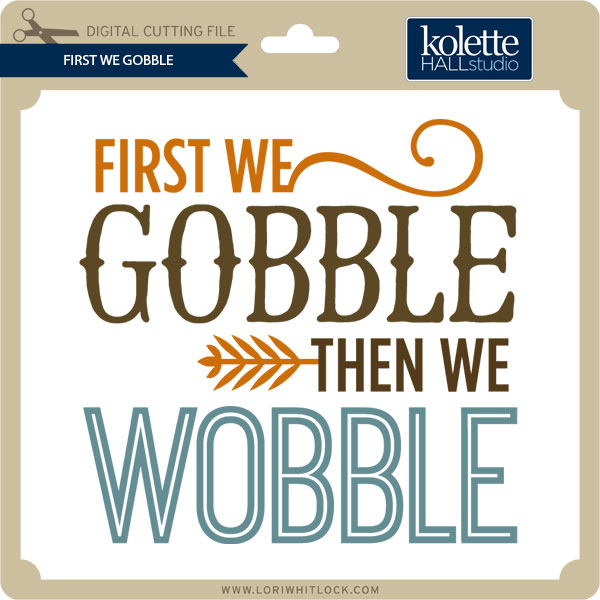
We have a FREE file with purchase all this week! Simply add this First We Gobble file  to your shopping cart along with ANY $1.99+ purchase from the SVG Shop and this file is yours FREE. Be sure to use Coupon Code: WOBBLE  (case sensitive) at checkout. This offer is good through next Sunday.

(Your cart must reach at least $3.48 before the coupon will be applied and then $1.49 will be subtracted from your total at checkout. The files will be available for immediate download after you pay for your order by visiting MY ACCOUNT>COMPLETED ORDERS>ORDER DETAILS inside of your account. Only one discount code per order allowed.)
 

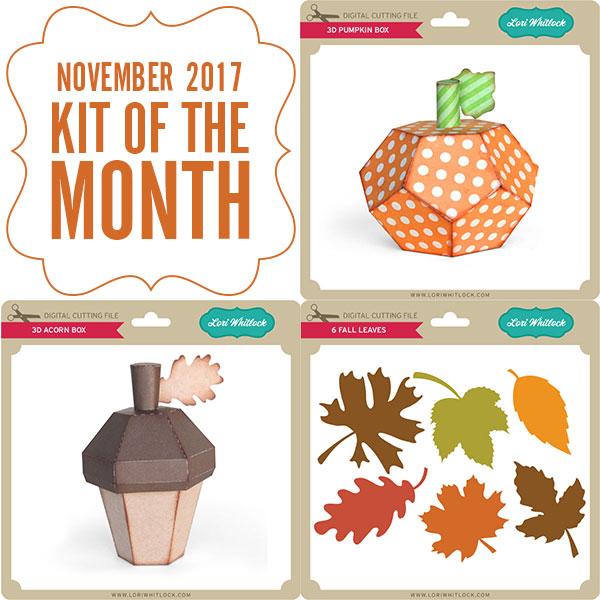
In addition, don’t forget about this special ! You can get this Free Kit of the Month with any $20 purchase (Purchase must be in one transaction.) Simply add the 2017 November Kit of the Month to your shopping cart along with ANY $20.00+ purchase from the SVG Shop and this file is yours FREE. Be sure to use Coupon Code: NOVKOTM (case sensitive) at checkout. This offer is good through November 30, 2017!

(Your cart must reach at least $27.95 before the coupon will be applied and then $7.95 will be subtracted from your total at checkout. The files will be available for immediate download after you pay for your order by visiting MY ACCOUNT>COMPLETED ORDERS>ORDER DETAILS inside of your account. Only one discount code per order allowed.)
 
 
Check out our awesome SVG files releasing this week! And, just like always, the NEW SVG files are ON SALE 25% OFF through the weekend in the SVG Shop! These downloads include SVG files that may be used with Cricut Explore, Silhoeutte (DE upgrade required), Eclips, Brother Scan and Cut, and any other software that will open SVG files. No coupon code necessary, the files are all discounted in the shop! Be sure to go get them while they are on SALE this week.
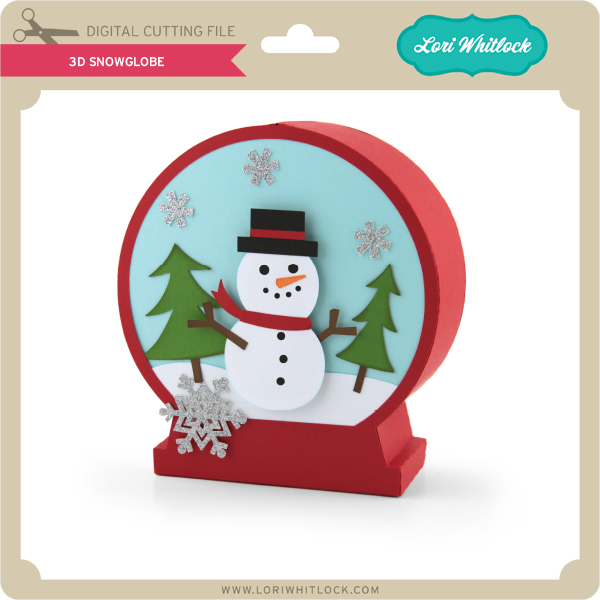
 
Thanks for visiting the blog today! Please let us know if you need any help with your files. We want to make sure everyone is happy with their purchase. Have a great week!
Last Day! 30% Off at the Lori Whitlock SVG Shop!

There are just hours left for the November Sale! All files in the Lori Whitlock SVG Shop are 30% off, just use code NOV2017 at checkout!  It’s the perfect time to get those items on your wish list!


Don’t miss out on this fabulous deal, sale ends at midnight tonight!

Thanksgiving Goodies + 30% Off

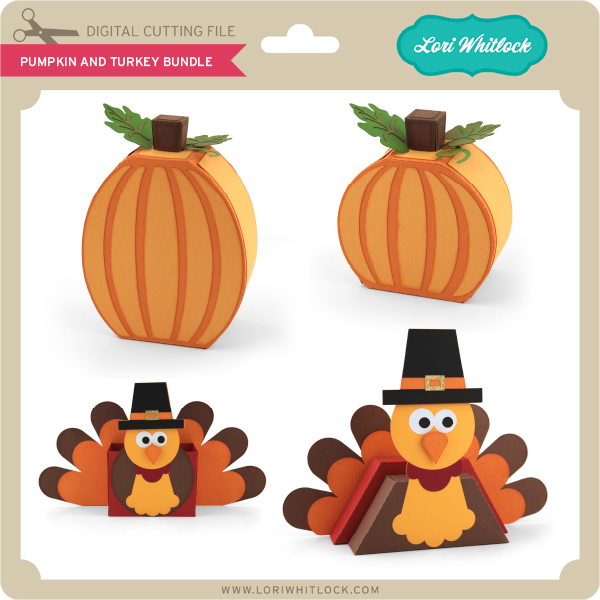
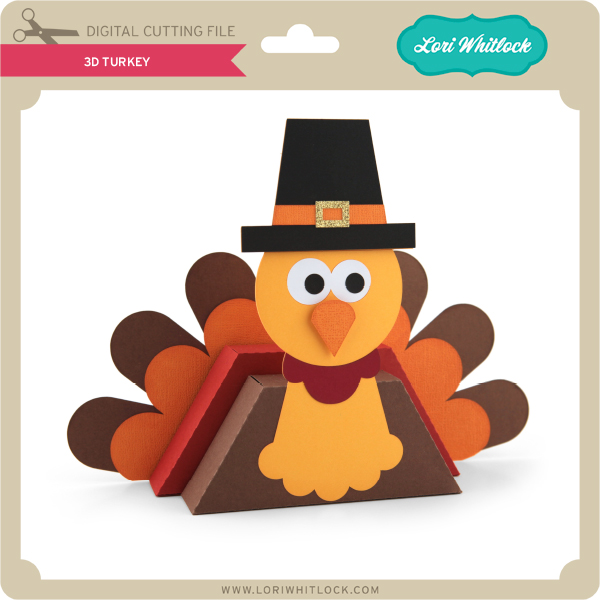
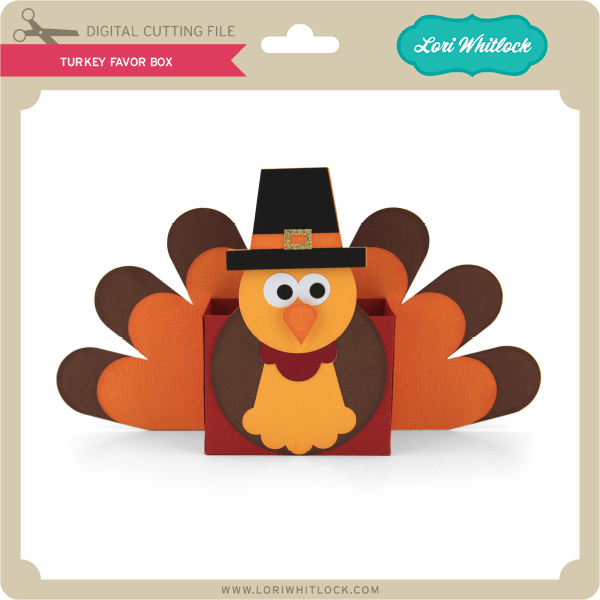
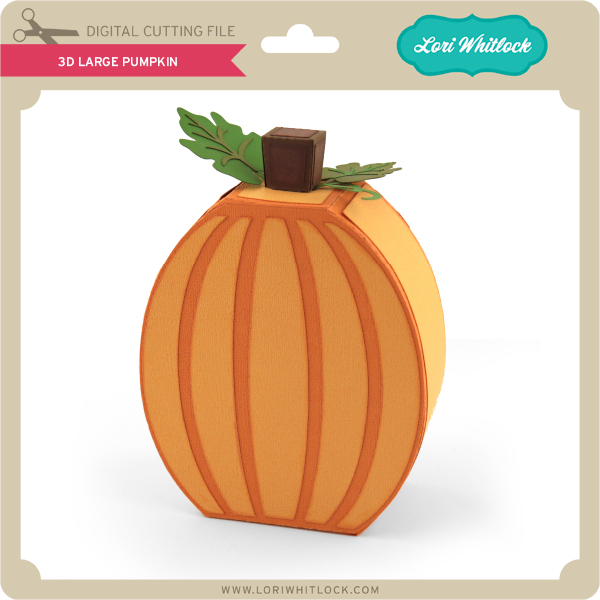
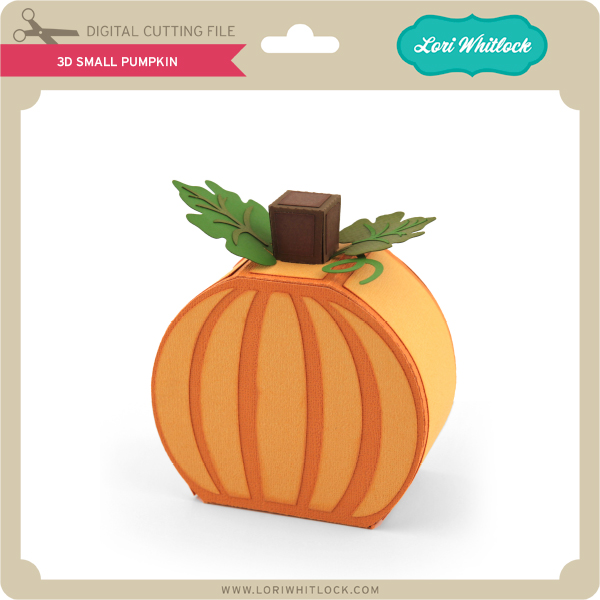
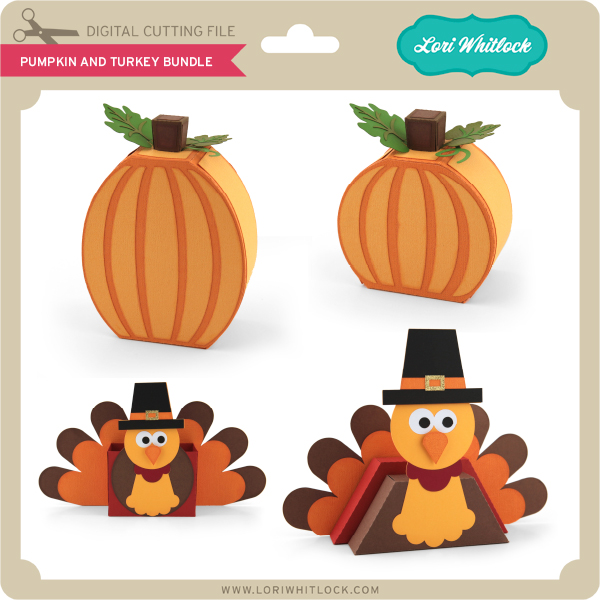
With Thanksgiving coming up in less than a week, it’s the perfect time to make a cute centerpiece for the big day. Get crafting this weekend with these cute pumpkins and a couple of turkeys. Pick them up HERE through Monday and take advantage of the 30% OFF sale going on right now. Use code: NOV2017. Have fun crafting!

Ends Monday! 30% Off all Files!

Are you crafting this weekend?   Maybe some Thanksgiving decorations or getting a head start on Christmas?  Don’t forget about the November Sale happening now in the Lori Whitlock SVG Shop!


All files are 30% off through Monday! Just use code NOV2017 at checkout! Have a great day!


Holiday Dog Bandanas with Anita

Hi:

Anita here with a fun and easy tutorial to make your furry friend a dog bandanna.  My son and daughter-in-law have three dogs and they like to include them in their Christmas photo.  I made some personalized bandannas for my fur grand dogs using some of Lori’s fun fonts and heart cut files.  For Lily and Sully’s bandannas, I used the Wide Marker font at 288.0 pt which can be found here in Lori’s store and here in the Silhouette store.    For Scout’s bandanna I used LW Thick at 288.0 pt which can be found here in Lori’s store and here in the Silhouette store.  The cut file for the hearts is called 4 hearts and can be found here in Lori’s store and here in the Silhouette store.   I found a doggie bandanna pattern on the internet from Sew Caroline and the free pattern is here.

Here are the supplies that I used for Lilly’s bandanna.  You can really use any heat transfer vinyl.

I measured across the part of the bandanna where I wanted to put the letters so that I would have a sense of how wide the name could be and fit nicely.

Lori’s fonts are so easy to find in your Silhouette font library and they start with the letters LW.

I had fun experimenting with some of Lori’s different fonts to see which one I liked the best.


Heat transfer vinyl has a clear plastic sheet which is sticky over the front of the vinyl which allows you to protect the vinyl while ironing it on.  You are going to want to place it with this clear/front side face down on your mat.  You can cut vinyl without a mat but I didn’t want to move my rollers so I put it on a mat.

As you can see from above there are many different types of heat transfer vinyl.  I chose to use a metallic one so that is what I selected in the cut settings.  Notice that the letters are not mirrored on my mat.

Isn’t Silhouette so smart?  They know I am cutting with vinyl and asked me if I wanted to mirror my design.  Given that I was cutting out letters I said to send them mirrored.  I also chose to do two passes as my blade isn’t brand new and I was asking it to cut through three layers.  I could also have mirrored it before sending it to cut.

Wows, my mat is looking well-loved.  Here are the letters cut out and the extra vinyl removed.  Don’t remove the top plastic sheet, you need it on until the letters are ironed down.

Everything is ironed down now.  I used a plastic pressing sheet and did not heat it for the 45-60 seconds as they recommend on the package because my iron runs really hot and I didn’t want to bubble the vinyl. I usually choose a middle point and put the first letter down there and then add the rest one at a time.  I find that things move less that way when ironing.  Apply even pressure, not steam and don’t move your iron back and forth.

I used Velcro circles on each corner point and stitched them down.  I used a seam ripper to gently peel away the top plastic piece, you could also use a pin.   If the vinyl starts to pull up then you might have to reheat it.  Be careful to not overheat it.

Here is Lily’s completed bandanna.

Here are all three bandannas.  Can’t wait to see how the Christmas photo turns out.

Hugs,

Anita