I wanted to remind you all that there are just hours left for the April Sale!All files in the Lori Whitlock SVG Shop are 30% off, just use code APR2018at checkout! It’s the perfect time to get all of those items on your wish list! Sale ends at midnight.
Welcome to our April 2018 Creative Team Blog Hop! The creative team has been working hard on some new projects to share with you that will get you in the crafting mood. We also have a huge release of new SVG files for you this week and a GIVEAWAY! Be sure to check them out below. Oh, and there is also a FREE FILE for you!
This week we have a 30% OFF SALE going on at Lori’s SVG SHOP. ALL files (and commercial licenses) from Lori Whitlock, Kolette Hall, Doodlebug Design, Dresden Carri, Paige Evans, Rivka’s Renditions and SAS Creative are on SALE now through Saturday, April 14th! Be sure to use coupon code: APR2018 (case sensitive) at checkout in the SVG SHOP. (Only one coupon code per order allowed)
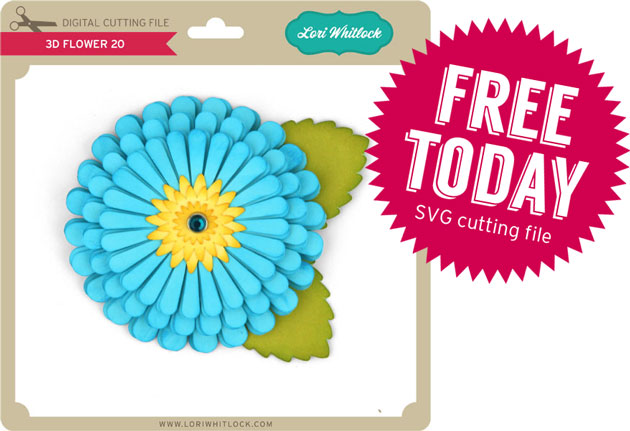
To thank you for joining us in the hop today and sharing the hop with your friends, we have a gift for you! TODAY ONLY, You can download this 3D Flower 20 file absolutely FREE! Be sure to go grab it while you can.
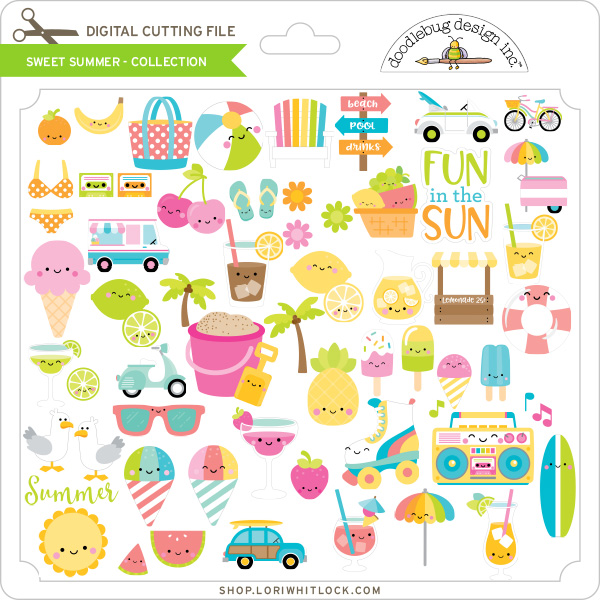
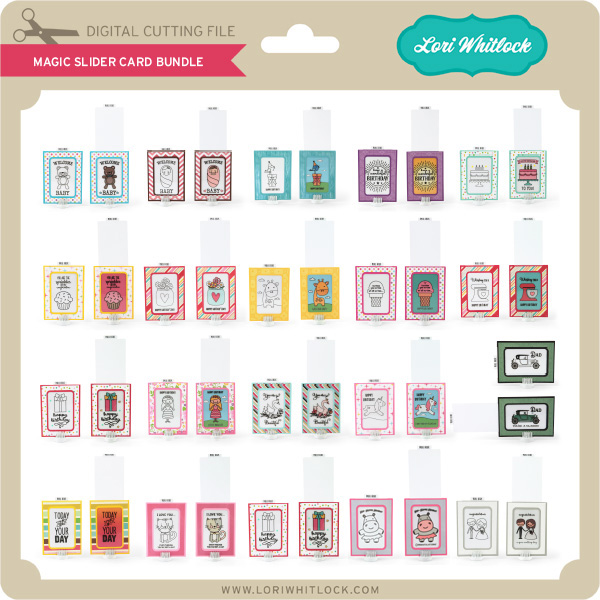
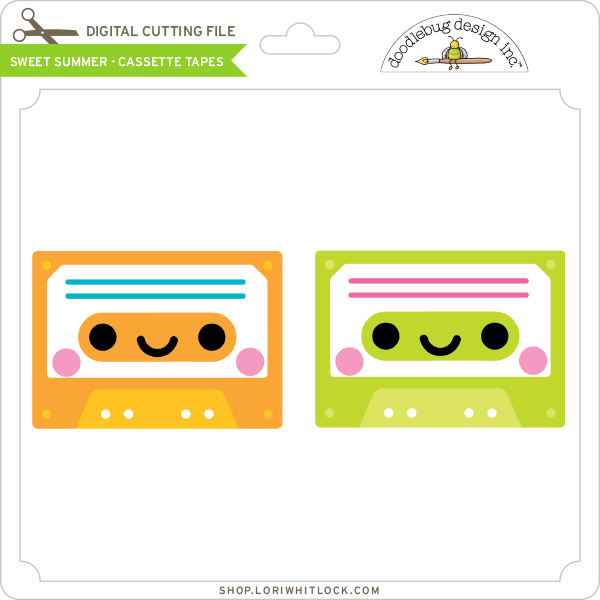
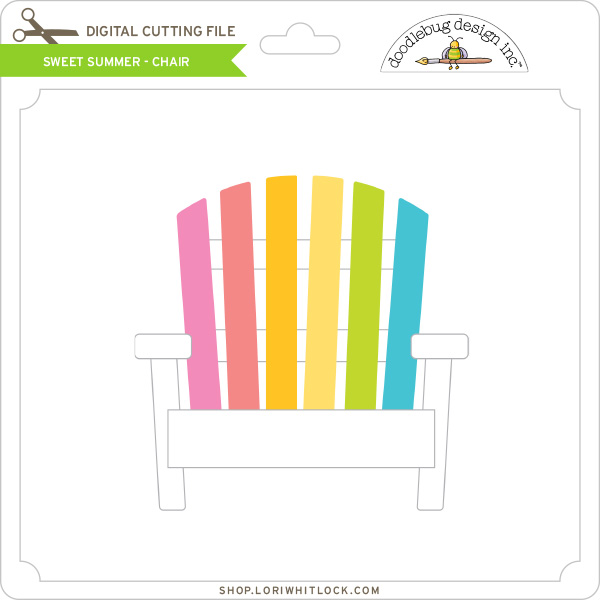
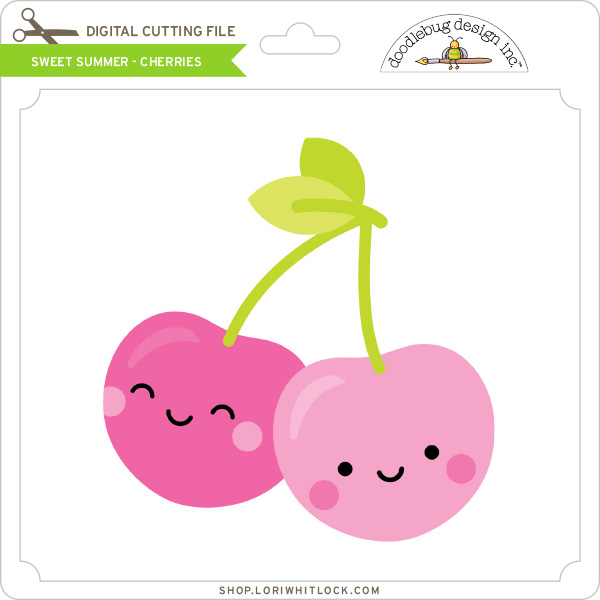
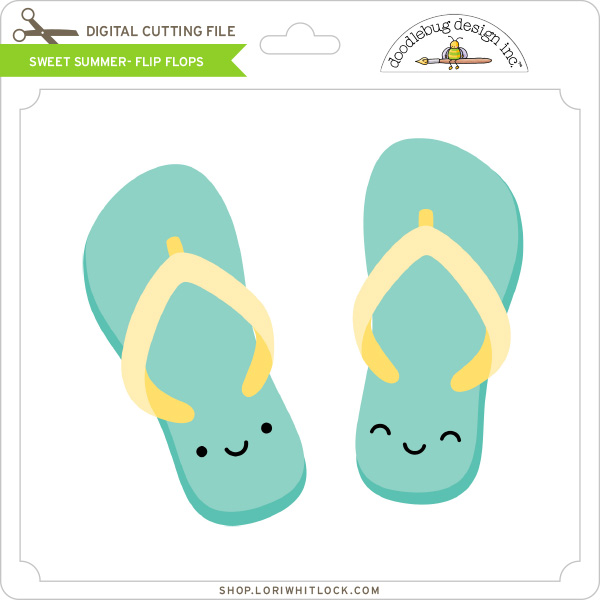
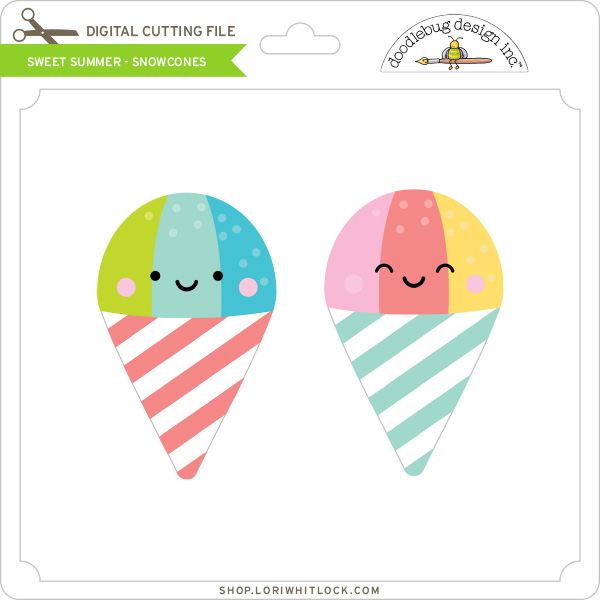
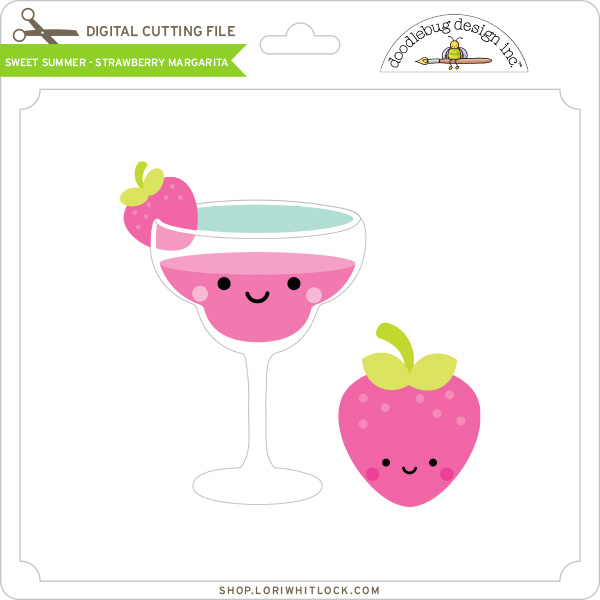
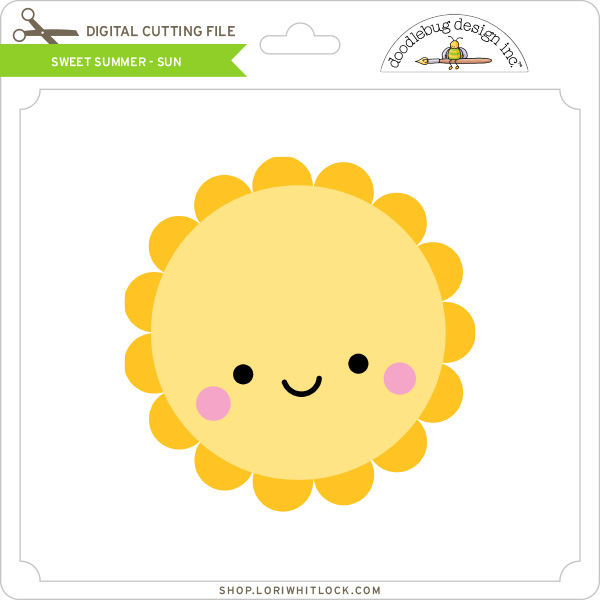
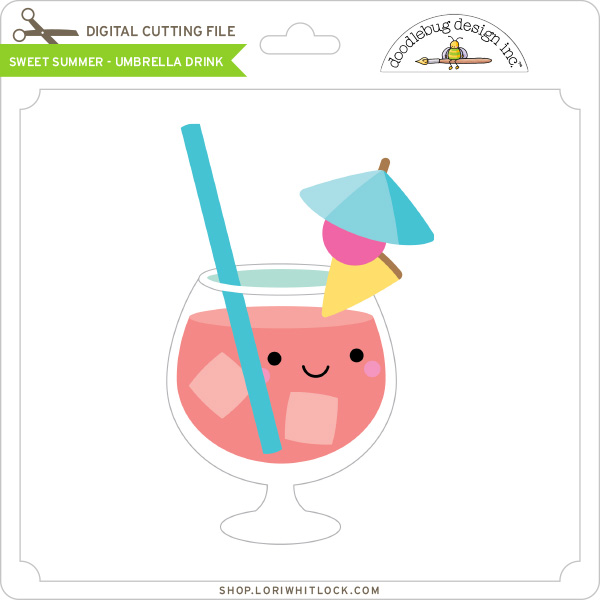
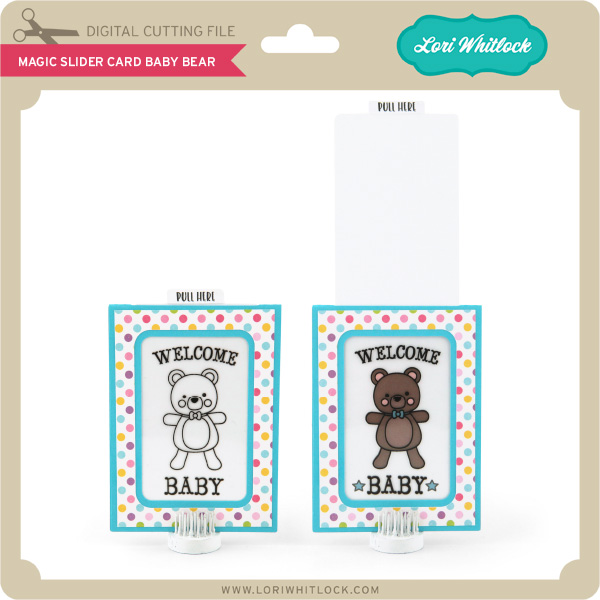
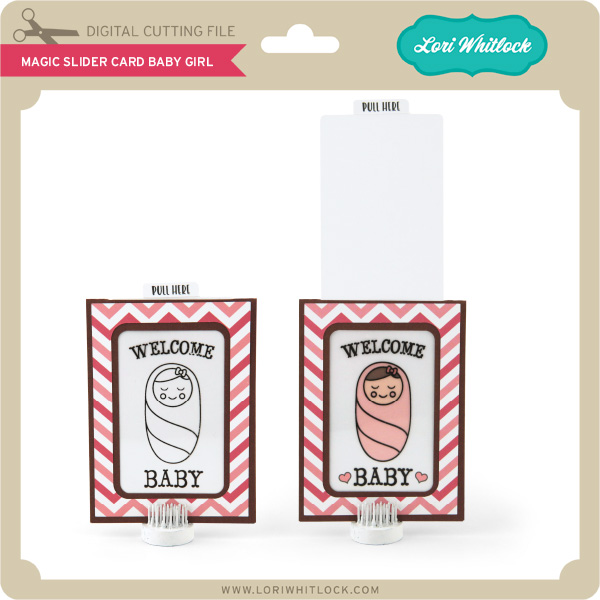
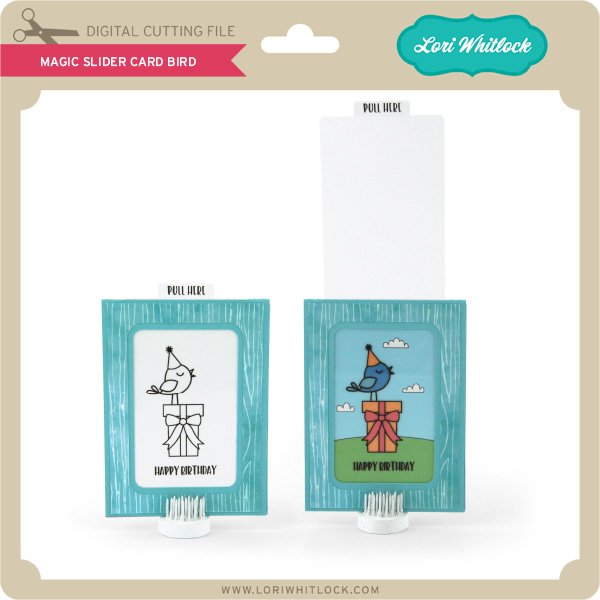
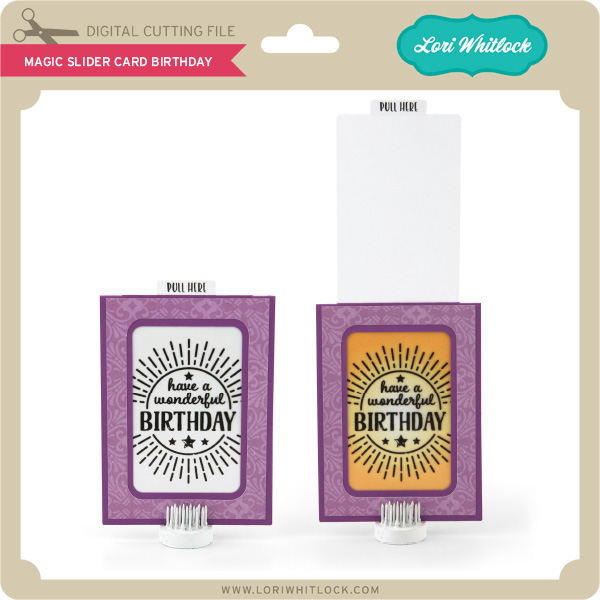
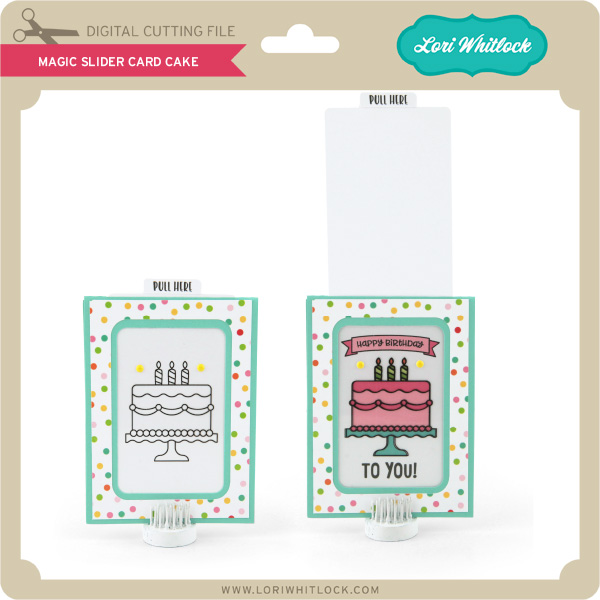
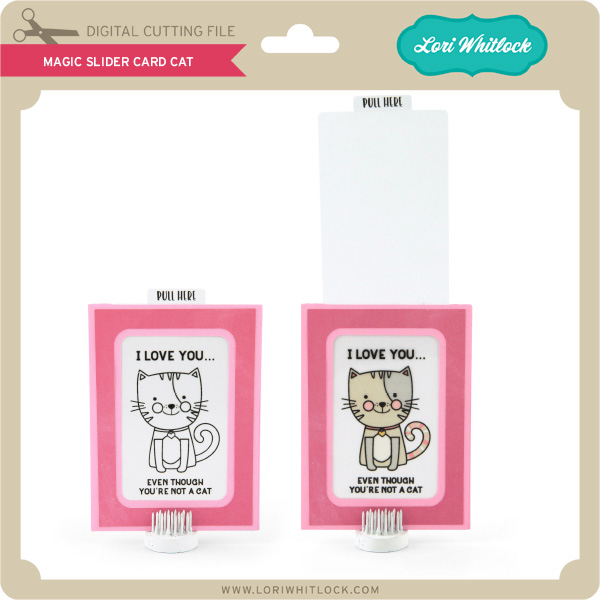
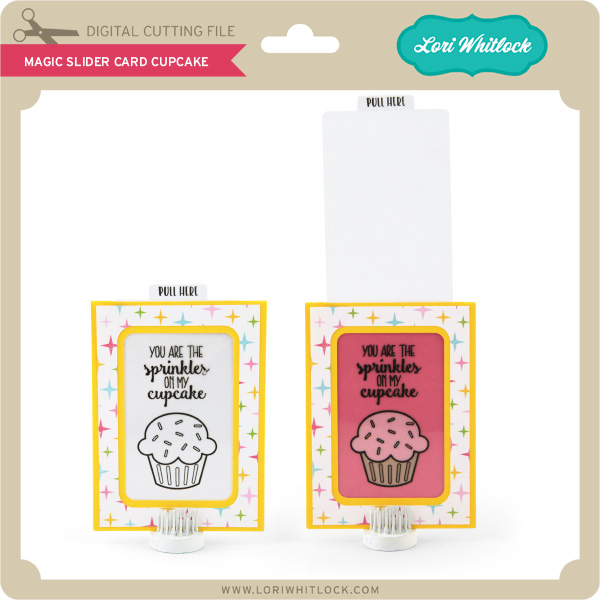
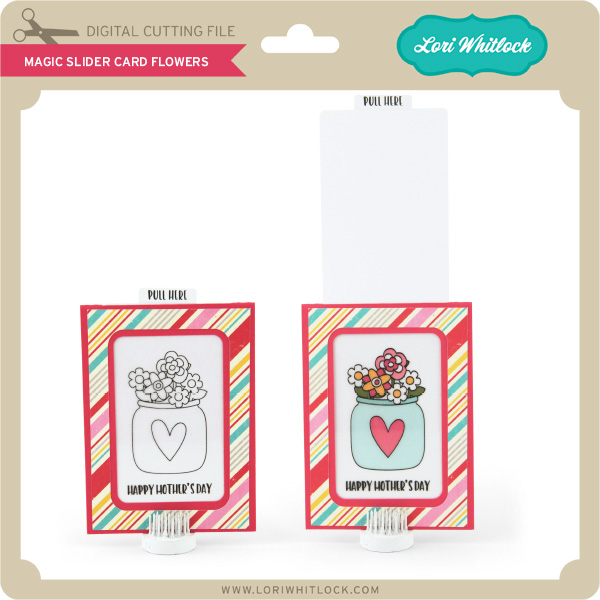
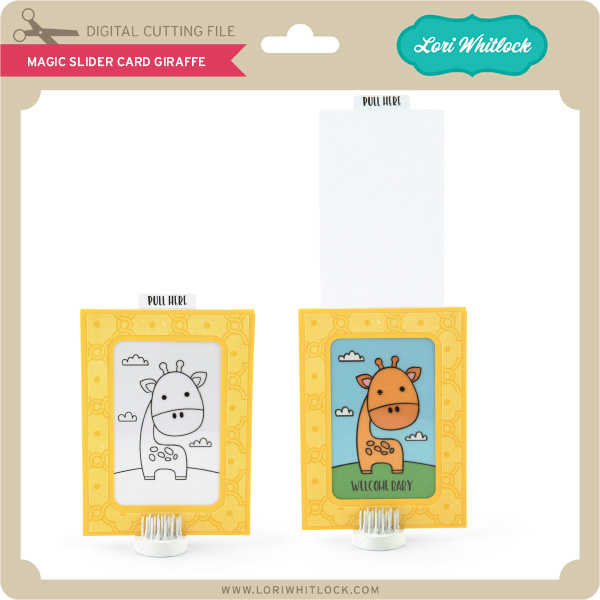
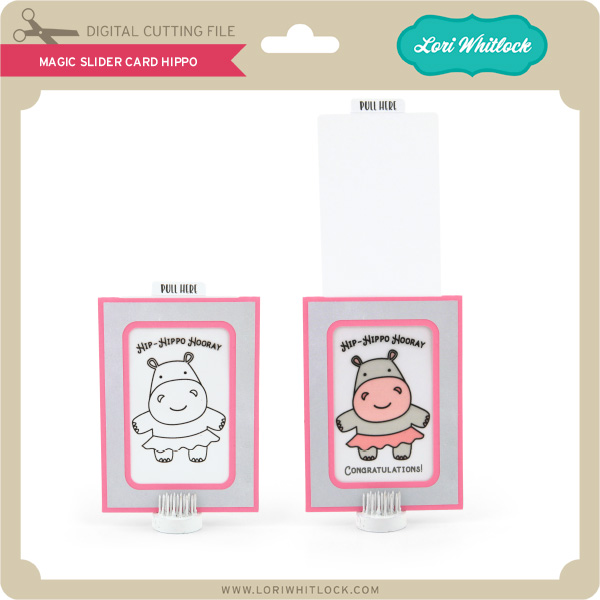
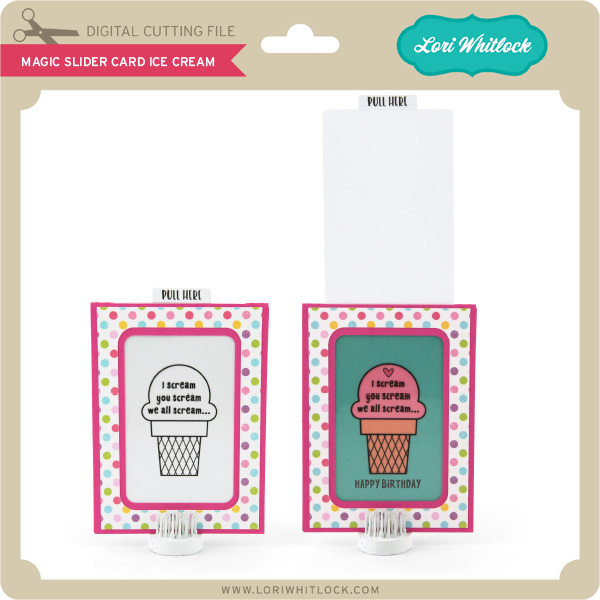
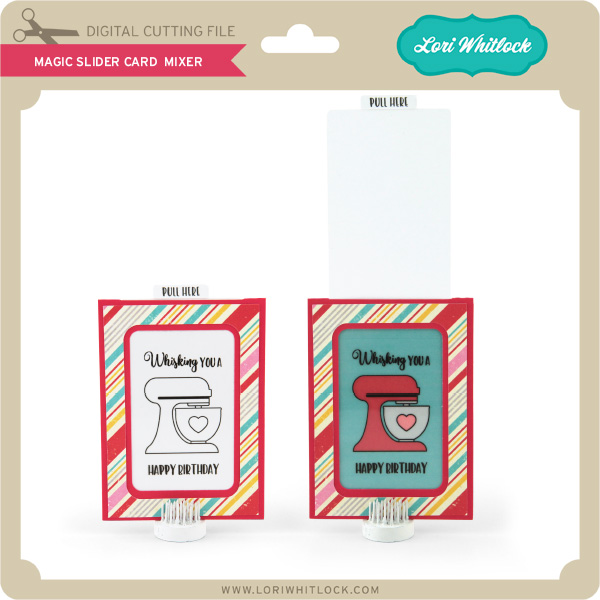
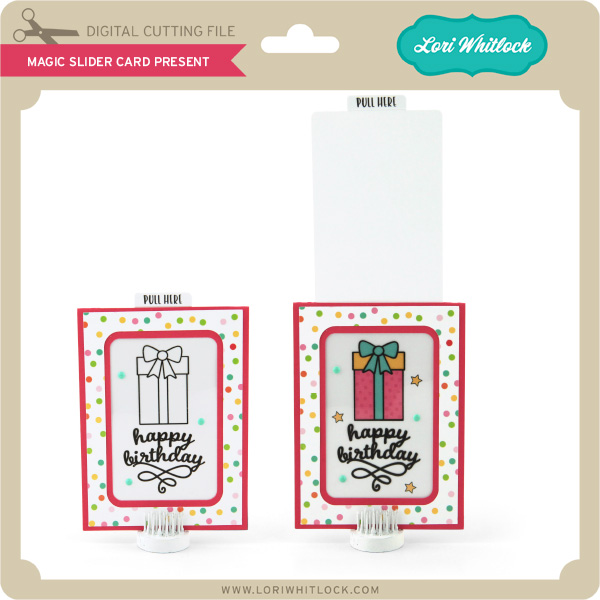
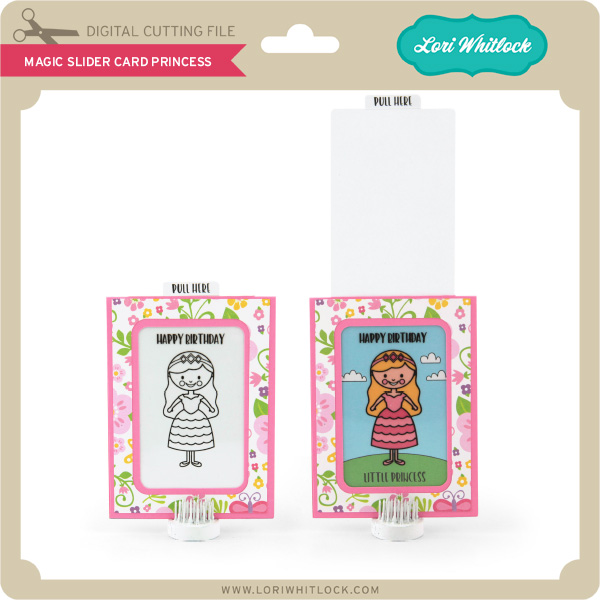
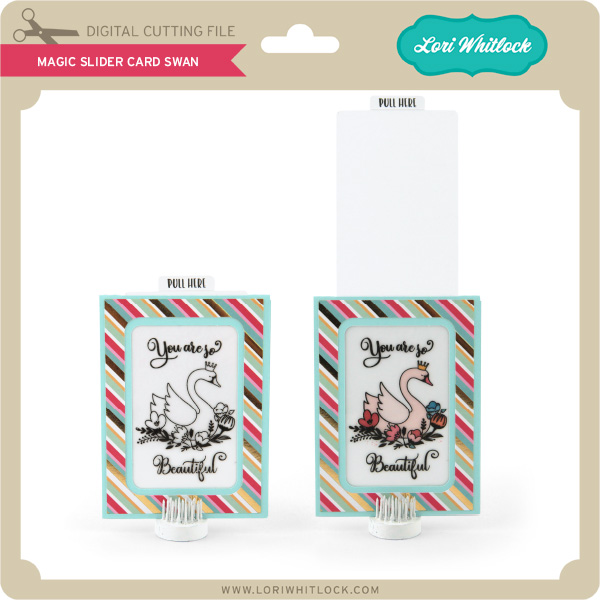
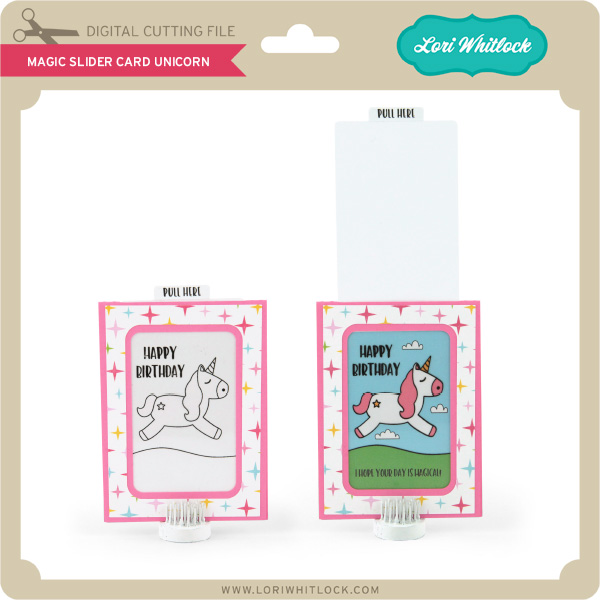
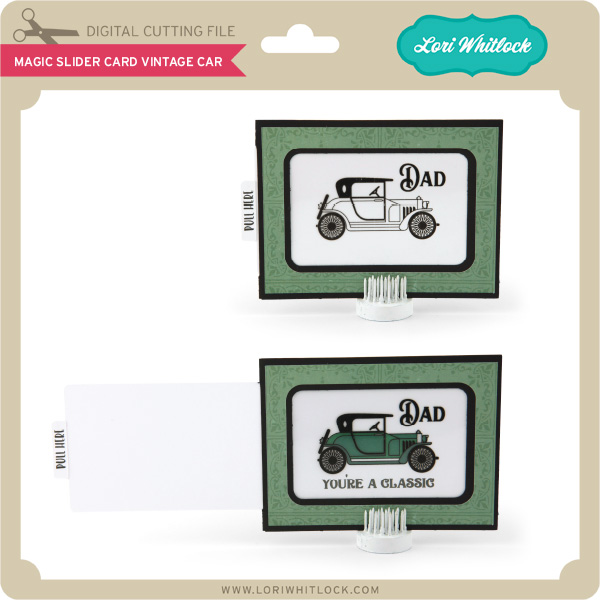
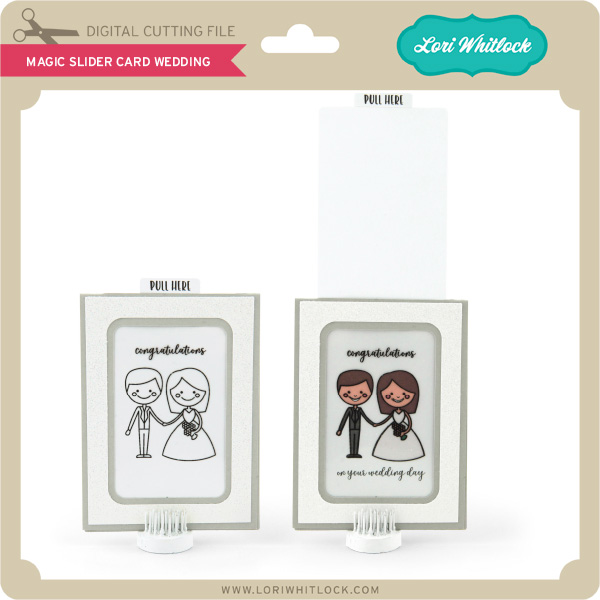
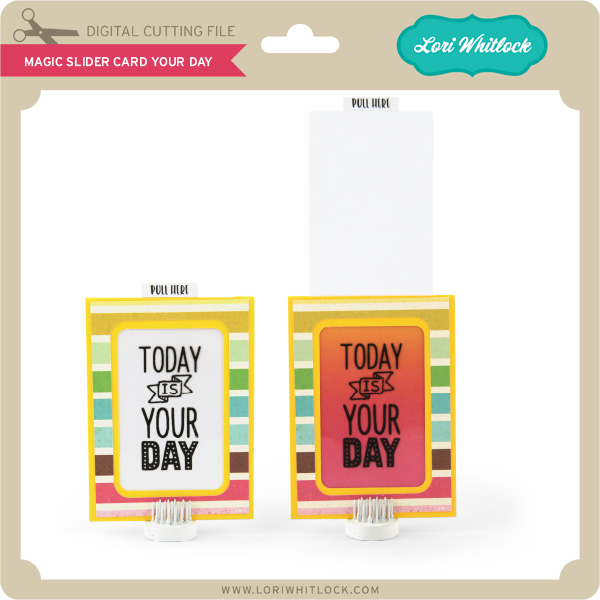
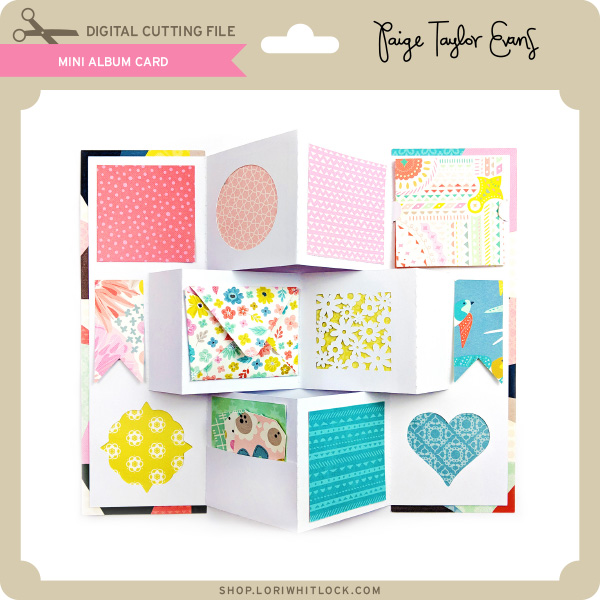
We have some super fun new files this week! Be sure to go shopping while all files are 30% off this weekwhen you use code APR2018in mySVG Shop! And, as always, the new files are available in the Silhouette Design Store as well. This week we have the NEW Sweet Summer Collection from Doodlebug Design! I also have some NEW Magic Slider Cards, and there are new files from Kolette Hall, Paige Evans and SAS!
I have a new video assembly tutorial for the magic slider cards HERE. These cards are so much fun because as you pull on the tab the black and white image becomes “magically” colored. I really think you’ll love them!
Happy Monday, Friends! Creative Team Member, Mitsyana Wright, here! And I have some sweet inspiration to start off the new week. I had a baby shower this past weekend and I created the little cutie to give to the mama to be.
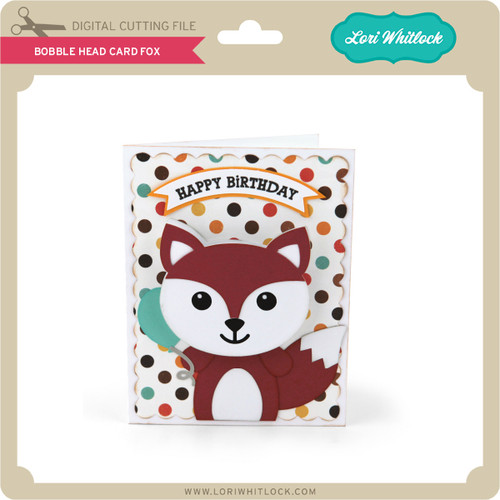
For this adorable card, I used Lori Whitlock’s Bobble Head Card Fox file. I saw this little guy and automatically fell in love with him!
Since my friend is expecting a girl, I decided to turn this cute little guy into a cute little girl by hand drawing on eyelashes and added pink chalk for blushed cheeks.
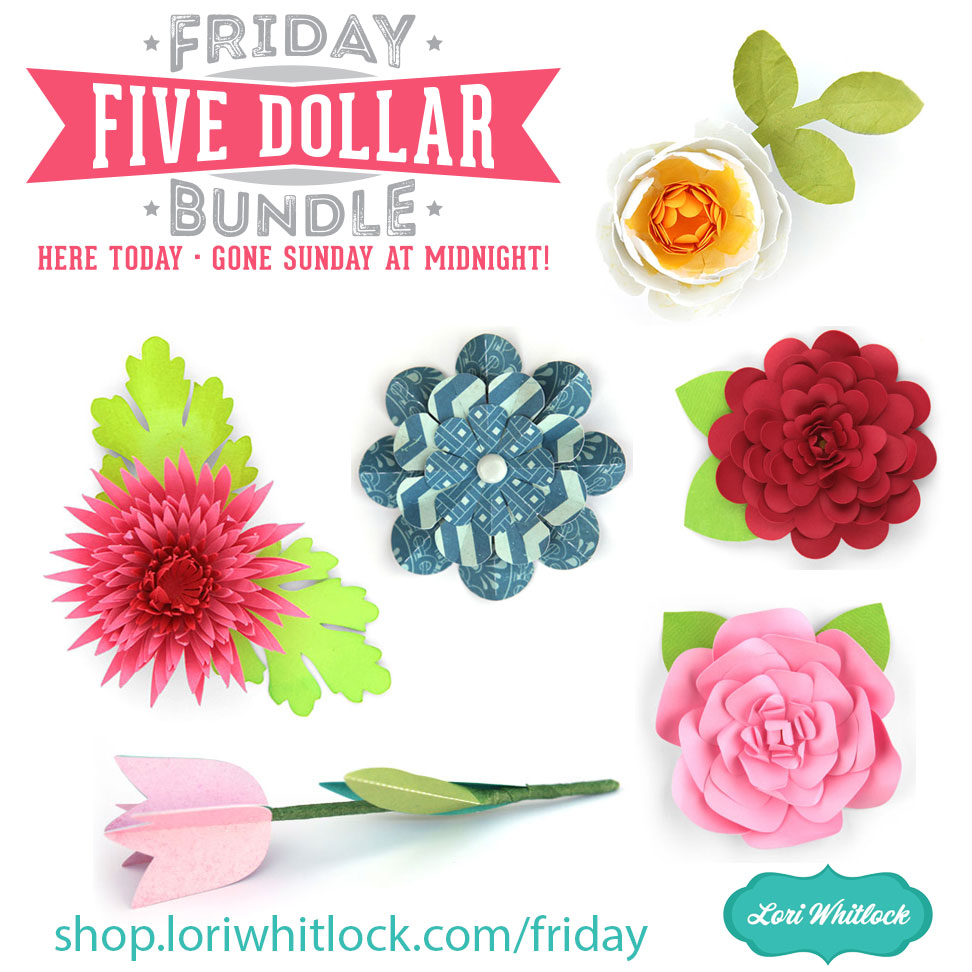
Hi Everyone! Today we have a new Friday $5 Bundle! It will ONLY be available until Midnight Sunday and when it’s gone it’s gone. These SVG files can be used with Cricut Explore, Silhouette Studio (with the Designer Edition upgrade), Scan N Cut, and any other cutter that will work with SVG files. Help spread the word by telling your friends and announcing it on social media!
Now through Sunday, you can pick up this floral themed themed bundle including 6 beautiful SVG files for just $5!
The cost of this bundle is $5, for $10.94 worth of SVG files, over a 54% savings! It’s the perfect spring bundle! But don’t wait, this bundle will only be around until Sunday at midnight!