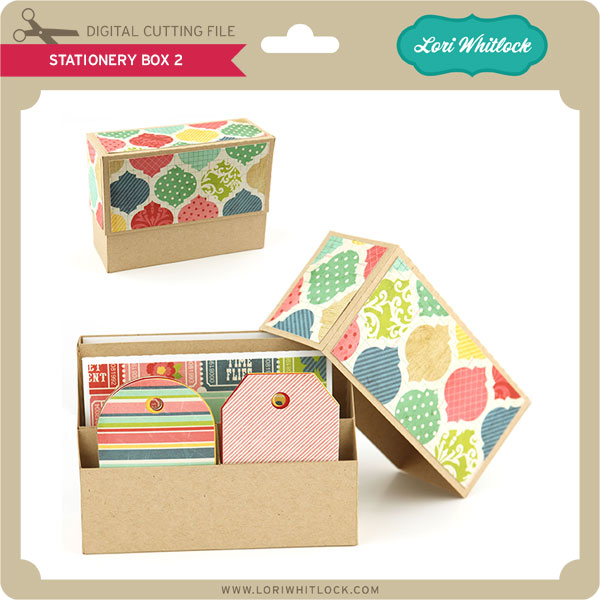
If you’re wondering how to cut out this Stationery Box, you’ve come to the right place. Below you’ll see that I’ve created a labeled diagram of all the pieces in the file. Hopefully this helps you plan out your paper for cutting. 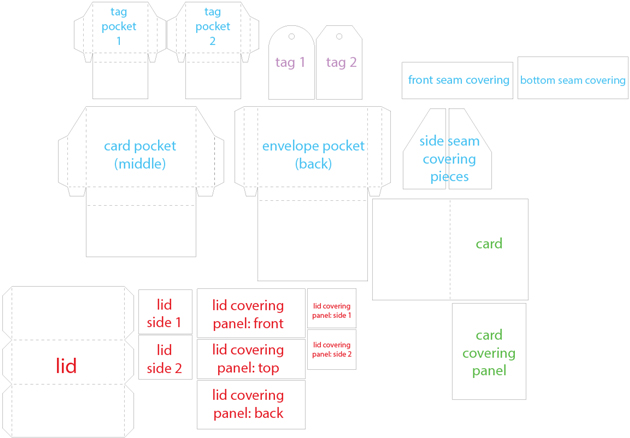

If you’re wondering how to cut out this Stationery Box, you’ve come to the right place. Below you’ll see that I’ve created a labeled diagram of all the pieces in the file. Hopefully this helps you plan out your paper for cutting.

If you’re wondering how to cut out the 3 Stacking Boxes, this just might help you out. I’ve created a labeled diagram of all the pieces in the file. I’ve kept them grouped as you’ll see them in the file. All the pieces for the large box are labeled yellow. All the pieces for the medium box are labeled red. All the pieces for the small box are labeled blue. 


Before coupon code total should be $1.98 or higher. Just add coupon code: BUTTERFLY at checkout and the cost will be deducted from your purchase. This freebie is good until tonight at midnight.


Here are some of Lori’s newest shapes added to the SVG shop and her Silhouette Portfolio! Thanks for stopping by… Lisa




Only a purchase in Lori’s SVG shop will qualify for the free shape.
Today on the blog we have a few beautiful things to share with you. First is Brigit.
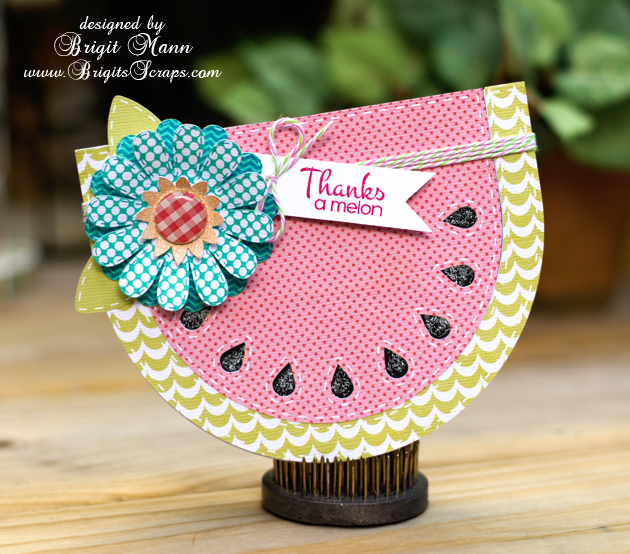
Shaped cards are so much fun to work with and Lori has many cute ones, just like this A2 watermelon shaped card. So perfect for a thank you card, I just added one of the flowers from the 5 layering flowers set and leaves from the 3D flower set 5.
I also used Lori’s digital paper Summer Fun, the pretty summer colors went perfect. I finished the card with some stickles on the seeds, watermelon taffy Trendy Twine and stamp sentiment from Jaded Blossom’s feeling fruity.
 .
.
Thanks for stopping by, you can visit me at http://www.brigitsscraps.com
Next up we have Corri with an adorable matching desk set
Corri here with a great project for keeping things organized. I just got a new calendar on July 1st to keep my design team deadlines organized. It’s a pretty cranberry color and I thought it would be fun to dress it up with some vinyl.
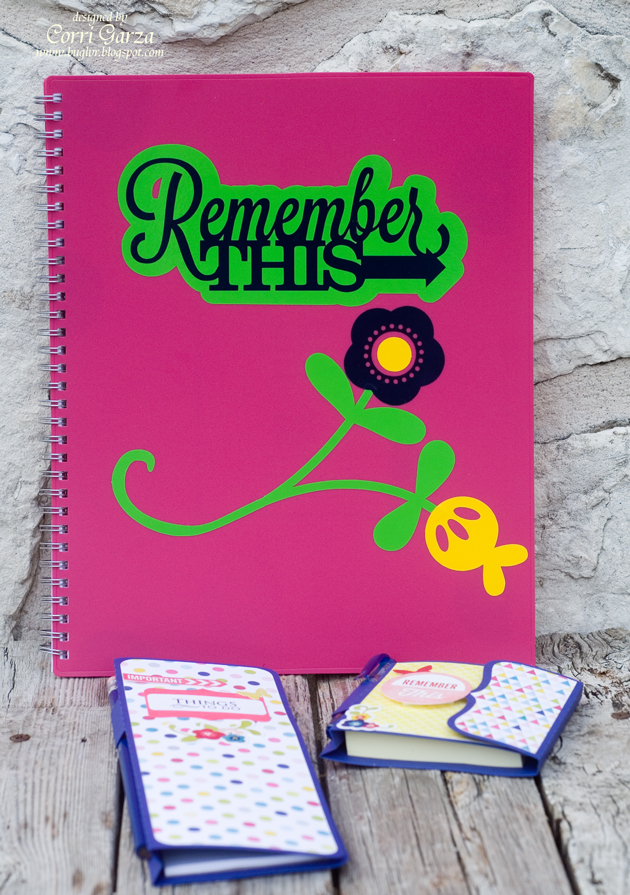
I created a offset for Lori’s Remember This Title. You can find my tutorial on how to create an offset here.
I cut the offset and title in vinyl and layered them on the front of the calendar.
I also cut the Cute Flowers file and applied that under the title. It turned out really cute! This would also be a great way to personalize kids binder, folders, and notebooks for
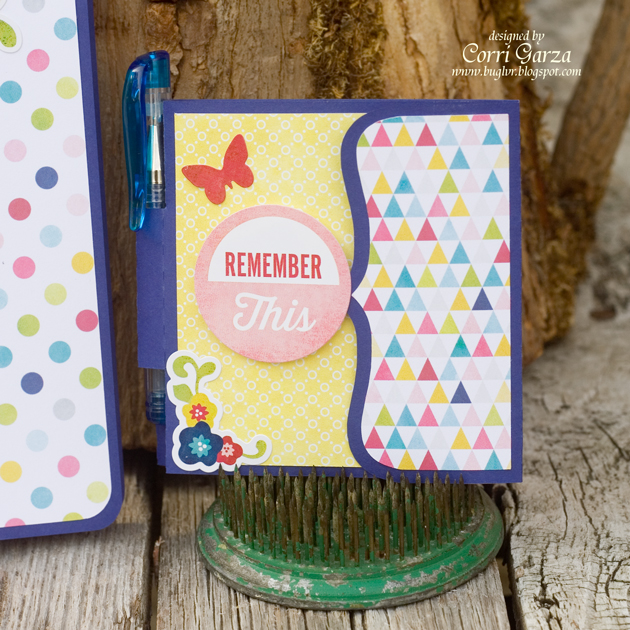
To keep my notes and lists, I made this cute sticky note holder….
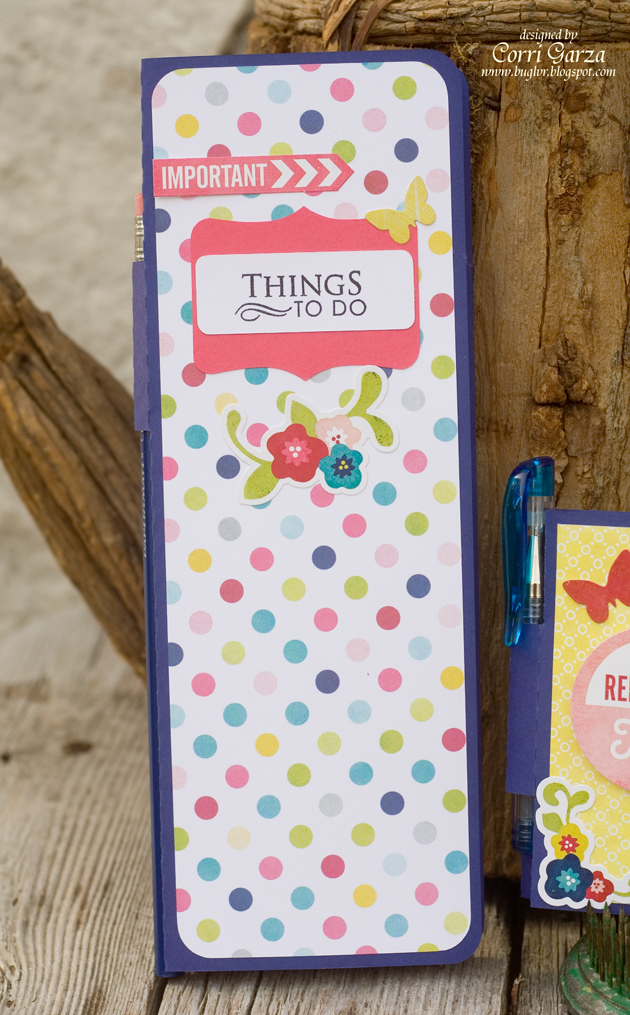
and this To Do List holder. I love how these have a place for a pen. They will be perfect to keep on my desk. I used paper and sticker from the Echo Park Here and Now collection.