Mini Album by Christine


- Pocket Ring Mini Album
- Simple Borders
- True Honest Just Good
- Fall Reflections Paper Collection by Lori Whitlock for Echo Park
Silhouette Tutorial with Brigit: Making Christmas Tags
Hi everyone! Brigit here with a fun print n cut tutorial for you today.
These cute penguin Christmas tags are so easy to make and really helps save some time.

Start by getting the penguin from the Christmas Icon Set, I love this set by the way, so many cute svg files in there.
Ungroup and fill each piece with colors, zoom in and layer the penguin together like I’ve done below, select all and group together.
You want to create an outline for your penguin, select him and go to the Offset Window, choose offset and change offset distance to .1 and apply.
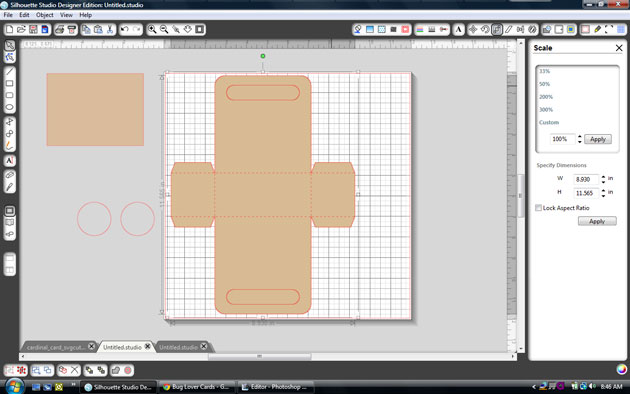
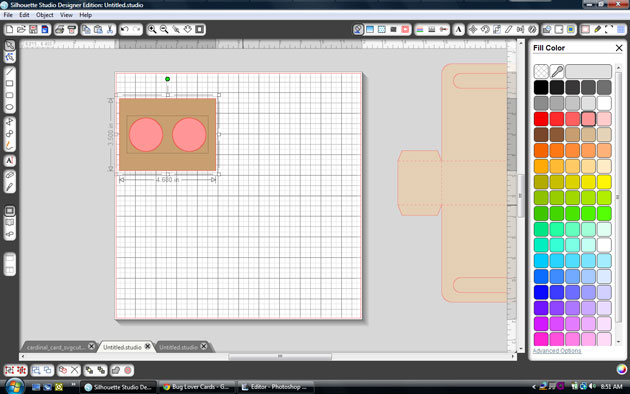
Draw a 2″ x 3″ box and place it over the offset of the penguin you just created, like I have in the photo below, with both selected right click and weld or you can go to the Modify Window and weld.
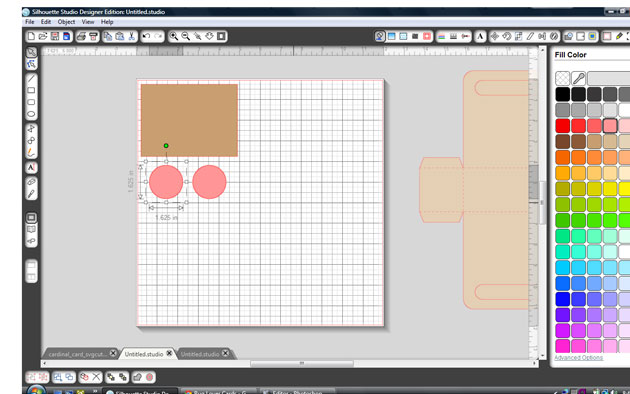
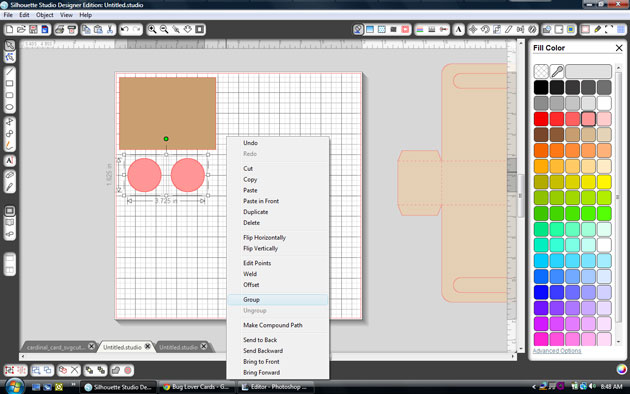
Place a circle about .125″ on your tag, (this is for your twine or ribbon) and select both the tag and circle, right click and choose make compound path, this helps later when you choose to only cut around the edge of the tag.
Fill your tag with digital paper, I’m using Echo Park’s Reflections Christmas designed by Lori.
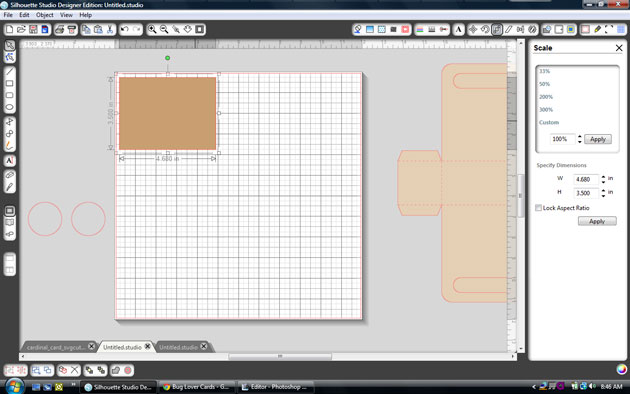
I added a 1.75″ x 2″ box and filled with beige then added the text so you could see it better.
Fill your text with color or if you just want it outlined make sure under the Line Style Window you check the Print Lines of Selected Shapes.
It’s important that you only cutout the outline of your shapes. I chose to cut my penguin out separately so I could pop dot him up. Go to the Cut Style Window select tag and choose the Cut Edge, do the same for the penguin, it should look like the photo below.
In the Registration Window select Show Reg Marks
Under Page select your printer page.
I have a wide format printer so mine is setup to print on a 12″ x 12″ size paper.
I was able to fit 6 tags but you can re-size to fit more if you’d like.
I hope you find this tutorial helpful. Christmastime can get very busy so these pnc tags come in handy when you need some quickly.
Thanks for stopping by, you can visit me at http://www.brigitsscraps.com
Christmas Layout with Mendi

- Vintage Font
- Joy Banner (Silhouette store only)
- Pine Bough & Ornament (Silhouette store only)
- Christmas Card Set 2 (for my Season’s Greetings title)
New in SVG shop + Tuesday Freebie AGAIN
Thanks for joining us in yesterdays Creative Team Blog Hop.
We hope you found some inspiration for your own Christmas Cards. There is currently a sale at Lori’s SVG shop if you would like to purchase any of the diecut files. This weekend the new digital card templates will be on sale. Just trying to help you get a head start on your holiday crafting.

TODAY ONLY, this CARD BASE ENVELOPE SET 1 SVG file is FREE with purchase.
(With your $5.00 purchase this $2.99 file will be yours free. Just enter coupon code CARDBASE at checkout and the price will be deducted from your purchase. This freebie is good until midnight tonight!) At least that was the plan but with 2 coupon codes it isn’t working correctly, so now it is FREE in the shop. Hope this fixes any problems.
We have many requests for the PDF file for hand cutting, class room projects etc, now many of new shapes will also include a line art PDF as well. Check the description on each shape before making your purchase, if you desire the PDF on an older shape that does not include a PDF let us know. Remember ALL new shapes are on sale for 25% off until Monday of next week.

Here are some of Lori’s and Kolette’s newest shapes added to the SVG shop and their Silhouette Portfolios. Thanks for stopping by… Lisa


Only a purchase in Lori’s SVG shop will qualify for the free cutting file.
THANK YOU to all of our talented friends that applied to be a member of our digital team. We will have a decision soon. Thanks for your patience.