New in SVG Shop + Daily Freebie + Silhouette Promo

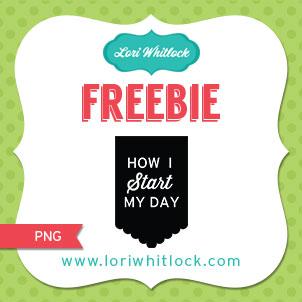
TODAY ONLY, this PHOTO PROMPT TAGS TIME OF DAY PNG file is FREE.

Remember this freebie is ONLY good until midnight tonight, then it will change to something else. Be sure to come back each day to grab our Photo Prompt Tag freebie.  This file IS NOT an SVG file, but a PNG that is designed to be placed on top of a photo before the photo is printed. You can download the freebie here.


We have many requests for the PDF file for hand cutting, class room projects etc, now many of new shapes will also include a line art PDF as well. Check the description on each shape before making your purchase, if you desire the PDF on an older shape that does not include a PDF let us know. Remember ALL new shapes from Lori and Kolette are normally on sale for 25% off until Sunday of next week, but this week we have a sale for 30% off all shapes. Use coupon code LUCKY at checkout to get the discount.
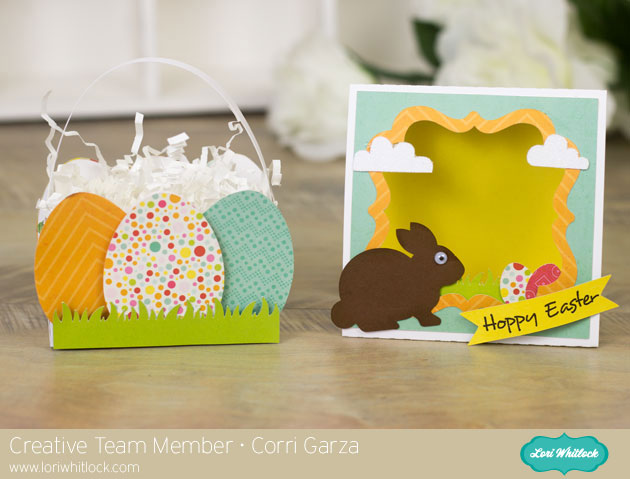
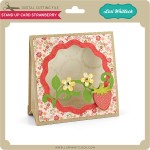
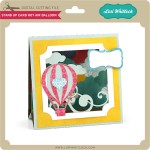
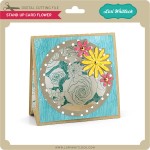
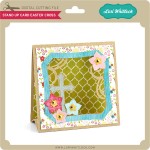
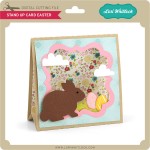
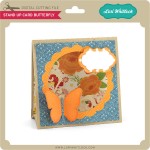
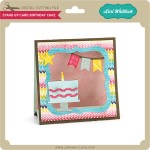
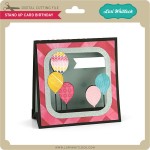
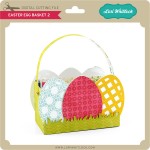
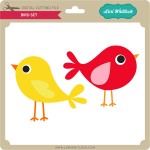
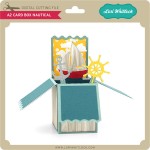
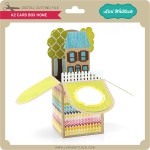
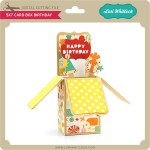
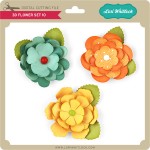
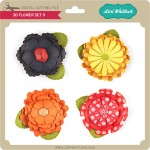
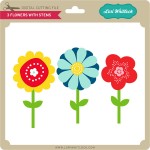
New this week… Check out these adorable new files!!

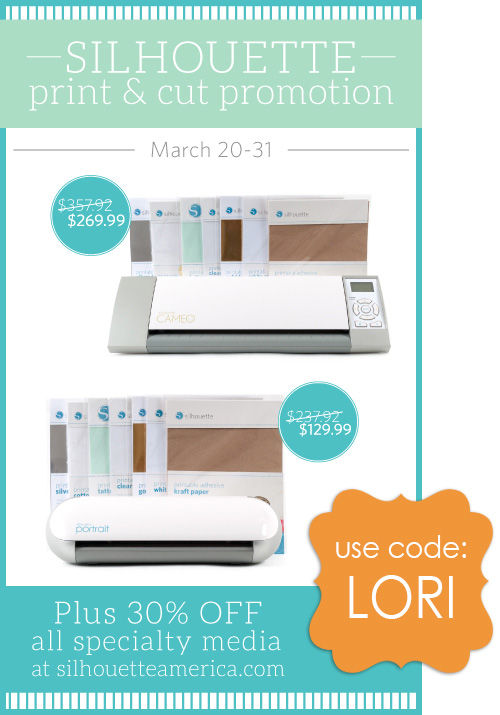
Last but not least, check out what is going on at Silhouette for the next week.

March 11th through March 19th both Silhouette Studio® Designer Edition and Silhouette Connect™ are 35% OFF!! In case you don’t know, Designer Edition is the MOST POWERFUL design system out there to help you achieve all your crafty needs.  Some key features:

o    Ability to open, manipulate, and cut .svg files
o    Rhinestone tools to convert designs into rhinestone templates and create your own rhinestone designs
o    Sketch tools to convert designs into several styles of sketchable art
o    Creative knife tools to allow you to clip designs using different patterns
o    Enhanced eraser set to modify designs with more precision
o    Built-in ruler and guide lines for precise alignment and drawing
 Silhouette Connect™ is a plug-in that allows you to cut directly from Adobe Illustrator or CorelDraw!
You can purchase these items at www.silhouetteamerica.com. Simply use promo code: LORI at checkout to get the 35% discount.


Silhouette Tutorial with Mendi: Thickening Delicate Pieces

It’s Mendi here and I’m so excited to be sharing a simple little Silhouette tip with you today.  I don’t know about you, but I’ve found when I’m shrinking cutting files down in size there are many times when the shapes become too thin to cut from cardstock without shredding the design.  To get around this I have found some easy tricks for thickening my fonts and shapes.  This is also a super handy trick for creating a “bold” font when that option is not available in the Silhouette software.  😉
 
To illustrate my tutorial I created this little Birdie Birthday card using several thin shapes and fonts (along with the adorable Echo Park Hello Summer collection) designed by Lori Whitlock.
I have created a video tutorial below sharing how you too can solve this common Silhouette cutting dilemma.
To create my card I used the following shapes available in Lori Whitlock’s shop:
I hope if you’re not already using this trick, you’ll give it a try!  🙂


New in SVG Shop + Tuesday Freebie

TODAY ONLY, this 3X4 LIFE CARD FOLDERS SVG file is FREE with purchase.

With your $3.00 purchase this $0.99 file will be yours free. This freebie is ONLY good until midnight tonight! Please use coupon code FOLDERS to receive this file for free.


We have many requests for the PDF file for hand cutting, class room projects etc, now many of new shapes will also include a line art PDF as well. Check the description on each shape before making your purchase, if you desire the PDF on an older shape that does not include a PDF let us know. Remember ALL new shapes from Lori and Kolette are normally on sale for 25% off until Monday of next week.

New this week… Check out these adorable new box cards!!

Only a purchase in Lori’s SVG shop will qualify for the free cutting file.

Mixer Shaped Card with Brigit

Hi everyone!!  I’m such a big fan of shaped cards, one of my favorite things to work with.  How cute is this Mixer Shaped Card from Lori’s shop I just love it!!


I think this is one of my favorites, I enjoy baking so much and just love my kitchenaid mixer!!

The paper collection is Carta Bella’s Homemade With Love, the flowers and sentiment are included, it’s totally perfect for this card.  I just added some Peppermint Stick Trendy Twine with a cute little button and a couple of turquoise enamel dots.


Thanks for stopping by, you can visit me at Brigit’s Scraps

Have a great day!!

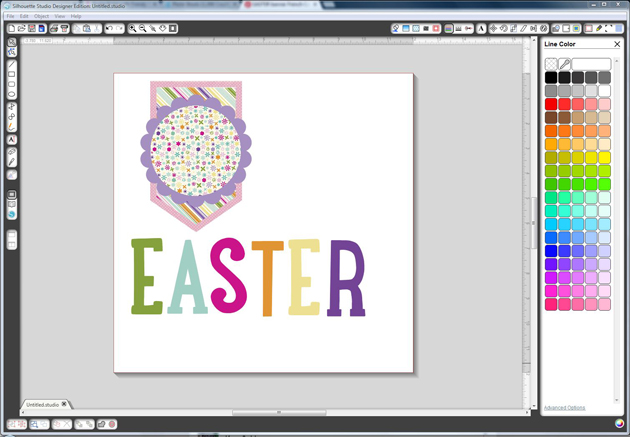
Silhouette Tutorial with Brigit: Using Pattern Paper as a Fill in SSDE

Hi Everyone!!  A couple of people have asked me this question so I have a quick but helpful tip today, filling different size shapes with the same size pattern.  I chose this no glue rectangle box from Lori’s shop, it’s perfect because the side layer pieces are smaller than the top.


The flower is from the 3D flower Set 8 and digital paper is Lori’s Maggie collection.

Stamp sentiment is from Jaded Blossom Stamps.


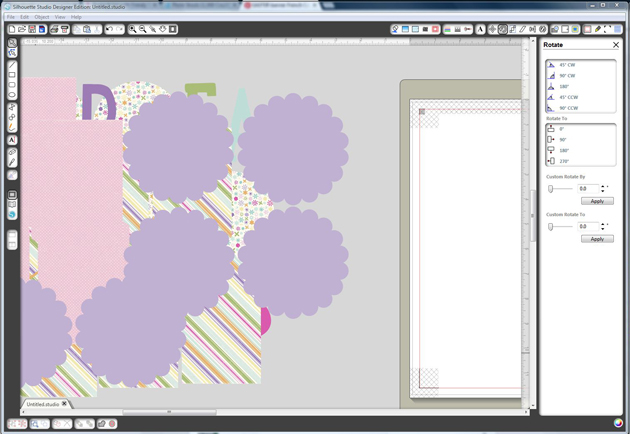
The first thing I do is ungroup the pieces, the score lines of the box are separate but I want to keep that all together so I select around the box and then choose Make under the Modify window or you can right click and Make a Compound Path.


Now onto the layer pieces, they are still grouped together, if you select your pattern paper it will fill all the shapes at once but the 4 layer sides will be smaller and I want them all the same size.


(I don’t import my paper into SSDE, as you can see in the right-hand side I have it sorted on my computer in folders and keep it opened next to my program for easy access and drag and drop it into my shapes.  This way it only fills one shape at a time when it’s grouped.)


So what I do is select all my shapes and Make a Compound Path, then when I fill with pattern paper it fills all the pieces at once and the pattern size is all the same also.  That’s it, simple!!


Then you can resize it all at once in the advance settings under the Fill Pattern Window if you’d like.


Thanks for stopping by, I hope you find this tip helpful!  You can visit me at http://www.brigitsscraps.com.