Link Up Party with Mendi

Welcome Back to our next linkup party! CONGRATS to our most recent linkup winner Helen G. Watch your email for a gift certificate! Now on to Mendi to teach you about the new linkup party. Good luck to all!

I’m excited to be hosting another Link Up party!  Today’s challenge is all about shaped cards!  As many of you know I’m a sucker for shaped cards and Lori has sooo many good ones to chose from.  This challenge can also include shaped cards you create from 2D cutting files as I shared in a past video tutorial HERE.

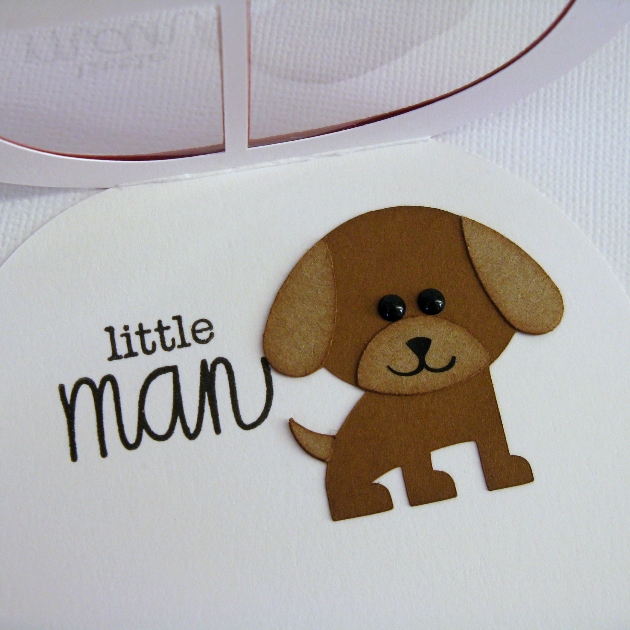
For my project today I used Lori’s darling Car Shaped Card and then added a doggie driver using her dog shaped card.  It’s probably hard to tell, but I thought it would be fun to create a compound path within the Silhouette Software and cut the windows out of both the card base and card front.  This allowed me to sandwich a piece of clear acetate between the layers for my car windows to peek through to the inside.


For the inside of my card, I added a fun sentiment from Technique Tuesday’s new Mister Man stamp set.  Black enamel dots were the perfect finishing touch for my puppy dog’s eyes.
For this challenge you can use any or Lori’s files from her SVG Shop or the Silhouette Online Store. You have until July 16th at NOON to link-up your project.  The winner will receive a gift card to Lori’s shop and will be announced here on July 17th!
Have fun playing and let your creativity guide you.  I can’t wait to see what you come up with!  🙂

add your project here


Tuesday Freebie on WEDNESDAY + New in SVG Shop

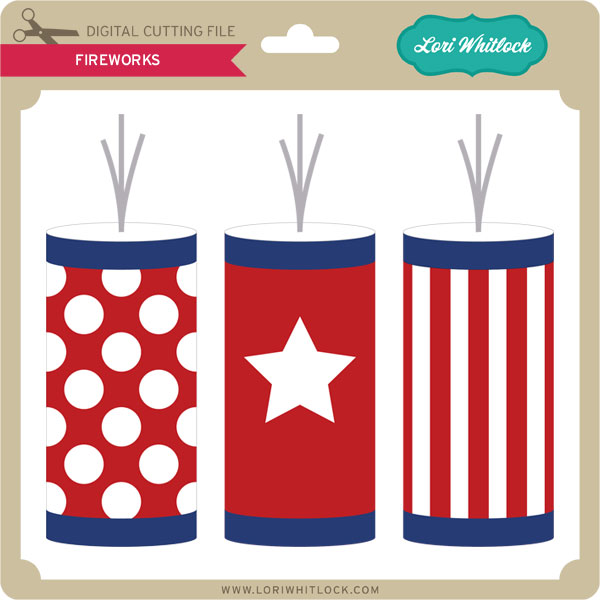
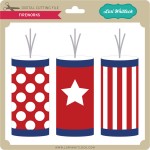
TODAY ONLY, this FIREWORKS file is FREE with Purchase.

Please forgive me, it is birthday central at the our house this week and I mistakenly did not post this in time, so I am making an exception to make this weeks Tuesday Freebie a Wednesday Freebie. Simply add this file: FIREWORKS to your shopping cart along with any $5 purchase from www.loriwhitlock.com/shop.  Be sure to use Coupon Code: FIREWORKS at checkout. The price of the fill will be deducted from your total.


We have many requests for the PDF file for hand cutting, class room projects etc, now many of new shapes will also include a line art PDF as well. Check the description on each shape before making your purchase, if you desire the PDF on an older shape that does not include a PDF let us know. With the new Cricut Explore, another request has been for cut size measurements on cards and 3d projects. We are now including those in the zip files as well. If you need measurements for an older file please don’t hesitate to ask by emailing us HERE.

AND did you remember about the Link Up Party with Traci from 2 weeks ago? We hope you are working on your entry, as one random winner will receive a $15 gift card to Lori’s SVG Shop this week! There are only 2 more days until we pick a winner. We have had SO much fun seeing your projects. They have all been so inspiring. Don’t miss out on your chance to win.

New this week… Check out these adorable new files in the SVG Shop, and they are on SALE through the weekend, too!!! All of these downloads include SVG file, cut size instructions and a PDF for hand cutting if so desired. The files by Kolette are still being added to the shop so please be patient with me. They will all be in there no later than July 4th.

Snap Click Supply Sale Extended + Birthday Packages with Traci

Did you know Snap Click Supply has extended their sale on all Lori’s digital scrapbook products and her Silhouette Class at Jessica Sprague for $28. Today is your last day so grab them now.

Check out this adorable project by Traci!

Hi everyone!  For today’s project I was inspired by all of the family and friend birthdays that are on my calendar next month.  I decided to get a head start and create a few little gifts while I had a minute.  For one of them, I created this cute little gift set.
I just love the new penny-slide card from Lori.  It is super easy to cut out and assemble, but if you have a question, you can find out more about assembly in her You-Tube slider card video instructions here.  For the “Happy Birthday”, I used one of Lori’s phrases, but instead of cutting it out, I did a print & cut with it.
For the earring card, I used a hang tag from Lori’s set of five.  I added an offset and then punched two little earring holes after glueing the two cards together.  I will tuck the earrings into Lori’s darling little gable box and have an adorable gift set all ready to go.  By the way, the fabulous paper is also Lori’s design for Echo Park called We Are Family and you can find that here.
Here are the links to the files in Lori’s shop.  You can also find them all in the Silhouette store.
Happy gifting!
Happy Birthday Phrase

Silhouette Tutorial: Using the Compound Path with Corri

Hi everyone!  Corri here today sharing a couple of fun ways to dress up your die cuts using the make compound path feature in Silhouette Studio.   I like to add glitter to some of my die cuts and this is an easy way to make it a lot less messy.

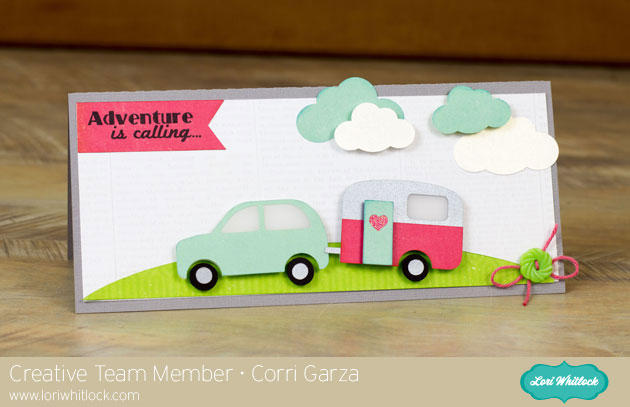
Here’s my card.


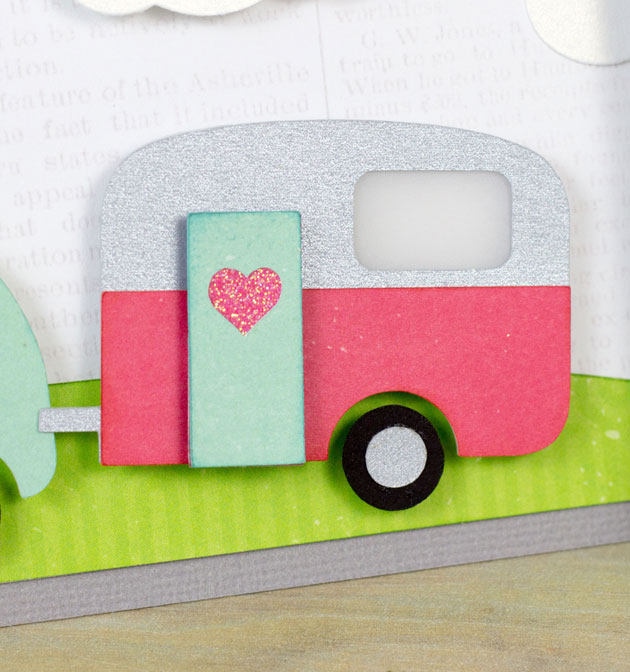
For my card base, I used one of Lori’s #10 cards and envelopes.  I love this adorable new car and trailer.  Here’s a quick and easy way to add some glitter.


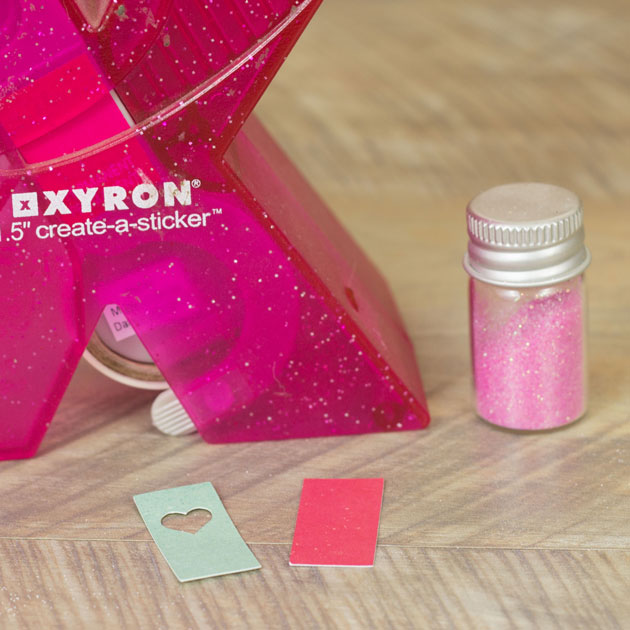
I cut the rectangle shape for the door from some red paper from the Echo Park –  We are Family Collection.


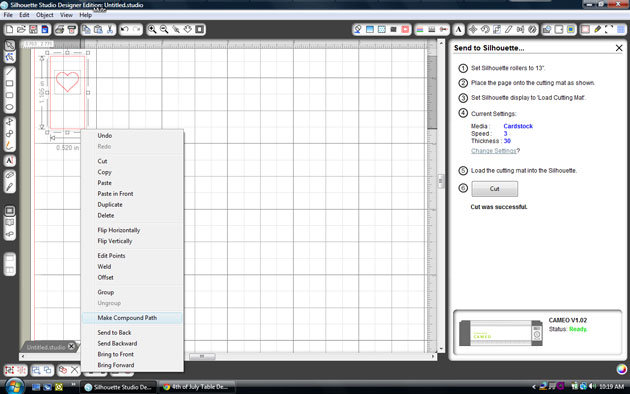
Then I placed the heart shape on top of the door, right clicked and pulled down to make compound path.  This makes the two shapes into one.


Run the red layer through the Xyron to make the front of it sticky.


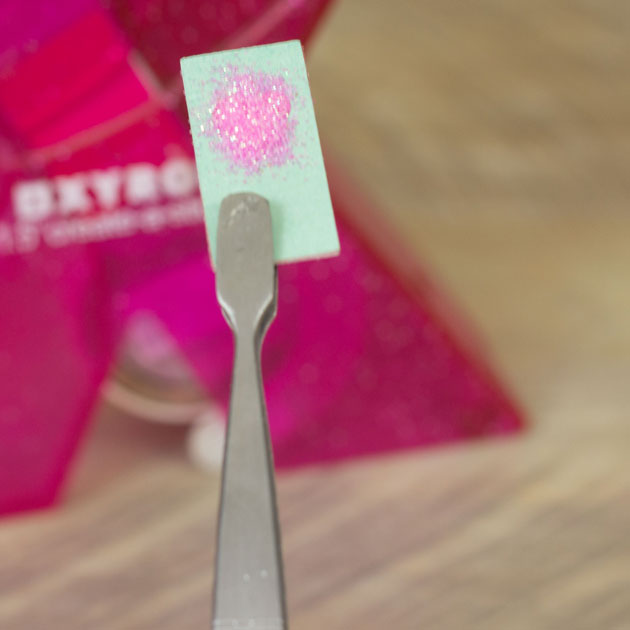
Apply the blue layer on top and then sprinkle with glitter.


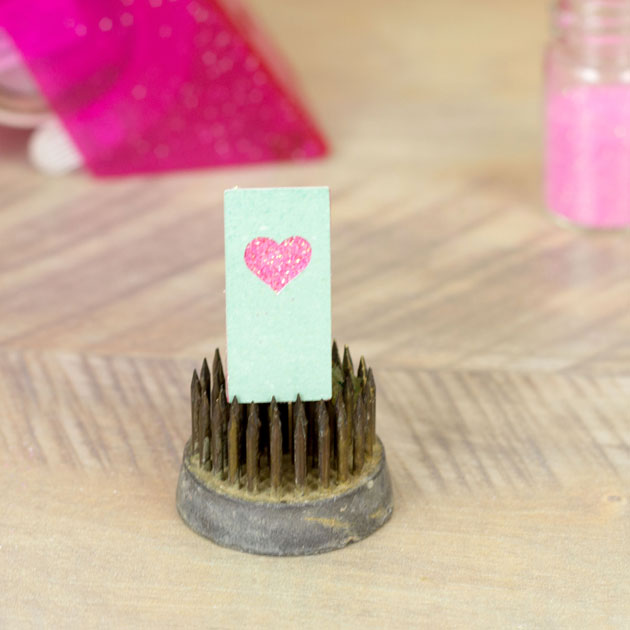
Shake off the extra glitter and you have a sparkly little heart without all the mess. You can use the release compound path feature to break apart layers that won’t ungroup.


I hope you enjoyed this fun tip for adding some shine to your die cuts.  Be sure to check out all the new files that are in Lori’s Shop.

Snap Click Supply Birthday Sale + Reader Spotlight Michele

Now through June 27th you can pick up all of Lori’s digital scrapbook kits for 35% off. You can also get her Silhouette class for 20% off

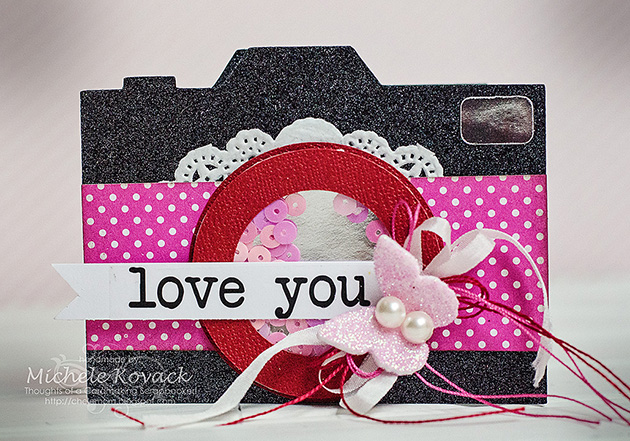
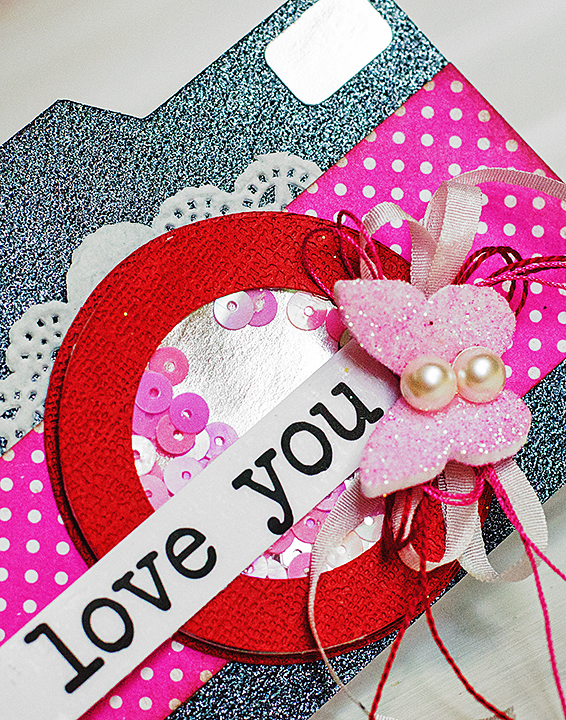
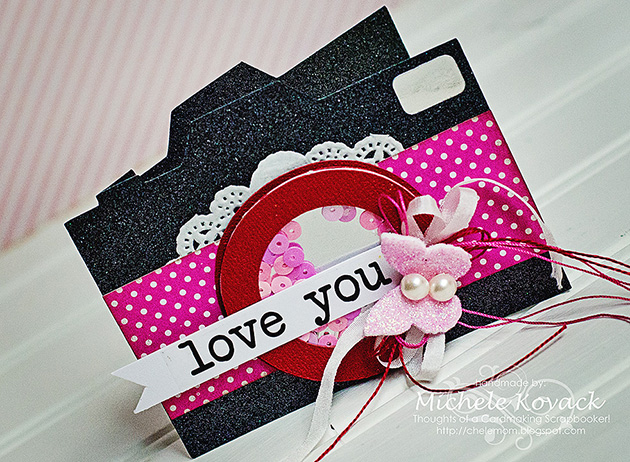
We have so many talented readers out there. Today we wanted to showcase Michele Kovack and 2 of her amazing projects. The first is this adorable Shaker Camera. I love all the details she added.

Hi there! It’s Michele Kovack here with a fun camera shaker card! Every time I find a cute cut at the Silhouette Store, it always seems to be one of Lori’s!  I seem to gravitate to her designs! I love cards that are interactive and shaker cards are the perfect way to do that!  I used several of my favorite products from Scrapbook Adhesives by 3L®.  First I used the 3D Foam Creative Sheets to create the shaker part of the camera.

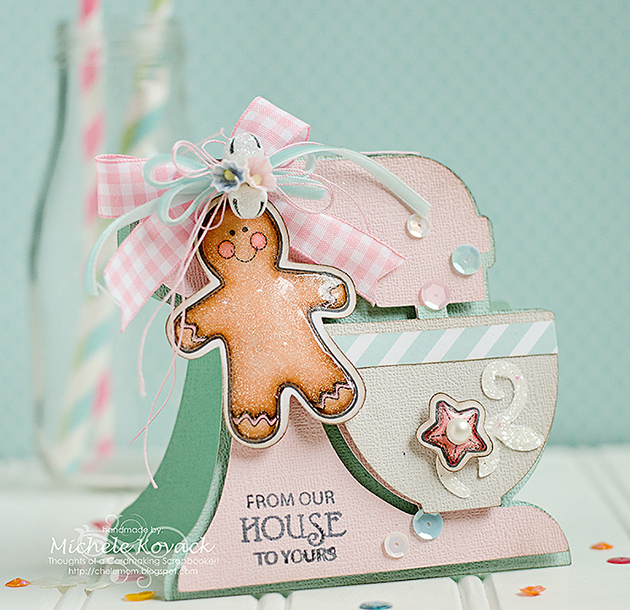
Michele’s second project uses Lori’s Mixer Shaped Card

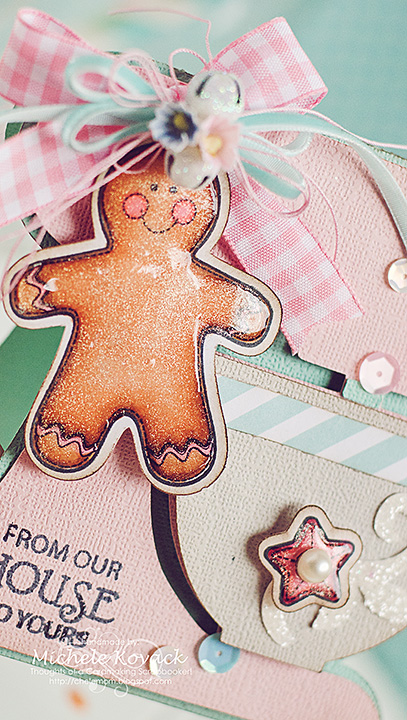
I found this adorable mixer cut designed by the talented Lori Whitlock.  I knew I wanted to incorporate it with my JustRite stamps called, Applique Christmas Labels One. A Christmas mixer anyone? 😉
I colored the gingerbread guy with Spectrum Noir Markers.  I inked the edges a bit with brown ink and added Clear Wink of Stella pen to the entire image for a bit of subtle sparkle.  I also added a generous coating of glossy accents to the entire image.  Once it was dry I adhered it to the top of the blender with ribbons, posies, and a couple of glittery jingle bells.  I stamped the sentiment directly on the mixing bowl, added a strip of designer paper, a glittery swirl, and a star to complete my project.

Thanks Michele, your projects were both amazing! We loved them, thanks for sharing with us!