Baby Month Sign with Anita

Hello Everyone:

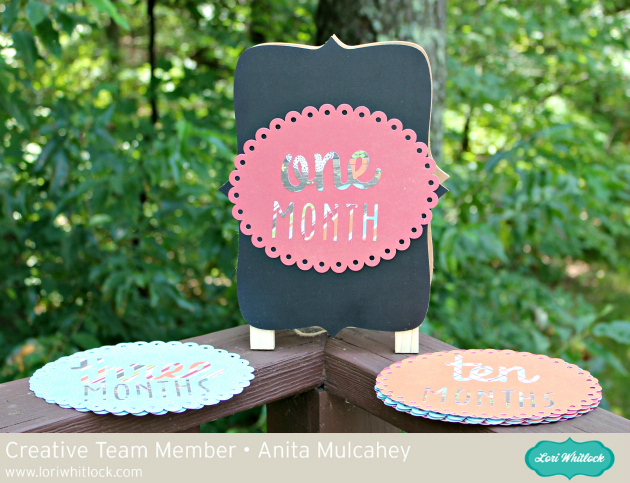
Happy Monday.  I made this sign set for a friend’s daughter who is having a baby in January.  I used Lori’s cut file called Baby T-Shirt Months which you can find here in her store and here in the Silhouette Store.   I also used Scalloped Shapes for the background of my months and you can find that file here in her store and here in the Silhouette Store.  I used Lori’s Echo Park collections called Happiness is Homemade and I Love Family.
I bought a chalkboard stand online and put two sided sticky tape on the back of each oval and then stuck a piece of wax paper over the tape so that they wouldn’t stick together.


Thanks for stopping by and be sure to check out Lori’s store for these cut files and many more new and fun cut files.

Hugs,

Anita

Doodlebug Design Cut Files Feature: Boos & Brews

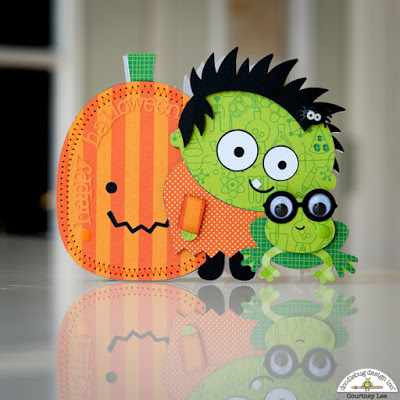
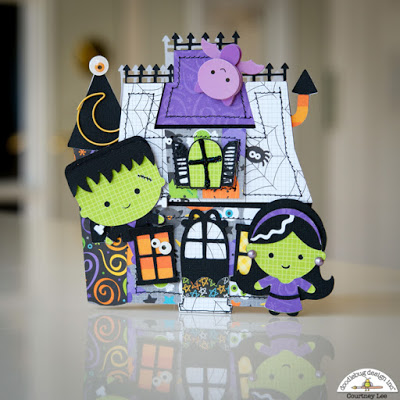
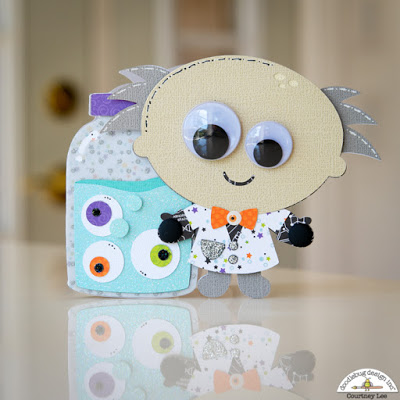
Hi Everyone! Today I’m showcasing another fabulous project using Doodlebug Design’s cut files! These ADORABLE Halloween Cards were created by Courtney Lee for Doodlebug Design.

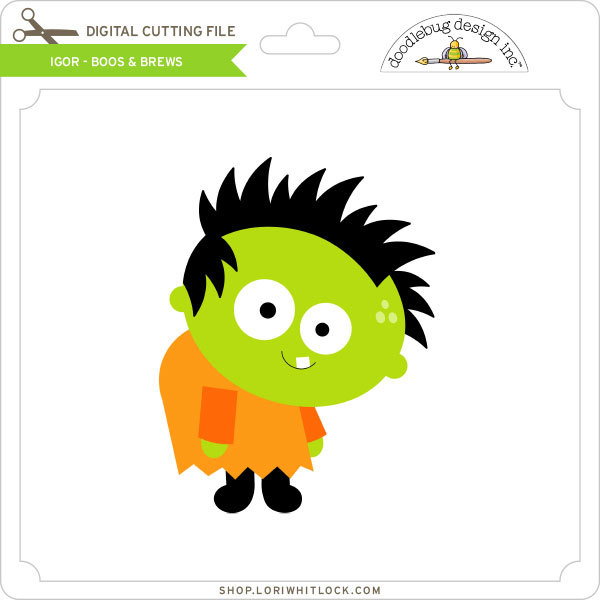
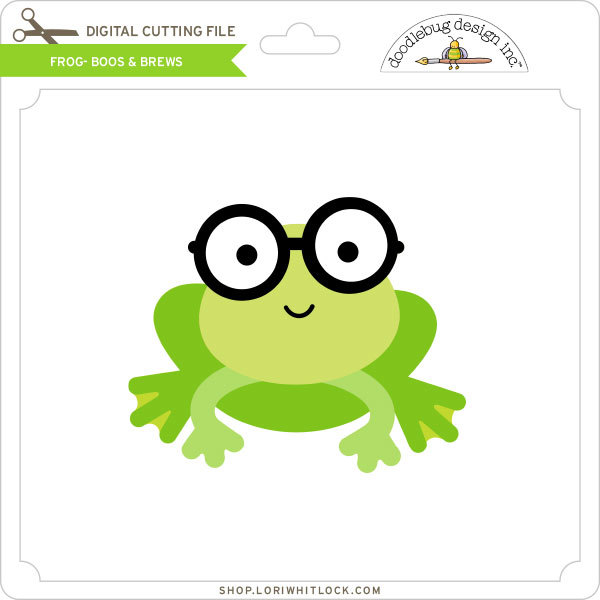
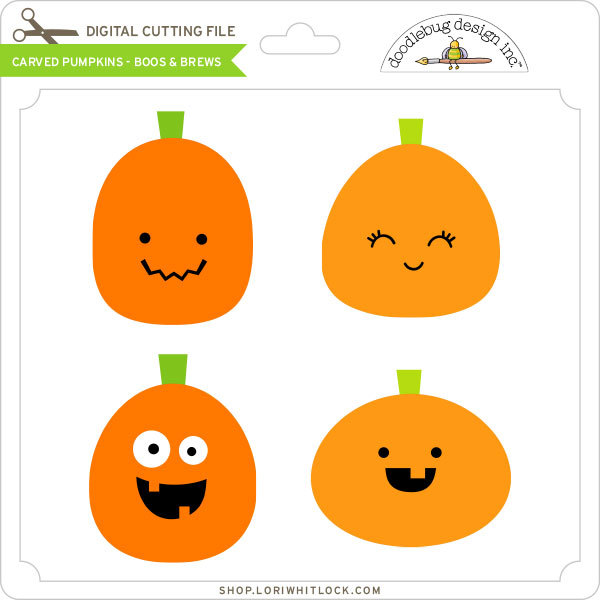
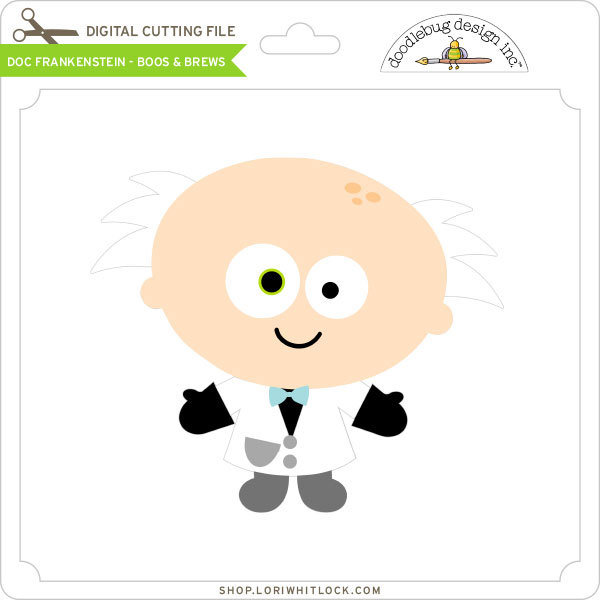
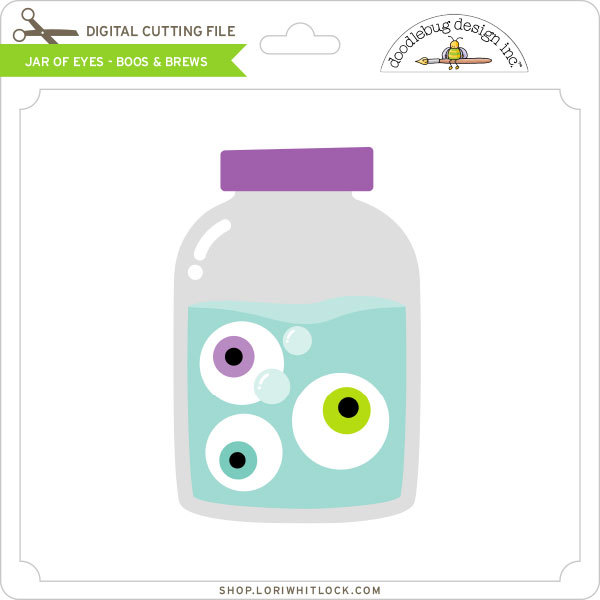
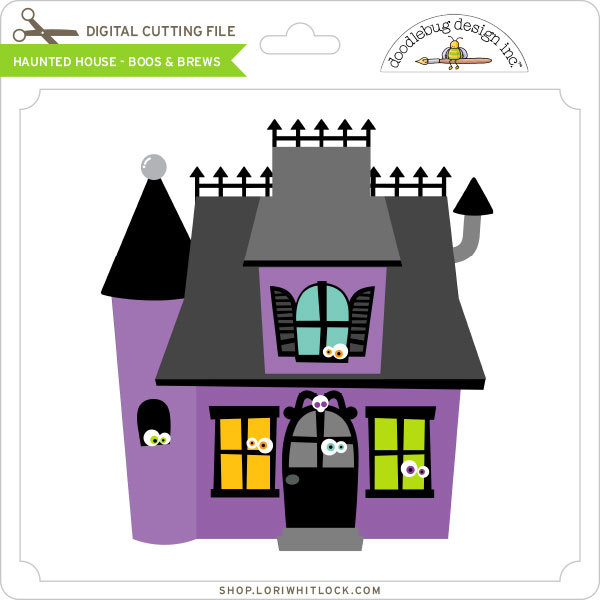
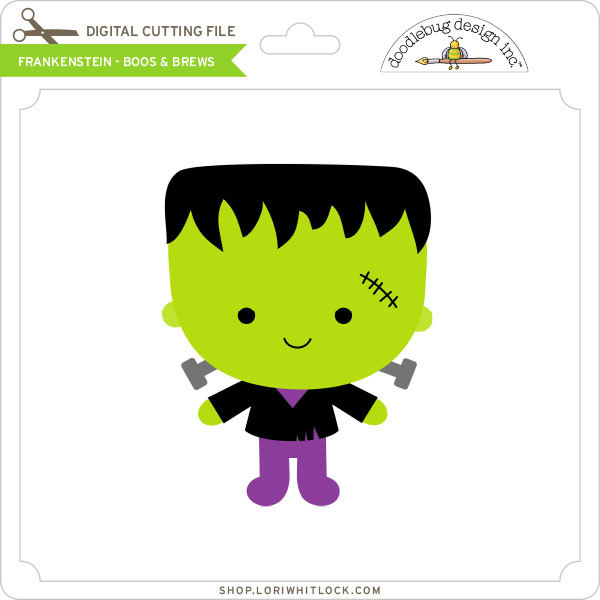
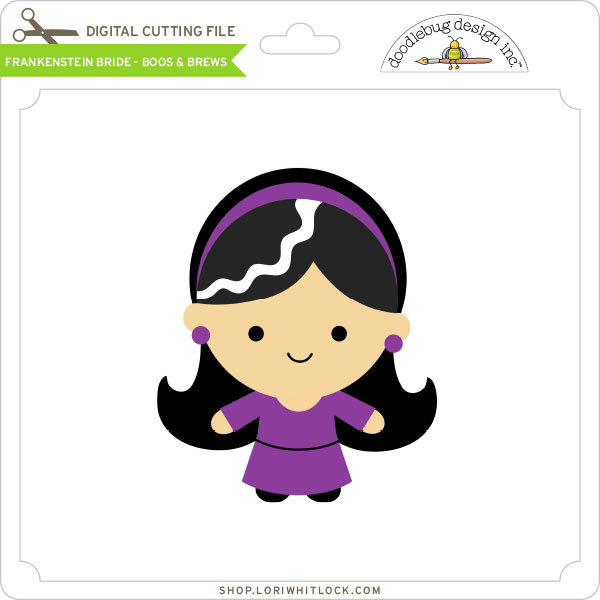
Courtney used the Igor, Frog, Pumpkin, Doc Frankenstein, Jar of Eyes, Haunted House, Frankenstein and Frankenstein Bride files from the Boos & Brews Collection.

Such fun cards, who wouldn’t want to receive one! For more views, see the original post here.

New Doodlebug Design SVG files are being added to the Lori Whitlock SVG Shop on a regular basis, so stop by to see all of the fun SVG files HERE!

Have a great day!


Halloween Treat Boxes Tutorial by Brigit

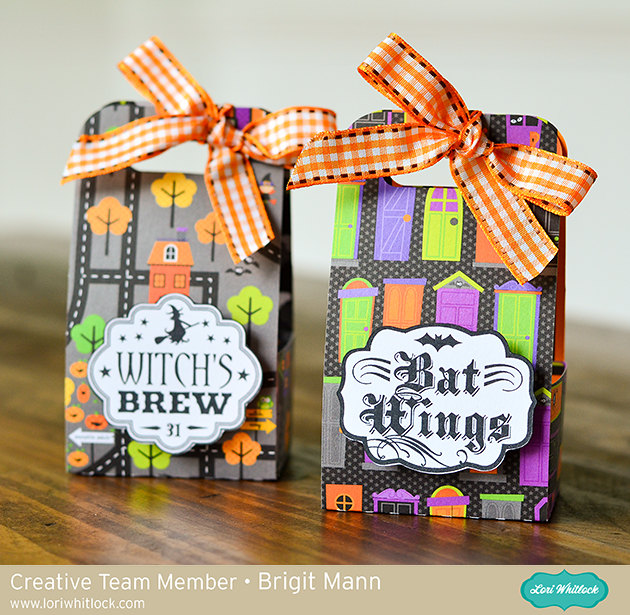
Hello there, it’s Brigit here, I have a quick tutorial on how I made these cute Halloween treat boxes. When I need a bunch of boxes I like to use the print and cut feature to create labels this way I can put them together very quickly. For these two I used two sheets from Doodlebug Design’s Halloween Parade paper collection.

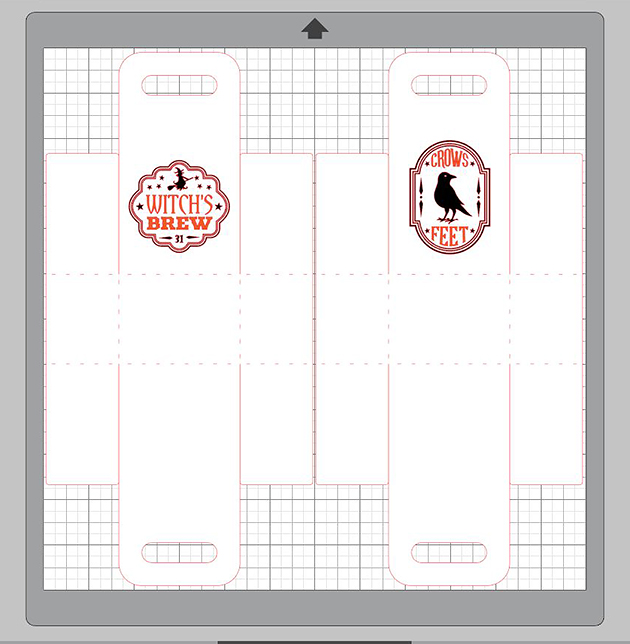
 For this project, I used the 2 on 12×12 Handle Ribbon Treat Box which you can get here at Lori’s shop or at the Silhouette Design Store here.  As the name applies you can get two of these on one sheet of 12 x 12 paper so it’s a great little treat box if you need a bunch.

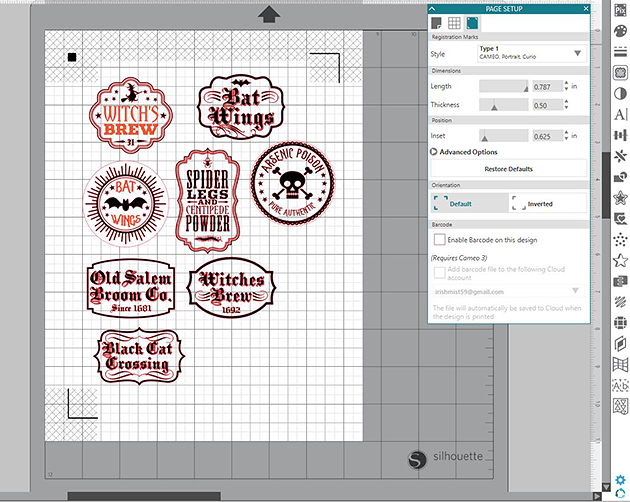
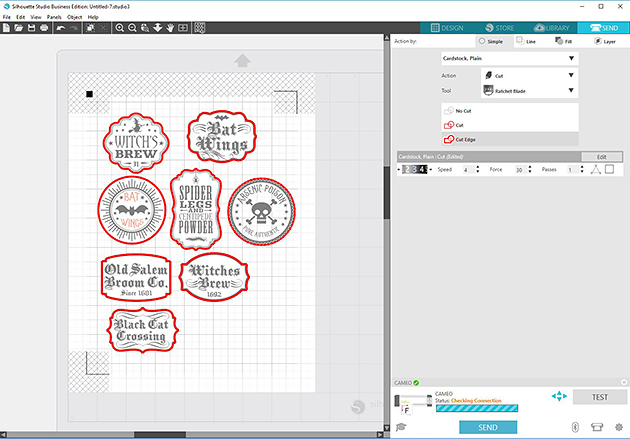
 I used the labels from the 5 Halloween Apothecary Labels set and a couple from the Halloween Label Set.  These are sold individually at the Silhouette Design Store, witches brew, spider legs, arsenic poison, crows feet, bat wings, old salem, and another bat wings. I sized them to fit the box and copied to a new page in Silhouette Studio, I use the Business Edition.

I printed out my sheet and cut them on my Brother ScanNCut 2 which is what I prefer to use cause I’m not limited to registration marks, but I do have a Cameo so if I was going to print n cut with it I would check the registration marks under the page setup.

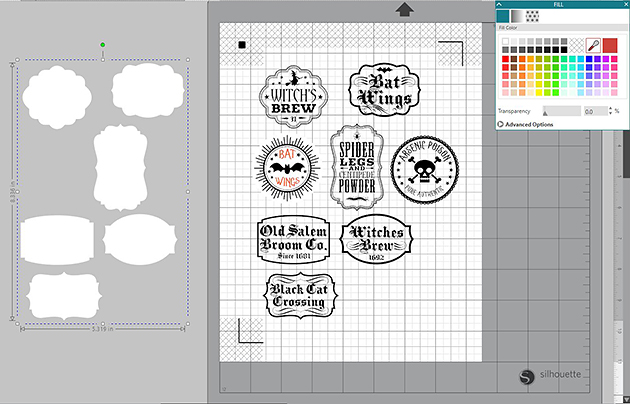
 For the apothecary labels when I selected cut edge the inside pieces were still selected so I grouped them made a duplicate, released and changed the color to white then aligned them together.

I was able to select cut edge then and the inside pieces weren’t selected.

Thanks for stopping by and have a wonderful day!


NEW Cricut BrightPad™ Giveaway!

Have you seen the latest from Cricut?  The new Cricut BrightPad™ is an ultra-thin tracing pad/light table, and I think it’s one of the hottest new tools on the market and a must-have for all crafters! Guess what? We have a BrightPad to give away to one of our readers! Keep reading along to enter the giveaway at the end of the post. Here’s a little video review of the BrightPad that I did so you can get a closer look:

Cricut BrightPad™ is the brilliant crafting companion that illuminates projects for easier crafting and reduced eye strain. Use it for tracing, weeding, quilting, and more. It’s light, thin, and durable for comfort and portability. With its ultralow profile, you can trace sitting at a table or in your favorite chair. When weeding vinyl or iron-on, your design will be beautifully illuminated for quick and easy work. And paper piecing quilt blocks has never been easier!


If you’re interested in buying BrightPad or just taking a closer look you can do so HERE. Oh, and while you’re there, be sure to check out the new Cricut Maker cutting machine! It features a rotary blade to cut fabric that I’m super excited about. I’ll be doing a review on that machine soon. Also, be sure to enter the giveaway below for a chance to win a BrightPad. Good luck!

a Rafflecopter giveaway

Tuesday Freebie and New in Shop

ALL WEEK, this SVG file is FREE with any $1.99 purchase!

We have a FREE file with purchase all this week! Simply add this Fallen Leaf Summer Wave File to your shopping cart along with ANY $1.99+ purchase from the SVG Shop and this file is yours FREE. Be sure to use Coupon Code: FALLISCOMING (case sensitive) at checkout. This offer is good through next Sunday.

(Your cart must reach at least $3.48 before the coupon will be applied and then $1.49 will be subtracted from your total at checkout. The files will be available for immediate download after you pay for your order by visiting MY ACCOUNT>COMPLETED ORDERS>ORDER DETAILS inside of your account. Only one discount code per order allowed.)
 

In addition, don’t forget about this special ! You can get this Free Kit of the Month with any $20 purchase (Purchase must be in one transaction.) Simply add the 2017 September Kit of the Month to your shopping cart along with ANY $20.00+ purchase from the SVG Shop and this file is yours FREE. Be sure to use Coupon Code: SEPKOTM (case sensitive) at checkout. This offer is good through September 30, 2017!

(Your cart must reach at least $27.95 before the coupon will be applied and then $7.95 will be subtracted from your total at checkout. The files will be available for immediate download after you pay for your order by visiting MY ACCOUNT>COMPLETED ORDERS>ORDER DETAILS inside of your account. Only one discount code per order allowed.)


Check out our awesome SVG files releasing this week! And, just like always, the NEW SVG files are ON SALE 25% OFF through the weekend in the SVG Shop! These downloads include SVG files that may be used with Cricut Explore, Silhoeutte (DE upgrade required), Eclips, Brother Scan and Cut, and any other software that will open SVG files. No coupon code necessary, the files are all discounted in the shop! Be sure to go get them while they are on SALE this week.
 
We have 15 NEW Shadow Box Cards with adorable print + cut scenes! These cards all fold flat and fit in an A2 envelope. Watch the assembly tutorial coming today on Lori’s YouTube Channel.  In addition we have some awesome new dingbat fonts. Simply install the fonts on your system and type the characters in your cutting software. Then you can use your cutting machine to cut the graphics. These fonts are packed full of awesome coordinating designs.
 

Thanks for visiting the blog today! Please let us know if you need any help with your files. We want to make sure everyone is happy with their purchase. Have a great week!