Christmas Village with Kathy

Hi Everyone!  It’s Kathy today with a fun, festive project! Did you know that Lori Whitlock has launched a new websit CuttingClasses.com?  This fabulous site has classes for both Silhouette and Cricut with step by step videos and exclusive projects!  Her first class is this gorgeous Christmas Village!!!
Enroll today and get a 25% discount when you use coupon code: 25OFF!! 

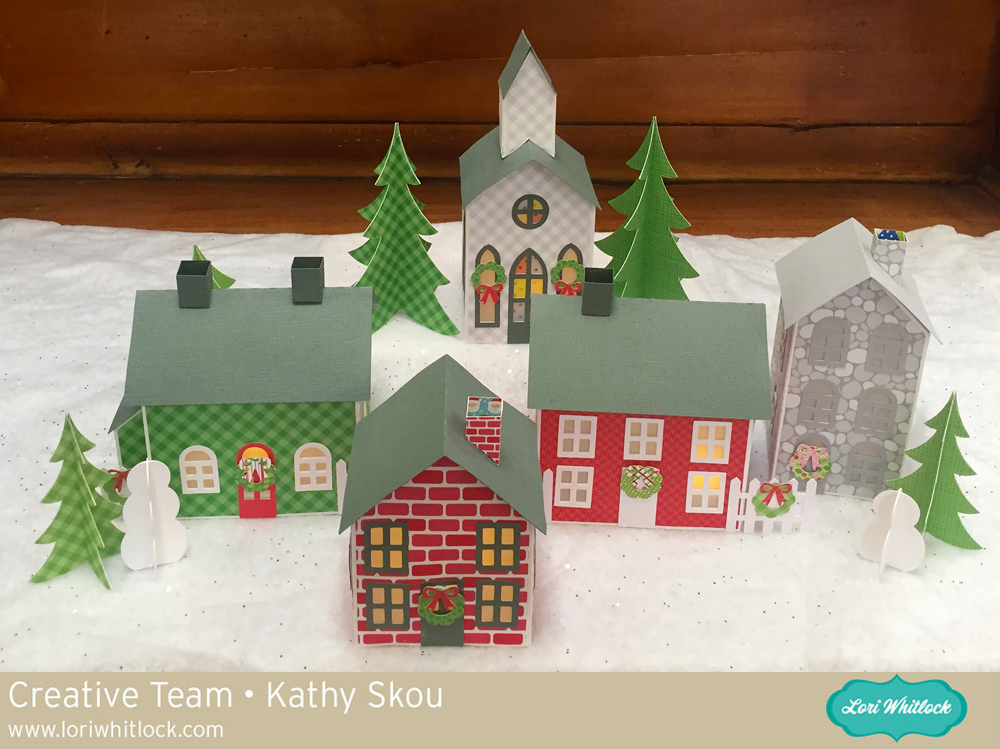
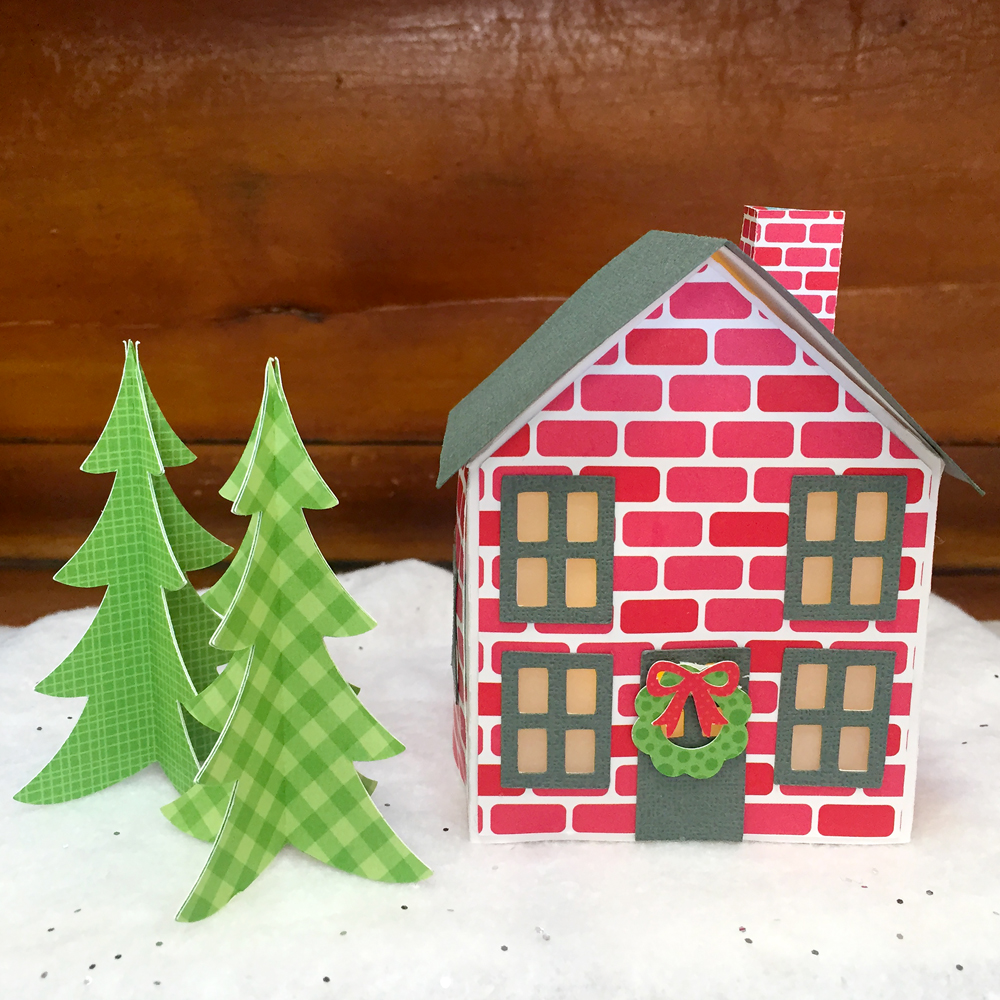
The class has everything you’ll need to make this festive village!  You get all cutting files needed to make the project, a PDF/supply list, and video instruction.  In the videos Lori will walk you through every step to make this Christmas Village with your Silhouette or Cricut Cutting Machine.  The class is self-paced so you can watch the videos at your own leisure and you’ll have access to it FOREVER.  This class is offered exclusively through Lori’s brand new online classroom at CuttingClasses.com.  I got to play with the files a little early.  I created this sweet village!
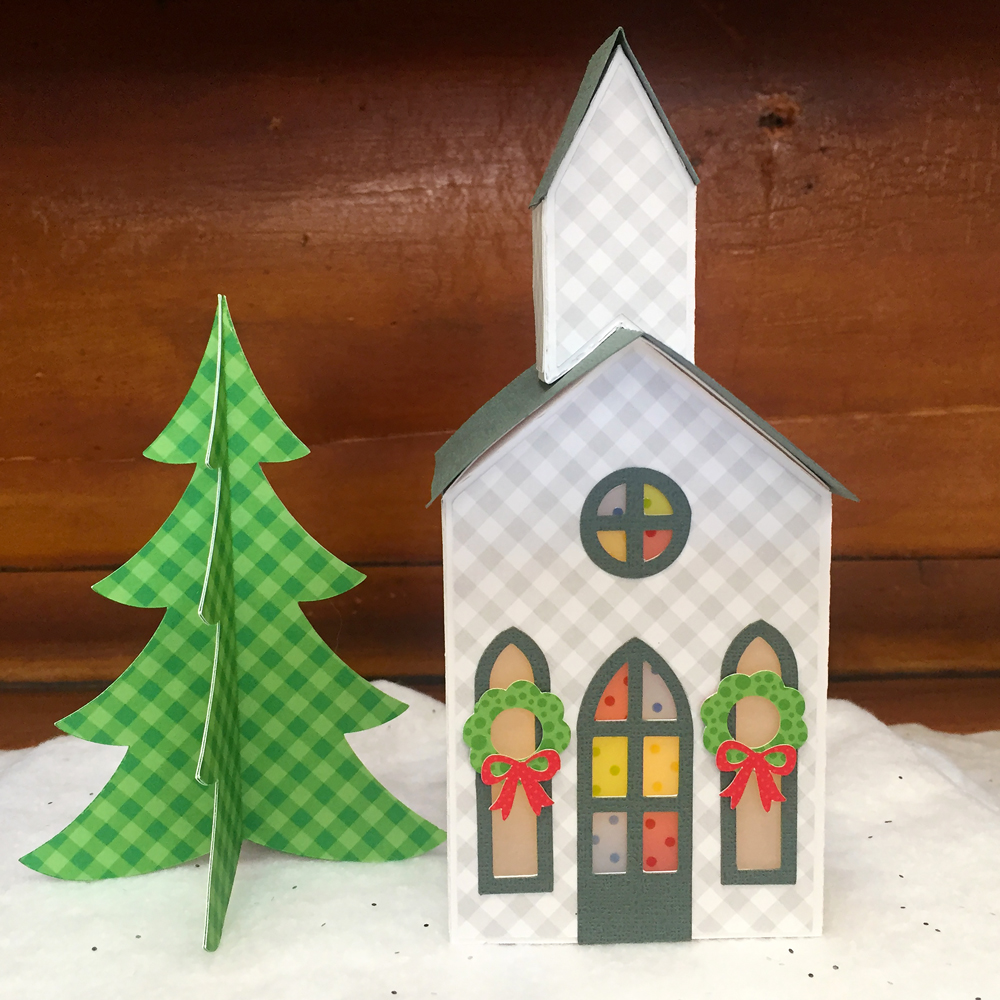
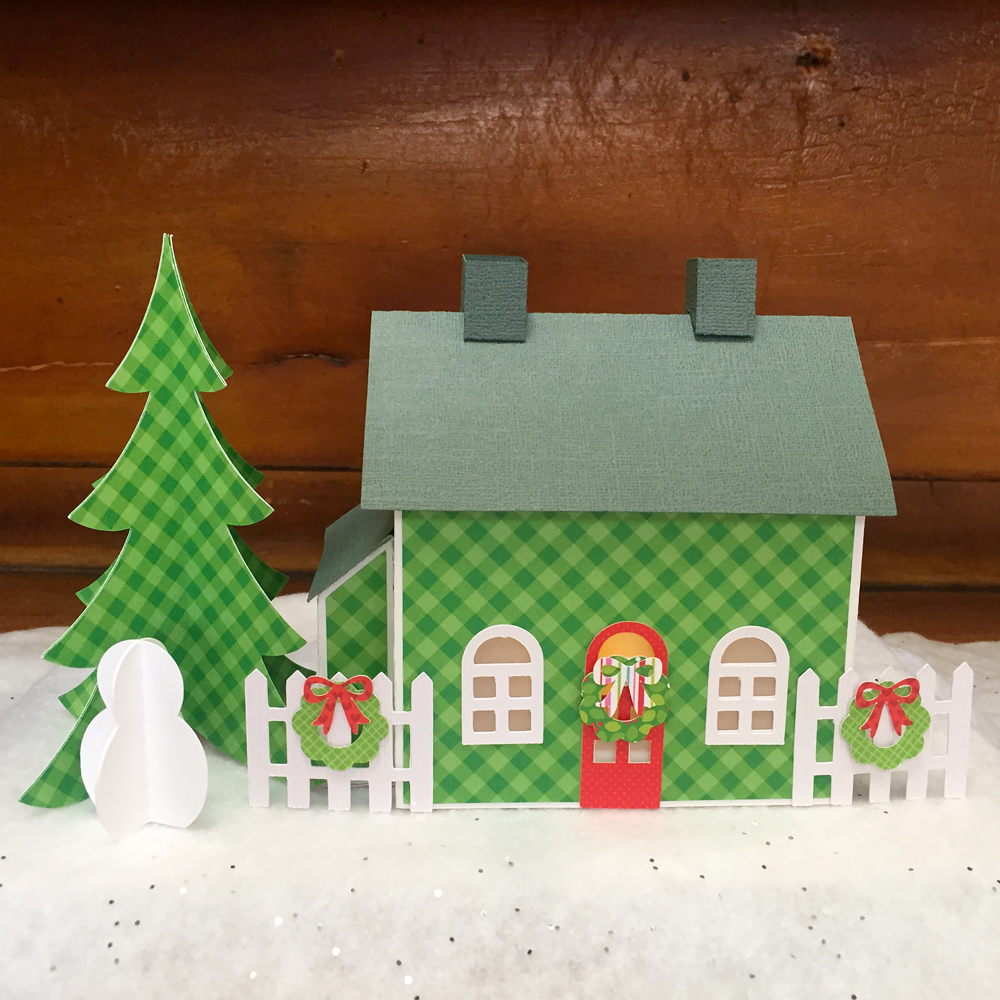
Each of the houses can be lit with a small electric tea light.  The class also includes cut files for the trees and snowmen.  The whole project actually folds flat to fit in a storage box, which is included with the cut files!  Here are some close-up of the individual houses…
It looks so cute and festive all lit up on my hutch!  The Silhouette class is now live on CuttingClasses.com. The class is self-paced so you can watch the videos at your own leisure. You can also rewatch and rewind as much as you’d like. Register now to make this adorable village and to take advantage of the extended pre-registration discount!
Click HERE to register for the Silhouette Class
Click HERE to register for the Cricut Class
That’s it for me today, thanks for stopping by to peek!

Vintage Style Christmas Sign Tutorial with Brandie


Hi there! Brandie here with a tutorial on how I made this Christmas sign using the Sleigh Rides on Santa Claus Lane file. You can find it here in Loris shop and here in the Silhouette store.

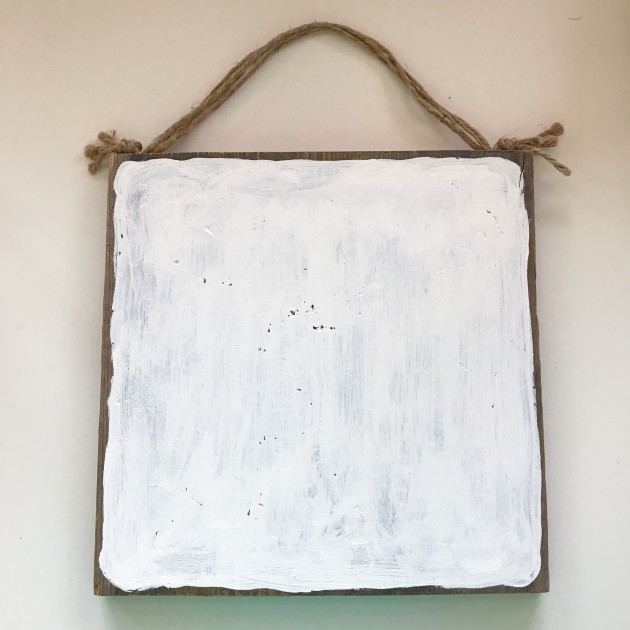
After I got my image uploaded and sized accordingly I cut  out the image on vinyl to create a stencil. While my machine was cutting the images I painted the white layer on my barn wood square.


I painted one thin layer of white acrylic paint and did not go all the way to the edge of the wood to help give it an aged look.  While the paint was drying I weeded the vinyl. To create the stencil I removed the inside parts and kept the negative image.
To apply the stencil I cut the image into thirds  and applied to the dry painted wood. I am the queen of eye-balling things and did that here. But transfer tape would help with applying the stencil to the wood.
Once the vinyl was applied to the wood I rubbed everything down with the long flat side of a bone folder being careful not to gouge the wood. I used red acrylic paint and a stencil brush to apply the paint in thin layers.
After I had the color and coverage I wanted I gently pulled the vinyl off the wood.
I then used a hand-held sander and carefully went over the sign.
Here it is all ready to add to my Christmas décor. I love how it turned out and have plans to make another one with a  nativity file next.
Thanks for stopping by!
Brandie

Last Day!! Pre-Register for the Christmas Village Class Today!

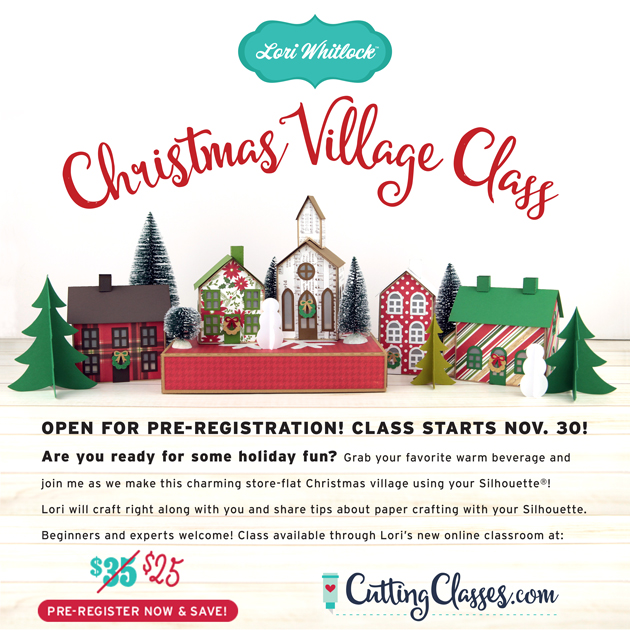
Hi Everyone! Class starts tomorrow, so I wanted to remind you that today is the last day to pre-register for the Silhouette version of the Christmas Village Class for $25! After today, the class will be live and the price will go up to $35 ! (Cricut Users can pre-register up to December 5th, the Cricut version of the class will be live on December 6th)

The class has everything you’ll need to make this festive village!  When class starts,  you’ll get all cutting files needed to make the project, a PDF/supply list and video instruction. In the videos I’ll walk you through every step to make this Christmas Village with your Silhouette or Cricut Cutting Machine.  This class is self-paced so you can watch the videos at your own leisure and you’ll have access to it FOREVER. This class is offered exclusively through my brand new online classroom at CuttingClasses.com. Come join the fun!

Don’t miss out on the savings!

Click HERE to register for the Silhouette Class today!

Click HERE to register for the Cricut Class today!

Tuesday Freebie and New in Shop

ALL WEEK, this SVG file is FREE with any $1.99 purchase!

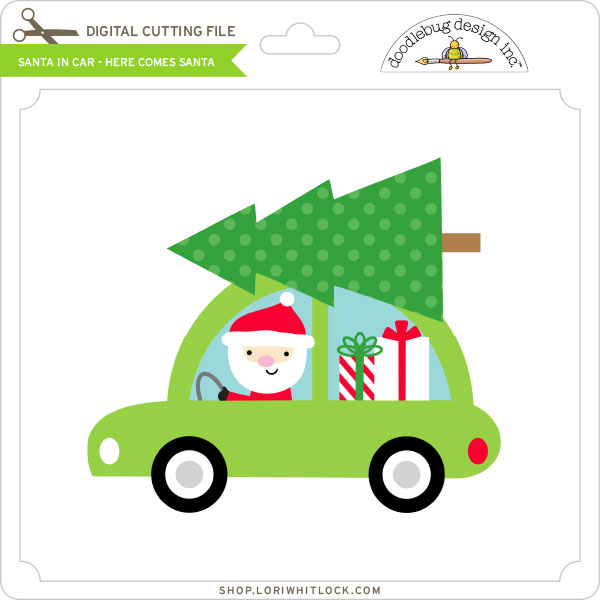
We have a FREE file with purchase all this week! Simply add this Santa in Car – Here Comes Santa file  to your shopping cart along with ANY $1.99+ purchase from the SVG Shop and this file is yours FREE. Be sure to use Coupon Code: SANTASCOMING  (case sensitive) at checkout. This offer is good through next Sunday.

(Your cart must reach at least $3.48 before the coupon will be applied and then $1.49 will be subtracted from your total at checkout. The files will be available for immediate download after you pay for your order by visiting MY ACCOUNT>COMPLETED ORDERS>ORDER DETAILS inside of your account. Only one discount code per order allowed.)
 

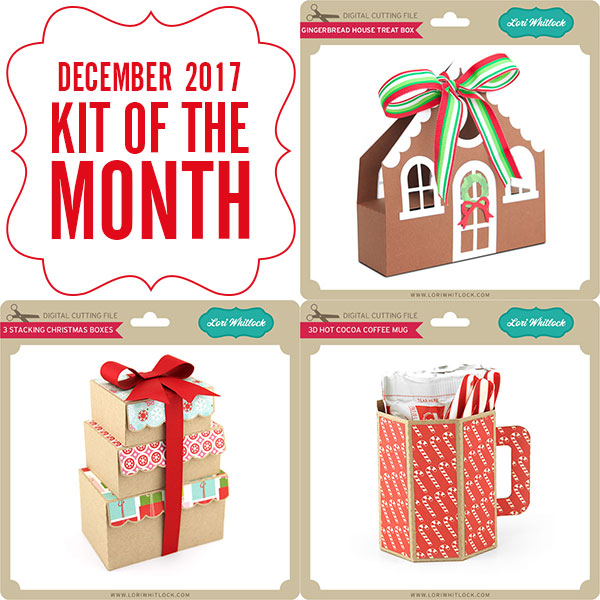
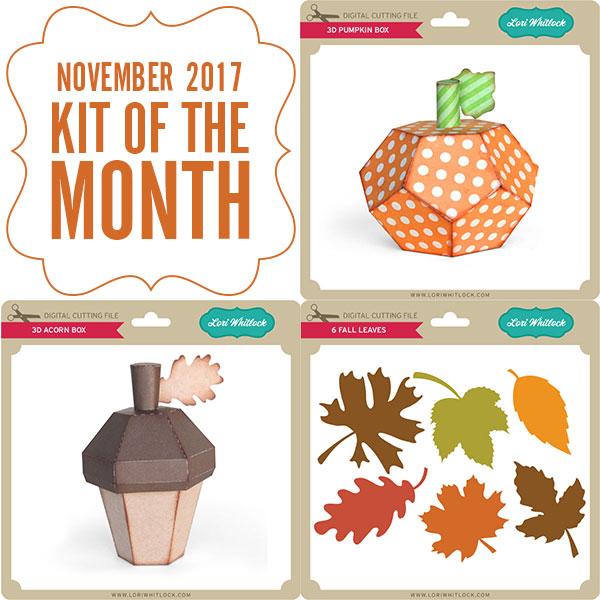
In addition, don’t forget about this special ! You can get this Free Kit of the Month with any $20 purchase (Purchase must be in one transaction.) Simply add the 2017 November Kit of the Month to your shopping cart along with ANY $20.00+ purchase from the SVG Shop and this file is yours FREE. Be sure to use Coupon Code: NOVKOTM (case sensitive) at checkout. This offer is good through November 30, 2017!

(Your cart must reach at least $27.95 before the coupon will be applied and then $7.95 will be subtracted from your total at checkout. The files will be available for immediate download after you pay for your order by visiting MY ACCOUNT>COMPLETED ORDERS>ORDER DETAILS inside of your account. Only one discount code per order allowed.)
 
 
Check out our awesome SVG files releasing this week! And, just like always, the NEW SVG files are ON SALE 25% OFF through the weekend in the SVG Shop! These downloads include SVG files that may be used with Cricut Explore, Silhoeutte (DE upgrade required), Eclips, Brother Scan and Cut, and any other software that will open SVG files. No coupon code necessary, the files are all discounted in the shop! Be sure to go get them while they are on SALE this week.
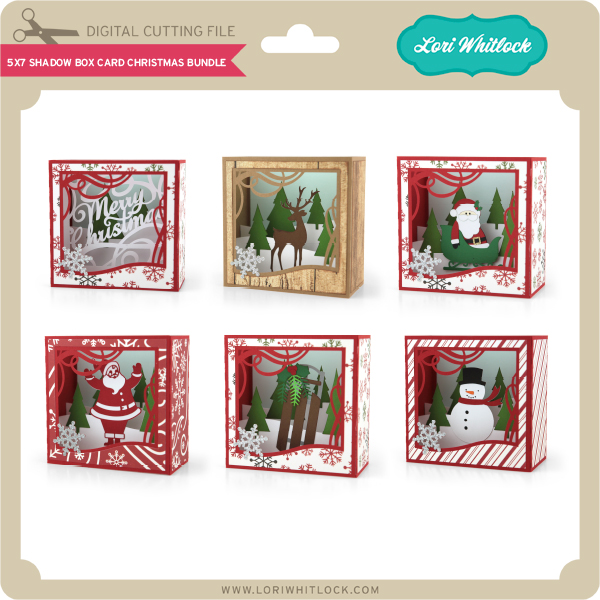
 
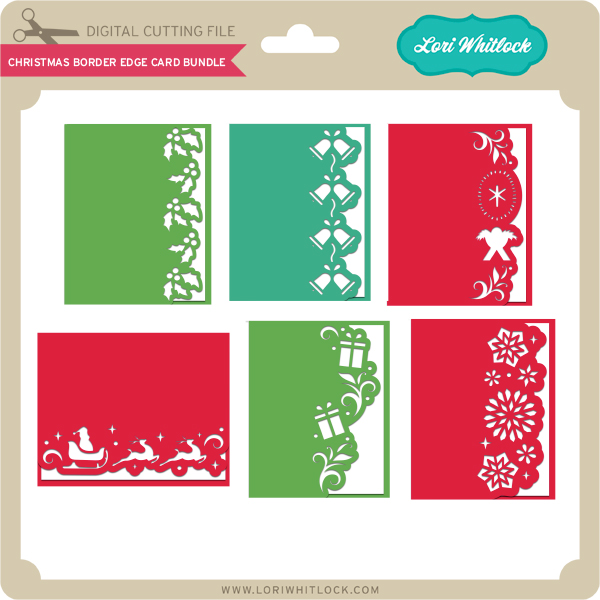
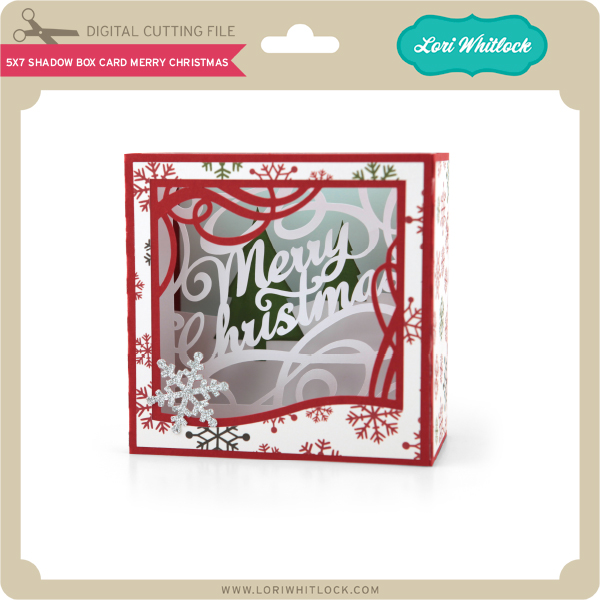
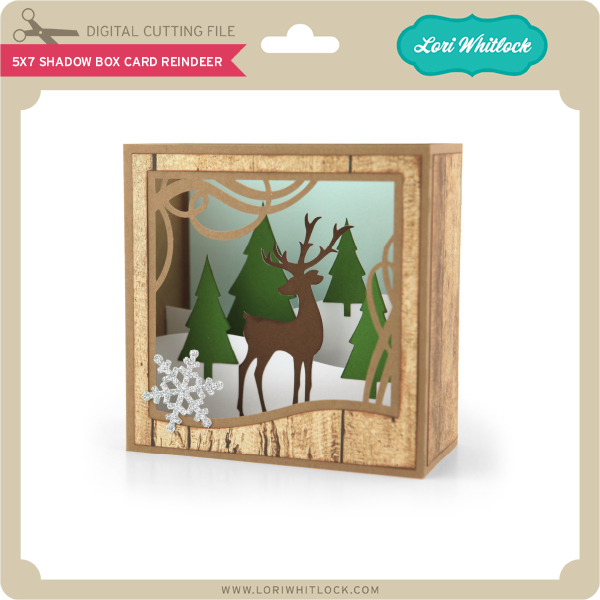
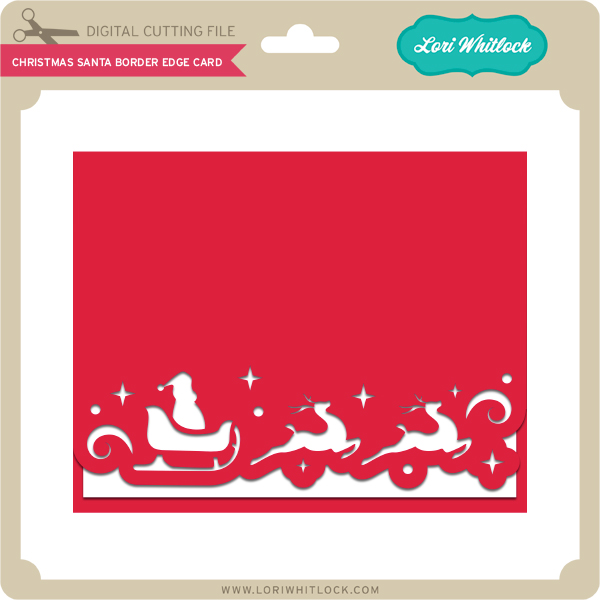
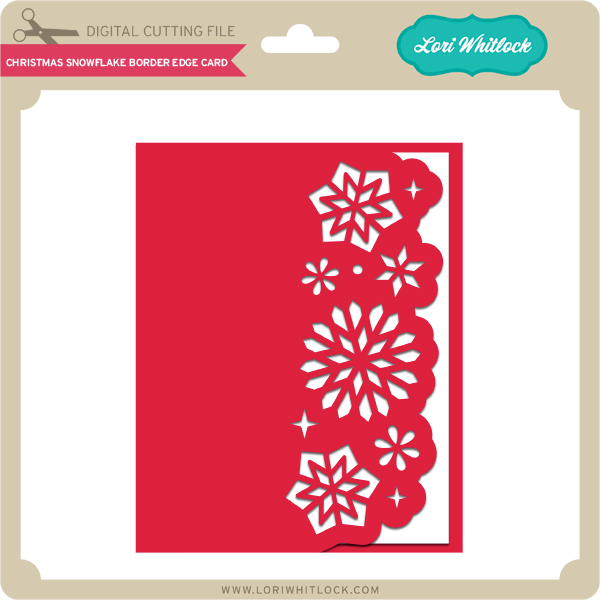
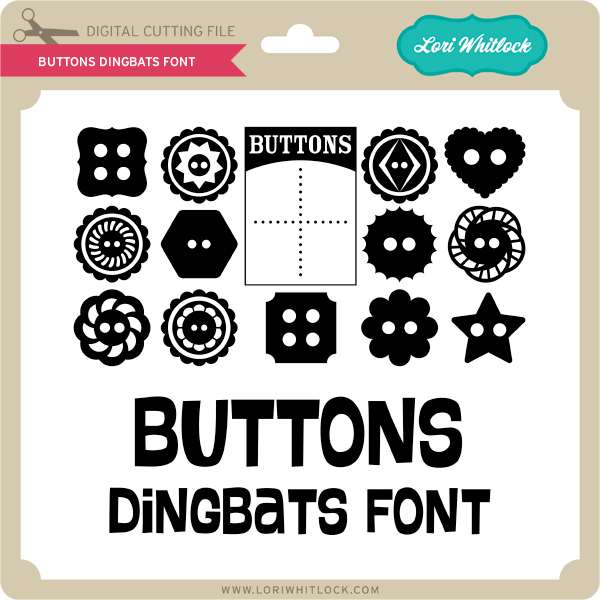
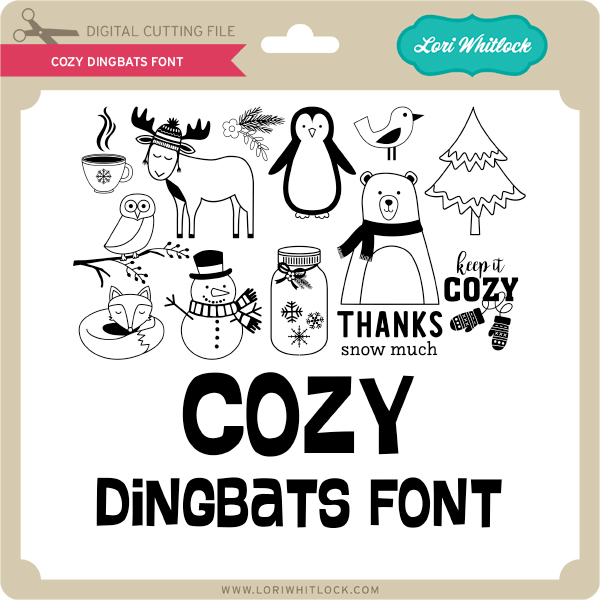
I have two Christmas Card Bundles this week and some fun new Dingbats Fonts!


And to all Silhouette users… there’s a 50% off sale on all files happening now!  This means that all of my files are now half off!!  See my gallery here to take advantage of this great special!!

Thanks for visiting the blog today! Please let us know if you need any help with your files. We want to make sure everyone is happy with their purchase. Have a great week!

Cyber Monday Deals + Lori Whitlock Favorites!

Hi Everyone! Today I wanted to share with you some of my all time FAVORITE crafting tools and supplies. Perhaps it will help you with your Christmas list and some of them are on Cyber Monday deals right now. I have tried a lot of different products over the years and these are ones that I use all the time – they are in my craft room and I couldn’t live without them.

Before we get started, have you seen my new Christmas Village Class over at CuttingClasses.com?   Join me as we make this beautiful, store-flat Christmas Village together!  I think this is the perfect way to get in the holiday spirit!  I’ll walk you through every step to make this Christmas Village with your Silhouette or Cricut Cutting Machine.  All of the cutting files needed to make the project are included in the class along with a PDF and video instruction.  This class is offered exclusively through my brand new online classroom at CuttingClasses.com.   The cost for this class is $25 if you pre-register before November 30th.  Once the class goes live, the price will be $35, so don’t wait!  Click here to register!  Watch for more classes in the coming months!


Now, on to the fun crafting tools and supplies that I simply can’t live without (well, I could, but I’d prefer not to)…
For a few years I’ve struggled with finding the perfect printer. I finally found one I love. The Canon Pixma printer has a rear feed tray for card stock. And, it works seamlessly with my Silhouette and Cricut for print and cut files. Worth every penny.
This is an amazing heat press with plenty of bells and whistles like time and temp gauge AND a shock mechanism so it opens smoothly. It feels really solid and works flawlessly. If you are looking for a really good heat press, I highly recommend this one. It’s the one I use.
I love this paper trimmer. It’s a rotary trimmer with a light so you can see exactly where you’re cutting. I use this daily.
If you want to give Heat Transfer Vinyl a try and space is a concern, the Cricut Easy Press is the way to go! Nice even heat with a large surface area make the Cricut Easy Press a perfect choice.
I love the BritePad for easy vinyl and HTV weeding! It also works great for tracing. I think you’ll love it too.
Silhouette Products:
You can’t beat these prices/bundles. Sale ends Dec 1.
use promo code: LORI
If you’re on a budget, you want a portable machine, or you want a back up machine, the Portrait 2 is an excellent choice. It functions the same as the CAMEO with a smaller cut mat. Most of my paper projects will work with the Portrait, just so you know.
use promo code: LORI
You can always use a fresh mat or 2 or 3.
use promo code: LORI
A sharp blade is essential to a great project. Keep extra blades on hand so you never end up waiting for one to ship when you need it. This is only usable with the CAMEO 3 or Portrait 2.
use promo code: LORI
You can use this blade with ALL Silhouette machines. You have to manually adjust the depth. Honestly, I use most of the time.
use promo code: LORI
I love the Silhouette tools. Great addition to your cutting supplies.
Worth every penny. Opens up all the design features so you can get creative.
Now more valuable than ever and totally worth it because it adds the ability to save SVG files, operate multiple machines simultaneously, and open embroidery files. Do it all with the Business edition.
Cricut Products:
The best Cricut machine for your money.
The high end Cricut machine which adds the ability to cut fabric with a rotary cutter.
A sharp blade is essential to a great project. Keep extra blades on hand so you never end up waiting for one to ship when you need it.
I love tools! Great addition to your cutting supplies.
You can always use a fresh mat or 2 or 3.
My go-to liquid adhesive. Pair it with the precision tip glue bottle (below) and you have a the perfect combo.
Load it with Scotch Tacky Glue (above) and you’ll be in adhesive heaven.
By far my favorite tape runner. It holds a ton and lasts forever. And, the best part… it actually sticks.
I love to add dimension to my projects. Use these foam dots to make a special piece or two pop out on your cards.
One of my favorite ways to add a professional touch to any paper crating project is to ink the edges with these little Chalk Inkpads.
Sometimes you need a few extra hands to hold a project together. These clamps are great at holding paper together so you can keep working.
And, you’ve just got to give vinyl a try. Here are some great starter packs with a variety of colors….
Happy Shopping!!!