How to Upload SVG files into the Cricut App from your iPhone

Today I’m going to teach you how to download our SVG files and then upload them to the Cricut Design Space app to use with your Cricut Cutting Machine from your iPhone or iPad (iOS 11 or later). Keep in mind that this technique has a few steps and it’s probably more practical to manage your files and upload them to Design Space from a computer so that they are accessible from the app. However, they can be purchased, downloaded, and then uploaded from your iPhone or iPad if you desire by following these steps.

1. Purchase a SVG file
On your iPhone go to Safari and visit shop.loriwhitlock.com.
Locate a free file or a file to purchase and go ahead and check out.


2. Download the .zip file and save to “Files”
When you have completed checkout you’ll see a “THANK YOU” page tap:
SHOW DETAILS > GO TO DOWNLOADS > FILENAME.zip > DOWNLOAD.
This will save the .zip to the iCloud Drive in your “Files” on your iPhone or iPad. (.zip files cannot be uploaded to Cricut Design Space — you must unzip it first).  NOTE: You can also download your purchase from  MY ACCOUNT > COMPLETED ORDERS or your order confirmation email.

3. Locate the “Files” app and unzip the .zip
Open the  “Files” app on your iPhone or iPad. Tap:
BROWSE > iCloud DRIVE > DOWNLOADS > FILENAME.zip
This should automatically unzip the file. You should now see a folder with just the file name (you may need to scroll to the top to see it). When you click on the folder, you’ll see the SVG is the icon with the double outlined blue box. You’ll be able to access this SVG file from Cricut Design Space.

4. Upload the SVG into Design Space
Open the Cricut Design Space app and tap:
NEW PROJECT > UPLOAD > BROWSE FILES > iCloud DRIVE > DOWNLOADS > YOUR UNZIPPED FOLDER > SVG FILENAME (choose the SVG – the icon with the double outlined blue box) > Name the SVG file > SAVE

Now the file has been uploaded to Design Space. Simply tap the thumbnail of the uploaded SVG > INSERT. Now you can use the SVG file in Design Space as you wish.

All that’s left is to send to cut!  Again, it is more straight forward to add files from your computer then access from your phone, but you can do it this way if needed!  Thanks for stopping by the blog today!

Lori

Last Chance! Friday $5 Bundle Ends at Midnight!

This awesome Friday $5 Bundle is available until midnight and when it’s gone it’s gone. These SVG files can be used with Cricut Explore, Silhouette Studio (with the Designer Edition upgrade), Scan N Cut, and any other cutter that will work with SVG files.

Be sure to pick up THIS Rolled Flower Bundle bundle including 6 SVG files for just $5!


The cost of this bundle is $5, for $11.94 worth of SVG files, over a 58% savings! But don’t wait, this bundle will only be around until TODAY at midnight!

Have a great day!

Last Chance! 50% Off SVGs Ends at Midnight!

I hope you are all staying healthy and well out there. I also hope you’re enjoying some crafting time at home while we’re all exercising social distancing. I know I am. Did you hear about our happy mistake that we made yesterday?

Yesterday we sent out an email with a typo. We advertised 50% off instead of 30% off. So, we are honoring the 50% OFF email that went out! Yep, that’s right, you can save 50% through midnight in the Lori Whitlock SVG Shop! All SVGs, pattern fills, fonts and commercial licenses are 50% off when you use code APR2020 at checkout! Don’t wait! Sale ends TODAY at midnight!

I just want to take a moment to tell you all THANK YOU for being such amazing and loyal customers. I can’t tell you how much I appreciate each and every one of you. Stay safe! Stay well! Have fun crafting! And, please don’t hesitate to reach out if you need help with any of the files you’ve purchased from our shop. ❤️

These downloads include SVG files that may be used with Cricut Explore, Silhouette (DE upgrade required), Eclips, Brother Scan and Cut, and any other software that will open SVG files.

30% Off All SVGs Ends Tomorrow!

Are you crafting this weekend? Maybe some Spring Crafts or Cards with the kids?  Don’t miss out on the April Sale in the Lori Whitlock SVG Shop! All SVGs and Commercial Licenses are 30% off when you use code APR2020 at checkout! Don’t wait! Sale ends tomorrow!

These downloads include SVG files that may be used with Cricut Explore, Silhouette (DE upgrade required), Eclips, Brother Scan and Cut, and any other software that will open SVG files.


A New Friday $5 SVG Bundle

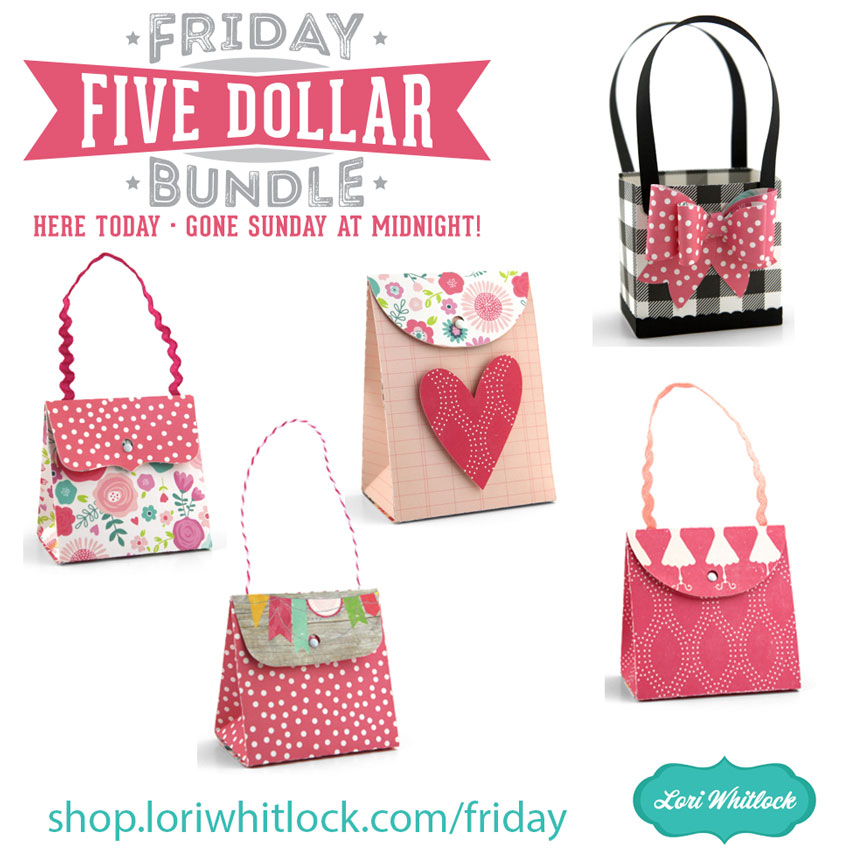
Hi Everyone! Today we have a new Friday $5 Bundle! It will ONLY be available until Midnight Sunday and when it’s gone it’s gone. These SVG files can be used with Cricut Explore, Silhouette Studio (with the Designer Edition upgrade), Scan N Cut, and any other cutter that will work with SVG files. Help spread the word by telling your friends and announcing it on social media!

Now through Sunday, you can pick up this Rolled Flower bundle including 6 SVG files for just $5!


The cost of this bundle is $5, for $11.94 worth of SVG files, over a 58% savings! But don’t wait, this bundle will only be around until Sunday at midnight!

*** Note: Because Friday $5 Bundles are already heavily discounted they are not eligible for further discounts including monthly, seasonal and flash sales.  ***

Have a great day!