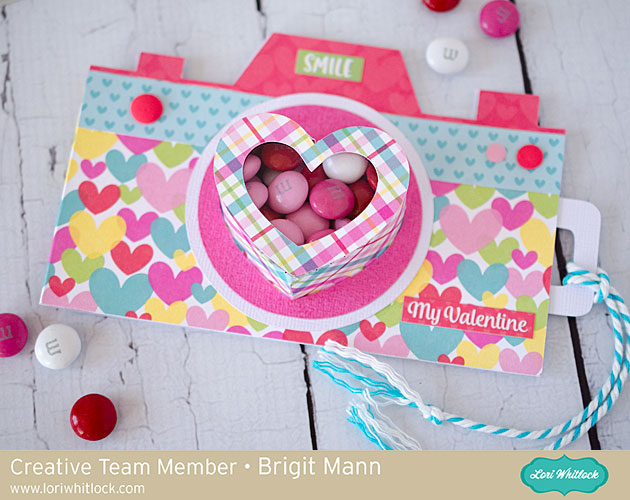
Hello, it’s Brigit here today sharing a Silhouette Studio tutorial on how I made this cute camera treat cup card. It looks like a lot of steps but it’s really super easy to make since it’s just two files put together.

This was such a fun project to make and can be used for any card to add some yummy treats.

I ungrouped and deleted all except these three pieces.

Zooming in real close I aligned these two pieces along the score marks. I wanted one piece instead of two since the heart box will be sized smaller.

Selecting both I replicated and mirrored above and moved the two on the top a couple of arrow clicks down. Depending on how wide you want the box you can move this as much as you want.

I selected all the pieces, welded and grouped them all together, I then grouped with the heart.

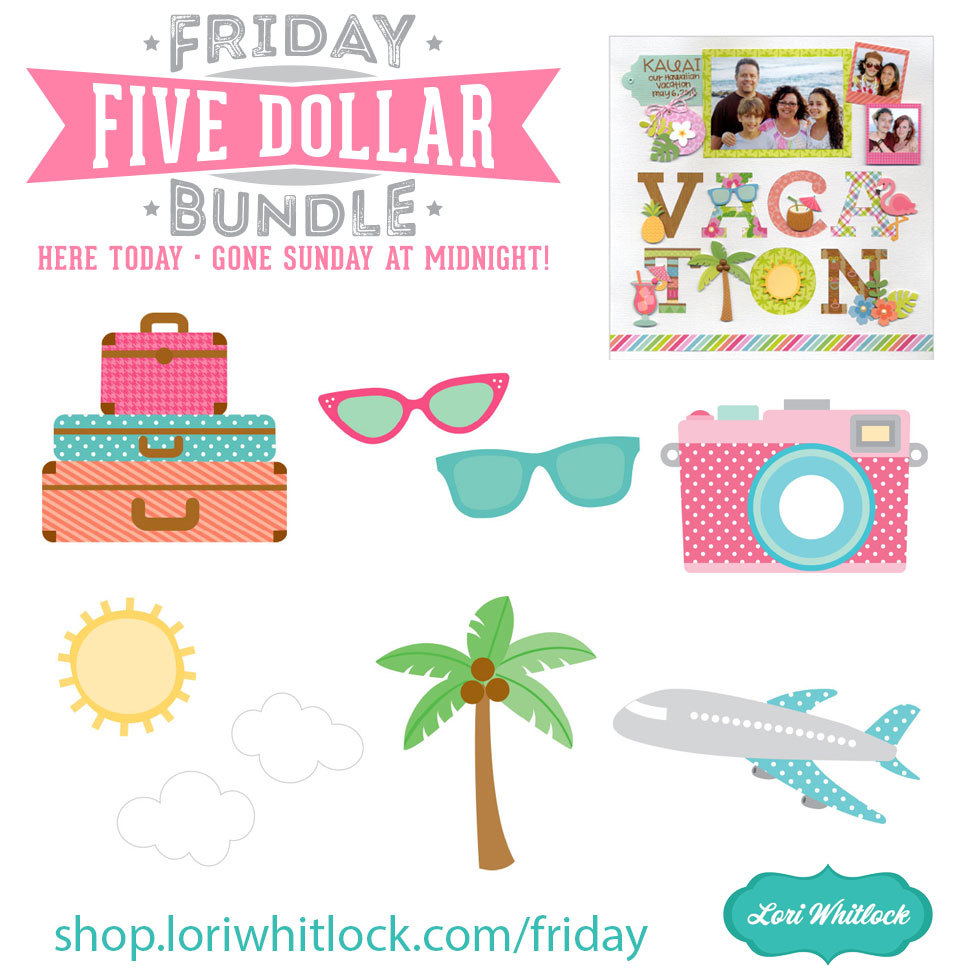
Next, I worked on the camera, I used the one from the travel icons set, you can get it here also from the Silhouette Design Store. I put it together on my mat and resized it to about 5.5″. Two of the pieces I didn’t use so I deleted them.

Now I took the heart box and resized both pieces together so the heart fits inside the circle. I made a duplicate of the heart and ungrouped to just use the bigger layer, this is what I used to make the heart cutout from the camera pieces.
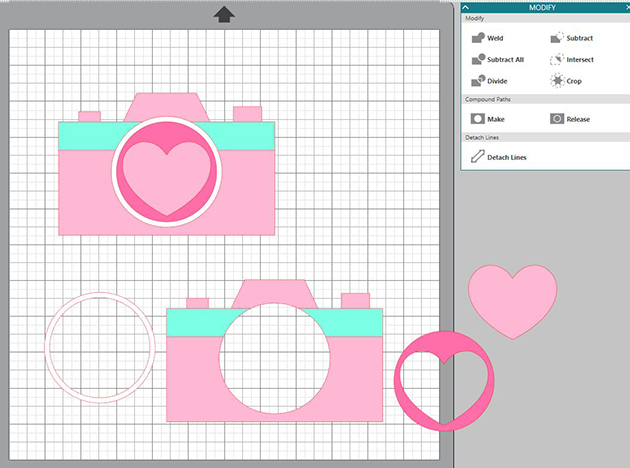
I duplicated the whole camera and did a subtract all, I did this a couple of times deleting what pieces I had already made cutouts from.

As you can see, I ended up with all these pieces. the upper right piece is just a duplicate of the camera with the top cut off, that will go inside the card to hold the slider.

The slider is just a square and two rounded squares welded together. You just have to make sure it covers the heart opening and is smaller than the extra piece that goes inside.

I replicated and mirror left the camera bottom layer with the heart cutout, moved it one arrow click over and welded to create my card base. I did a release to get rid of the heart cutout on the left side which would be the back of the card.
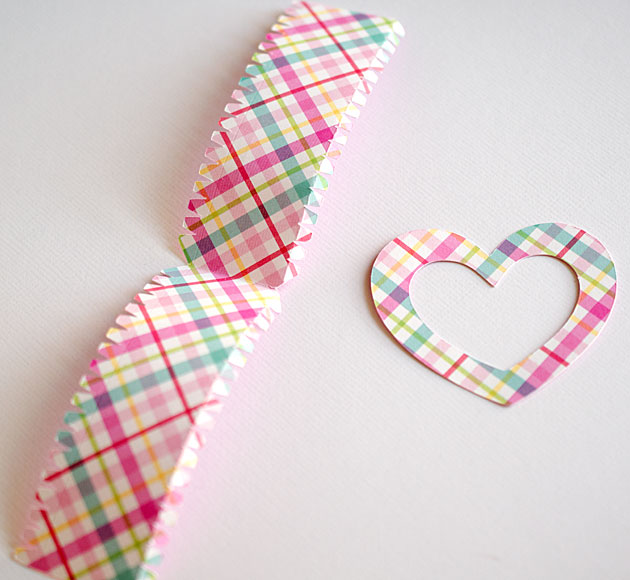
Here’s the box pieces cutout, I molded the side a little and used score tape which made it quick and easy to put together.
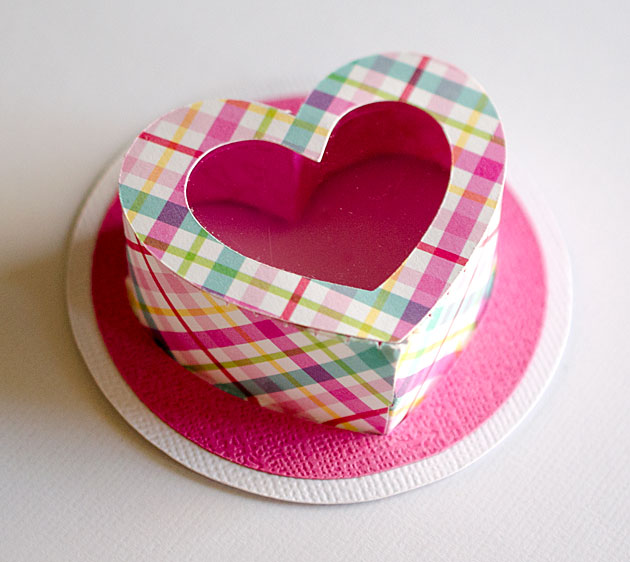
The pink and white layers should slide right over and glue to the bottom tabs, just make sure the tabs are going out and not in.
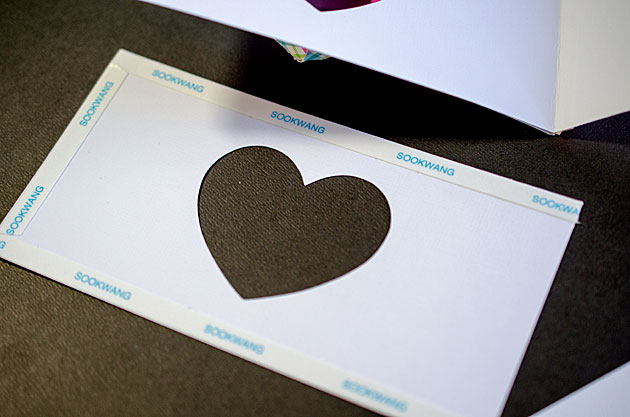
The inside piece for the slider just needs tape around three sides so the slider can move in and out.
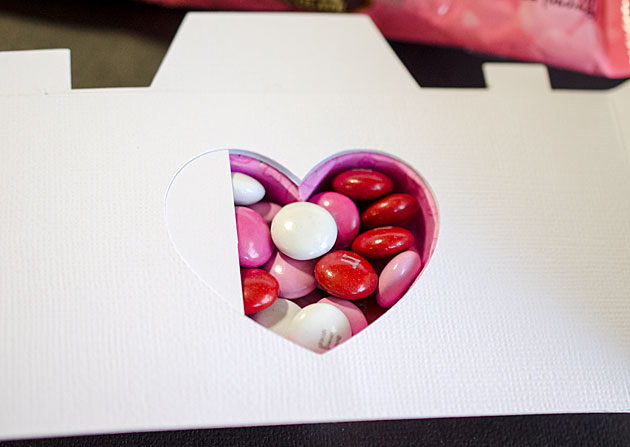
As you can see I filled the cup with m&m’s and pushed the slider in.

Here’s a closer look at the card, it’s a little front heavy so it doesn’t stand very well with the candy inside but it’s super cute. Paper used is Doodlebug’s Cream & Sugar.
Hope you enjoyed this tutorial, thanks for stopping by and have a wonderful day!!

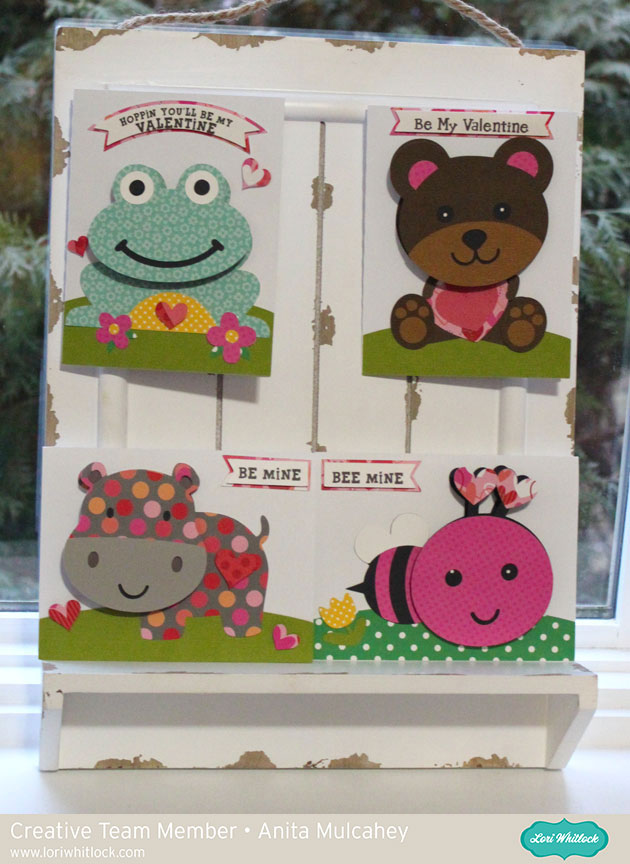
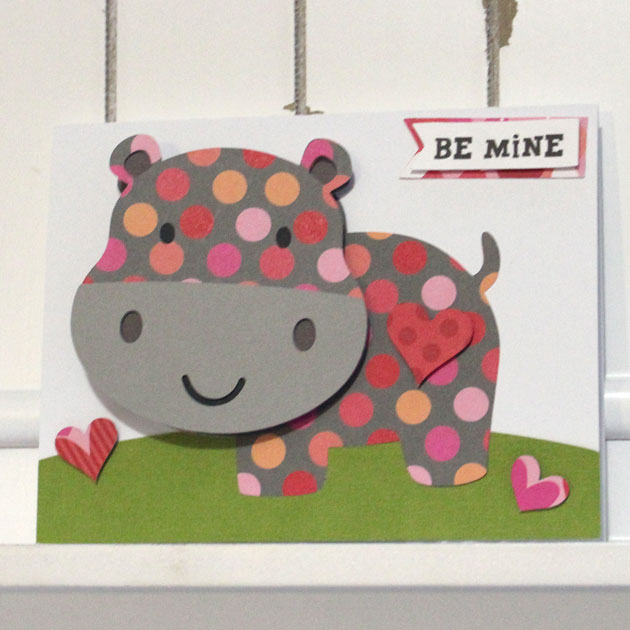
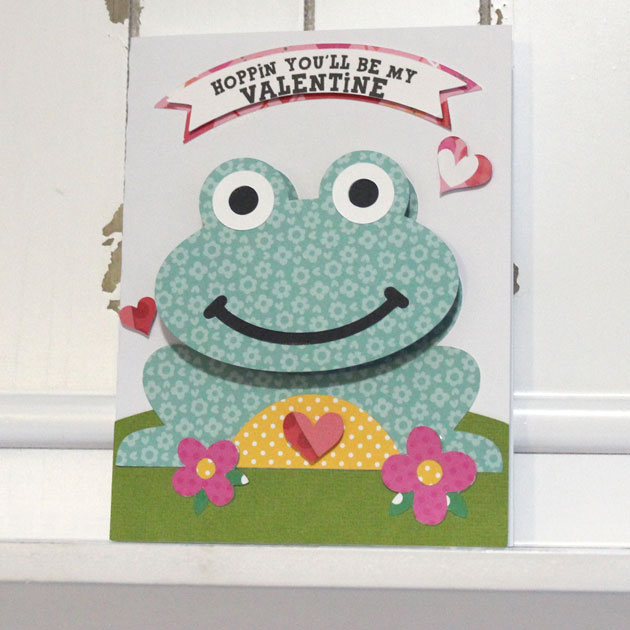



 Check out our awesome SVG files releasing this week! And, just like always, the NEW SVG files are ON SALE 25% OFF through the weekend in the