We are so happy to welcome back the talented Cathy Harper to our team! Check out her fabulous cards!
Hi everyone! So after a couple year hiatus from the scraping and designing world, I am beyond thrilled to be back designing for Lori Whitlock. I have missed this team so much and the chance to design with the greatest cut files and paper collections.

I had a lot of fun this week working on some cute summer projects with Lori’s files and her paper collection Let’s Be Mermaids from Echo Park.
Bear with me on the photography, it’s been a while since I’ve edited projects and I have a whole new scrap room and still trying to figure out the best lighting and such.
First up, I have a Shell Flexi Card. (SVG, Silhouette) This was so much fun to make, super easy and who wouldn’t want to receive this little card with just a bit more pizzazz with the flexi shape. I just cut it out with my silhouette and used the paper, embellishments and stickers from the Let’s Be Mermaids to complete. I can’t wait to try more of Lori’s Flexi cards.

A cute little ocean scene on the inside of the card that peeks through the flexi shell!

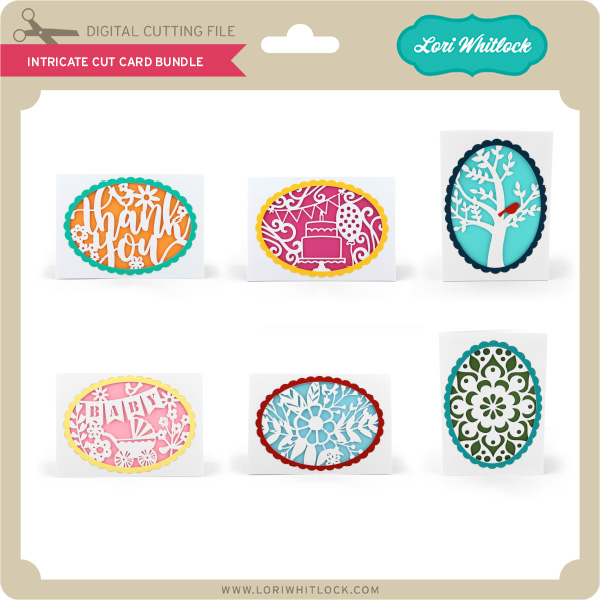
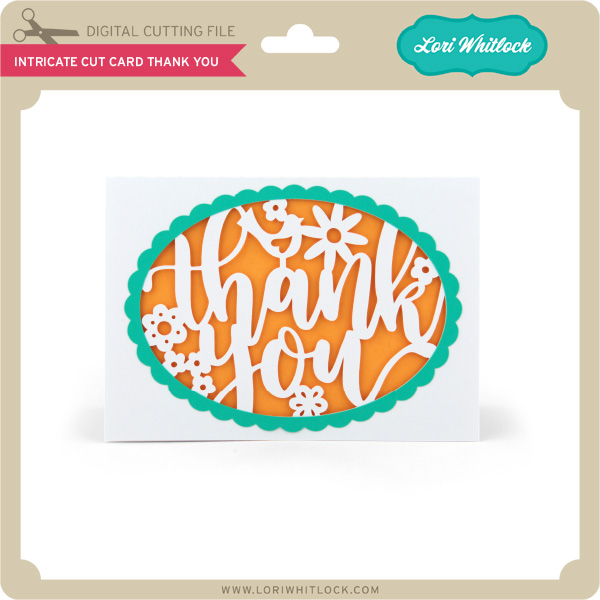
Next, an Intricate Cut Thank You (SVG, Silhouette)! This card is simple and gorgeous, all you have to do is add a background paper and cut the the scallop oval frame. I cut two frames and popped one up with adhesive pop dots, just for a bit more dimension. Then a just added twine, enamel dots and some small vellum flowers with Lori’s 3 mix and match flowers (SVG, Silhouette).

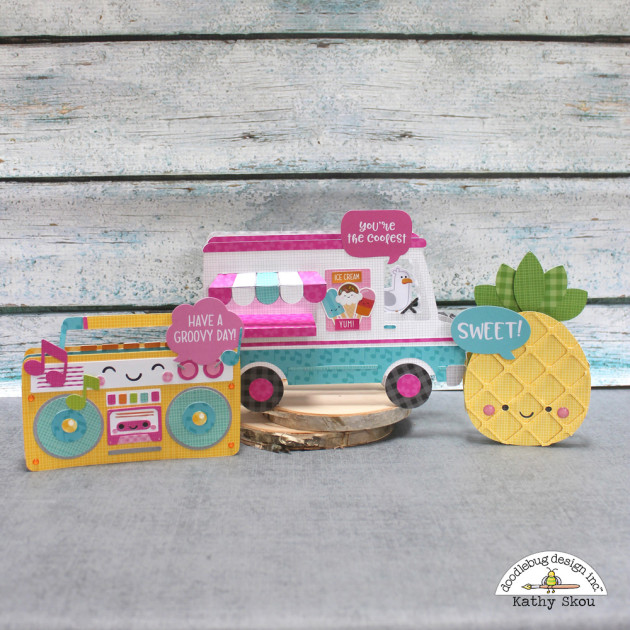
Lastly, I have just a fun little box card. Loving all the fun patterns and colors in the Let’s Be Mermaids collection. Soon summer will be gone, so I enjoyed creating with the bright colors and summer files. This is the A2 pineapple box card (SVG, Silhouette). Quick and easy, and perfect to send to someone special to brighten their day. It goes together in just a matter of minutes. I love little projects that are a breeze to make.

As I said before, I am thrilled to be back with Lori and her amazing team. She has so many new files that I can’t wait to try and lots of gorgeous new collections coming from Echo Park. I am one happy girl!



 Check out the cute new SVG files releasing this week! And, just like always, the