Stickers, Not Just For Planners!

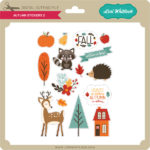
Have you seen the new sticker sets?  There are 2 new Birthday Sets (Birthday Stickers (SVGSilhouette), Birthday Stickers 2 (SVGSilhouette)) and a new set of Fall Stickers (SVGSilhouette).  These stickers can be used for a number of different projects… in addition to planners, you can use them on cards, gift bags, etc.  Individual stickers can be resized… larger for a gift bag for instance or you can print a few of the same stickers to make cards in multiples.  I used the new fall stickers to decorate a little gift bag.  Take a peek…

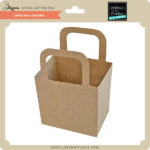
I started with The Gift Bag with Scalloped Handles (SVG, Silhouette).  I resized the bag to make it a bit larger. (11.75″ wide)  When resizing make sure that you do it uniformly by clicking the Lock Aspect Ratio in the top tool bar.  I pieced the bag together using some papers from Echo Park’s My Favorite Fall Collection.

I loaded the Fall Stickers into Silhouette Studio.  I only wanted to use some of them for the bag, so I started by ungrouping the stickers. (Lori has a print and cut tutorial for Cricut here)

For this group of stickers, ungrouping also ungrouped the individual designs on each sticker.  I zoomed in on the stickers I wanted to keep, selected all of the sticker pieces, right mouse clicked and selected group.  I did this for each sticker I planned on using and deleted the rest.

I knew I wanted to make a little scene, so I placed the bag file on my cutting mat and arranged the stickers as I wanted.  Some stickers I resized like the leaves and the acorn to make them smaller.  This allowed me to make sure everything would fit.

Once everything was sized as I wanted, I moved everything from my mat and set it up for print and cut.  First, using the page set up I set the media size to 8.5×11.  This is the size of my sticker paper.  I used Matte White Sticker Paper from Staples.

Next I turned on the registration marks.

I then moved the stickers I wanted printed onto the mat, making sure each sticker was inside the registration mark area, then sent it to print.   It would be easy to make multiples of this bag by simply copying the stickers and fitting them on the page.

Once the stickers were printed I added the paper to my Silhouette mat and fed it into my machine.

In my Silhouette software I clicked send then set up the cutting for Sticker Paper.  Make sure that Cut Edge is selected, so that only the edges are cut.  Then hit send.

A couple of notes if you’re having difficulty with the print and cut.  First, if your machine is not reading your registration marks, make sure you are running the most current version of Silhouette and that the paper you’re using is not colored. You can also try coloring over the square a bit with a black marker.  You may also have problems if the registration marks are smudged.   Some colored papers cause the marks to not be read.  Also, you can try shutting down your machine and computer and unplugging your Silhouette then start it all up again.  You would be amazed at the issues this can fix.  I also recommend the shut down process if your cut lines are out of sync with the designs.  Any time I have ever had issues with print and cut, the shutdown method has worked.

Once I had my stickers cut, all that was left was to add them to my bag!

If you use Lori’s stickers for any projects, make sure to tag her on Facebook and Instagram.  We would love to see your creations!  That’s it for me today, thanks for stopping by to peek!

BLOG * INSTAGRAM

New Changing Scene Cards!

Have you seen the new Changing Scene Cards in the shop?  There are a variety of new styles, including Fall & Halloween.  These cards are so fun, just pull the tab, and the front of the card changes before your eyes!  Take a peek at the new styles available…

Halloween
Before…

And After…

Changing Scene Card Halloween Spider (SVG, Silhouette)
Changing Scene Card Halloween House (SVG, Silhouette)
Changing Scene Card Happy Halloween (SVG, Silhouette)
Changing Scene Card Halloween Witch (SVG, Silhouette)

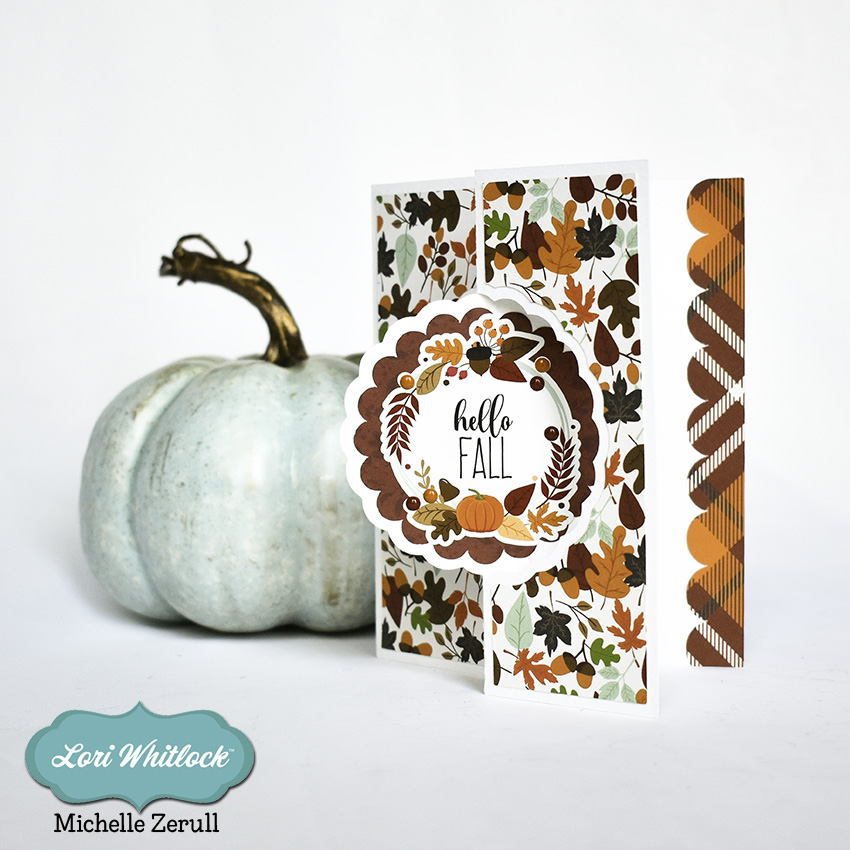
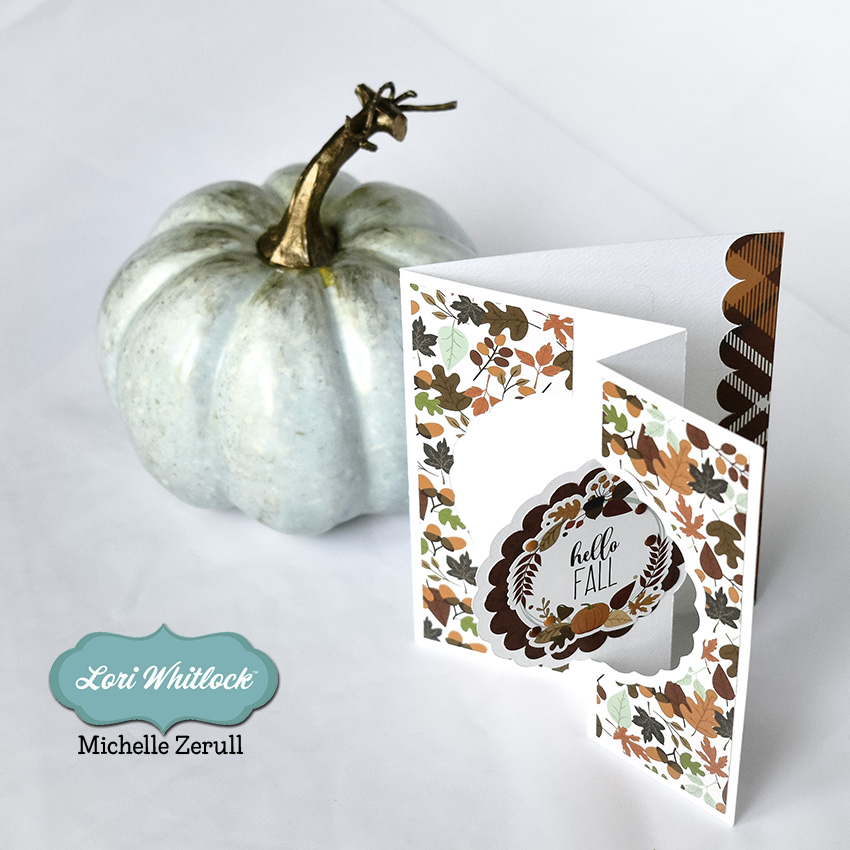
Fall 
Before…

And After…

Changing Scene Card Farmer’s Market (SVG, Silhouette)
Changing Scene Card Autumn (SVG, Silhouette)
Changing Scene Card Thanksgiving (SVG, Silhouette)

There are also a whole bunch of Changing Scene Birthday designs as well.  They can be found here in my shop as well as in my gallery in the Silhouette Store.  For an assembly tutorial, head over to my YouTube Channel here.

Be on the lookout for more styles soon!

Have a great day!

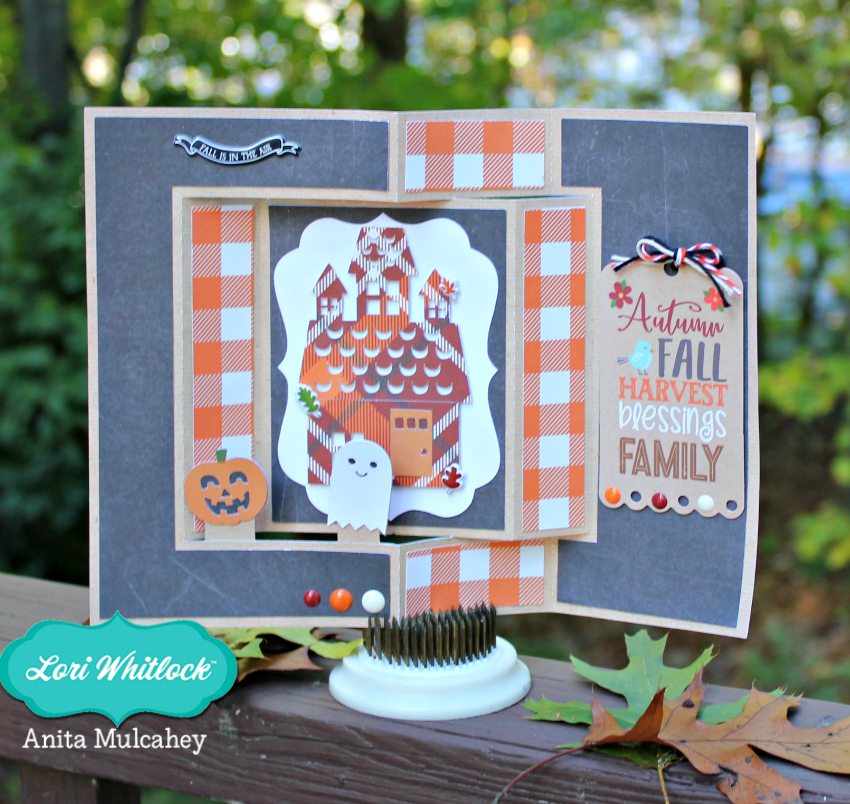
Haunted House Box Card

It’s October, which means that it’s time to begin the Halloween fun! Do you send Halloween cards? I do, and I have a fun card to share with you today.

Back in the 50’s, there was a black and white movie with Vincent Price about a House on Haunted Hill. In the movies, the house is always on top of a hill! That was my inspiration for my version of this classic Lori Whitlock box card with friendly little Halloween ghosts who roam about the neighborhood. You can find the file to make your own Haunted House A2 card at the Lori Whitlock SVG Shop as well as at the Silhouette Design Store. The card is fun to put together and will be a nice treat for someone special.

Have a crafty day!

Michelle Zerull

Tuesday New SVGs and a Free File!

ALL WEEK, this SVG file is FREE with any $1.99 purchase!

We have a FREE file with purchase all this week! Simply add this 5×7 Ornate Pumpkin Card file  to your shopping cart along with ANY $1.99+ purchase from the SVG Shop and this file is yours FREE. Be sure to use Coupon Code: PRETTYPUMPKIN (case sensitive) at checkout. This offer is good through next Sunday.

(Your cart must reach at least $3.98 before the coupon will be applied and then $1.99 will be subtracted from your total at checkout. The files will be available for immediate download after you pay for your order by visiting MY ACCOUNT>COMPLETED ORDERS>ORDER DETAILS inside of your account. Only one discount code per order allowed.)

In addition, don’t forget about this special ! You can get this Free Kit of the Month with any $20 purchase (Purchase must be in one transaction.) Simply add the 2019 October Kit of the Month to your shopping cart along with ANY $20.00+ purchase from the SVG Shop and this file is yours FREE. Be sure to use Coupon Code: OCT19KOTM (case sensitive) at checkout. This offer is good through October 31, 2019!

(Your cart must reach at least $27.95 before the coupon will be applied and then $7.95 will be subtracted from your total at checkout. The files will be available for immediate download after you pay for your order by visiting MY ACCOUNT>COMPLETED ORDERS>ORDER DETAILS inside of your account. Only one discount code per order allowed.)

Check out the new SVG files releasing this week!  Just like always, the NEW SVG files will be ON SALE 25% OFF through the weekend in the SVG Shop! These downloads include SVG files that may be used with Cricut Explore, Silhouette (DE upgrade required), Eclips, Brother Scan and Cut, and any other software that will open SVG files. No coupon code necessary, the newly released files are all discounted in the shop! Be sure to go get them while they are on SALE this week.

This week I have a new Fall Themed Changing Scene Card Bundle along with 2 new phrase bundles.  We also have files from Paige Evans and Pebbles in my Pocket

Thanks for visiting the blog today! Please let us know if you need any help with your files. We want to make sure everyone is happy with their purchase. Have a great week! SHOP HERE

Doodlebug Cut File Feature: School Days

Hi Everyone!  Today I’m showcasing another fabulous project using Doodlebug Design’s cut files!  This  fun shaped box card was created by Kathy Skou for Doodlebug Design.

Kathy used the Teacher Jar from the School Days Collection as a starting point to create her box card.

For more details, you can see her original post here.   New Doodlebug Design SVG files are being added to the Lori Whitlock SVG Shop on a regular basis, so stop by to see all of the fun SVG files HERE!

Have a great day!