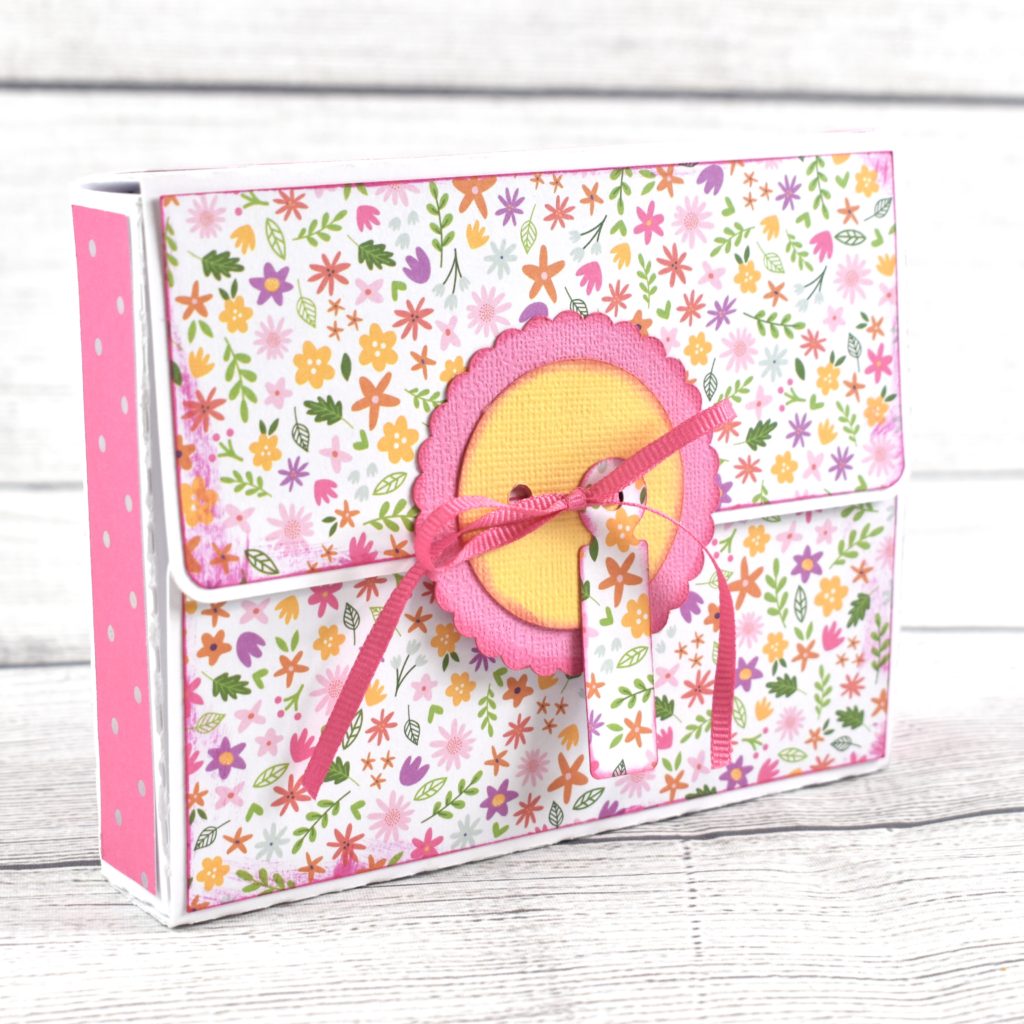
Stationery Box

Hi there paper crafting friends!  It’s Michelle Starcher, aka the Bookish Designer, popping in on the blog to share the stationery box I made (SVG, Silhouette).  I decided to make this adorable little card holder for a friend when I ended up with some left over journaling cards from a scrapbook project.  I was able to fit 5 A2 sized cards in the box along with matching envelopes.
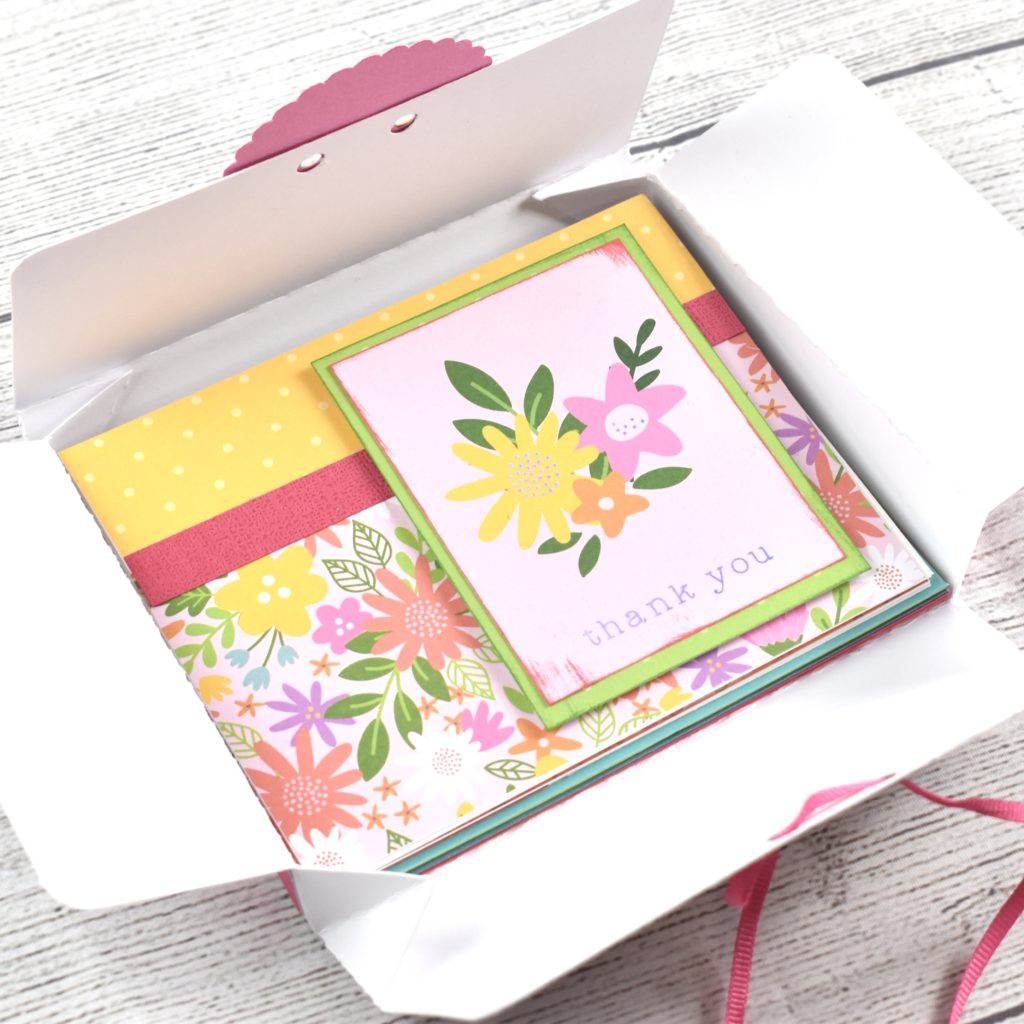
If you aren’t sure exactly how to put the box together, Lori has a video tutorial using a box that is similar to this one.  I had to adjust the size slightly to accommodate the size restrictions of my Cricut Maker. However, I was still able to make the box using one sheet of paper on a 12×12 cutting mat.
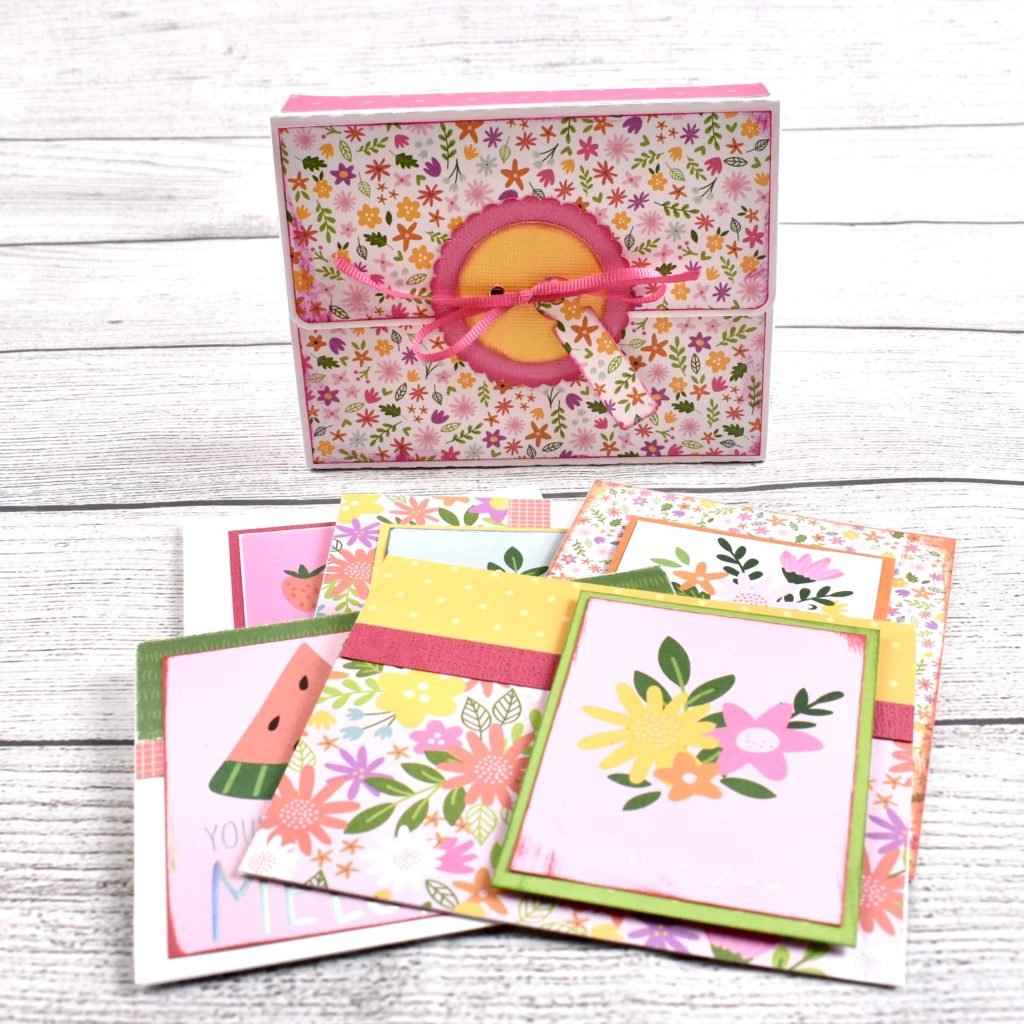
Although the  box is made to store a set of A2 sized cards and envelopes, you could use it to give a gift card or small gift.  Since they store flat, you can make several of them and simply pop them open when you’re ready to use them.

Until next time,

Michelle
30% Off SVGs Ends Tomorrow!

Are you crafting this weekend? Maybe some Crafts or Cards with the kids?  Don’t miss out on the May Sale in the Lori Whitlock SVG Shop! All SVGs and Commercial Licenses are 30% off when you use code MAY2020 at checkout! Don’t wait! Sale ends tomorrow!

These downloads include SVG files that may be used with Cricut Explore, Silhouette (Designer Edition upgrade required), Eclips, Brother Scan and Cut, and any other software that will open SVG files.


Changing up Sentiments

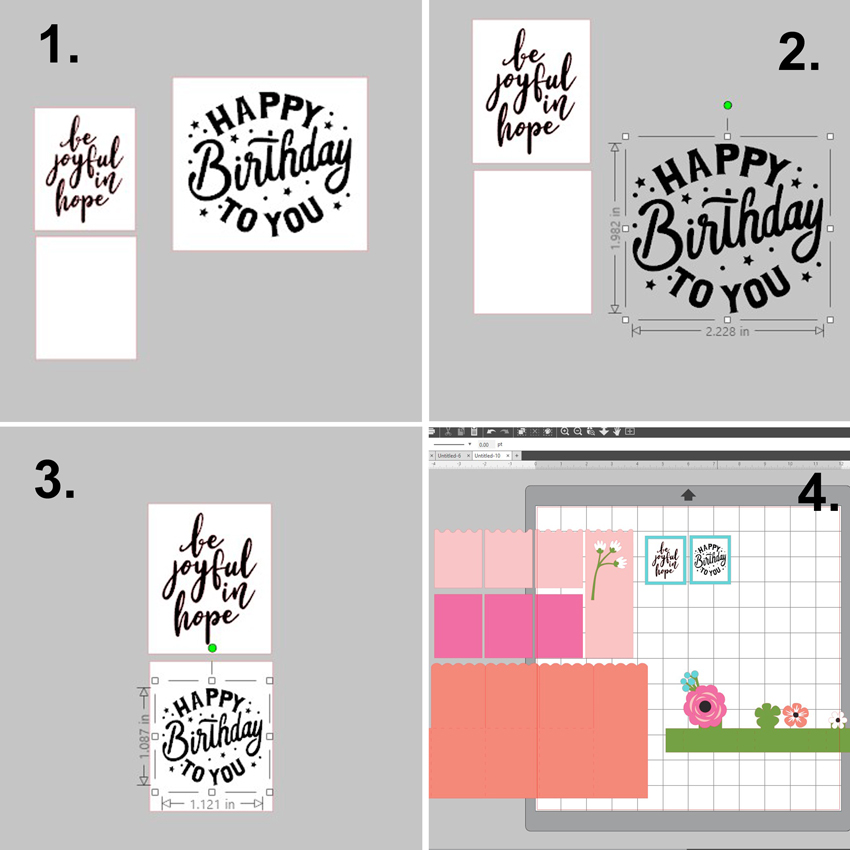
Hello crafty friends! Aimee here with you today and I wanted to share a little tip with you on changing the sentiments on your Lori Whitlock SVGs that have special print and cut messages. The original message may say Happy Mother’s Day but you can change them to fit any occasion you need such as birthday, Thank You, I miss you, or Congrats!

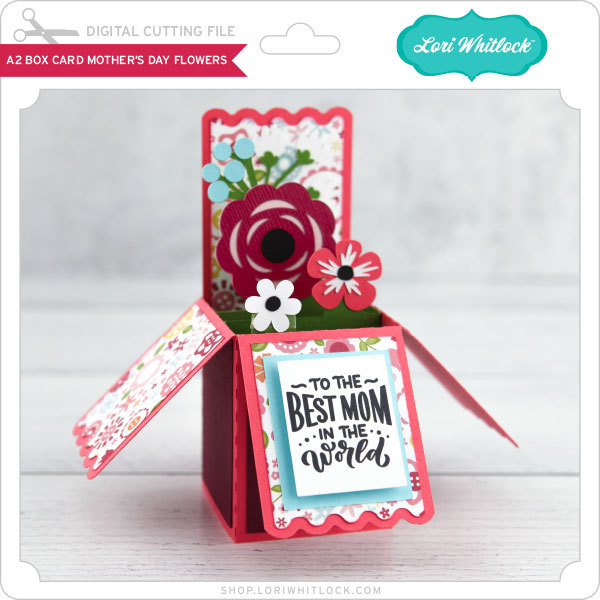
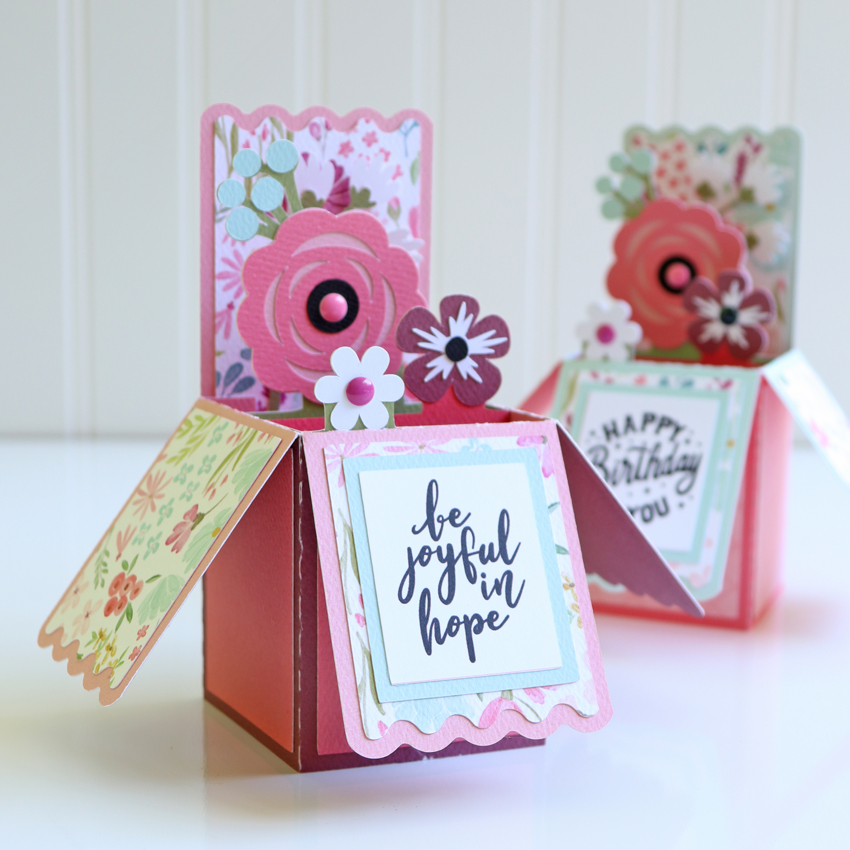
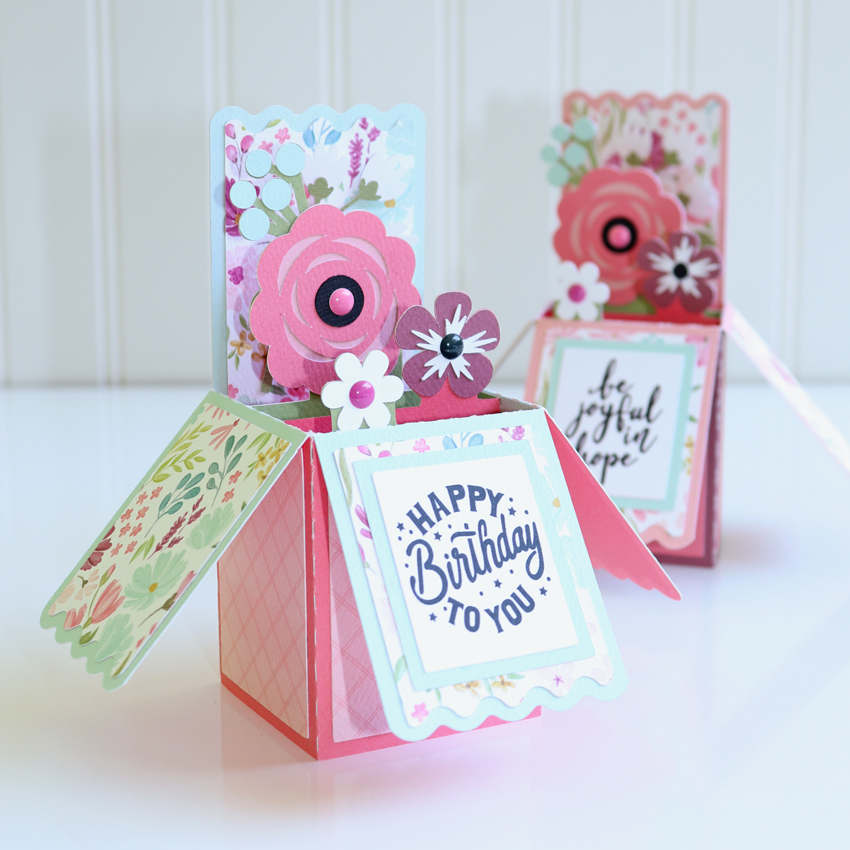
For the card itself, I used the A2 Box Card Mother’s Day Flowers file (Lori’s Shop, Silhouette).

I used the Joyful In Hope sentiment (Lori’s Shop, Silhouette)  for one of my box cards and

the sentiment from the Double Slider Card Birthday Balloons (Lori’s Shop, Silhouette).

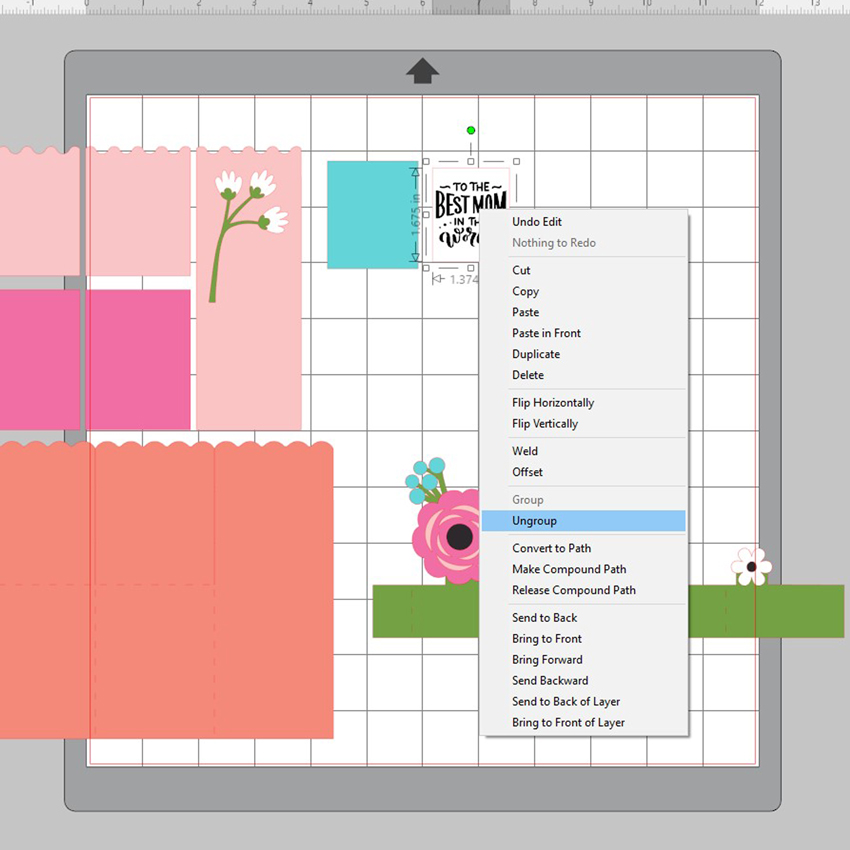
It’s very simple to do. Just open up your file, ungroup the message from its background box, and delete the original message.

1. Duplicate the background box found in the file you intent to use. Import the sentiments you want to use.
2. Ungroup the new message and delete its background box.
3. Move the new message over to the other background box and resize it to fit.
4. Now you have your boxes ready. All you need to do now is print and cut, and then adhere to your project.
Hope everyone is staying happy, healthy and crafty! Thanks for stopping by today!
Aimee

Get SVG Files Half Off with a Lori Whitlock SVG Subscription!

Did you get a new cutting machine for Mother’s Day?  Or maybe you’ve pulled your machine out to play again?  Well now would be the perfect time to sign up for a subscription to the Lori Whitlock SVG Shop!

With each subscription you’ll get monthly credits added to your account balance which you can use to purchase SVG Files, Fonts, Pattern Fills and Commercial licenses within the store. Once you download the content, it’s yours to use much as you’d like. With thousands of SVG + font files and more added weekly we think you’ll love being a subscriber. This is a great way to build your library of images at an incredible discount! Even better, your credit can be combined with sales and other offers! (so really, you can save even more!). Subscriptions start at just $10/month.

There are 2 tiers for subscribers.  The first, you spend $10 each month and you’re Lori Whitlock Account will be credited $20.  That’s a 50% savings!  The Next Tier, you spend $20 a month and get a $45 credit… that is 55% Savings.  If you have unused credit at the end of the month you can carry over up to one month’s worth of credit into the next month.

There are so many files to choose from… In addition to my files, we also have files from Bella Blvd, Doodlebug Design, Dresden Carrie, Jillibean Soup, Kolette Hall, Paige Evans, Pebbles in My Pocket, Rivka Wilkins and SAS Creative!  So many ways to be creative!

Head over to the SVG SHOP now to subscribe!

**  These downloads include SVG files that may be used with Cricut Explore, Silhouette (Designer Edition upgrade required), Eclips, Brother Scan and Cut, and any other software that will open SVG files.  **