$10 OFF Christmas Village Class!

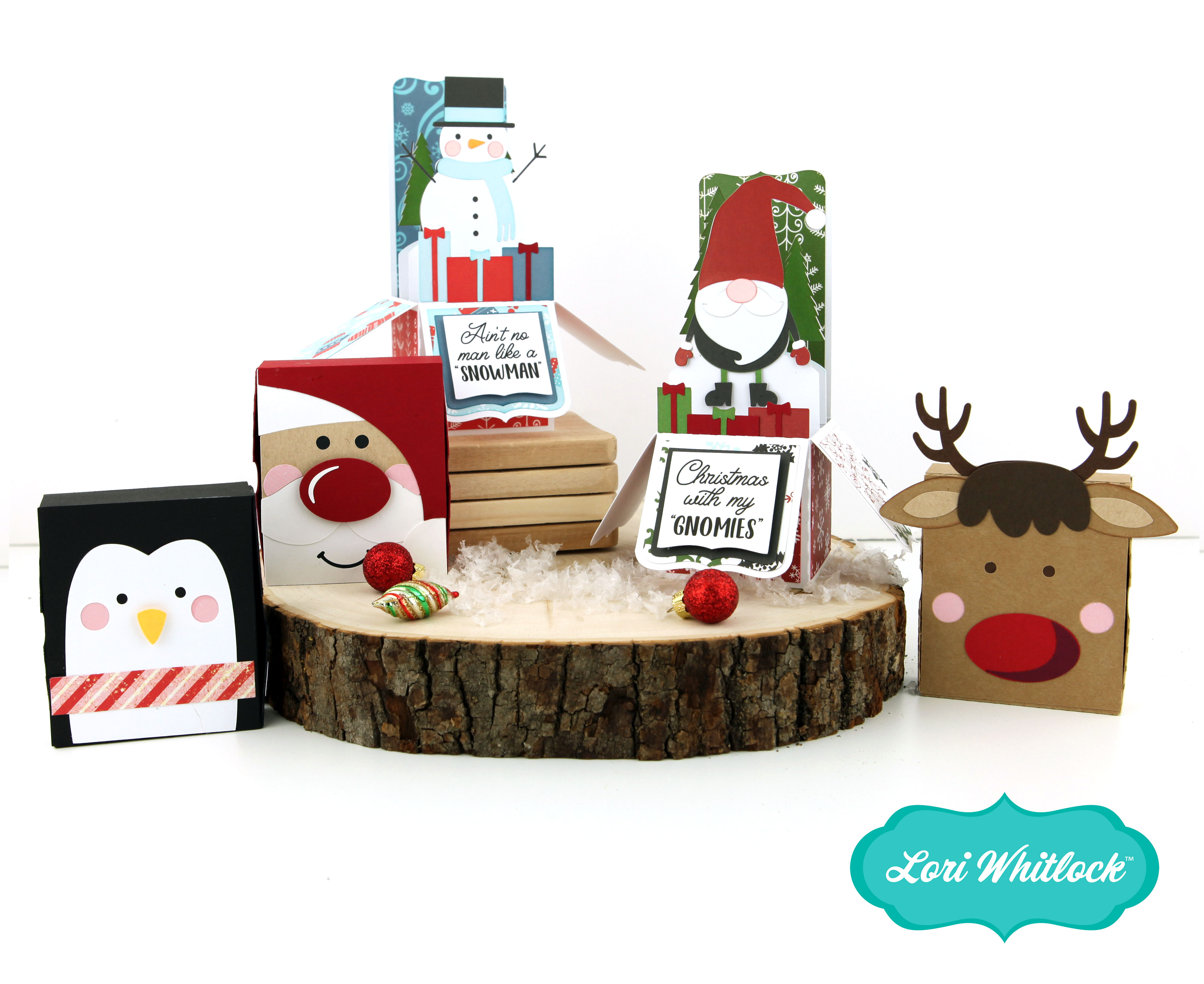
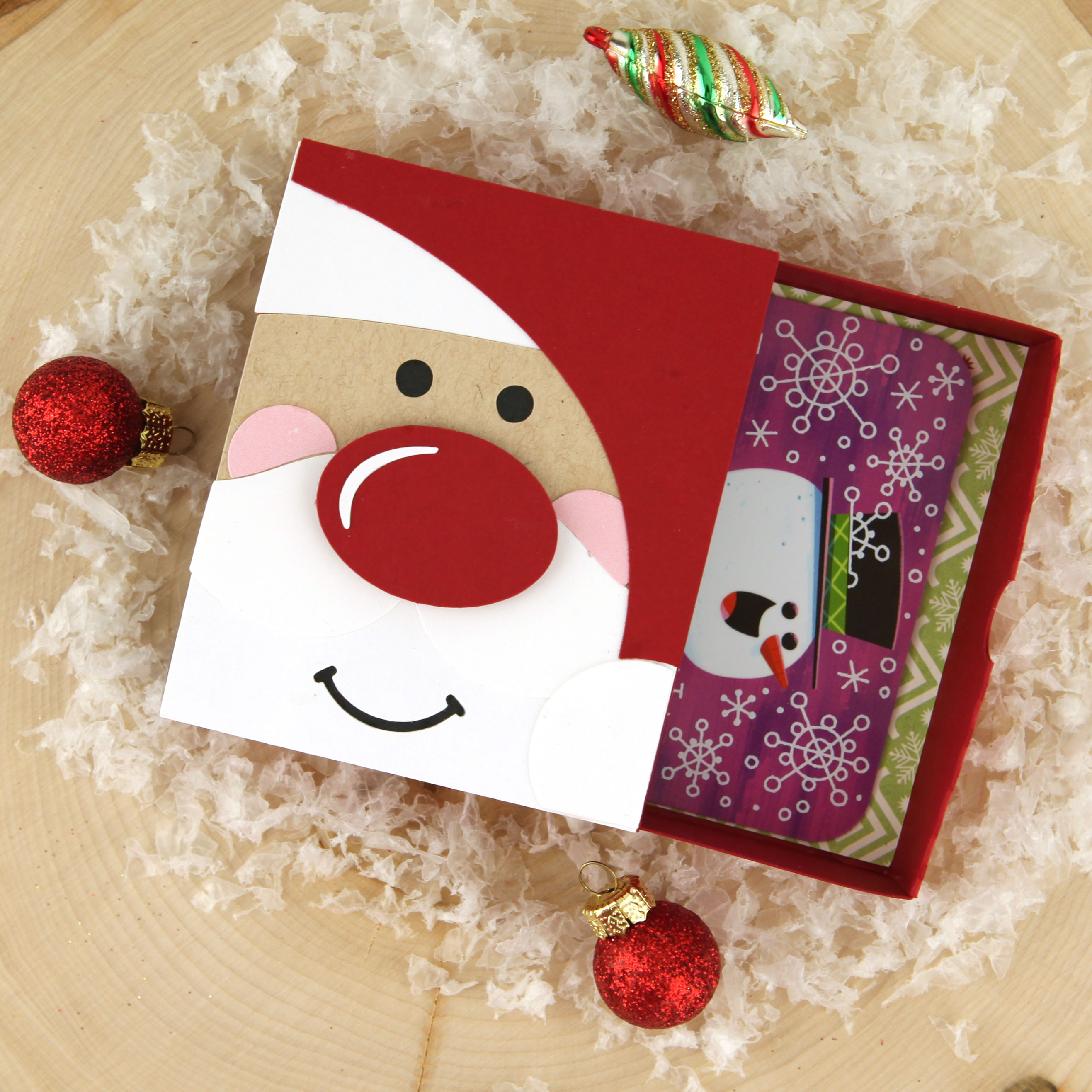
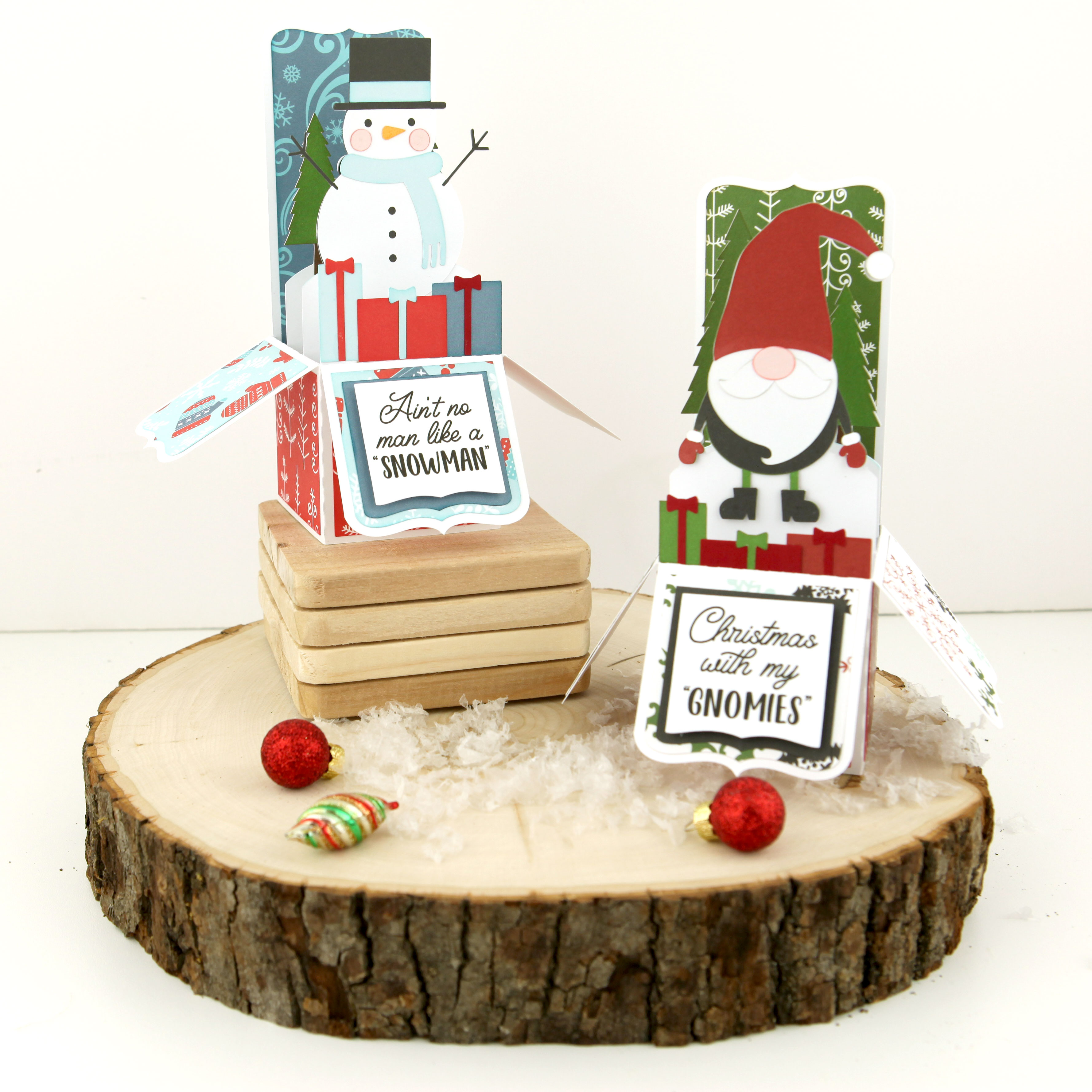
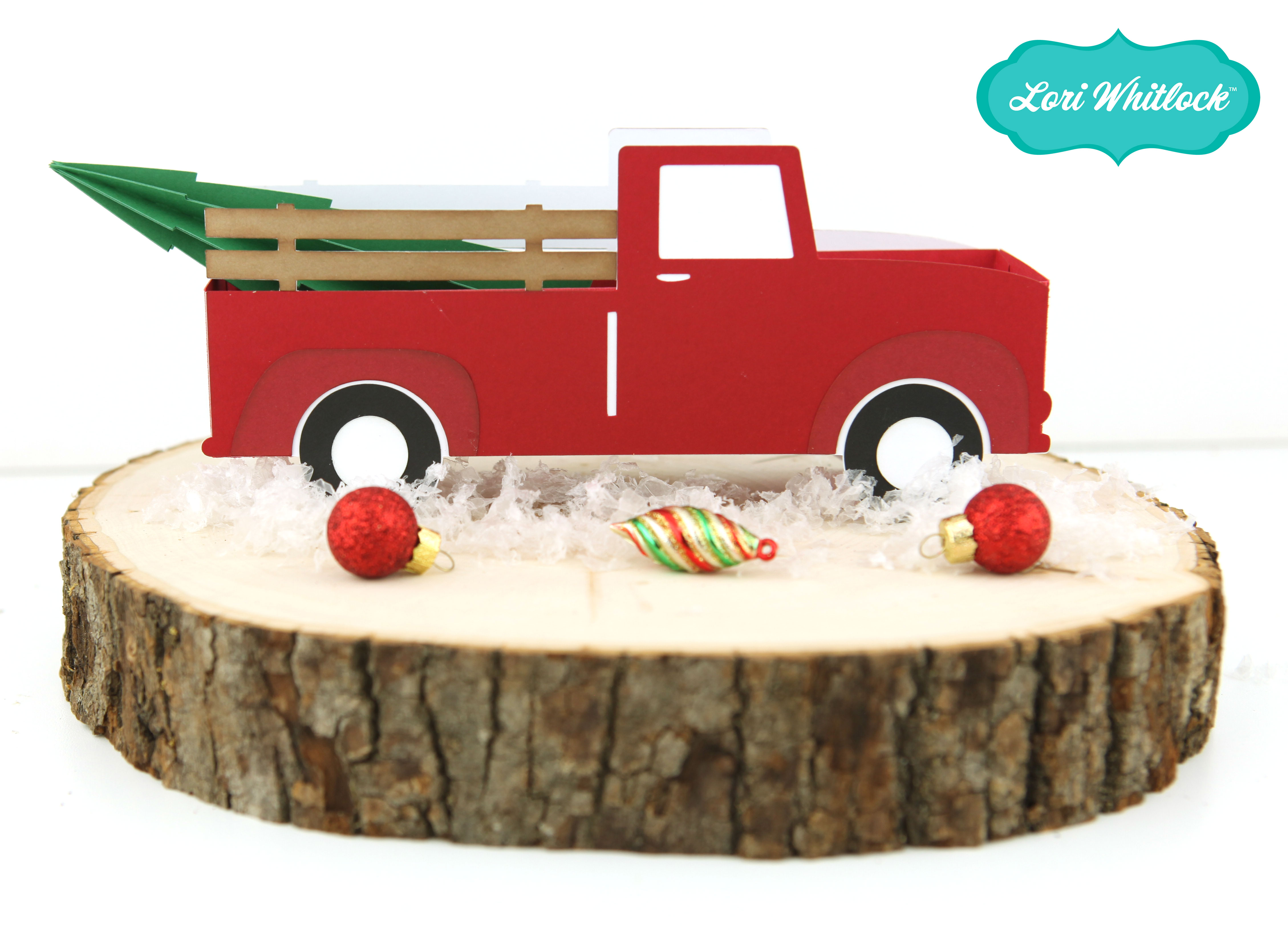
Are you looking for a project to put you in the Christmas mood? This Christmas village is simply adorable and sure to do the trick! Come join me in this fun online class and make a village for yourself OR make one to give as a gift… or both! I will provide a materials list and walk you through every single step of cutting out and assembling the entire project using your Silhouette or Cricut (2 versions of the class are available). The best part of this village is that it all folds flat and stores in a box (that we also make together in class).

Now through December 8 you can save $10.00 on registration with coupon code: SAVE10 at checkout. So, don’t wait, join the fun and enroll today HERE!


It’s Beginning To Look A Lot Like Christmas


Anita here with a fun tutorial to make this gift set.  I love to quilt and embroider as much as I love to paper craft and I was thrilled to recently discover that Lori Whitlock has embroidery files that she has designed, many of which mirror her paper craft SVG files.  You can find her gorgeous embroidery files at Embroidery Online.  I will give you all the links in the post .

I bought shrink film from Amazon and used Lori’s Print & Cut Stamps Christmas Cookies which you can find here in her store .  I resized the image of the gingerbread man so that it would come out the size that I wanted.  I then printed the image onto the shrink film through my laser printer.  Just let it dry for a few minutes before coloring it.

I then used my Copic markers to color the shrink film.  I knew that the colors would deepen once I shrunk the image so chose my colors with that in mind.  I used R37, E11, G14, G07, E99 for the gingerbread man and Y08, E99, R37, G07 for the Gingerbread house.  Be sure to punch a hole in your shrink film before you put it in the oven and remember that the hole shrinks also.  The directions say to bake the film on parchment at 300 degrees for 2-3 minutes but I found that my heat gun worked much better as I could control the plastic as it shrank.  Below is the before picture.

Here is the photo of the shrink plastic after it was  done.

I went to Embroidery online and bought the bundle which had all the Christmas embroidery files that I wanted to use for this project.  It is called Christmas Time by Lori Whitlock.  You can buy the collection or the individual embroidery files.  I embroidered the phrase It’s Beginning to Look a Lot Like Christmas on a piece cotton.  I then finished the edges and glued it to the front of my tote.  I also embroidered my daughter-in-law’s name on the top of the apron as this set is for her.  She is an amazing baker.


I then strung my two adorable gingerbread embellishments on some yummy twine, added a bell and glued that down as well.

I really love to match things and  have been so excited to make this project.  Here is a close up of all the goodies that I put inside the basket.

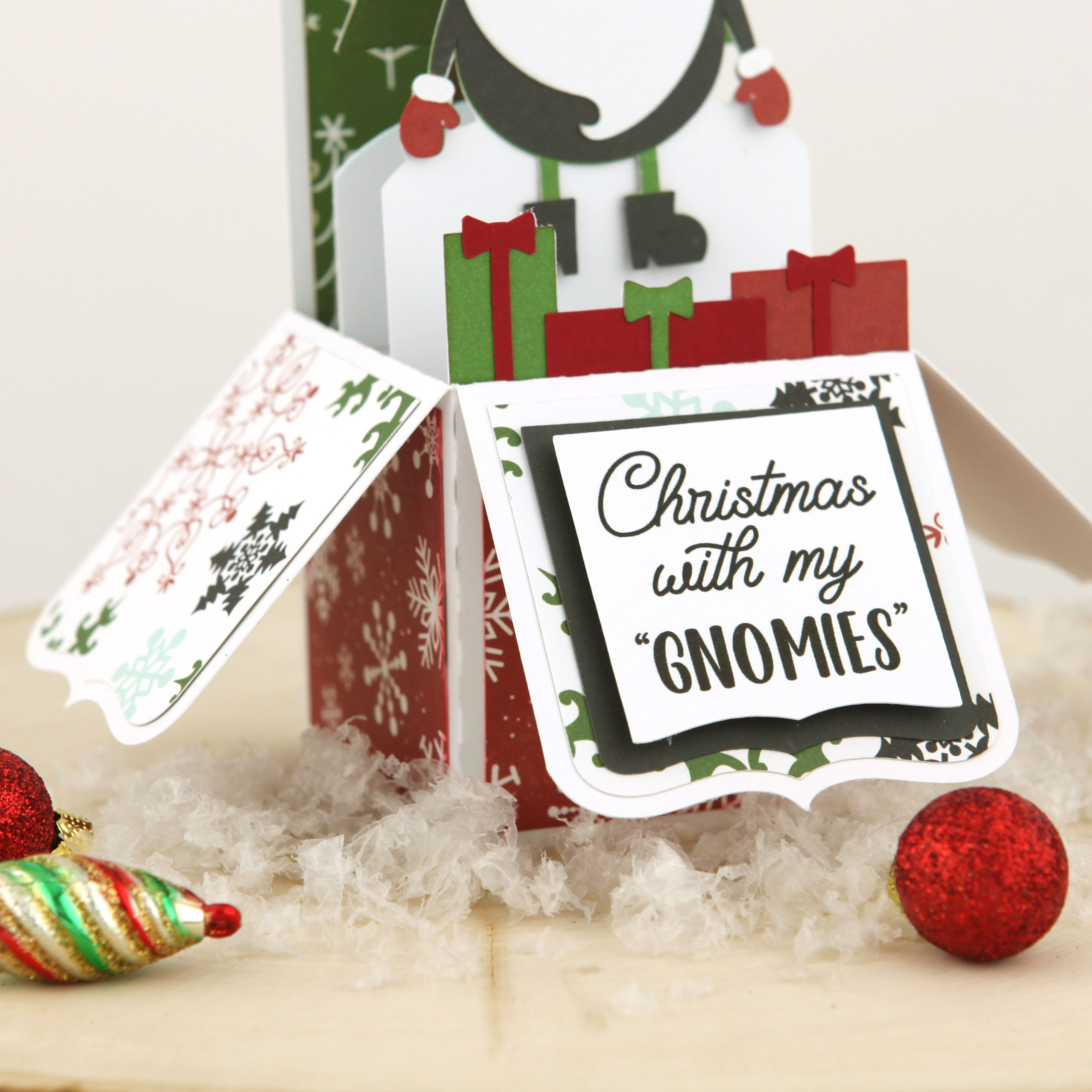
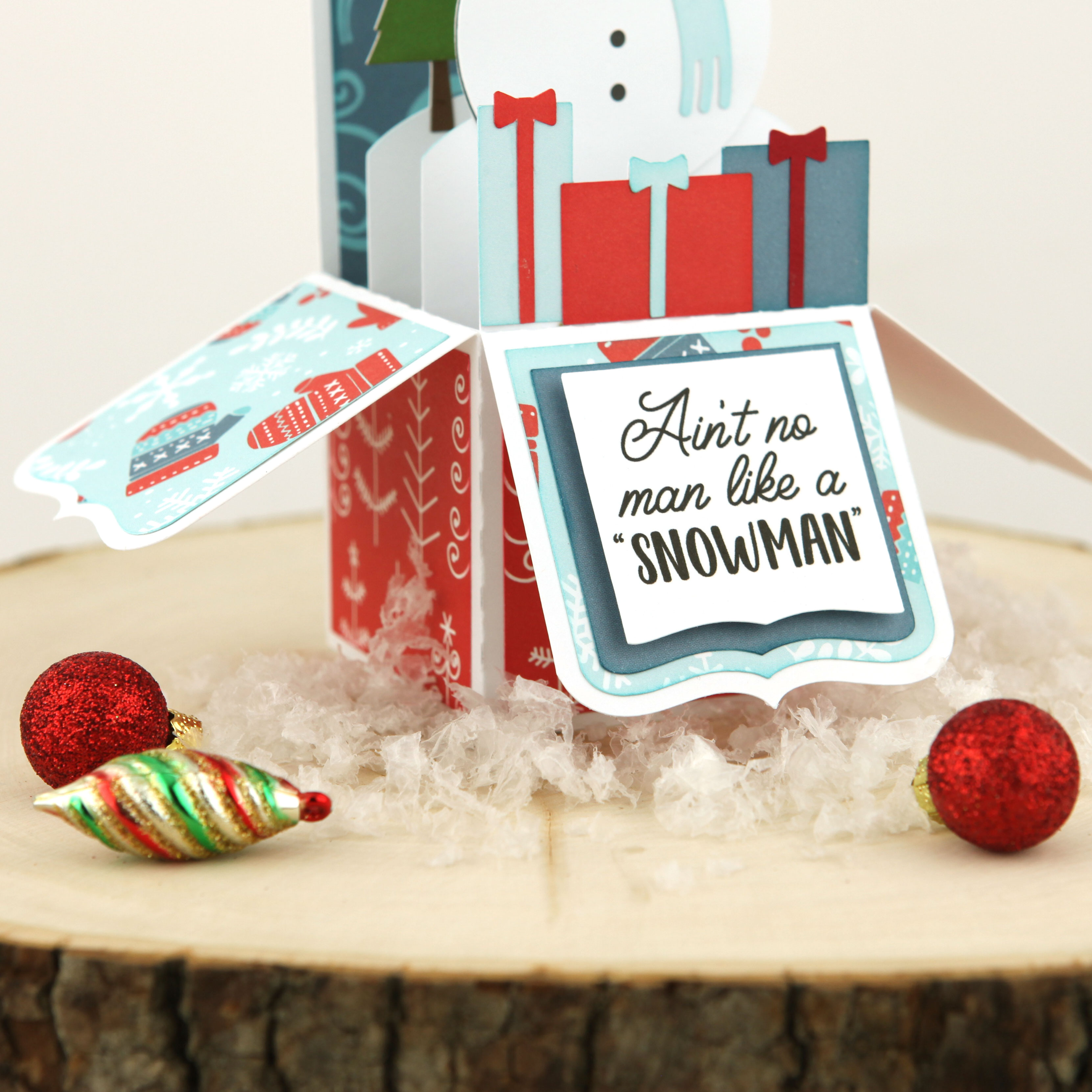
The last thing that I did was made a card that used the SVG cut file which matched the embroidery.  I used Lori’s new Christmas collection called Celebrate Christmas.  The cut file can be found here in Lori’s store and here in the Silhouette store and is called Look a lot Like Christmas Phrase.
That’s it for me.  Hope that you have a wonderful holiday season.
Hugs,

Anita


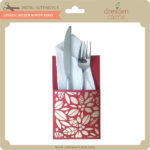
Pocket Shaped Bag by Brigit

I love anything denim so when I saw this pocket shaped bag from Lori’s shop I knew it was going to be my next project! You can get this bag also from the Silhouette Design Store here.

I wanted to add snowflakes so I used the ones from the Christmas snowflake border edge card, I just did a release compound path took the shapes and added them to the layer and did a make compound path and then I did a duplicate solid layer to cut out in white. You can get that card here in the Silhouette Design Store.

I also added the 3D poinsettia, you can get that here at the Silhouette Design Store. The stitching came out awesome, I love it!

Thanks for stopping by and have a wonderful day!

Last Day! 30% Sale Ends Tonight!

The holidays are upon us and we all know that means it’s crafting season. Today is the last day of the 30% off sale so it’s time to stock up on all those files you’ll need to craft with this holiday season at Lori Whitlock SVG Shop.  Just use code NOV2018 at checkout!  Don’t miss out!

Here are some of my favorite files that would be fun to make for Thanksgiving and even a few advent calendars that you might want to get started on…

HAVE A GOOD WEEKEND!

Lori

3D Pumpkin Pie Tutorial with Corri

Hi everyone!  Corri here today with a quick tutorial for this adorable 3d Pumpkin Pie (Silhouette, SVG)

To get started you need to cut 8 each of the pieces.  You will have box bottoms, box tops plus the small scallop pieces to create the crust on each slice and the hearts.

To assemble the bottoms of the slice boxes, fold along all the perforations.  Next, apply glue to the glue tabs and hold in place while they dry.

To assemble the tops of the boxes, first, glue the white hearts to the inside of the box behind the hearts.  I found it was easier to apply the glue to the box rather than the die cut heart.  This helps keep the glue from bleeding over the edges.   Next, fold along the perforations, apply glue to the glue tabs and form the box.  Finally, apply the “crust” to the back edge of the box.

Now,  just arrange your slices in a circle to form the complete pie.

This pie is super adorable!  You could fill each box with candy for your guests on Thanksgiving Day

I hope you like this quick project today!  Thanks so much for stopping by!