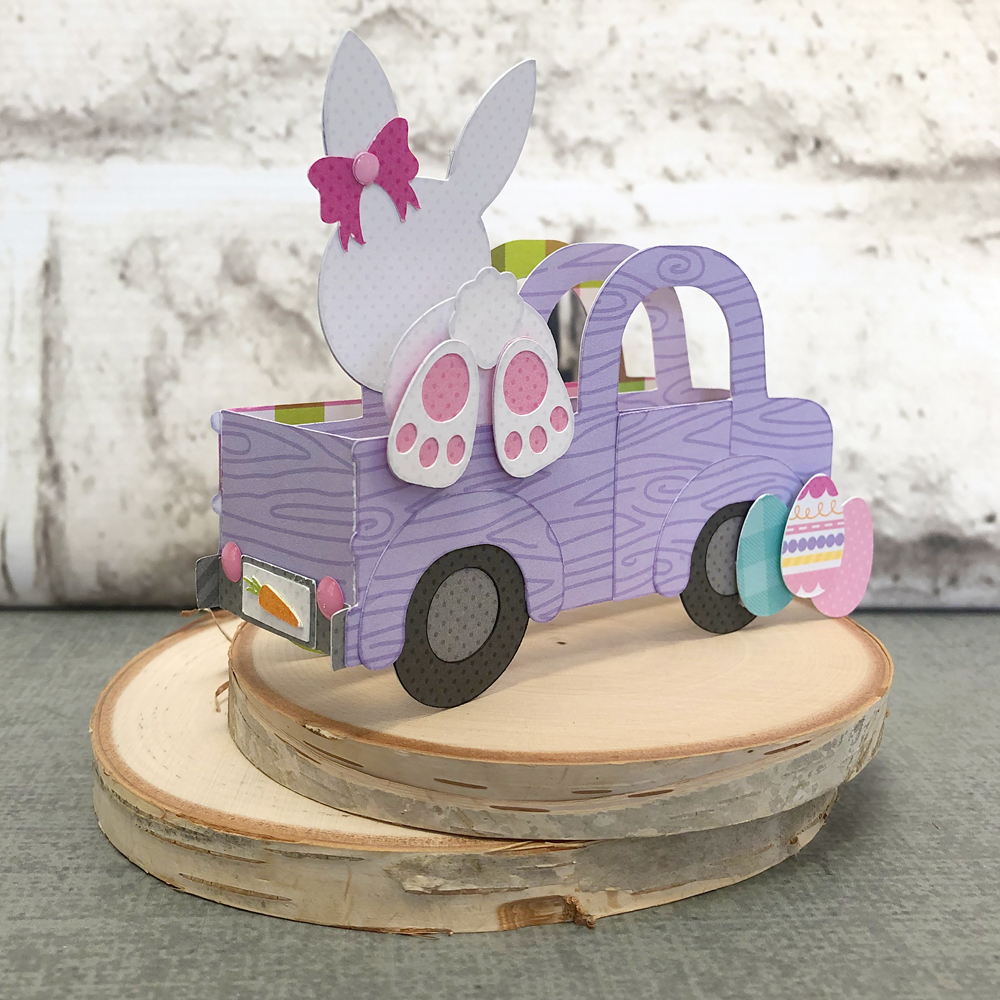
Easter Treat Favor Box by Aimee

Hello friends! Aimee here with you today with a tutorial on using Lori’s new sketch images to create this sweet little Easter gift bag. I choose a couple of adorable images from the Sketch Easter Bundle that you can find in Lori’s Shop here or in the Silhouette Design Store (rabbitflower). I also used this new Favor Box that can be found in Lori’s store here or in the Silhouette Design Store here.

Open the images and add an offset image around each image. I resized the offset to 0.050. After you have the offset image, highlight both images and group them together so they are easily moved around. The black lines are the sketch lines and the red lines are the cut lines.

Once I had both images with an offset cut grouped, I measured them against the box svg to make sure  they were appropriately sized.

For those of you who are new to using Silhouette sketch pens, here is a Silhouette tutorial for using them. A big HINT when using the sketch pens and then cutting them out is NOT removing your cutting mat after the image is drawn. Leave the mat in place and then switch over to the blade and let your machine cut the image out from your paper.

Here are my images after the sketching and cutting are complete. Now comes the fun part of decorating them. I used Lori’s new collections Easter Wishes and Spring Fling  on this project because the colors and patterns are so fun and vibrant

I fussy cut one of the eggs out of pattern paper and added it to the rabbit so that it looks like he’s holding it. I also added some pink to the back of his ears. For the flower, I trimmed the flower and adhered it to the top of the green flower sketch cut and added a matching button and baker’s twine.

For the finishing touches I added a pink striped bow and the Happy Easter sentiment from the Light Up Card Easter Bunny that can be found in Lori’s store here or in the Silhouette Design Store here.

Thanks for stopping by today! I hope you give the new sketch images a try and create your own little box for Easter or Wedding!

Aimee

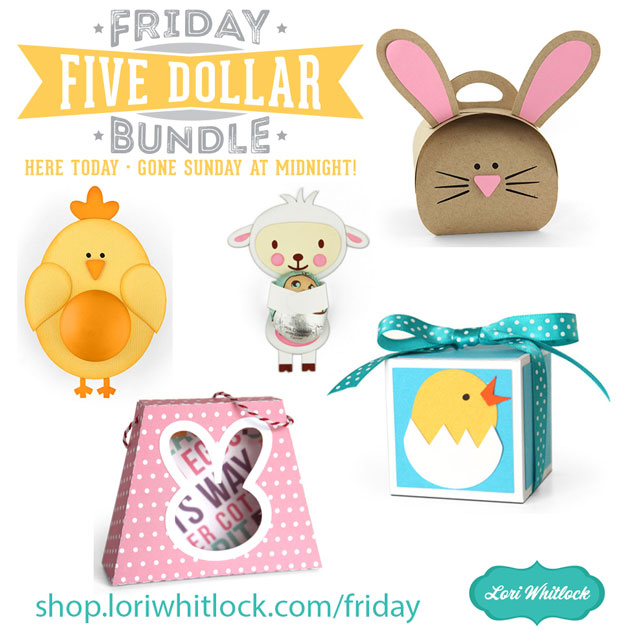
New Product Feature : Gift Card Holders

Giving a gift card does not have to be impersonal, especially not when you have a fun way to package it!  The new Gift Card Holders that were added to the Lori Whitlock SVG Shop and the Silhouette Store this week are the perfect way to make a gift of a gift card!  They come in a number different designs for different occasions… take a peek…

Gift Card Holder Butterfly 2 (SVG, Silhouette)
Gift Card Holder Balloons (SVG, Silhouette)
Gift Card Holder Birthday (SVG, Silhouette)

Gift Card Holder St. Patrick’s Day (SVG, Silhouette)
Gift Card Holder Easter Chick (SVG, Silhouette)
Gift Card Holder Easter Bunny (SVG, Silhouette)

Gift Card Holder Dinosaur (SVG, Silhouette)
Gift Card Holder Fairy (SVG, Silhouette)

There is also a Thank You version (SVG, Silhouette)…And when opened, they all have a little pop up feature to hold your gift!

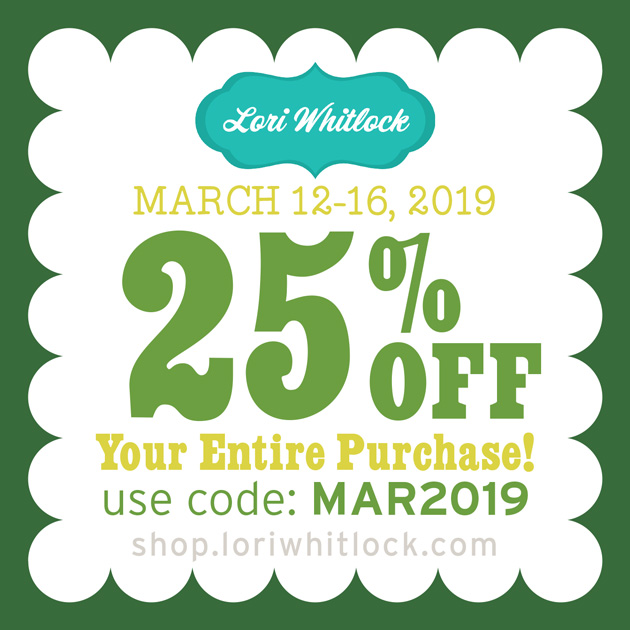
All of these gift card holders are 25% off through this weekend so be sure to stop by !

Have a great day!
Tuesday Freebie and New in Shop

ALL WEEK, this SVG file is FREE with any $1.99 purchase!

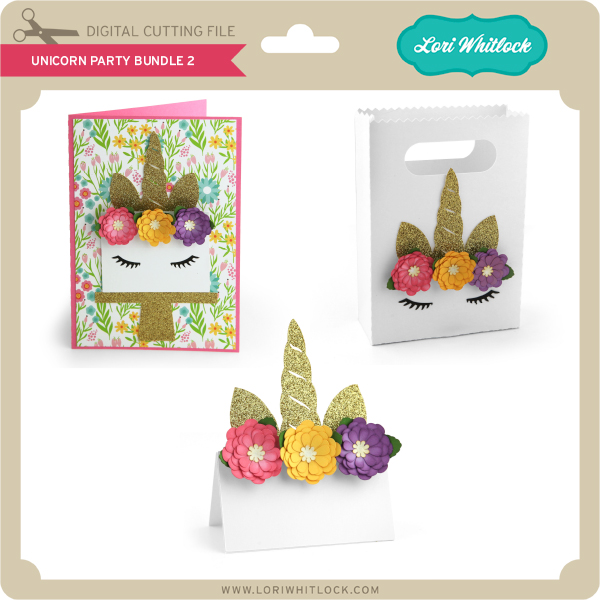
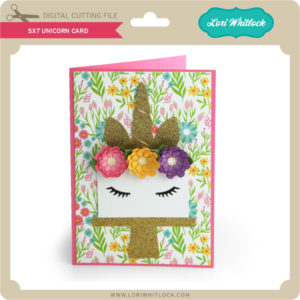
We have a FREE file with purchase all this week! Simply add this Unicorn Card file  to your shopping cart along with ANY $1.99+ purchase from the SVG Shop and this file is yours FREE. Be sure to use Coupon Code: UNICORN (case sensitive) at checkout. This offer is good through next Sunday.

(Your cart must reach at least $3.98 before the coupon will be applied and then $1.99 will be subtracted from your total at checkout. The files will be available for immediate download after you pay for your order by visiting MY ACCOUNT>COMPLETED ORDERS>ORDER DETAILS inside of your account. Only one discount code per order allowed.)
In addition, don’t forget about this special ! You can get this Free Kit of the Month with any $20 purchase (Purchase must be in one transaction.) Simply add the 2019 February Kit of the Month to your shopping cart along with ANY $20.00+ purchase from the SVG Shop and this file is yours FREE. Be sure to use Coupon Code: FEB19KOTM (case sensitive) at checkout. This offer is good through February 28, 2019!
Your cart must reach at least $27.95 before the coupon will be applied and then $7.95 will be subtracted from your total at checkout. The files will be available for immediate download after you pay for your order by visiting MY ACCOUNT>COMPLETED ORDERS>ORDER DETAILS inside of your account. Only one discount code per order allowed.)
Check out the new SVG files releasing this week!   
Just like always, the NEW SVG files will be ON SALE 25% OFF through the weekend in the SVG Shop! These downloads include SVG files that may be used with Cricut Explore, Silhouette (DE upgrade required), Eclips, Brother Scan and Cut, and any other software that will open SVG files. No coupon code necessary, the newly released files are all discounted in the shop! Be sure to go get them while they are on SALE this week. 
This week we have the Lots O’Luck Collection from Doodlebug Design !  I also have a bundle of Gift Card Holders and we have files from Pebbles in My Pocket and Dresden Carrie!

Thanks for visiting the blog today! Please let us know if you need any help with your files. We want to make sure everyone is happy with their purchase. Have a great week! SHOP HERE

No Glue Cookie Box with Ashley

Today I’m sharing a great box.  You can find the No Glue Cookie Box here in the Lori Whitlock SVG shop or here in the Silhouette store.

Image 1

I used Lori’s St. Patrick’s Day Pattern Fill to print and cut the paper panels.  I also cut a shamrock.  Several Shamrock options are in the SVG shop and the silhouette store.

The box comes as the above size, and it is 3.375″ x 3.5″ x 1.25.”   A great size for a handful of treats or a homemade cookie.  I love St. Patrick’s Day, and I plan on making more of these to share a little luck around.

Leprechaun Gable Box Tutorial with Brigit

I love boxes or bags with cute little character faces on them and with St Patrick’s Day coming next month I thought I’d make a little leprechaun one.

You can start with any bag or box, I chose the tall heart gable box (svgsilhouette) and did a ungroup to delete the heart.

I like to do all my designing in Silhouette Studio and cut on my Cricut Maker since I have the Business Edition I can save my file as an svg and bring into Design Space to cut. I usually will change my score lines to solid lines so I can use the scoring wheel in Cricut. For this box I ungrouped all the score lines and deleted all but the lines I have circled then I selected one and dragged the handle, you can select all the ones going the same way and drag, just grab the center handle not the corner one.

This is what they will look like, I also filled in the box makes it easier to see. I then selected all the lines right click and make compound path, and then selected both the lines and box and grouped. In Cricut Design Space I will change the lines to score and then attach the bag and lines together.

For the face, I used the bobblehead card leprechaun (svgsilhouette). I ungrouped and deleted all except for the leprechaun’s head, buckle and one shamrock which I didn’t end up using. I sized the head to the front of the box and then made a duplicate of them. (you won’t need the extra leprechaun head I just always make a copy in case I mess up)

With the knife tool I cut down on the four lines on the front of the box trimming away the leprechaun. I delete the cut up box and trimmed pieces of the leprechaun and zoom in to see if I have to make adjustments.

I want the beard to be square to the box so I double clicked it to bring up the point editing menu, selected each of the points and changed them to make flat, and pulled the center one to the corner to make it square.

This is what it will look like, do the same to the other side.

I wanted the face to be square also so I made a duplicate of the leprechaun and selected the beard and face and welded together, makes it much easier to line up.

Here’s my project ready to save as an svg, I did also make an internal offset of the face by .05 and releaseed the  compound path the eyes and mouth, I like having a solid piece for the background.

Thanks for stopping by and have a wonderful day!