Tuesday New SVGs & a Free File!

ALL WEEK, this SVG file is FREE with any $1.99 purchase!

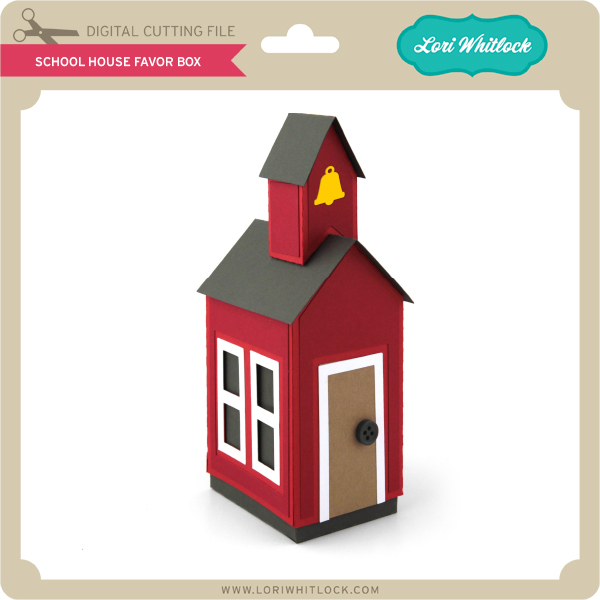
We have a FREE file with purchase all this week! Simply add this School House Favor Box file  to your shopping cart along with ANY $1.99+ purchase from the SVG Shop and this file is yours FREE. Be sure to use Coupon Code: SCHOOLHOUSE (case sensitive) at checkout. This offer is good through next Sunday.

(Your cart must reach at least $3.98 before the coupon will be applied and then $1.99 will be subtracted from your total at checkout. The files will be available for immediate download after you pay for your order by visiting MY ACCOUNT>COMPLETED ORDERS>ORDER DETAILS inside of your account. Only one discount code per order allowed.)

 

In addition, don’t forget about this special ! You can get this Free Kit of the Month with any $20 purchase (Purchase must be in one transaction.) Simply add the 2019 September Kit of the Month to your shopping cart along with ANY $20.00+ purchase from the SVG Shop and this file is yours FREE. Be sure to use Coupon Code: SEP19KOTM (case sensitive) at checkout. This offer is good through September 30, 2019!

(Your cart must reach at least $27.95 before the coupon will be applied and then $7.95 will be subtracted from your total at checkout. The files will be available for immediate download after you pay for your order by visiting MY ACCOUNT>COMPLETED ORDERS>ORDER DETAILS inside of your account. Only one discount code per order allowed.)

Check out the new SVG files releasing this week!  Just like always, the NEW SVG files will be ON SALE 25% OFF through the weekend in the SVG Shop! These downloads include SVG files that may be used with Cricut Explore, Silhouette (DE upgrade required), Eclips, Brother Scan and Cut, and any other software that will open SVG files. No coupon code necessary, the newly released files are all discounted in the shop! Be sure to go get them while they are on SALE this week.

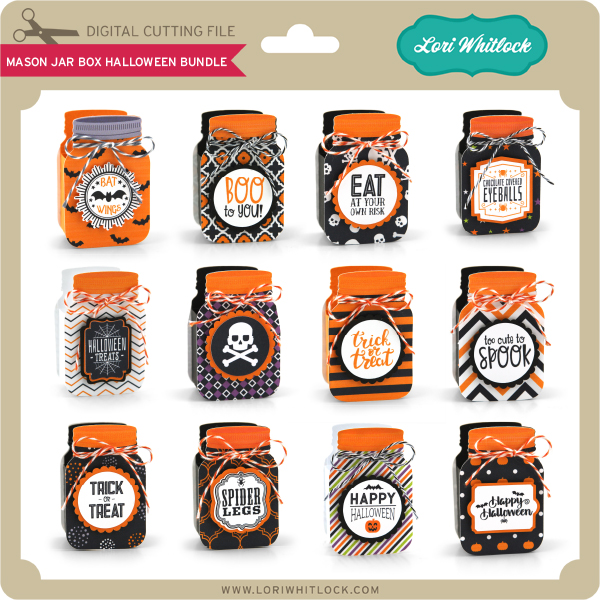
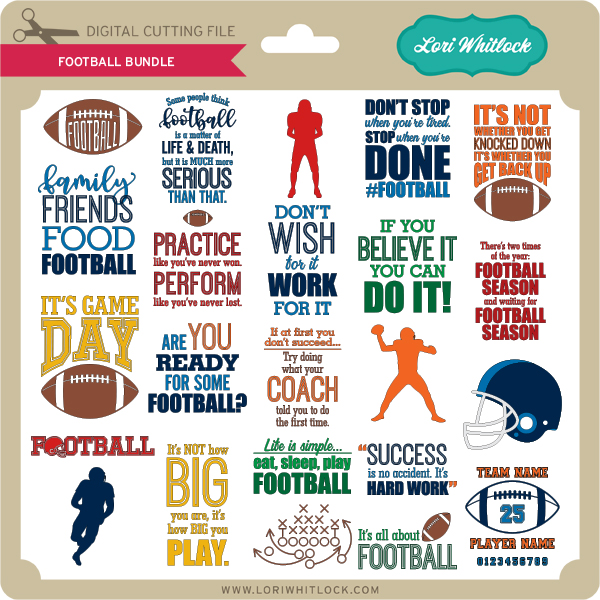
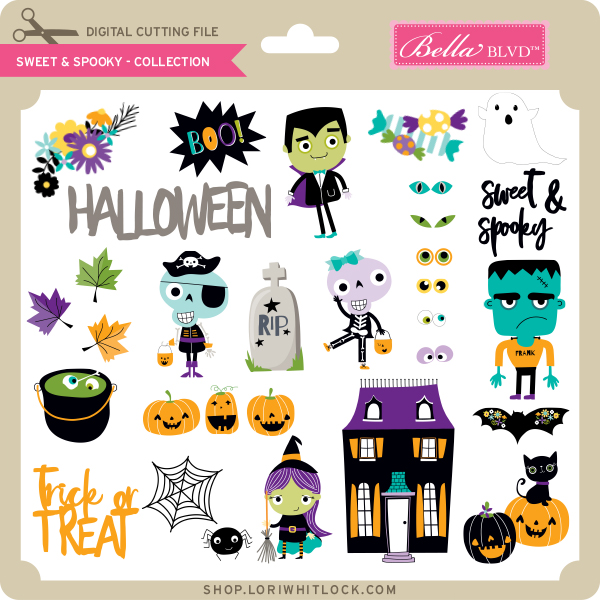
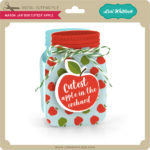
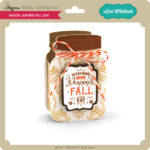
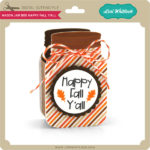
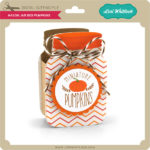
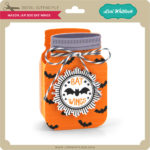
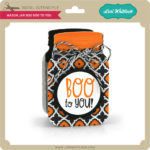
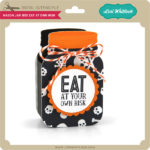
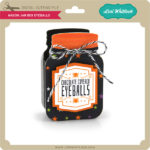
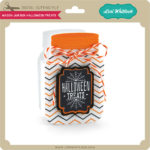
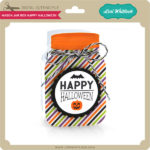
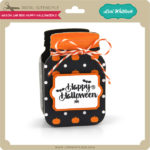
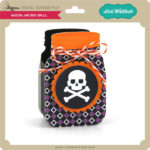
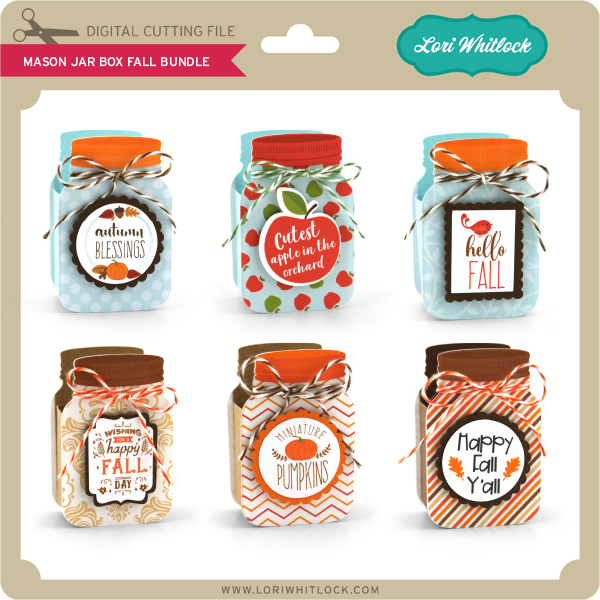
This week I have two new Mason Jar Box Bundles and a Football Phrase Bundle.  We also have the Sweet & Spooky Collection from Bella Blvd. and files from Pebbles in My Pocket.


Thanks for visiting the blog today! Please let us know if you need any help with your files. We want to make sure everyone is happy with their purchase. Have a great week! SHOP HERE

Fall Decorated Gift Bag

Happy Monday everyone!  If you haven’t looked recently, Lori has created a number of new box & bag cut files.  I love these files because they can be decorated for any occasion!  I made the new Gift Bag with Magnet Velcro Handle (SVG, Silhouette) to hold a gift card for a friend.  I decorated it with one of the new flowers, Rolled Flower 48 (SVG, Silhouette) for a fun fall look.

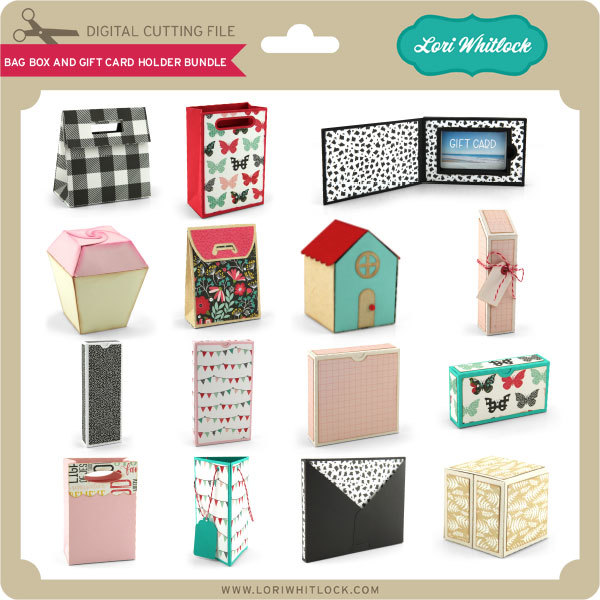
I love how the flower looks like a fall chrysanthemum!  I used Echo Park’s My Favorite Fall Collection to piece this all together.  For more gift packaging ideas, check out the new Bag Box and Gift Card Holder Bundle in the Lori Whitlock SVG Shop!

All of these files are also available individually in Lori’s SVG Shop and in the Silhouette Store.  That’s it for me today, thanks for stopping by to peek!

BLOG * INSTAGRAM

Fall Treat Bags Tutorial

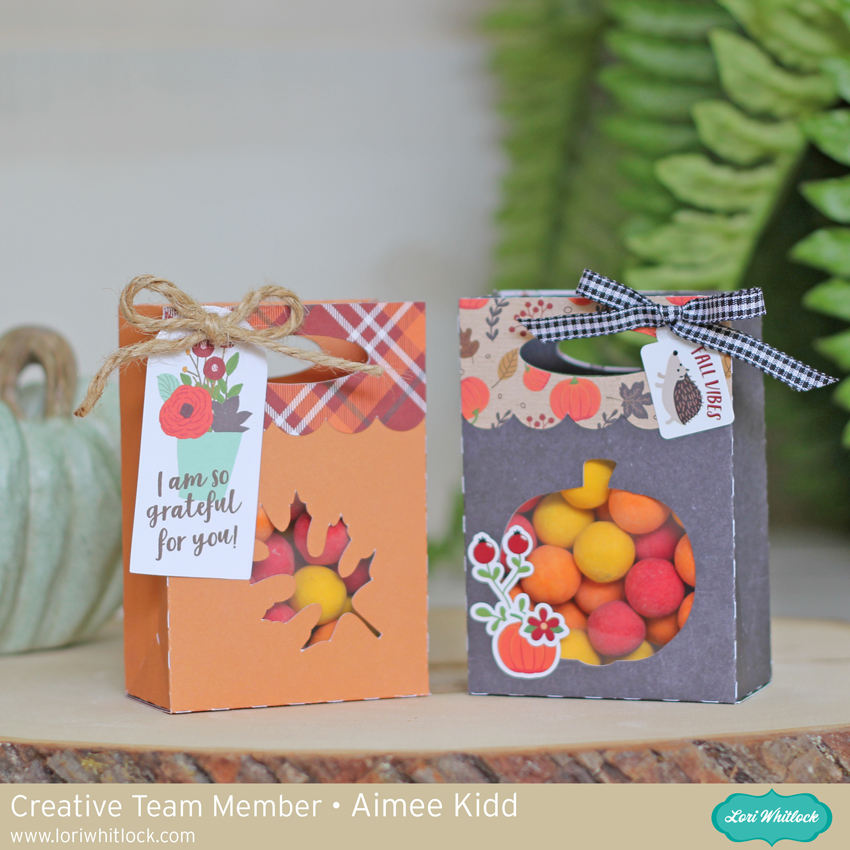
Hello friends! Aimee here with you today to share a tutorial on one of the fabulous new box files that Lori has created for us! This is the Gift Bag with Handle Scalloped (Lori’s ShopSilhouette Store) and I am going to show you how to add a front panel so that the treats show through. And since Fall is just around the corner I added a couple of Autumn icons from the Fall Icons set 2 (Lori’s ShopSilhouette Store). So if you’re ready…let’s get to crafting some Fall gift bags!

Open the Gift Bag with Handle Scalloped file…

and add the Fall Icon set. I only used the pumpkin and leaf so I deleted the others but the other 2 could easily be used as long as you’re only adding the base layer.

At this point,  place the icon and the scalloped handle on the front panel of the bag. You can size and arrange the icon you’ve chosen. With the handle in place, it gives you an idea of what size your icon should be.

Now that you have you’re icon placed and sized, slide the handle to the top. Click on the bag and ungroup the bag from the cut lines. This is a very important step! If this step is missed, it will turn the dotted cut lines into solid cut lines which will give you a bunch of strips of paper instead of a bag.

Next,  click on the icon and while holding the shift button, click on the bag and click on “make compound path”. It will make your bag clear but it still cuts the same. Now you will want to click on the bag and the cut lines and group them together. Now you are ready to cut.

Run your papers through your paper cutting machine. Now let’s get to putting the box together.

Adhere a piece of acetate over the icon space

Place your adhesive on the top panel of the bag and fold it down on itself

Now adhere the bag together

And adhere the scalloped handles to the front and back of the bag.

And decorate them! There are so many possibilities! I used My Favorite Fall collection to make and decorate my bags. All that’s left to do is add a sweet treat to give to some you are grateful for!

That’s all from me today! I hope this provides some great inspiration for your Fall projects!

Aimee