A New Friday $5 SVG Bundle

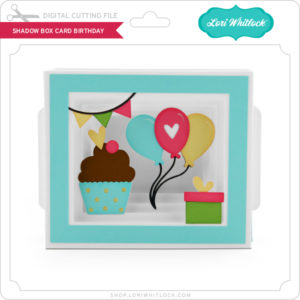
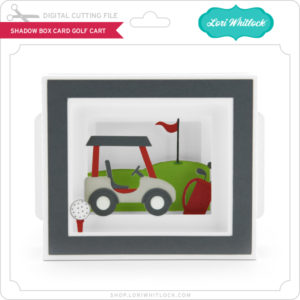
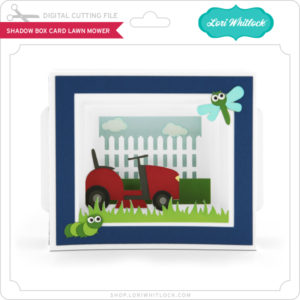
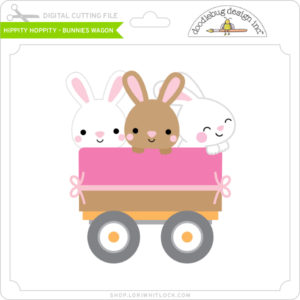
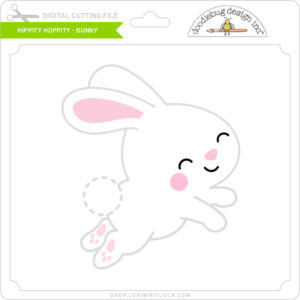
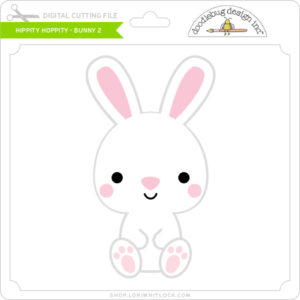
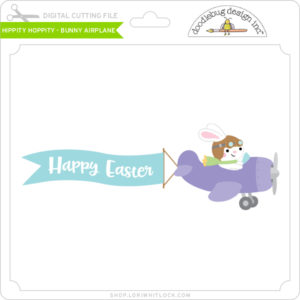
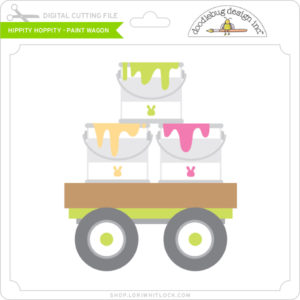
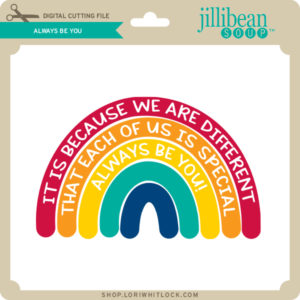
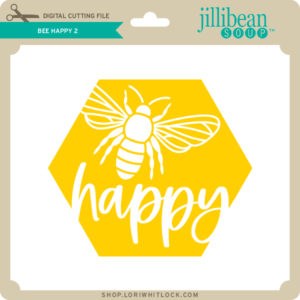
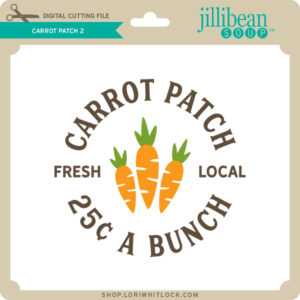
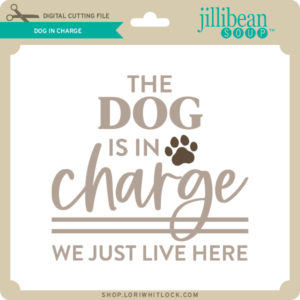
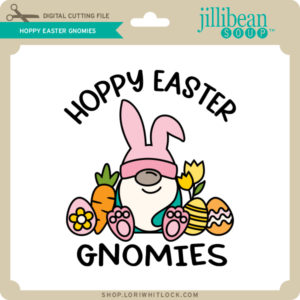
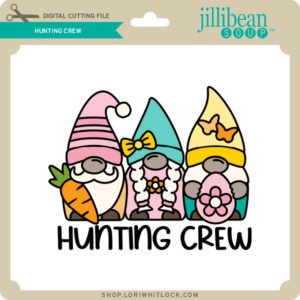
Hi Everyone! Today we have a new Friday $5 Bundle! It will ONLY be available until Midnight Sunday and when it’s gone it’s gone. These SVG files can be used with Cricut Explore, Silhouette Studio (with the Designer Edition upgrade), Scan N Cut, and any other cutter that will work with SVG files. Help spread the word by telling your friends and announcing it on social media!

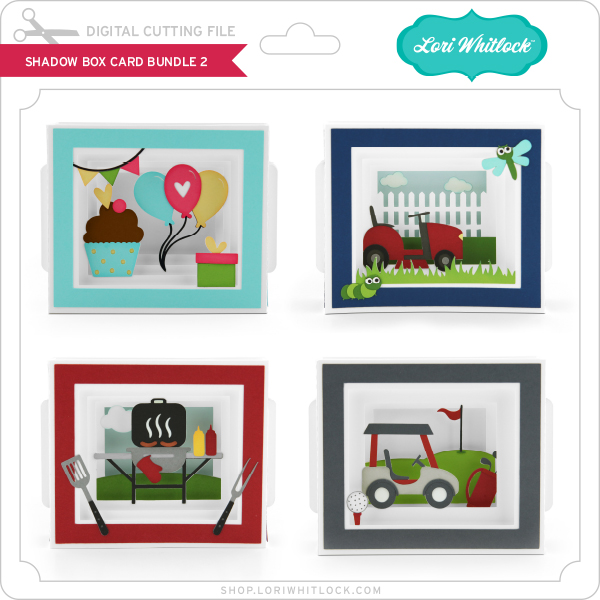
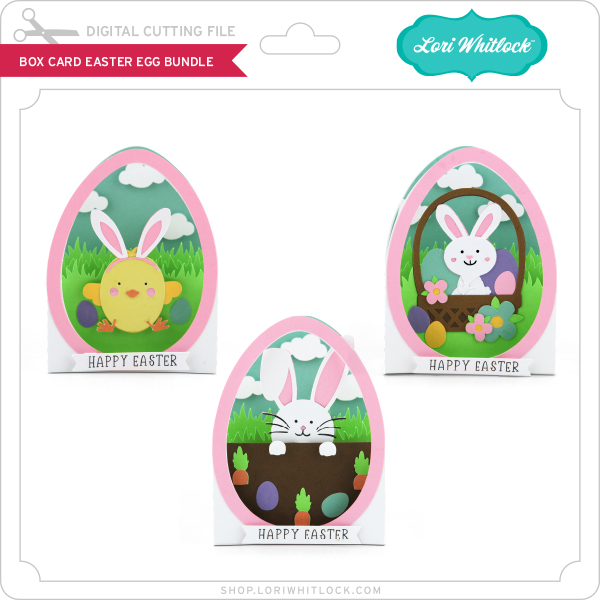
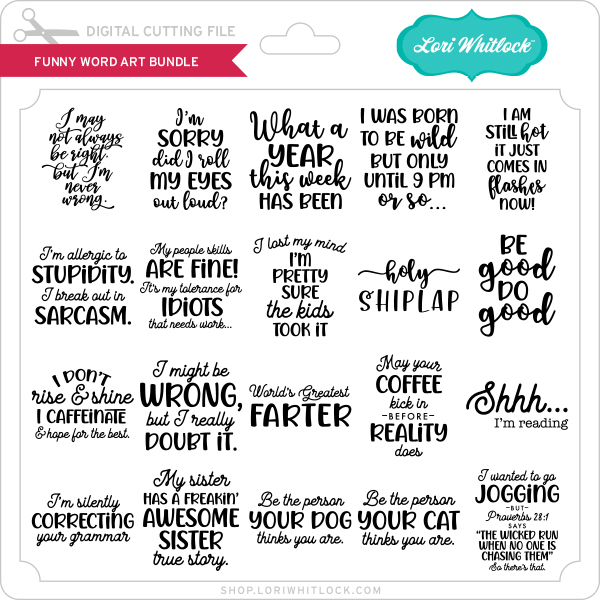
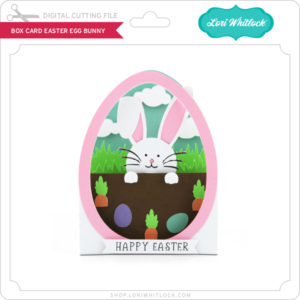
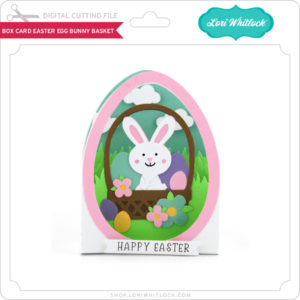
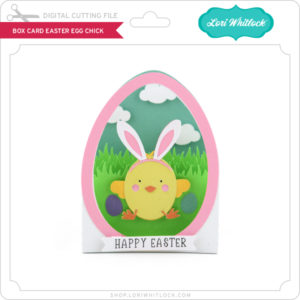
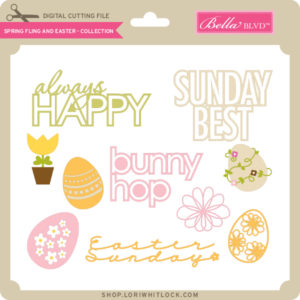
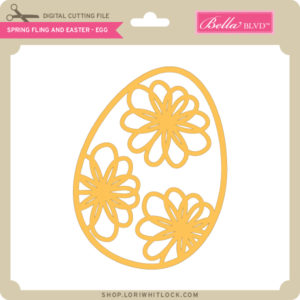
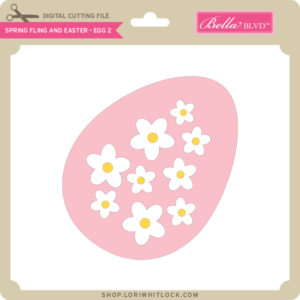
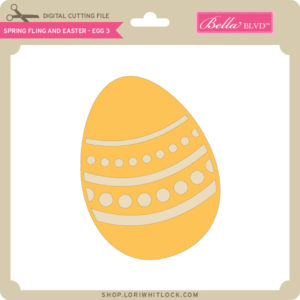
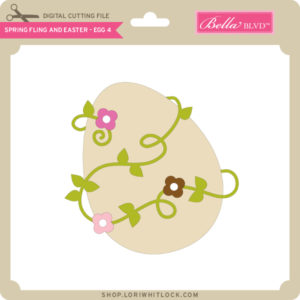
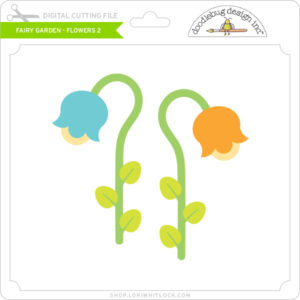
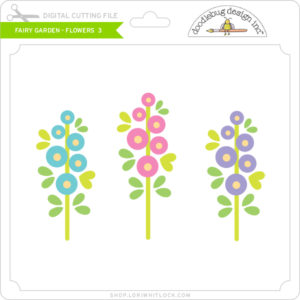
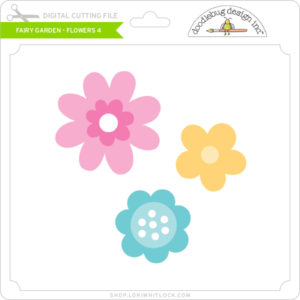
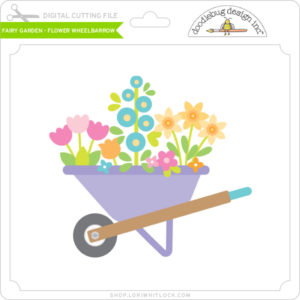
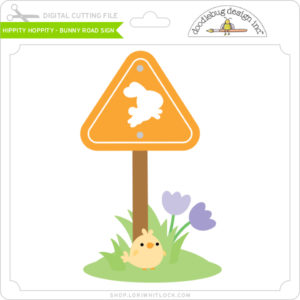
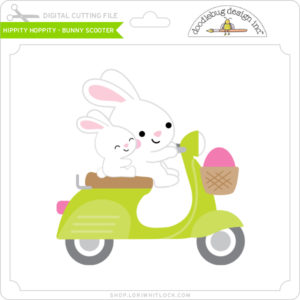
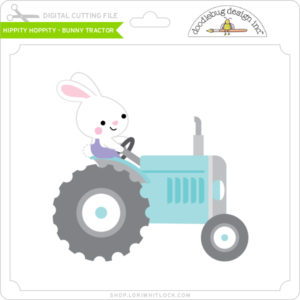
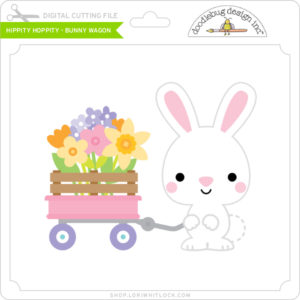
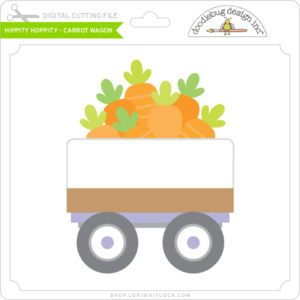
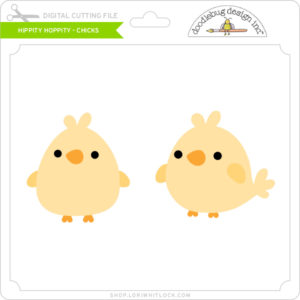
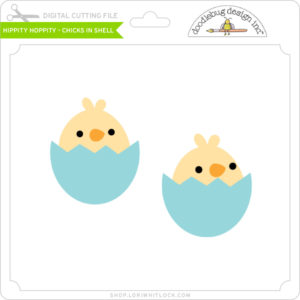
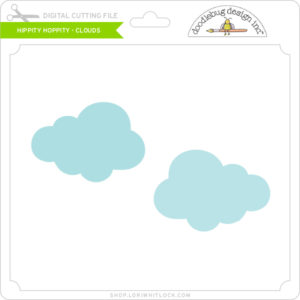
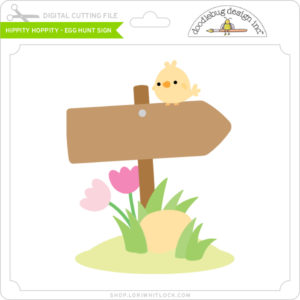
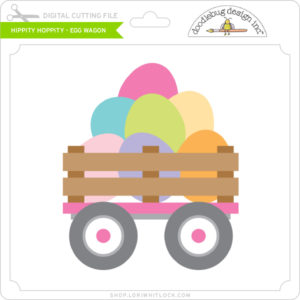
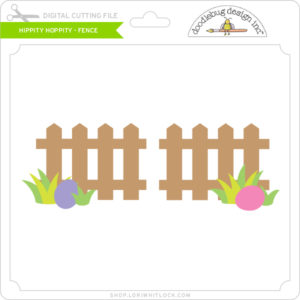
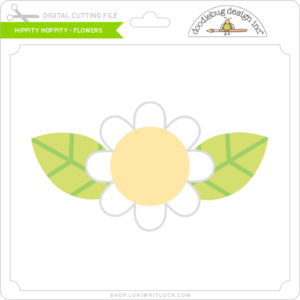
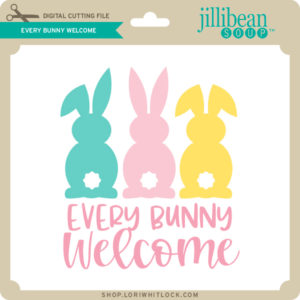
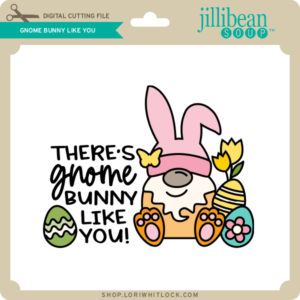
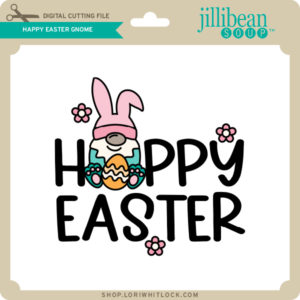
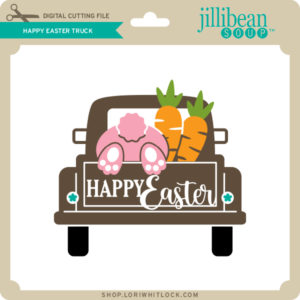
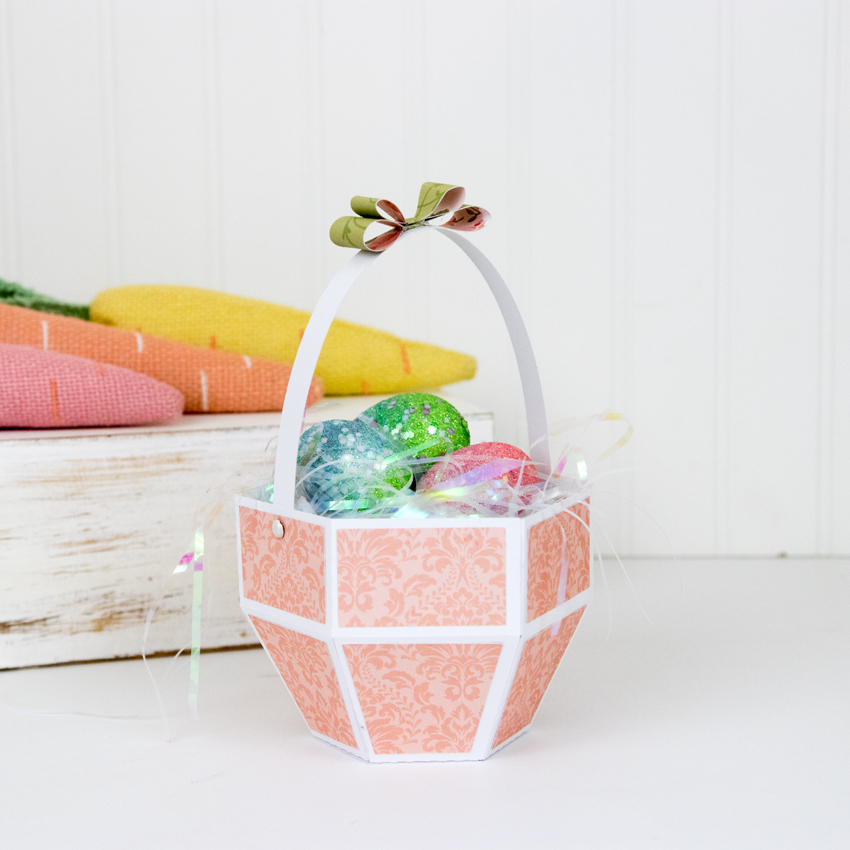
Now through Sunday, you can pick up this Spring/Easter Box Card Bundle including 5 SVG files for just $5**!

The cost of this bundle is $5, for $9.95 worth of SVG files, over a 49% savings! But don’t wait, this bundle will only be around until Sunday at midnight!

** Because Friday $5 Bundles are already heavily discounted they are not eligible for further discounts including monthly, seasonal and flash sales.

Have a great day!

Easter Bunny Belly Box Tutorial

Hi there paper crafting friends!  It’s Michelle Starcher, aka the Bookish Designer, hopping onto the blog to walk you through the steps to create Lori’s Belly Box Easter Bunny  (SVGSilhouette).  This adorable little treat holder is part of the 2021 March Kit of the Month (SVG), which is FREE with any $20 purchase from the Lori Whitlock Shop during the month of March.  Look for the coupon code in the item description.

In this photo tutorial, I will break down the steps to create this cute little bunny box!  I wanted my box to be a little bit bigger than the original design.  After opening the file in the Cricut Design Space, I increased the size by dragging the arrow in the bottom right corner.  If you are resizing a file, do it while all the elements are still grouped to keep the ratio between elements.  I set my file size to 13.848 x 11.5″ since my Cricut Maker doesn’t like to cut files larger than 11.5″ without using oversized papers.  The process is similar in Silhouette.

After cutting the file pieces, I inked the edges of the pieces.  After inking all of the individual pieces, I attached the paw pads to the paws and the ears to box bunny face.  At this point, it doesn’t matter which side of the bunny make the front, unless you are like me and your cardstock is a different color on each side.**

Next, you are going to attach the black rectangle to the back of the bunny face.  At this point, I folded the bow as well.  The pieces fold back to form the bow, and then you “tie” the matching strip around the bow. Hopefully, you can see the how the bow comes together in the picture below.

Attach the box-less bunny face over the back of the box bunny to cover the black rectangle.  Fold the box along the score marks, and add adhesive to the tabs on the box.

Attach the tabs to the front of the bunny and the front rectangle to create the box.  Then add your paws, bow, and bunny nose using foam tape.  (You can use regular adhesive, but I always like to add a little “pop” to my projects!)

Fill your Bunny Belly Box with candy, and it is ready to give to some-bunny special this Easter.

Don’t forget this adorable little treat holder is part of the 2021 March Kit of the Month (SVG), which is FREE with any $20 purchase from the Lori Whitlock SVG Shop during the month of March.  Look for the coupon code in the item description.

Until next time,

Michelle

**Since my cardstock was light gray on one side and dark gray on the other, I cut two copies of the bunny belly box.  I cut off the box portion of the second one and attached it to the front of my bunny box.  I did this because I didn’t want my bunny face and the box body to be two different colors.**


Unicorns and Rainbows

Hi Everyone! Need a little cheer?  Well it’s all unicorns and rainbows here today!  I pieced together Lori’s new Rectangle Pop Up Card Unicorn (SVG, Silhouette) for a friend’s birthday, and I think it’s one of the cutest little cards I’ve ever made.  Take a peek…


Doesn’t that just make you smile?  Lori’s Rectangle Pop Up Card Tutorial on YouTube is easy to follow, you’ll be piecing these cards together in no time! This card also fold flat for mailing, and fits into a 6″ square envelope with plenty of space to account for the thickness of the layers.

So if you know of someone who could use some rainbows, I highly recommend sending them one of these cards!  That’s it for me today, thanks for stopping by to peek!

BLOG | INSTAGRAM

Unicorn Impossible Birthday Card

Hello everybody, Marcia here today. I have a ton of family birthdays coming up. Since we are still not gathering until more of us can get vaccinated, I wanted to get some birthday cards made to get off in the mail. This Unicorn Impossible Birthday Card (SVGSilhouette) caught my eye for my niece’s daughter. She is seriously into unicorns right now. I created this with a rainbow selection of glitter cardstock and used a pink cardstock base.

These are fun interactive cards. When you twist them the center pops up, yet they fold flat for mailing. You can use the birthday sentiment that comes with the card or create your own sentiment.  For an assembly tutorial, see Lori’s YouTube Channel here.

There are lots of impossible cards in Lori’s shop. Send one to someone you know who could use a little pick me up right now. Thanks so much for stopping by.

~Marcia

March 2021 Kit of the Month

We have a brand new special for the entire month of March! You can get this Free Kit of the Month with any $20 purchase (Purchase must be in one transaction.) Simply add the 2021 March Kit of the Month to your shopping cart along with ANY $20.00+ purchase from the SVG Shop and this file is yours FREE. Be sure to use Coupon Code: MAR21KOTM (case sensitive) at checkout. This offer is good through March 31, 2021.

(Your cart must reach at least $27.95 before the coupon will be applied and then $7.95 will be subtracted from your total at checkout. The files will be available for immediate download after you pay for your order by visiting MY ACCOUNT>COMPLETED ORDERS>ORDER DETAILS inside of your account. Only one discount code per order allowed.)

(These downloads include SVG files that may be used with Cricut Explore, Silhouette (Designer Edition upgrade required), Eclips, Brother Scan and Cut, and any other software that will open SVG files.)

Thanks for visiting the blog today! Please let us know if you need any help with your files. We want to make sure everyone is happy with their purchase. Have a great day!