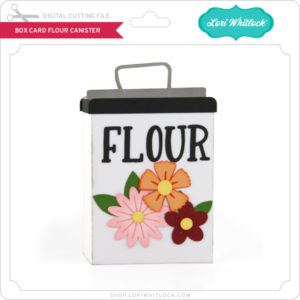
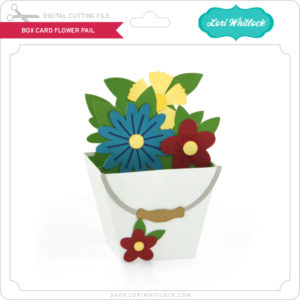
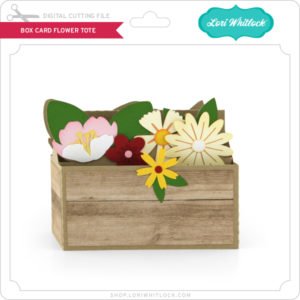
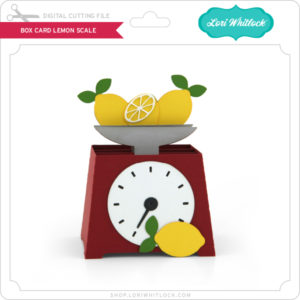
A New Friday $5 SVG Bundle!

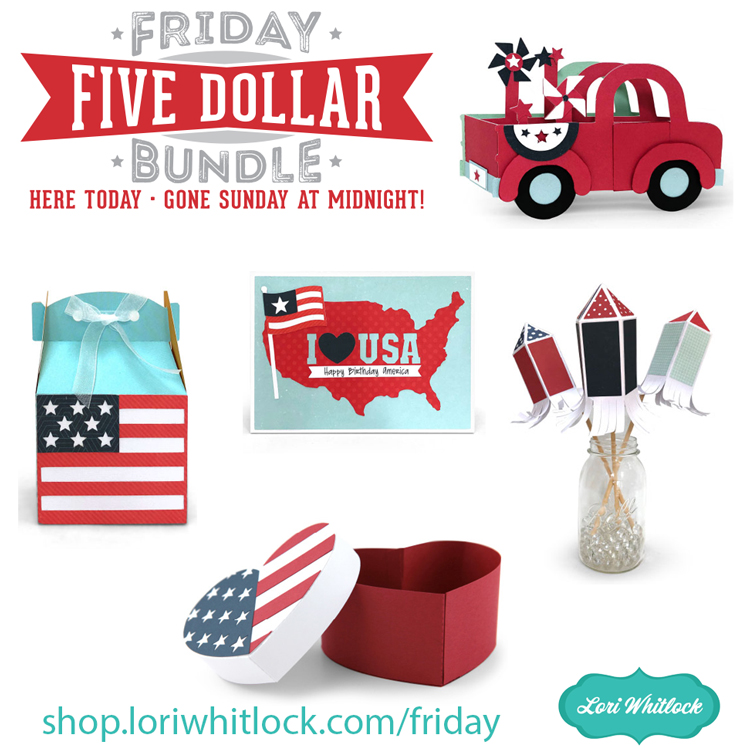
Hi Everyone! Today we have a new Friday $5 Bundle! It will ONLY be available until Midnight Sunday and when it’s gone it’s gone. These SVG files can be used with Cricut Explore, Silhouette Studio (with the Designer Edition upgrade), Scan N Cut, and any other cutter that will work with SVG files. Help spread the word by telling your friends and announcing it on social media!

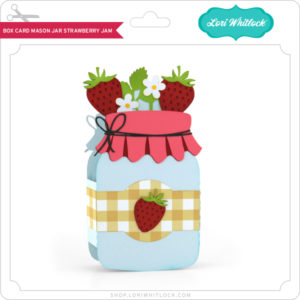
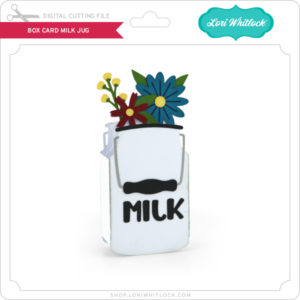
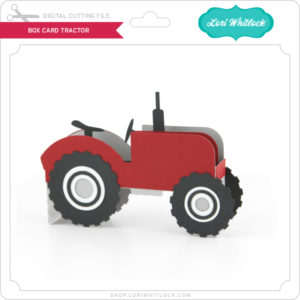
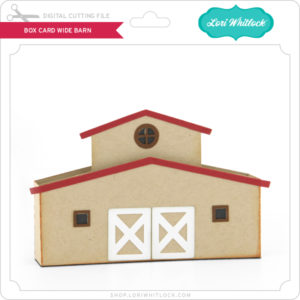
Now through Sunday, you can pick up this Summer Themed Bundle including 5 SVG files for just $5**!


The cost of this bundle is $5, for $9.95 worth of SVG files, over a 49% savings! But don’t wait, this bundle will only be around until Sunday at midnight!

** Because Friday $5 Bundles are already heavily discounted they are not eligible for further discounts including monthly, seasonal and flash sales.

Have a great day!

You’re The Best Pop – Tutorial

Hello everybody! Marcia here today. I thought I would do a tutorial on this adorable popcorn box card. I made this Father’s Day Popcorn box card (SVG, Silhouette) for my Dad. I have fond memories as a child of him taking my siblings and I to the movie theater. Now that he is older, I am the one who is taking him out to the movies.

This tutorial is based on Silhouette Studio, but there are parts applicable to all different cutting machines.

After opening the file in Silhouette, you will want to ungroup all the pieces. If there is a printable sentiment, set your print registration marks in the Page Setup Menu. This lets the software detect where your cut lines should be in reference to the printed text. Ungroup the text from the shape surrounding it and move the shape to cut outside of the print registration marks. Select the printer icon to send the text to your printer. After printing, mount the paper in the upper left corner of your mat and load the mat into your Silhouette. Move the shape to cut back around the text. Now select the text and move it away from the shape to cut. Send to Silhouette to cut. Cut the rest of the pieces from whatever desired cardstock or pattern paper you like.

Before assembling the pieces together, I like to ink the edges of some pieces to make them look more dimensional. I selected a yellow and light brown here for inking my popcorn edges.

After inking, assemble the popcorn box and the card inserts. I used pop dots behind some popcorn pieces for added dimension.

Adhere the card inserts to the inside of the popcorn box, placing the popcorn insert in front of the sentiment insert. Use more pop dots to adhere the filmstrip slightly behind the sentiment.

Lori has lots more Father’s Day cards in her shop. Go take a look. Thanks so much for stopping by.

~Marcia

New 4th of July Project Bundle!

Summer is here … it’s time to start getting ready for those fun, seasonal celebrations.  I have a fabulous new 4th of July Project Bundle which will give you a number of creative ways to decorate for the holiday.  Take a peek at the nine different projects…

4th of July Shaker Star (SVG, Silhouette)
Pinwheel 3 (SVG, Silhouette)
4th of July Block Flag (SVG, Silhouette )
XL Box Card Truck July 4th (SVG, Silhouette )

USA Banner (SVG, Silhouette – coming soon)

4th of July Banner (SVG, Silhouette)

and three fun Shadow Box Décor Files…

Shadow Box Décor USA (SVG, Silhouette – coming soon)

Shadow Box Décor 1776 (SVG, Silhouette)

Shadow Box Décor July (SVG, Silhouette)

Decorate with these and you’re house will be the most festive on the block!  Even better, these files are also all 25% off in my SVG shop this week!

Have a great day!

SHOP HERE

Tuesday New SVGs & a Free File!

ALL WEEK, this SVG file is FREE with any $1.99 purchase!

Hi Everyone! We have a FREE file with purchase all this week! Simply add this A2 Card Tool Pocket Father’s Day file to your shopping cart along with ANY $1.99+ purchase from the SVG Shop and this file is yours FREE. Be sure to use Coupon Code: FATHER (case sensitive) at checkout. This offer is good through next Sunday.

(Your cart must reach at least $3.98 before the coupon will be applied and then $1.99 will be subtracted from your total at checkout. The files will be available for immediate download after you pay for your order by visiting MY ACCOUNT>COMPLETED ORDERS>ORDER DETAILS inside of your account. Only one discount code per order allowed.)

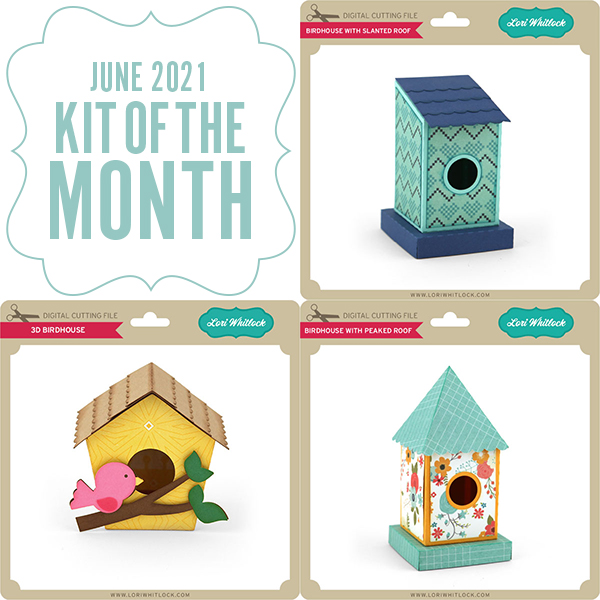
In addition, don’t forget about this special ! You can get this Free Kit of the Month with any $20 purchase (Purchase must be in one transaction.) Simply add the 2021 June Kit of the Month to your shopping cart along with ANY $20.00+ purchase from the SVG Shop and this file is yours FREE. Be sure to use Coupon Code: JUN21KOTM (case sensitive) at checkout. This offer is good through June 30, 2021.

(Your cart must reach at least $27.95 before the coupon will be applied and then $7.95 will be subtracted from your total at checkout. The files will be available for immediate download after you pay for your order by visiting MY ACCOUNT>COMPLETED ORDERS>ORDER DETAILS inside of your account. Only one discount code per order allowed.)
Check out the new SVG files releasing this week!  Just like always, the NEW SVG files will be ON SALE 25% OFF through the weekend in the SVG Shop! These downloads include SVG files that may be used with Cricut Explore, Silhouette (Designer Edition upgrade required), Eclips, Brother Scan and Cut, and any other software that will open SVG files. No coupon code necessary, the newly released files are all discounted in the shop! Be sure to go get them while they are on SALE this week.

This week I have a Fourth of July Project Bundle. We also have the new Cute & Crafty Collection from Doodlebug Design, and files from Bella Blvd. and Jillibean Soup.

CLICK HERE TO GO TO NEW FILES

Thanks for visiting the blog today! Please let us know if you need any help with your files. We want to make sure everyone is happy with their purchase. Have a great week! SHOP HERE

Memorial Day Window Box with Handle

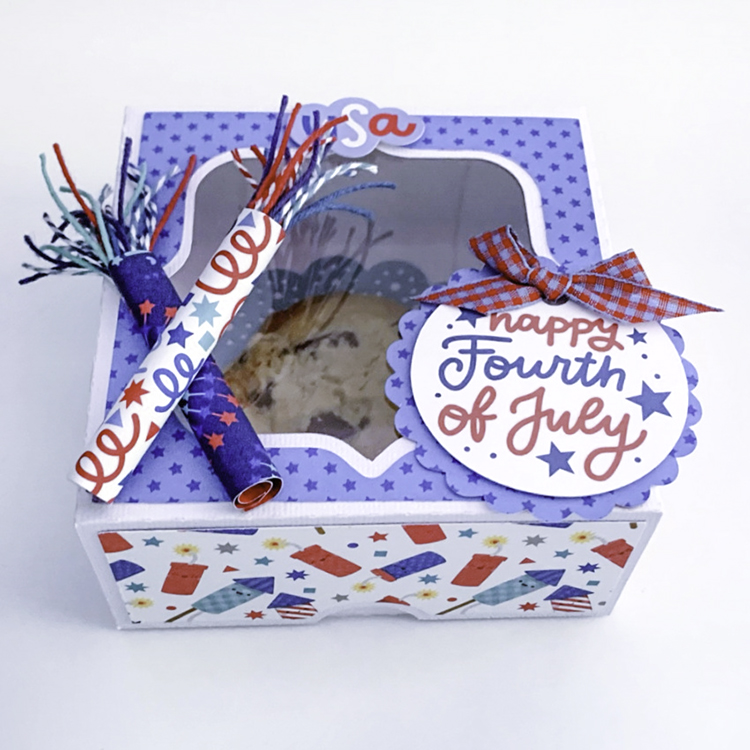
Hi there paper crafting friends!  It’s Michelle Starcher, aka the Bookish Designer, popping in on the blog to share the gift box I made using Lori’s America collection by Echo Park Paper Co. I love all of the different boxes and gift ideas available in Lori’s shop, and I eagerly watch my inbox on Tuesdays to see what new products are hitting the store.  A couple of weeks ago, Lori debuted a brand new collection of awesome gift boxes, and I knew I had to have them all.


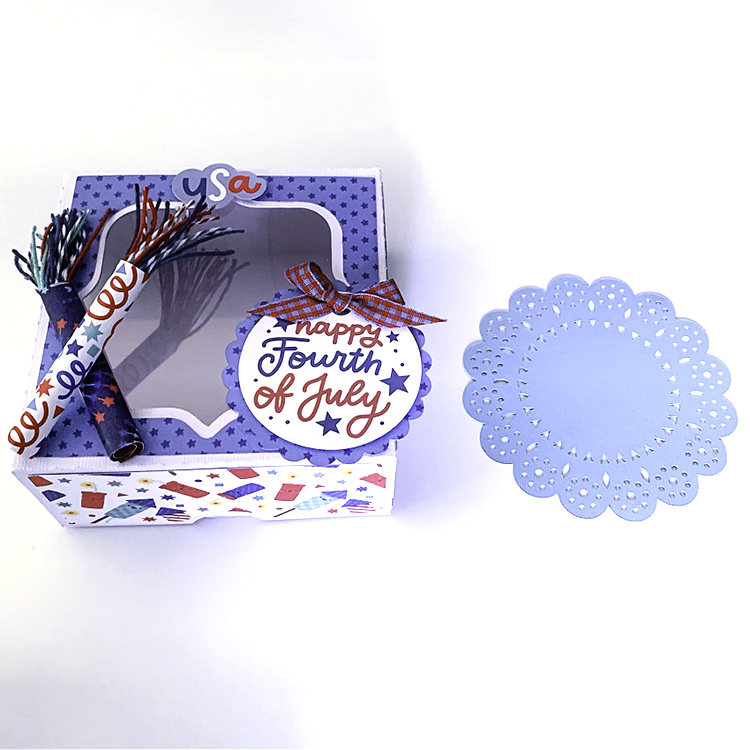
Today, I am sharing the Window Box with Handle (SVG, Silhouette) I made as a gift box for those attending my Memorial Day cookout.  I wanted to make the box a little larger than the original file, so I enlarged it to approximately 13.4″ by 14.6″.  If you are going to resize one of Lori’s files, make sure you all of the pieces are still grouped or selected before you adjust the size uniformly by dragging the corner of the grouped pieces.  This will keep the ratio the same for all of the pieces.
Once I resized the file, I sent it to my Silhouette Cameo to cut.  I inked the edges of the pattern paper before I adhered them to the box panels.  Once all of my pattern pieces were in place, I added the clear plastic acetate to the box to create the window.  (For some reason, my Cameo didn’t like cutting the acetate, so I ended up cutting that piece using my paper trimmer instead.). Once all of the pieces were in place, I assembled the box, which turned out pretty darn cute.

Lori has so many wonderful gift boxes available in the shop, and I know you will find something you can’t live without.

Until next time,

Michelle