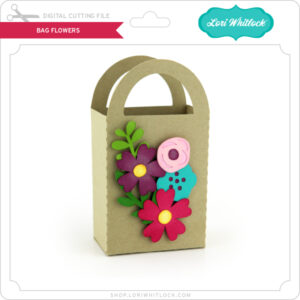
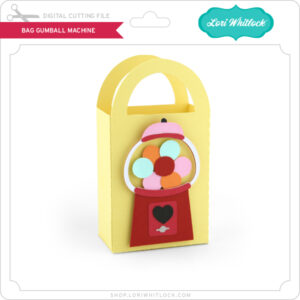
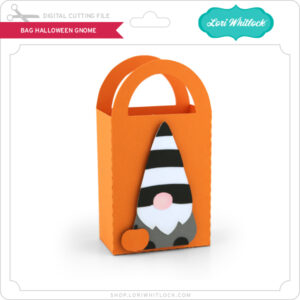
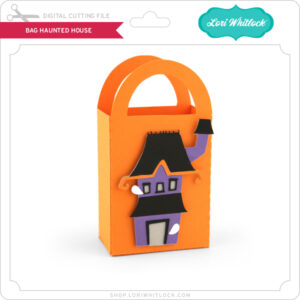
Tuesday New SVGs 25% OFF & a Free File!

ALL WEEK, this SVG file is FREE with any $1.99 purchase!

Hi Everyone! We have a FREE file with purchase all this week! Simply add this Box Card Beach Gnome file to your shopping cart along with ANY $1.99+ purchase from the SVG Shop and this file is yours FREE. Be sure to use Coupon Code: SANDYTOES (case sensitive) at checkout. This offer is good through next Sunday.

(Your cart must reach at least $3.98 before the coupon will be applied and then $1.99 will be subtracted from your total at checkout. The files will be available for immediate download after you pay for your order by visiting MY ACCOUNT>COMPLETED ORDERS>ORDER DETAILS inside of your account. Only one discount code per order allowed.)

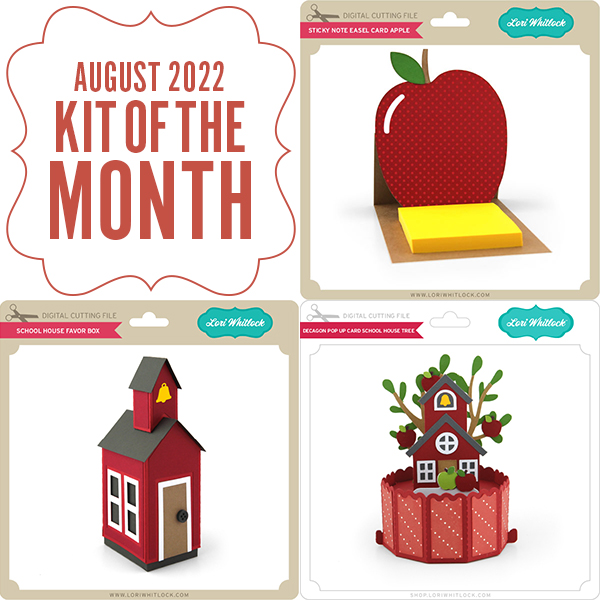
In addition, don’t forget about this special! You can get this Free Kit of the Month with any $20 purchase (Purchase must be in one transaction.) Simply add the 2022 July Kit of the Month to your shopping cart along with ANY $20.00+ purchase from the SVG Shop and this file is yours FREE. Be sure to use Coupon Code: JUL22KOTM (case sensitive) at checkout. This offer is good through July 31, 2022.

(Your cart must reach at least $27.95 [including the Kit of the Month] before the coupon will be applied and then $7.95 will be subtracted from your total at checkout. The files will be available for immediate download after you pay for your order by visiting MY ACCOUNT>COMPLETED ORDERS>ORDER DETAILS inside of your account. Only one discount code per order allowed.)
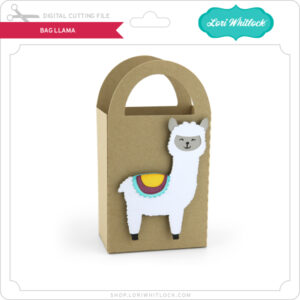
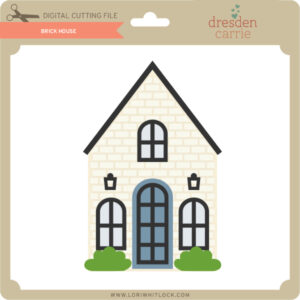
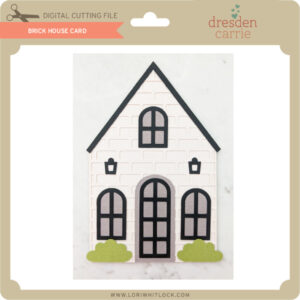
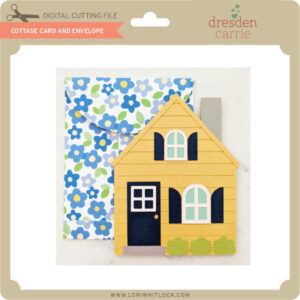
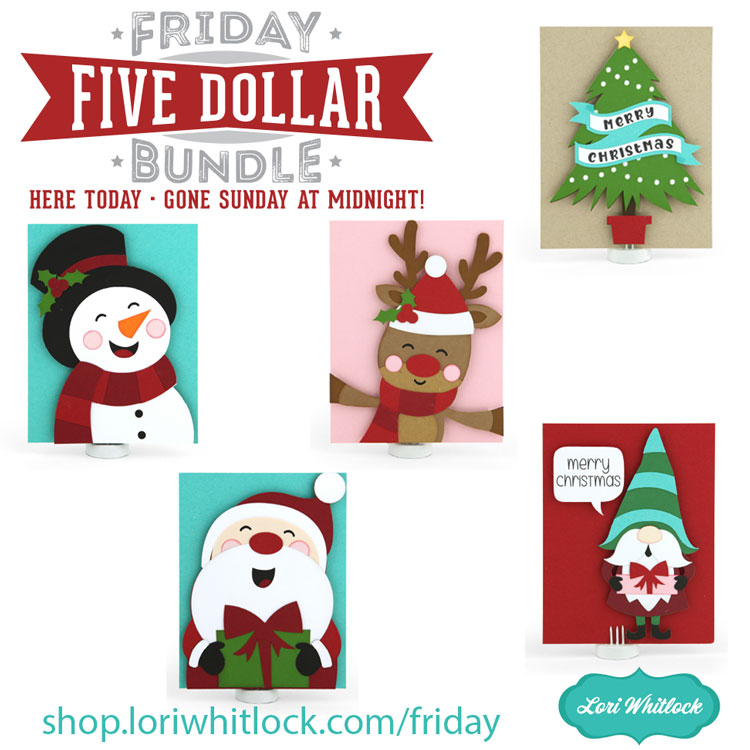
Check out the new SVG files releasing this week!  This week we have some new Christmas in July files. The NEW SVG files will be ON SALE 25% OFF through the weekend in the SVG Shop. These downloads include SVG files that may be used with Cricut Explore, Silhouette (Designer Edition upgrade required), Eclips, Brother Scan and Cut, and any other software that will open SVG files. No coupon code necessary, the newly released files are all discounted in the shop! Be sure to go get them while they are on SALE this week.

CLICK HERE TO GO TO NEW FILES

Thanks for visiting the blog today! Please let us know if you need any help with your files. We want to make sure everyone is happy with their purchase. Have a great week! SHOP HERE

Print and Cut Snowman Christmas Tags

Hello there! I always like to do a Christmas in July project and one of my favorites and most used are tags. Everyone in the family needs them so I usually do a bunch of Print and Cut tags this time of year. It’s so nice to have them done and on hand ready to go.

I used the Print and Cut Christmas Tags Bundle 5 (SVG, Silhouette) and made an offset for the bottom layer. To keep the set together I made a cute little box using the 3D Candy or Tag Box, (SVG, Silhouette).

I only used the box in the file and resized it to fit the tags, this came out perfectly.

Patterned Paper and embellishments are from Echo Park’s Celebrate Winter collection. This would make such a nice gift set!

Thanks for stopping by and have a wonderful day!

Layered Heat Transfer Vinyl Tutorial

Anita here with a fun and easy tutorial on how to apply layered heat transfer vinyl to your projects.  My daughter got engaged recently and I wanted to make her a fun t shirt to wear.  I used Lori’s SVG including Hand Lettered Bride and Groom (SVG, Silhouette) and Wedding Rings Card (SVG, Silhouette).  I prewashed the shirt first and gave it a good press.

Here are the pieces that I cut out of Vinyl.

Here are the pieces laid out on the t shirt for placement.

I removed all the pieces from the t shirt except for the gold ring.  I lightly pressed that down at 315 degrees for 30 seconds.  You have to work from the bottom most design piece and build your way up.  I have a Cricut Easy Press and if you don’t have one you can use a regular iron.  The wool, silk and polyester settings on a standard iron are at around 300 degrees so if using a regular iron I would just increase the time a little bit.

Once the item was cool to the touch, I peeled off the protective plastic over the design.  Next, I put on the white layer which is the background for the stone.  I  pressed that down at 315 degrees for 30 seconds.  I  removed the plastic layer from that piece once it was cool to the touch.

Lastly, I applied the top of the diamond stone and adhered that in the same manner.  Once it had cooled to the touch I removed the plastic topping from the stone.

Next, I laid out the bride word and the decorative swirl.  I like to put it where I think I want it to be and lightly press one edge to make sure that it did not move when I adhered the last two pieces.  I pressed the bride and swirl for 30 seconds at 315 degrees and there was some overlap with the ring and it did not cause any issues.  After waiting for it to cool, I peeled the last two plastic protective layers off, flipped the shirt over and pressed the back for 15 seconds.

I find that these t shirts are best cleaned and dried inside out and that they design holds up well.

And don’t forget, that there’s a sale in the Lori Whitlock SVG shop through Saturday.  Get 30% off all SVGs, Fonts, Pattern Fills and Commercial Licenses when you use code JUL2022 at checkout.

That’s it for me today.  Have a great day.

Hugs,

Anita