How to Upload SVG files into the Cricut App from your iPhone

Today I’m going to teach you how to download our SVG files and then upload them to the Cricut Design Space app to use with your Cricut Cutting Machine from your iPhone or iPad (iOS 11 or later). Keep in mind that this technique has a few steps and it’s probably more practical to manage your files and upload them to Design Space from a computer so that they are accessible from the app. However, they can be purchased, downloaded, and then uploaded from your iPhone or iPad if you desire by following these steps.

1. Purchase a SVG file
On your iPhone go to Safari and visit shop.loriwhitlock.com.
Locate a free file or a file to purchase and go ahead and check out.


2. Download the .zip file and save to “Files”
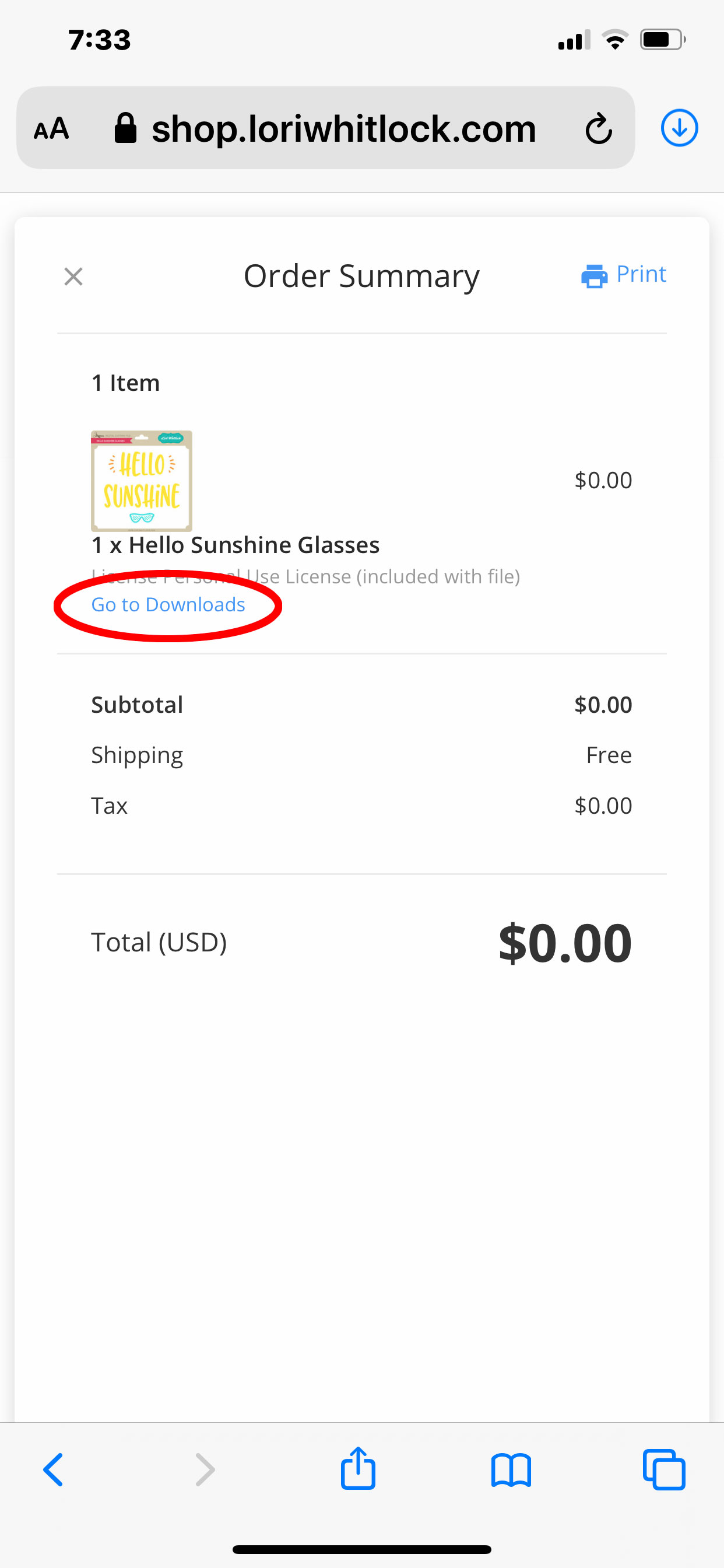
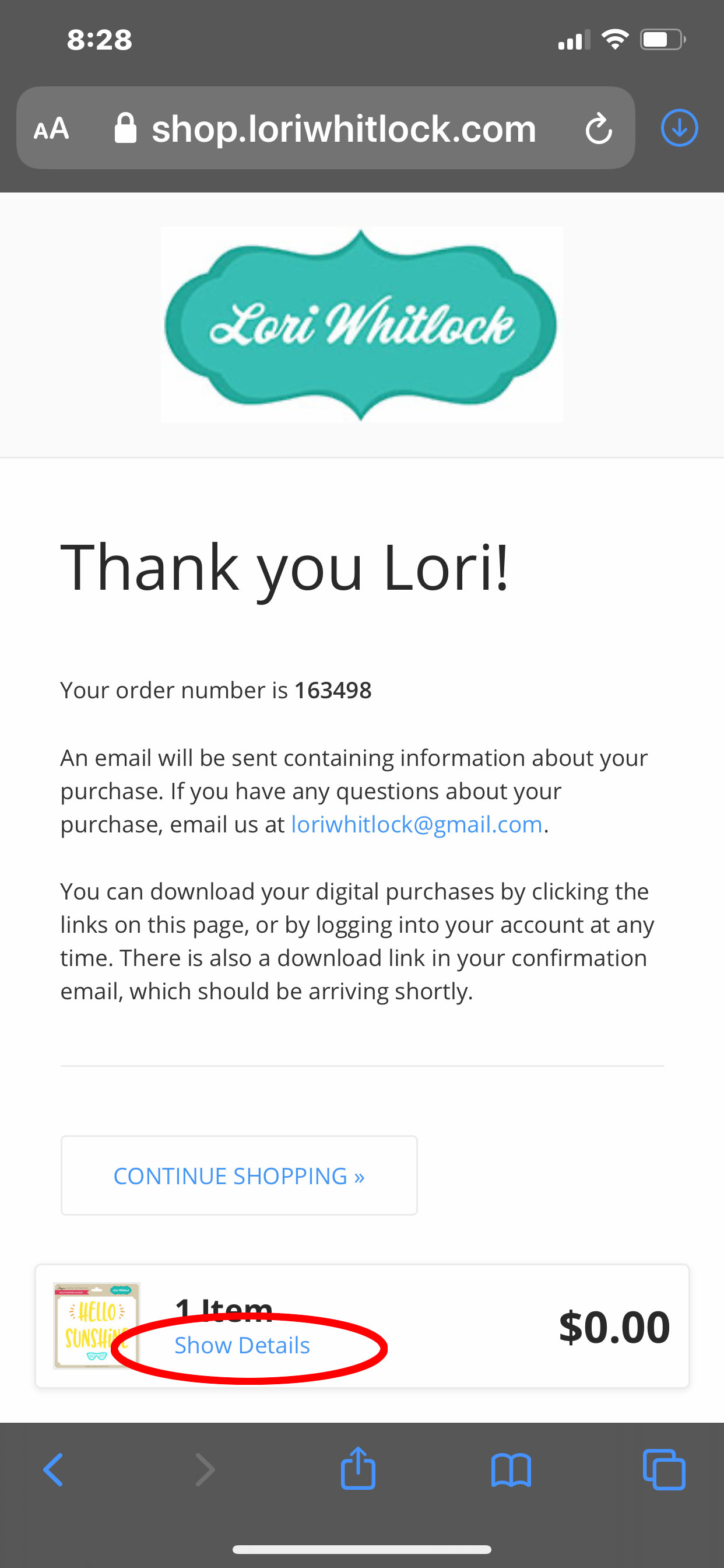
When you have completed checkout you’ll see a “THANK YOU” page tap:
SHOW DETAILS > GO TO DOWNLOADS > FILENAME.zip > DOWNLOAD.
This will save the .zip to the iCloud Drive in your “Files” on your iPhone or iPad. (.zip files cannot be uploaded to Cricut Design Space — you must unzip it first).  NOTE: You can also download your purchase from  MY ACCOUNT > COMPLETED ORDERS or your order confirmation email.
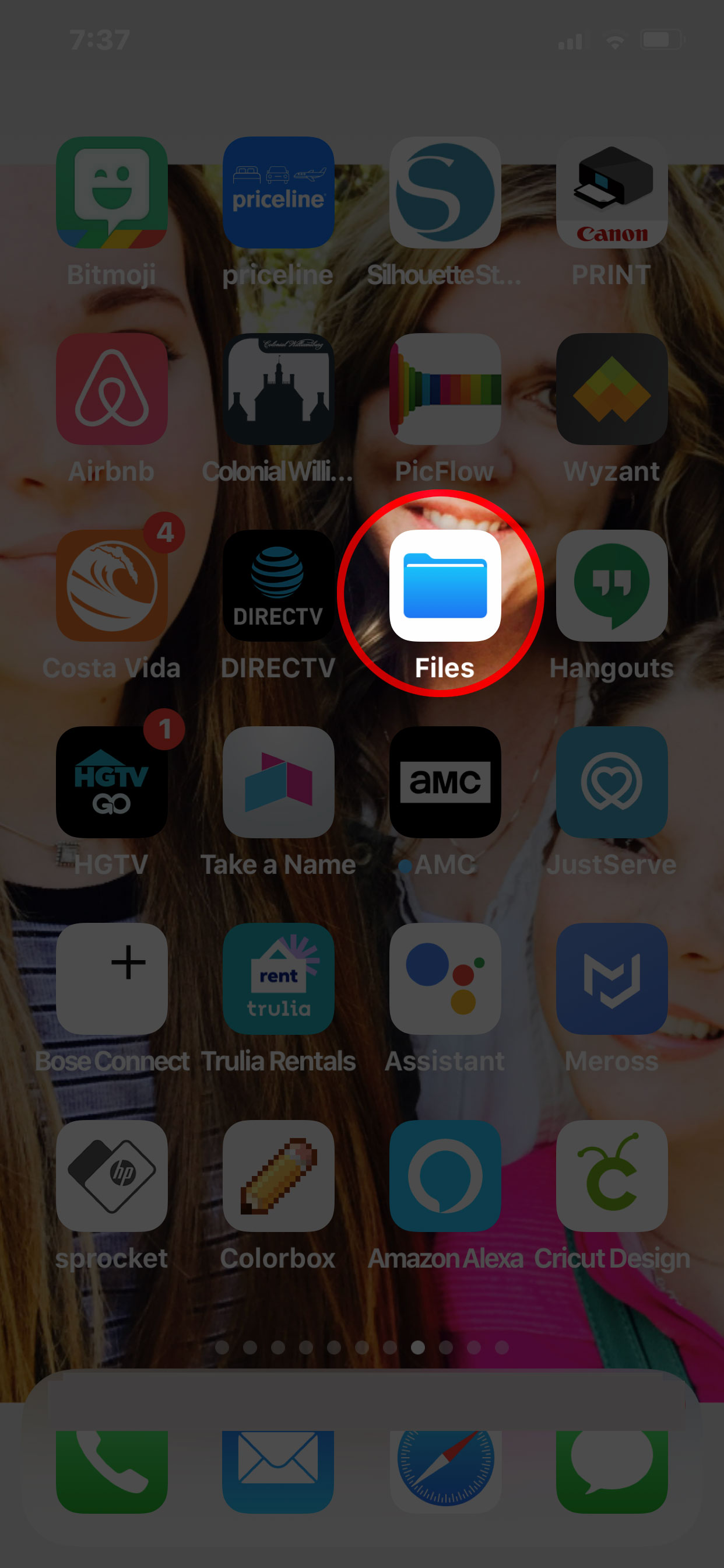
3. Locate the “Files” app and unzip the .zip
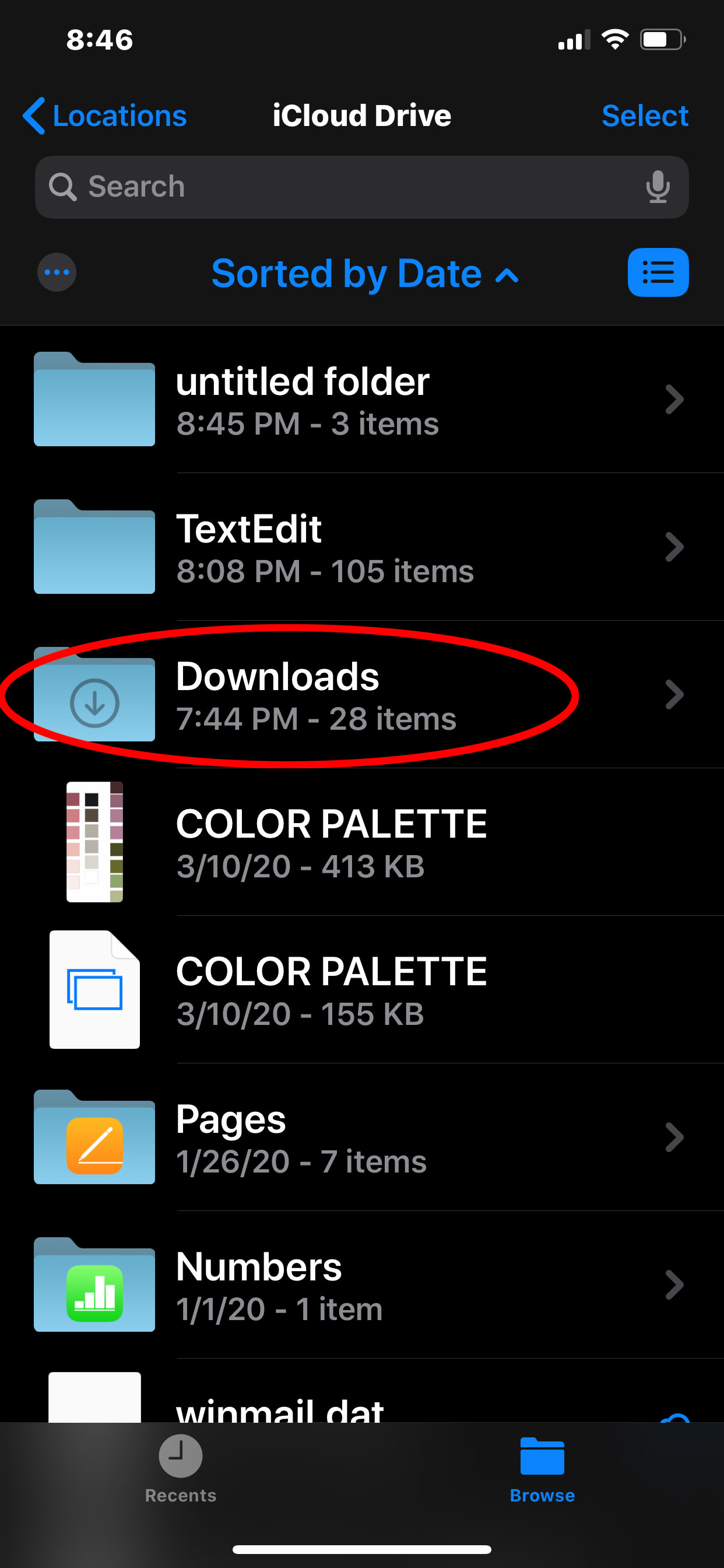
Open the  “Files” app on your iPhone or iPad. Tap:
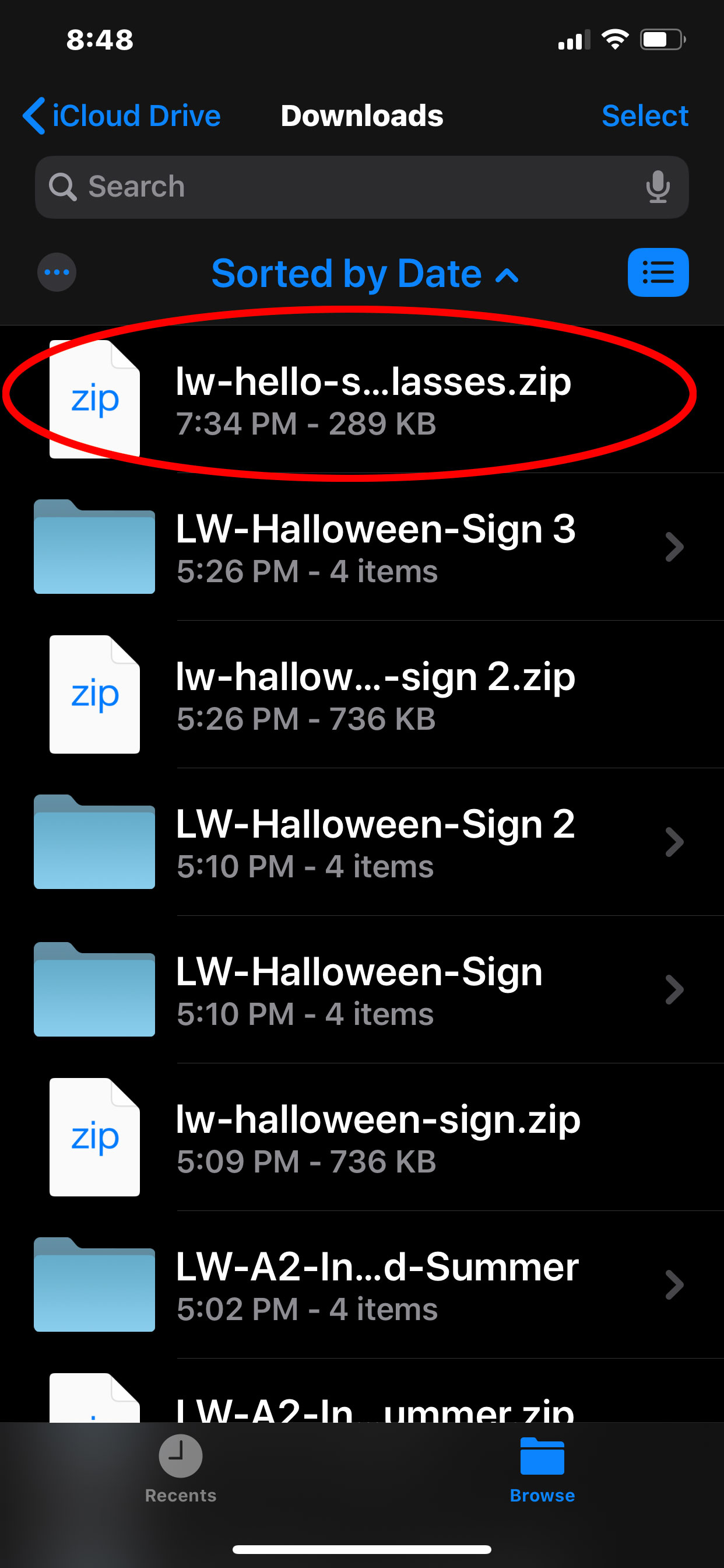
BROWSE > iCloud DRIVE > DOWNLOADS > FILENAME.zip
This should automatically unzip the file. You should now see a folder with just the file name (you may need to scroll to the top to see it). When you click on the folder, you’ll see the SVG is the icon with the double outlined blue box. You’ll be able to access this SVG file from Cricut Design Space.
4. Upload the SVG into Design Space
Open the Cricut Design Space app and tap:
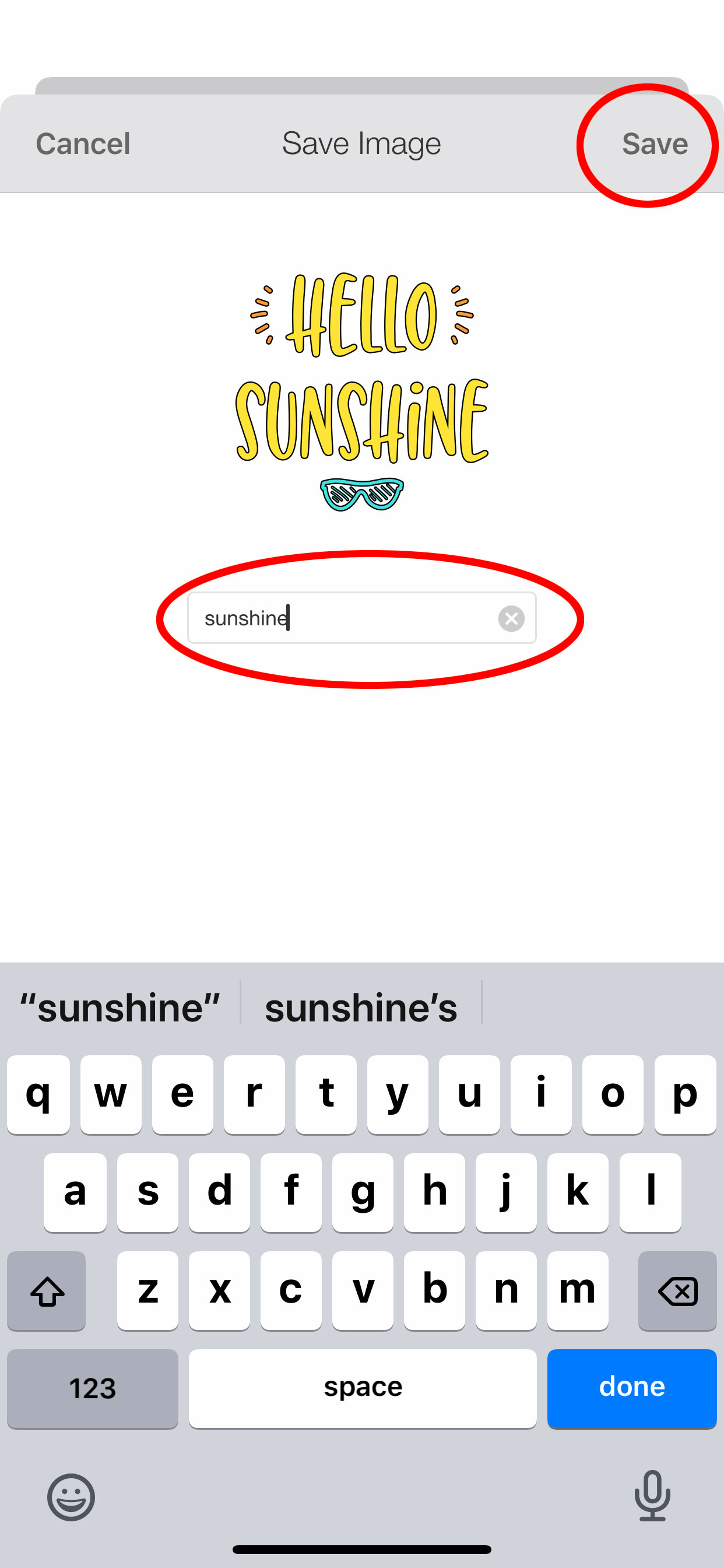
NEW PROJECT > UPLOAD > BROWSE FILES > iCloud DRIVE > DOWNLOADS > YOUR UNZIPPED FOLDER > SVG FILENAME (choose the SVG – the icon with the double outlined blue box) > Name the SVG file > SAVE

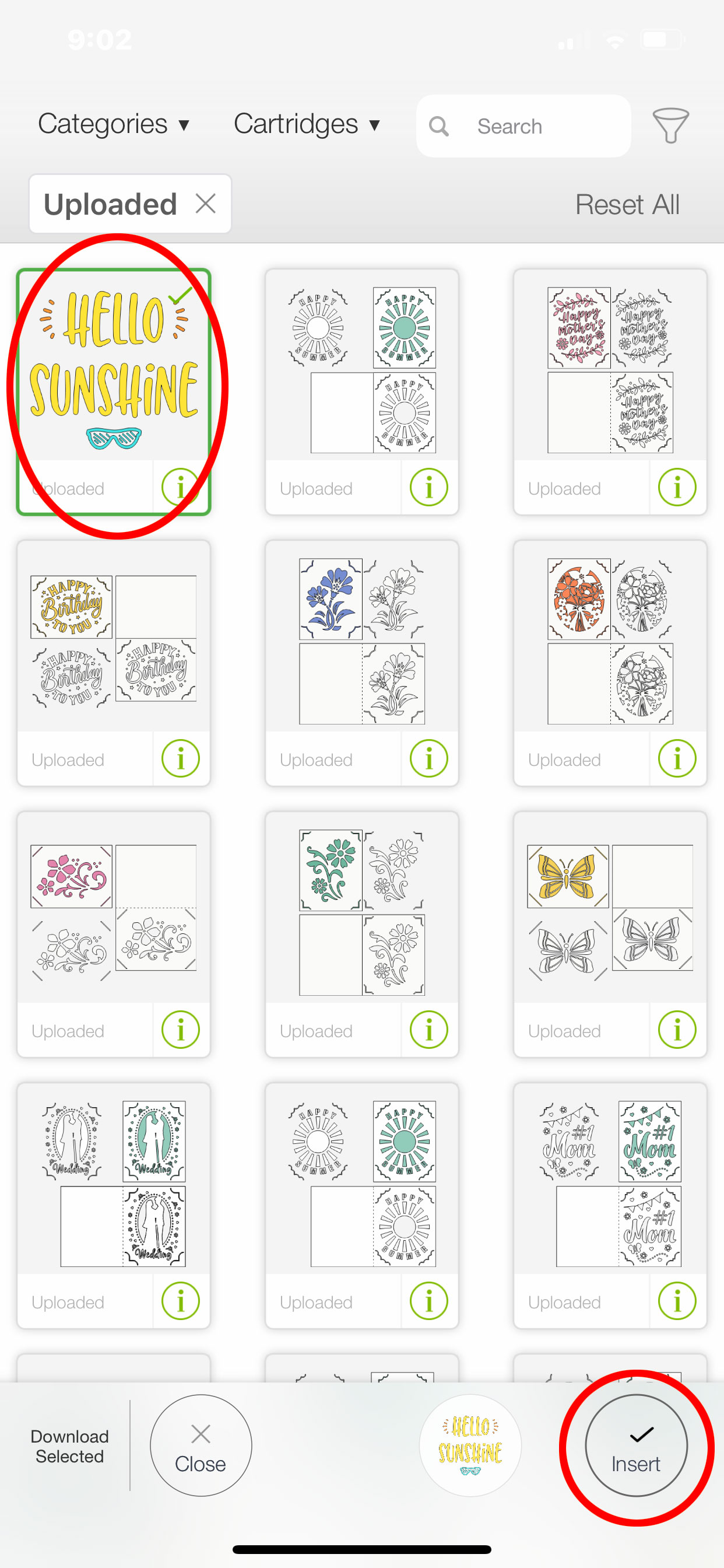
Now the file has been uploaded to Design Space. Simply tap the thumbnail of the uploaded SVG > INSERT. Now you can use the SVG file in Design Space as you wish.
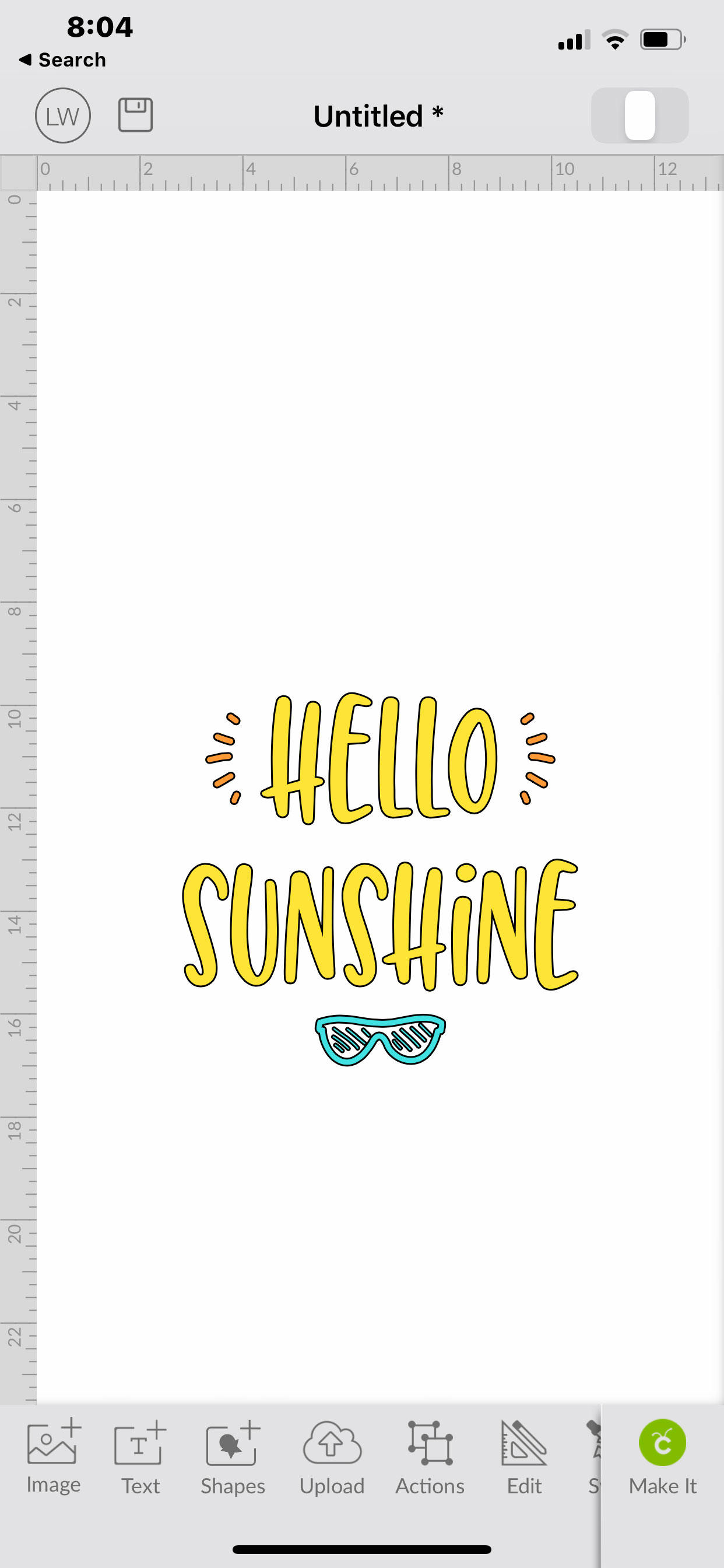
All that’s left is to send to cut!  Again, it is more straight forward to add files from your computer then access from your phone, but you can do it this way if needed!  Thanks for stopping by the blog today!

Lori
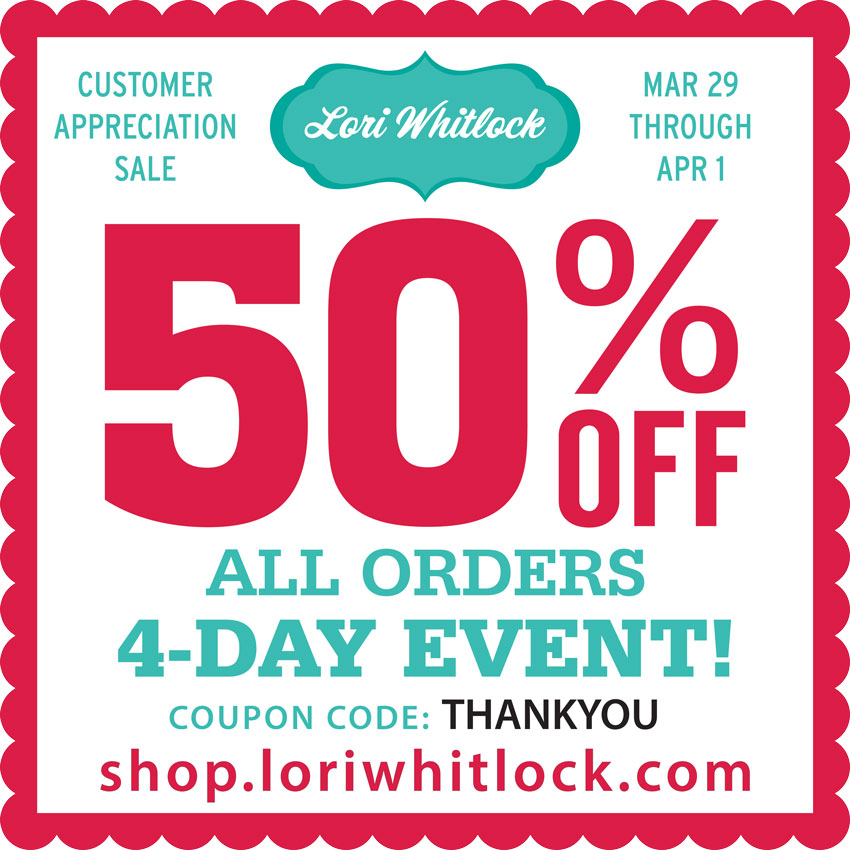
Last Chance! 50% Off Ends at Midnight!

The 50% off Customer Appreciation Sale ends at midnight in the Lori Whitlock SVG Shop.  All SVGs, Fonts, Pattern Fills and Commercial licenses are half off when you use code THANKYOU at checkout.  This sale will be over soon so don’t miss out!

(These downloads include SVG files that may be used with Cricut Explore, Silhouette (Designer Edition upgrade required), Eclips, Brother Scan and Cut, and any other software that will open SVG files.)

Thanks for visiting the blog today! If you’re new to my shop, check out this post for help in downloading and working with my files.  Please let us know if you need any help with your files. We want to make sure everyone is happy with their purchase. Have a great week! SHOP HERE

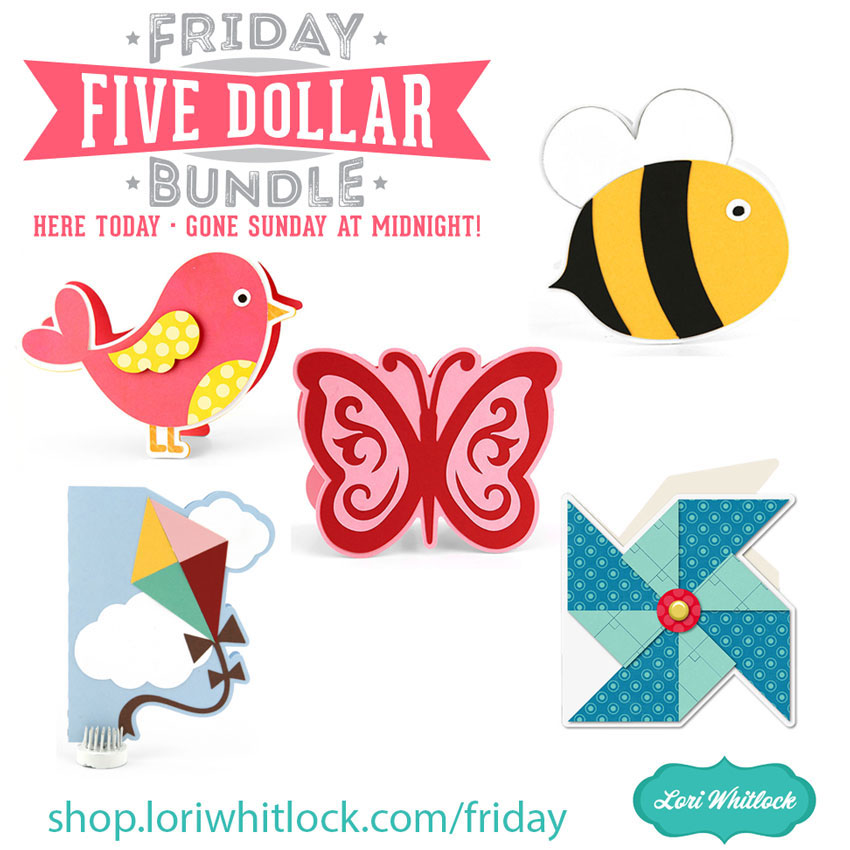
Last Chance! $5 SVG Bundle Ends at Midnight

This awesome Friday $5 Bundle is available until midnight and when it’s gone it’s gone. These SVG files can be used with Cricut Explore, Silhouette Studio (with the Designer Edition upgrade), Scan N Cut, and any other cutter that will work with SVG files.

Be sure to pick up THIS Spring Card bundle including 5 SVG files for just $5!


The cost of this bundle is $5, for $9.95 worth of SVG files, over a 49% savings! But don’t wait, this bundle will only be around until TODAY at midnight!

Have a great day!

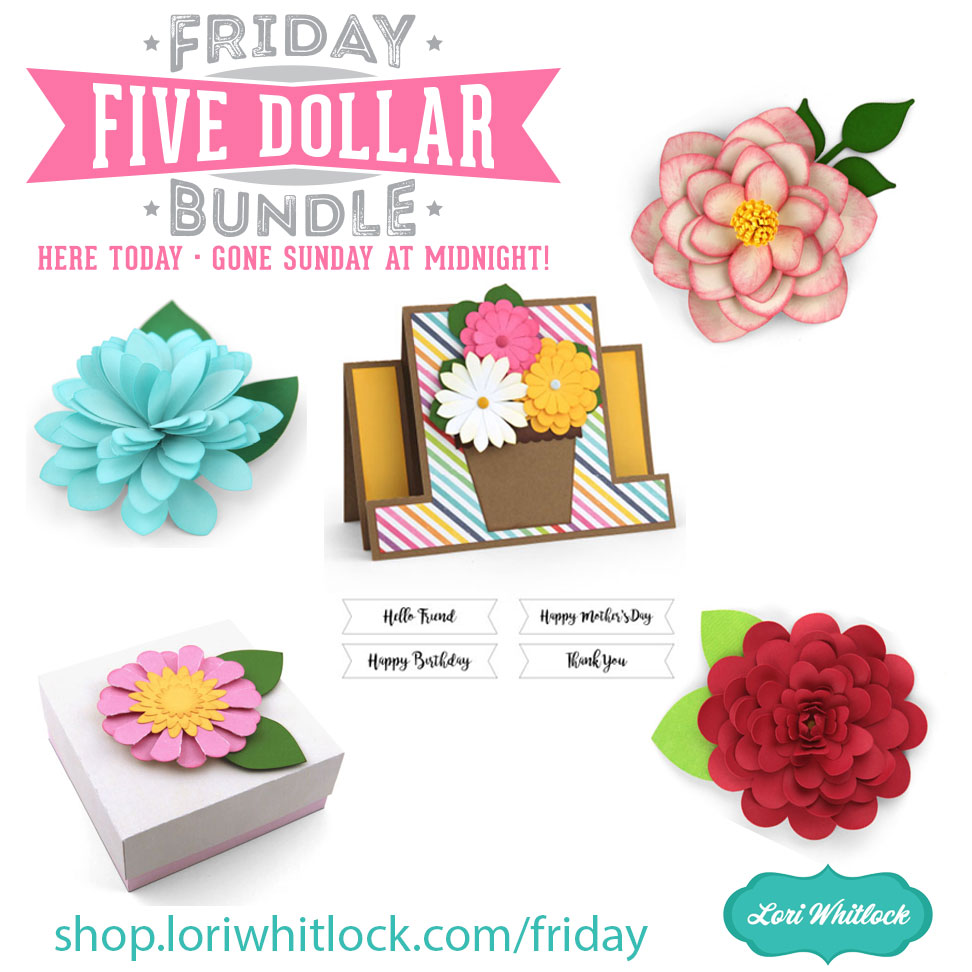
Last Chance! $5 Bundle Ends at Midnight!

Hi Everyone! Today is your last chance to get our current Friday $5 Bundle! It will ONLY be available until midnight and when it’s gone it’s gone. These SVG files can be used with Cricut Explore/Maker, Silhouette (with the Designer Edition upgrade), Scan N Cut, and any other cutter that will work with SVG files.

Now through Sunday, you can pick up THIS gorgeous Mother’s Day/Flower Bundle including 5 fun SVG files for just $5 which is $9.45 worth of SVG files, over 47% savings!! SHOP HERE

Have a great day!

Exclusive Silhouette Mother’s Day Bundle Deal!

Celebrate moms with THIS amazing bundle!

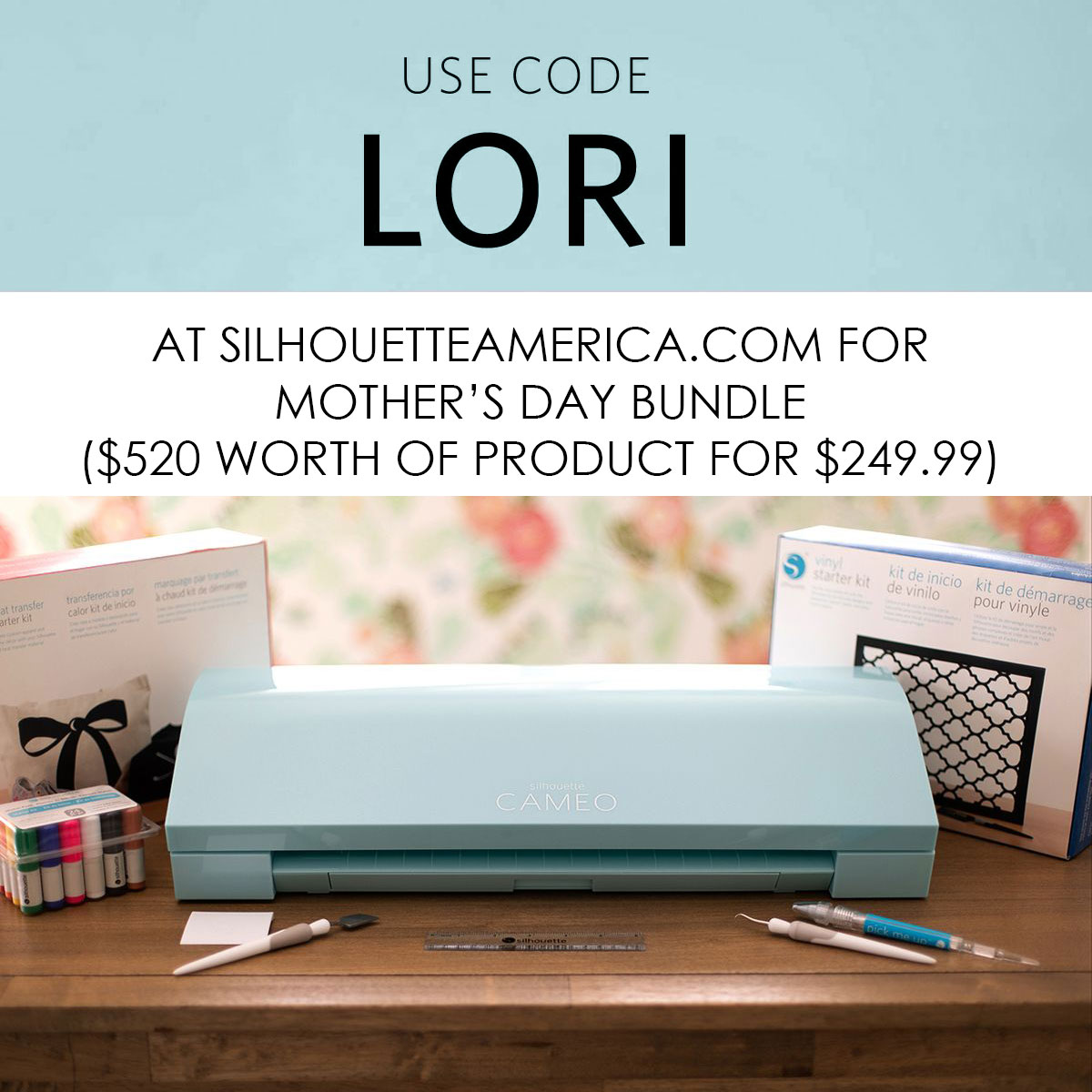
Silhouette has really outdone themselves this time! You can use code LORI to get $520 worth of Silhouette product for only $249.99. Yes, you read that correctly; that’s over 50% OFF! This will be the best Mother’s Day gift ever for someone you love (or yourself). See below for details… but let me point out that this bundle includes the business edition software!! This offer starts today and goes through May 12, 2019. But, don’t wait as these bundles tend to sell out fast!!


Bundle includes: Aqua Blue CAMEO 3, Heat Transfer Starter Kit, Vinyl Starter Kit, Sketch Pen Starter Kit, Tool Kit, and Silhouette Studio® Business Edition!

The bundle is available HERE. Be sure to use code LORI at checkout to get this awesome pricing!